When people talk about Signage Display, the first thing that usually comes to mind is screens showing promotions in shopping malls or train schedules at railway stations.
But in 2026 this field is developing very actively, and the possibilities of Signage Display today cover far more areas than advertising and information delivery.
Modern Digital Signage Display use cases include:
- interactive communication systems — customers see personalized offers on screens, patients in clinics receive instructions through touch panels, while government institutions display guidance on what actions to take and provide up-to-date news in real time;
- educational AR installations — from virtual models of nuclear reactors to "smart farms", where displays show data on humidity, temperature, and plant growth;
- corporate TV, office navigation, and interactive information systems — internal company broadcasts where employees view news, announcements, motivational videos, and other materials while actively interacting with their surroundings.
We managed to speak with our colleague who has spent quite a lot of time working both on the side of integrators of such solutions and on the side of vendors developing remote content management systems for displays.
In this article, we will share the essential minimum of knowledge about how digital signage works in general in 2026, what role software plays, and what exactly is suitable for a particular situation.
Any signage project requires 3 key components:
- a display device or signage display, ranging from compact panels to giant LED walls;
- software;
- hardware players.
Display Devices
The foundation of digital signage display is visual content.
Regular and commercial TVs, professional displays, video walls, LED screens, media façades, projectors, tablets, and other devices can be used to display it.
However, there are also solutions that are used simultaneously for displaying visual content and for sound design, such as background music, but that is something we can talk about separately.
Players
A player is a device on which software for playing and managing content, and sometimes for managing displays, is installed or already preinstalled by the manufacturer.
The player connects to the display via HDMI or DisplayPort. Nothing complicated.
Displays are controlled through the installed application or from an external device via Wi-Fi or a local network.
The following devices can be used as a signage display player:
- Common Android boxes (TV boxes): TOX3, Rombica, Xiaomi Mi TV Stick, etc.;
- Specialized Raspberry Pi-based players for digital signage display;
- Mini PCs such as Intel NUC;
- Computers and laptops.
And Raspberry Pi-based products are particularly well suited as signage players — they are something of a "Swiss Army knife" (okay, a British one) for Digital Signage Display. A Raspberry Pi signage player means high-quality components that have proven themselves even in 24/7 operation, a wide range of ports for connecting sensors and external devices, remote management capabilities, and many other advantages. The main advantage is the balanced product range, which makes it possible to choose an optimal solution for almost any task.
Software
All remote management software consists of two parts: a server and a player application. The server includes file storage, databases, etc. (backend), as well as the user's personal account/dashboard (frontend). Through the dashboard, the user uploads content, creates playlists, connects or disconnects screens, and so on. The player application is installed on the hardware player, computer, or display and is connected to the server through the user's account. Once the application is connected, all management is performed remotely.
Do You Always Need to Buy a Separate Player?
No, not always.
For convenience, signage displays can combine two functions and act both as the display device and as the hardware player. This applies to professional displays and good Smart TVs. Most of them come with a preinstalled version of Android, which allows you to install the player application. Exceptions are TVs running LG webOS and Samsung Tizen. In addition to their own operating systems, LG and Samsung have their own software for managing content and displays: SuperSign and MagicINFO. Their software is reasonably priced, and its functionality is sufficient for most tasks. But there is a catch: if you buy 20 LG displays and use LG SuperSign, there will probably be little point in later buying Samsung displays, because you would have to use another management system. Vendor lock-in becomes very strong, and that is not always a good thing. At the same time, manufacturers do not restrict the installation of third-party applications. But even considering that applications can be developed for webOS and Tizen and that these platforms have enormous market reach, not all remote content management services fully support them. Therefore, it is better not to deal with such displays.
webOS and Tizen have their own limitations, which also depend on the OS version, and there are quite a lot of them. In complex projects or for non-standard mechanics, Android, Windows, and Linux are usually preferred.
One of the advantages of using displays with a "full-fledged" operating system is that they can be managed remotely through installed native or third-party software. For example, you can change the operating mode, including automatically turning the display itself on and off, which has a positive effect on its service life.
Despite the fact that the more links there are in the chain, the more potential points of failure exist, we consider the use of built-in players in signage displays preferable because of the greater functionality and flexibility. For example, all of our signage displays have a built-in motion sensor that turns the display off when nobody is nearby and automatically turns it back on when someone appears.
LED Screens
With LED screens, everything is simple: every one of them is necessarily equipped with a controller.
The most popular manufacturer of controllers for LED screens is NovaStar, which supplies its equipment with built-in software.
If there is little content and it rarely needs to be updated, for example an LED sign with the name of a café or store, no additional equipment is required — the out-of-the-box functionality is sufficient. However, if you have a network of displays and several LED screens, it is better not to use the built-in software and instead connect an external player to the LED screen controller.
Specialized Signage Players
This is not the most economical option. Prices start at around EUR 270 for the simplest device, while quite decent Android boxes cost around EUR 100.
Popular and reliable off-the-shelf solutions such as BrightSign and SpinetiX are specialized devices designed for playing content on screens. They are used in a huge number of installations around the world, but working with them without training is very difficult. You need to download specialized software and learn how everything works. In our general view, integrators offer such players to customers primarily because they can make money on the initial sale and then on support, since hardly anyone will want to figure all of this out themselves. In situations where remote management is usually not required, such players can be used, but they are not necessary; quite often content is simply played from a computer or using the display's built-in capabilities, if available.
Specialized players make sense for art objects, exhibitions, temporary installations, or screens displaying some kind of dynamic information that is created once and then used for a very long time. For example, screens at gas stations that display fuel prices loaded through an API.
For generative content or various real-time shows, computers with powerful graphics cards are almost always used. BrightSign, SpinetiX, and similar devices are useless here.
As with specialized players, the main part of the cost when using computers is the hardware itself.
BrightSign and SpinetiX also have cloud platforms for remotely managing their players, but we will not consider them in this article because economically and, in our view, technically they are significantly inferior to other solutions that are not tied to specific hardware. By technical limitations, I also mean the fact that you cannot use the BrightSign cloud, for example, to manage equipment from other brands, so you would have to install equipment only from that manufacturer. The same applies to SuperSign, MagicINFO, or NovaStar. I believe that it is acceptable to use such software only when it is known in advance that the system will be limited to a specific location, for example in hotels, and that compatible equipment will continue to be available for purchase in the future. Using two different systems at the same time would be extremely inconvenient.
Why Not Just Play Content From a USB Flash Drive?
The main, but not the only, reasons to choose centralized management software are:
- the ability to configure flexible schedules, with specific content shown on particular days and at the required times;
- the ability to integrate external data sources, for example an electronic queue system;
- no need to train a large number of employees to update content on displays, lower maintenance costs, and elimination of the risk of incorrect content updates on screens — a network of 3–4 thousand screens can easily be managed by one person;
- content playback analytics and device monitoring;
- remote device management.
For example, if a marketer is sitting in the office while a retail corner is located in a food court on the other side of the city, who is going to update the content? The marketer would spend at least half a day traveling instead of making a few changes in the dashboard.
We could discuss the business benefits in much greater depth, but for signage display, centralized management is clearly justified both economically and in terms of functionality.
Sometimes these arguments are not enough for customers, and they prefer to buy screens and update content manually without software, but quite quickly they realize the need to manage everything remotely.
Third-Party Software
There are many players in the market, including strong companies with major completed projects, solid expertise, and significant revenue.
There are more than 200 options on the market. Popular open-source solutions such as Anthias from Screenly and Xibo are also worth mentioning.
All of them have their own strengths and weaknesses. If there is interest, I can cover each product separately in another article, including its advantages and disadvantages and which solution is better suited for which tasks.
Hardware From Software Vendors
Signage software vendors produce their own players and, very rarely, signage displays.
Software vendors mainly produce their own players and not the displays for the following reasons:
- they optimize the OS and achieve better performance;
- their own devices usually provide the maximum functionality that the vendor cannot guarantee on third-party devices, for example built-in video analytics;
- they improve installation reliability and security;
- they increase profits through hardware sales;
- they reduce customer churn by tying hardware to the vendor's software.
- every customer requires signage displays in different style, so they fit to the interior, for example a restaurant.
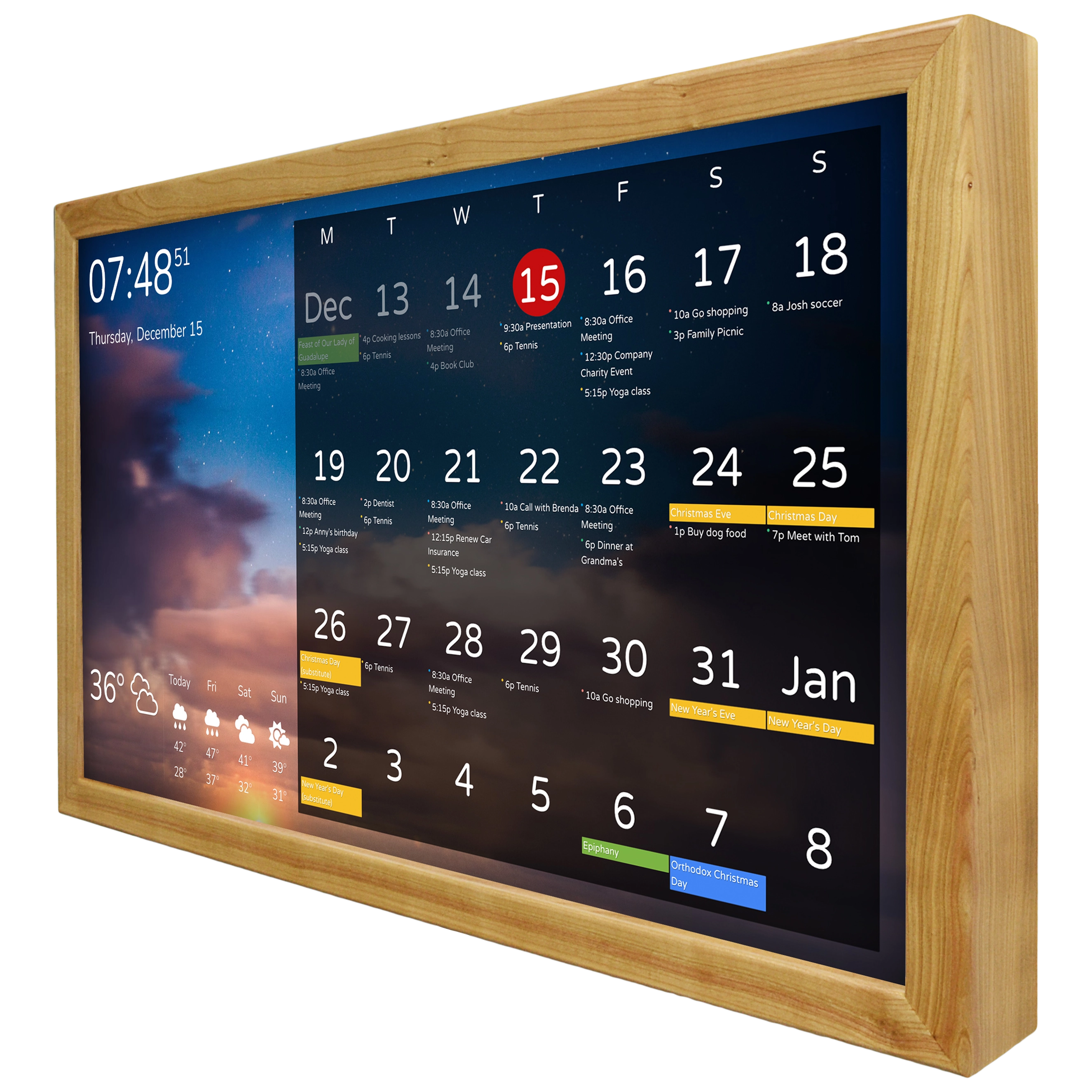
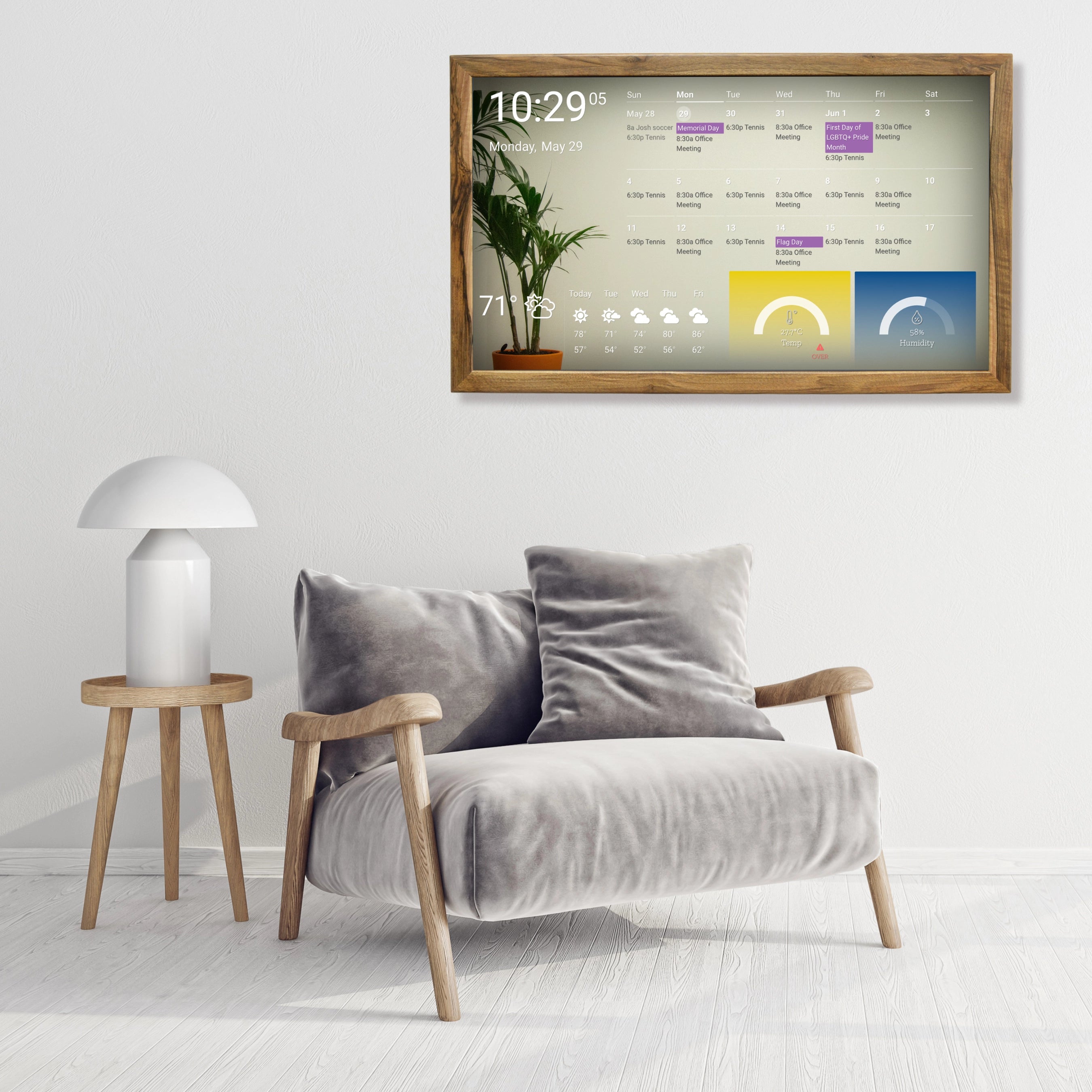
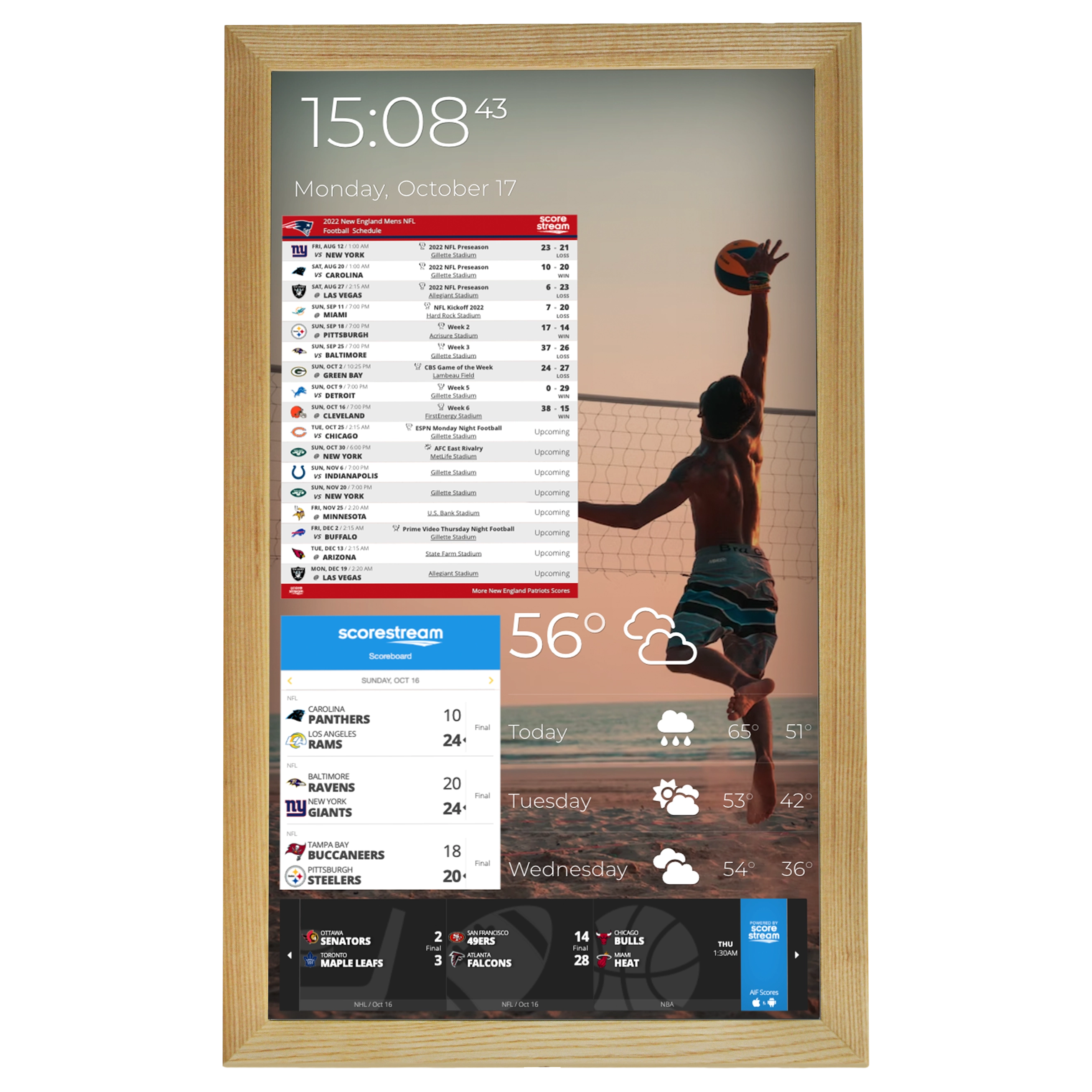
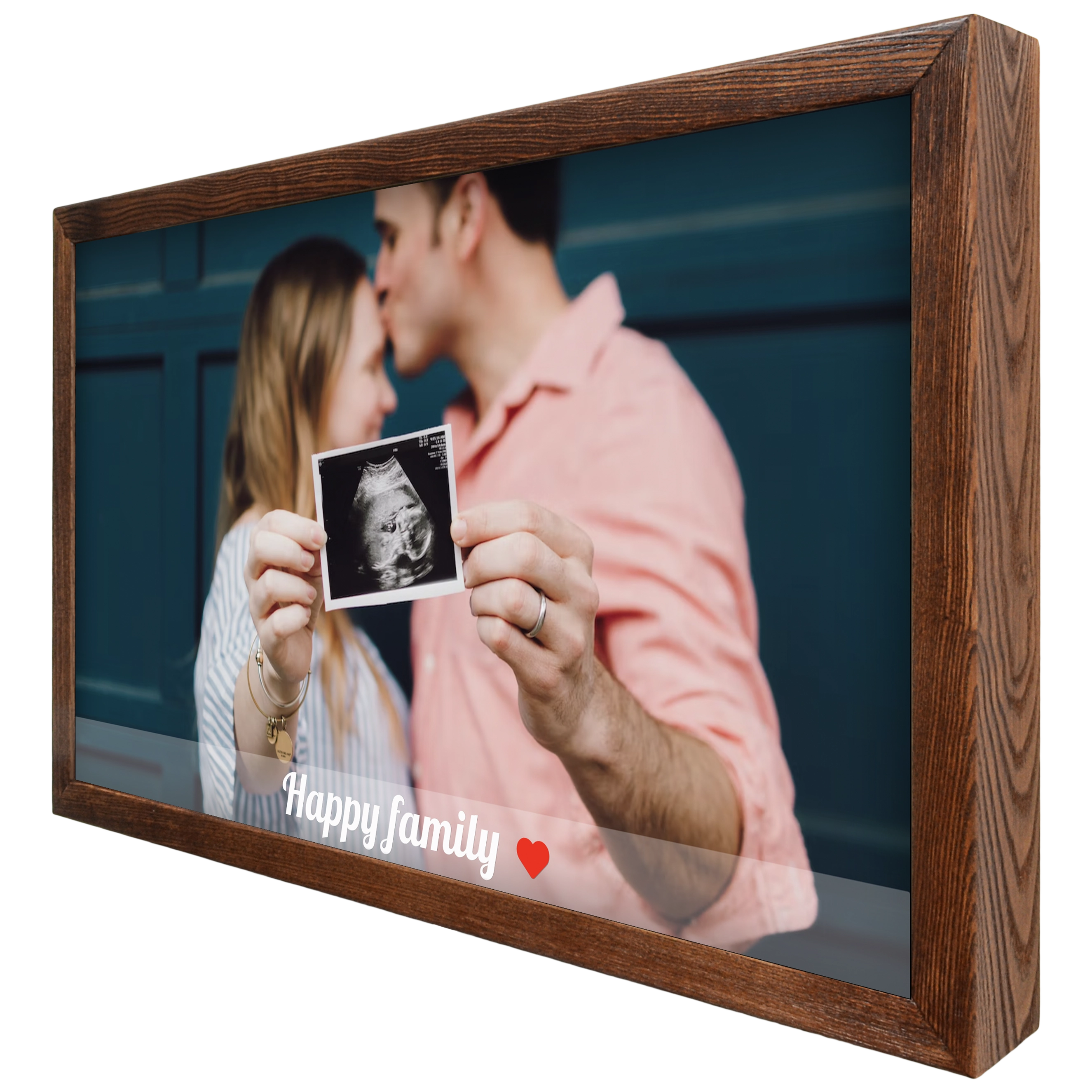
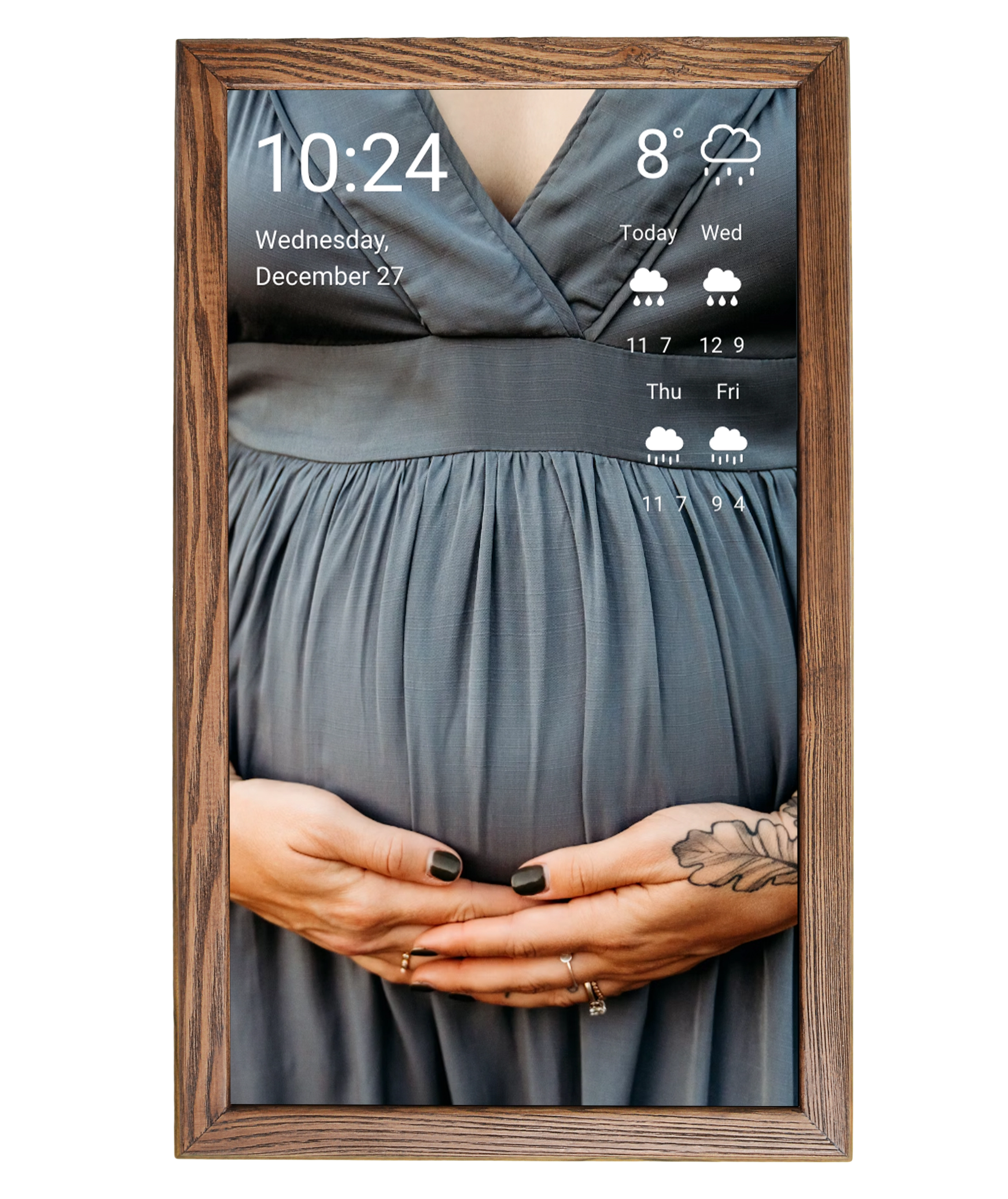
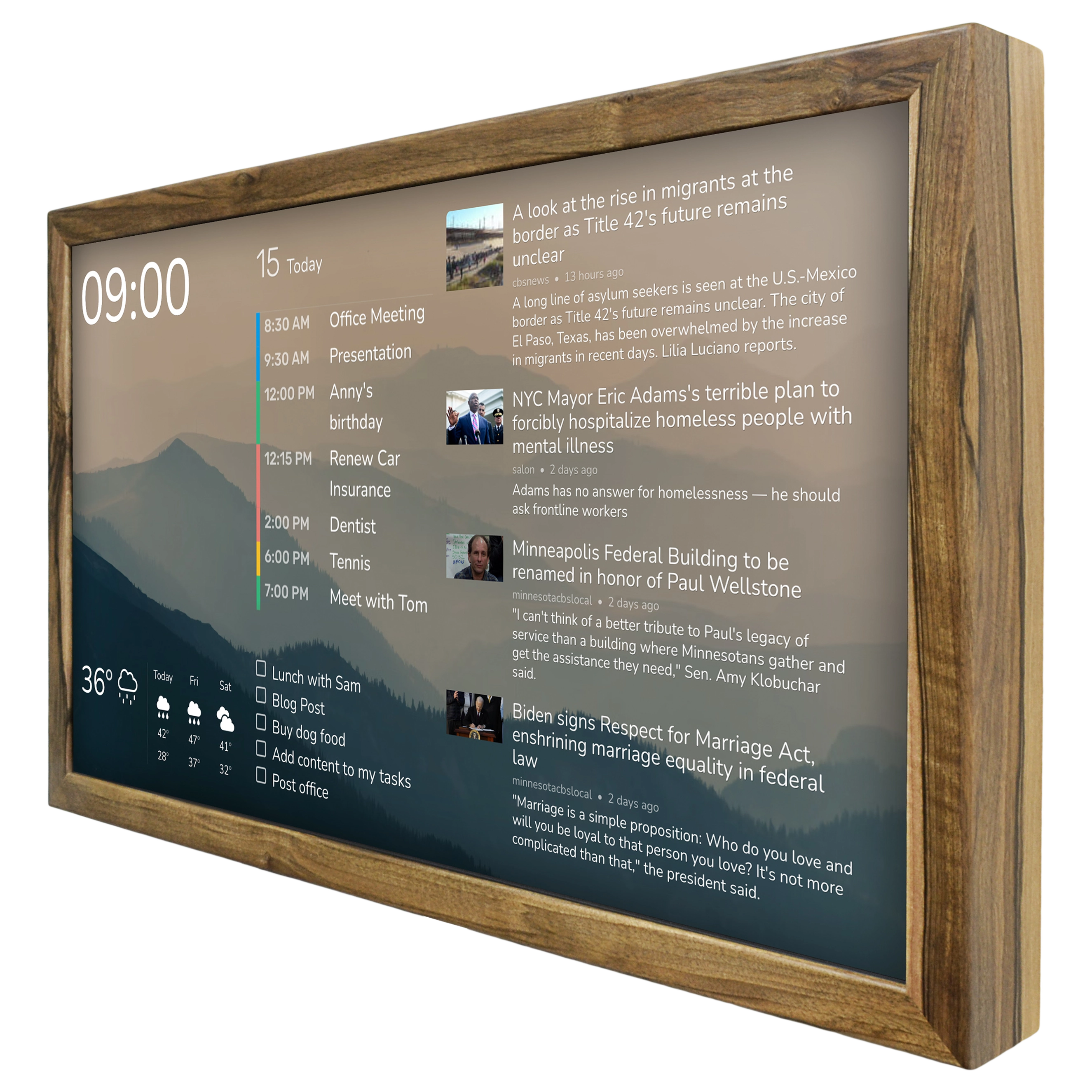
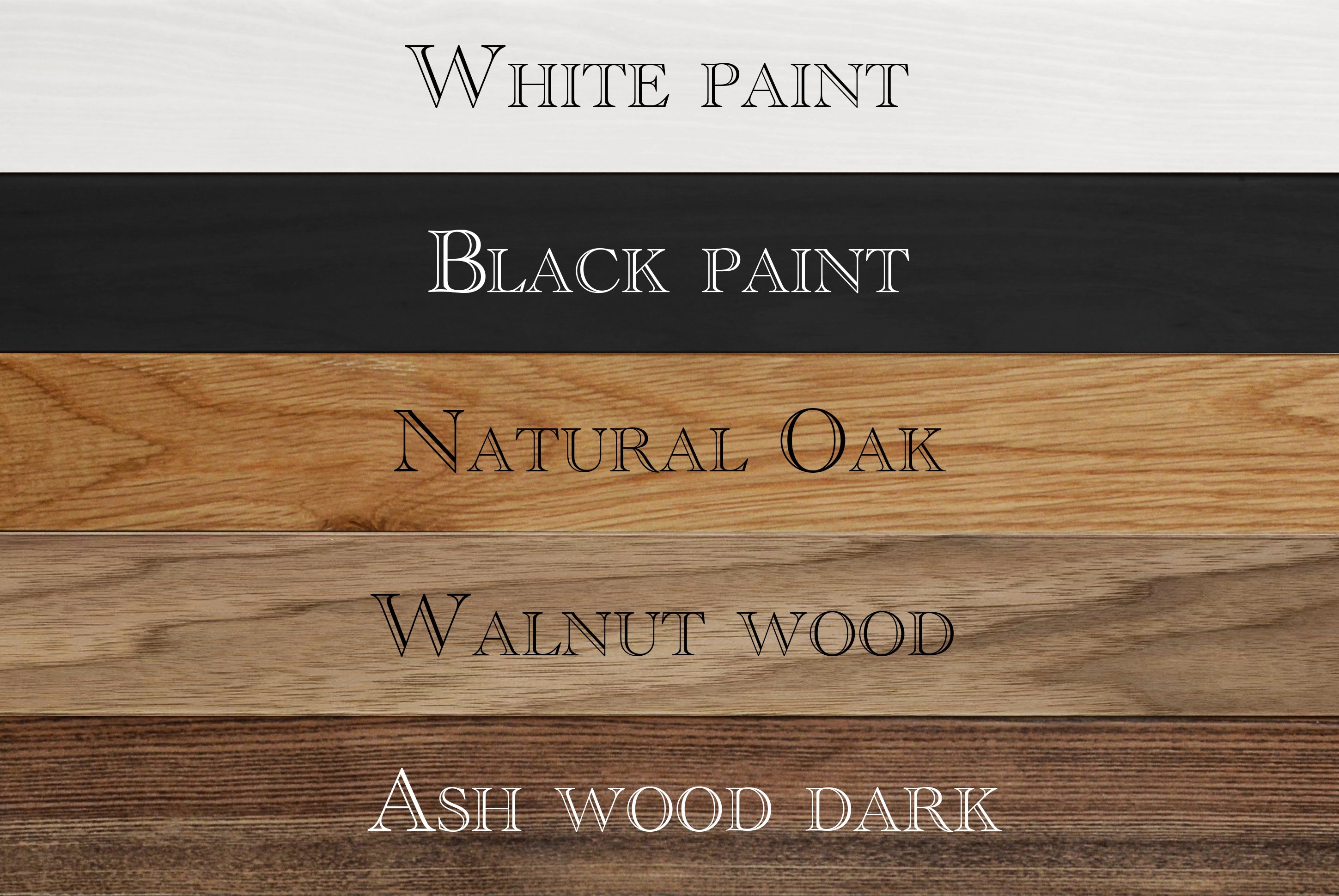
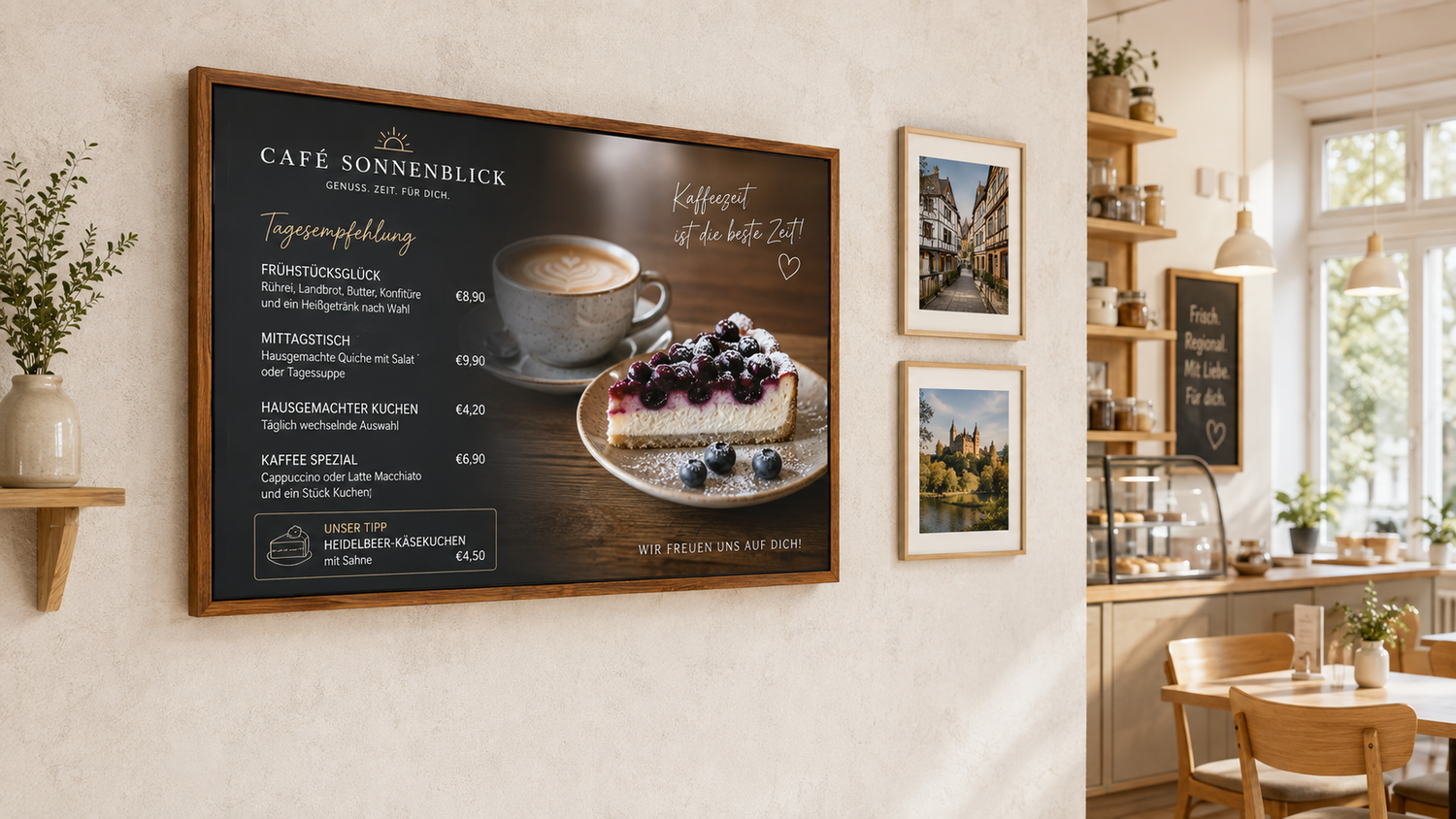
Our ready-made signage displays are incorporated into solid wooden frames, have built-in Raspberry Pi players and can work with any vendor required by the customer, for example Yodeck, 1Play, Anthias, DAKBoard, XOGO, Linutop, Fugo One, Screenli, or Infobeamer.
Below you can see a comparison table highlighting the major differences between signage systems.
| System | Setup Complexity | Use Complexity | Price / screen / month | Main use case | Limitations | Signage Display |
|---|---|---|---|---|---|---|
| Yodeck | 3/10 | 2/10 | from €8 | General-purpose digital signage | Some features only on higher plans | Players only |
| 1Play | 4/10 | 3/10 | from €5.70 | Low-cost Raspberry Pi signage | Mainly Raspberry Pi-focused | Software only |
| Anthias | 6/10 | 4/10 | €0 | DIY / Open Source | Self-hosted, requires more setup | Software only |
| DAKboard | 2/10 | 2/10 | from ~$5–6 | Dashboards, offices, menus, home | Fewer traditional signage features | Players and ready-made displays |
| XOGO | 2/10 | 2/10 | from $15–20 | SMB, retail, restaurants | Free plan is heavily limited | Own player |
| Linutop TV | 5/10 | 4/10 | ~€8 | Simple signage / on-premise | Less modern ecosystem | Own players |
| Fugo | 2/10 | 2/10 | from $20 | Business / enterprise signage | Advanced features cost more | Own players |
| Screenli | 2/10 | 2/10 | from £35–45 | Retail, estate agents, SMB | Expensive, hardware-dependent | Own mini-PC |
| info-beamer | 4/10 | 3/10 | €7.75 | Raspberry Pi, API, custom signage | More complex for customization | Software only |
A Practical Example: What 1Play Can Offer You
1Play is a good example of how a relatively simple Raspberry Pi can be turned into a centrally managed digital signage player.
The basic installation is straightforward. You write the 1Play image to a microSD card, insert it into a Raspberry Pi, connect the Pi to the display and network, and then register the device in the 1Play dashboard using the ID shown on the screen. Raspberry Pi 4 and Pi 5 are currently the recommended models, while older Raspberry Pi generations remain supported with some limitations.
After registration, the Raspberry Pi becomes a Playbox controlled from the cloud. The user creates playlists, uploads images and video, adds web content, sets a schedule and assigns the result to one or more screens. The player then downloads the required media and starts playback. In other words, there is no need to connect to each Raspberry Pi manually every time the content changes.
This makes 1Play interesting when a project needs inexpensive standardized hardware. Instead of buying proprietary players, you can use the same Raspberry Pi configuration for every signage display and keep spare units ready for replacement.
There are also more advanced scenarios. 1Play supports synchronized playback across multiple Raspberry Pis and can be used to build video walls without a traditional video-wall controller. The company demonstrates configurations such as 2×2, 3×3, 1×4 and even wider arrangements in which each screen has its own Raspberry Pi and the content is synchronized over the network.
Raspberry Pi is not automatically the best choice for every project: complex interactive installations or generative 3D content can require considerably more processing power. But for menus, promotions, information screens, dashboards and synchronized video, a Raspberry Pi-based signage display can be very cost-effective.
What Happens When the Internet Goes Down?
This is something that should be checked before choosing any cloud signage platform.
A properly designed system does not continuously stream ordinary videos and images from the cloud. It downloads the required files to the player and plays them locally. If the internet connection disappears, the current playlist therefore continues running.
For example, Yodeck explicitly stores scheduled media locally on its players and states that players can continue operating without an internet connection for more than 30 days. 1Play likewise promotes offline reliability as part of its player architecture.
There are obvious exceptions. A live website, YouTube stream, Power BI dashboard, weather service or other external source cannot receive fresh data without a network connection. For that reason, when a signage display shows business-critical information, it is useful to define fallback content that still makes sense when the live source is unavailable. Yodeck, for example, specifically lists streams, web pages and services such as Power BI and Grafana among the types of content that cannot simply be cached locally.
Is It Worth Deploying Your Own Server for Signage Display?
The choice between using a cloud solution or a server-based solution always depends on the specifics of your venue or company. There are certain types of organizations where cloud services cannot be used, and the customer immediately wants to deploy a local server. Banks, transport companies, government institutions, large retail chains, and quick-service restaurants are usually the ones looking for server-based solutions. They require a server-based solution because of legal or security requirements.
Custom development should also be highlighted separately. Serious customization that does not align with the main development direction of a particular product will most likely mean that SaaS is not suitable for you, and the solution will in any case need to be on-premises or a separate managed cloud environment deployed specifically for you by the vendor.
SaaS or Cloud Solution
In cases where there are no obvious restrictions, no serious customization requirements, and you have a relatively small number of screens, we recommend using cloud solutions. Initial costs are significantly lower, and connecting even dozens of screens can take just one day. Payment is made monthly or annually for each screen.
As a rough guideline, the cost ranges from EUR 5 to EUR 25 per screen per month. The price depends on the service, the number of screens, and the functionality required. A cloud solution subscription includes technical support and updates to client applications. When using SaaS, there is no need to hire and/or train employees to support the server side of the selected software. With a cloud solution, somebody is constantly making sure everything works, and response times to failures are faster than with server-based solutions. Overall, the cloud is the optimal option for small businesses and companies without their own IT team.
Another advantage is the ability to manage content from anywhere with an internet connection. This is relevant if the alternative is installing a physical server without the ability to connect to it from an external network.
Many vendors pay close attention to customer requests and often implement various features at no extra cost. This is especially true if you have many signage displays or if the same request comes from several customers. However, it should not be forgotten that the number of customers who require custom development is relatively small, so the cost of development specifically for you may be significant.
How to Choose Software?
There are two options: try all available options yourself and choose the solution that is more convenient / functional. Or rely on reviews from people who have expertise in this area, for example, us.
If you have any questions related to hardware, software, or the implementation of signage display installation projects in general, write to us — we will be happy to help.