LoRa radios make it possible to build low-power communication networks that can operate without cellular service or an internet connection. But the radio technology alone does not define how such a network is organized, how packets move between devices, or which nodes are expected to provide infrastructure.
MeshCore project is one approach to solving those problems. It combines LoRa hardware with a network architecture built around distinct device roles, including the dedicated Repeater Node.
A MeshCore Repeater Node is not simply another radio that happens to forward traffic. Repeaters are a specific device role within the MeshCore system, designed to extend the range of the network by forwarding packets toward their intended destination. MeshCore's documentation explicitly distinguishes this behavior from systems that simply retransmit every packet they receive.
That difference may sound like a small technical detail, but it affects the way a MeshCore network can be designed and scaled. Instead of expecting every device in the network to perform several jobs at once, MeshCore separates some of these functions. A device can act as a companion radio for messaging, while another device can be installed somewhere more suitable — for example, at a high point with a good antenna — and operate as network infrastructure.
MeshCore is still a relatively young and specialized project, and its ecosystem is smaller than those of more established communication platforms. That is a reason to look at hardware support, client compatibility and firmware maturity carefully. At the same time, its network architecture is distinct enough to deserve attention on its own terms.
So, what exactly is MeshCore? What does a Repeater Node actually do? How does it differ from a regular mesh node, and where does it make sense to use one?
The answers start with a simple idea: MeshCore treats the network itself as something that can have dedicated infrastructure, rather than making every radio responsible for everything.
What Is MeshCore?
MeshCore is an open-source system for low-power packet-radio communication over LoRa hardware. The project is designed for situations where conventional communication infrastructure is unavailable or where users simply want a local radio network that can operate independently. The official documentation lists applications ranging from off-grid communication and outdoor activities to emergency response and sensor networks.
At the hardware level, MeshCore is not tied to one particular radio board. The firmware supports a range of LoRa devices, including hardware from manufacturers such as Heltec, RAK Wireless, LilyGo and Seeed Studio. The exact list changes as support for additional devices is added, so compatibility should be checked against the current MeshCore device list rather than assumed from the fact that a board has a LoRa radio.
What makes MeshCore particularly interesting is the way it divides network functions between different device roles. Instead of treating every radio as an identical mesh node, MeshCore provides dedicated firmware for different purposes. A Companion Radio, for example, is intended to connect to a smartphone or computer and serve as the radio interface for messaging. There is also dedicated Repeater firmware for extending network coverage, as well as Room Server firmware for storing and distributing messages. The project also includes functionality for sensor applications.
| Device role | Main purpose | Typical use |
|---|---|---|
| Companion Radio | Provides the user interface for MeshCore messaging | Connected to a phone, tablet or computer |
| Repeater | Forwards MeshCore packets | Extending network coverage |
| Room Server | Stores and distributes message history | Providing access to messages for users who connect later |
| Sensor | Provides sensor-related data | Sensor and telemetry applications |
Companion Radio, Repeater and Room Server are the main firmware types described by MeshCore; Sensor is a supported node/application type rather than a separate firmware role.
This separation of roles is an important part of understanding MeshCore. A Companion Radio is not normally expected to relay other users' traffic. The official FAQ specifically notes that clients do not repeat messages, while dedicated repeaters handle packet forwarding through the network. This is a deliberate design choice rather than a limitation caused by a particular piece of hardware.
The network can therefore contain relatively simple user devices alongside dedicated pieces of infrastructure. Imagine a person carrying a small LoRa device connected to a phone. That device acts as a Companion Radio. Somewhere else — ideally in a location with good radio coverage — another supported LoRa device can run Repeater firmware. The companion handles the user's communication, while the repeater provides a path through the network for packets that cannot travel directly from one user to another.
MeshCore's own repository describes the project as a lightweight, hybrid-routing mesh protocol for packet radios. In practical terms, this means that communication can use intermediate nodes rather than requiring every participant to be within direct radio range of every other participant. The system also uses a configurable hop limit to control how far packets can travel through the network.
There is another useful distinction here. MeshCore is not simply a piece of software that turns any LoRa radio into a generic walkie-talkie. The LoRa hardware provides the radio link, while MeshCore supplies the firmware, routing logic and communication protocols that make those devices operate as part of the same network. Users then interact with that network through compatible clients, including Android, iOS and web-based applications.
The system is also free and open source. The MeshCore routing and firmware code is published under the MIT license, and the project maintains its source code publicly on GitHub. This makes it possible to inspect the implementation, modify it and build firmware for supported hardware rather than relying on a closed commercial platform.
One of the simplest ways to understand the project, then, is to think of MeshCore as a LoRa-based communication system with defined roles for the devices that make up its network. Some devices are primarily there for people to communicate through; others provide infrastructure; and still others can perform specialized functions such as storing messages or collecting sensor data.
That brings us to the part of MeshCore that is especially relevant to this article: the MeshCore Repeater Node. Unlike a Companion Radio, its purpose is not to be the user's messaging device. Its job is to forward MeshCore packets toward their destination and, in doing so, extend the practical coverage of the network.
How Does a MeshCore Repeater Node Work?
At first glance, the principle behind a MeshCore repeater is simple: a packet arrives over LoRa, the repeater processes it, and, when appropriate, sends it on to another node. What happens in between is more interesting than the basic relay suggests.
MeshCore supports both flood routing and direct routing. In flood routing, a packet can be propagated through multiple repeaters. As it moves through the network, each repeater adds its path identifier to the packet's path information. Depending on the path-hash mode, these identifiers can be one, two or three bytes long. The repeater uses path information and loop-detection mechanisms to prevent packets from being forwarded around the network indefinitely.
The path information is also useful for understanding how a packet travelled. MeshCore stores a sequence of node hashes in the packet, effectively recording the repeaters involved in its journey. The current packet format supports path hashes of different sizes, depending on the firmware and configuration.
A MeshCore Repeater Node does not simply retransmit everything that reaches its receiver. The MeshCore FAQ explicitly distinguishes its behavior from systems that blindly repeat received LoRa traffic: the repeater forwards MeshCore packets when the routing rules allow it. The firmware checks, among other things, whether the packet is eligible for forwarding before adding the repeater's own path information and scheduling a retransmission.
Flood packets are not retransmitted immediately. MeshCore uses transmission delays to coordinate repeaters and reduce simultaneous retransmissions.
There is also a configurable limit on how far flood traffic can propagate. The repeater firmware provides a flood.max setting that specifies the maximum number of hops for an incoming flood packet; packets reaching that limit are not forwarded further.
Direct routing works differently. Instead of allowing a packet to discover its way through the network by flooding, a known path can be included in the packet. MeshCore's packet format therefore distinguishes between direct and flood routing, allowing the same network to use different methods depending on the situation.
In practical terms, this means a MeshCore repeater is more than a radio sitting between two users. It is an active part of the network's routing system. Its firmware decides which packets should be forwarded, processes their path information, applies the configured forwarding limits and retransmits eligible traffic after an appropriate delay.
The result is a network in which a strategically positioned MeshCore Repeater Node can provide a communication path between devices that cannot reach each other directly — without requiring that infrastructure node to act as an ordinary user messaging device.
Why MeshCore Uses Dedicated Repeaters
In MeshCore, a Companion Radio does not act as a repeater. Its primary role is to provide the radio connection for the user and pass messages between the MeshCore network and a phone or computer. Forwarding is handled by dedicated repeaters. This is a deliberate architectural choice: client devices do not normally repeat traffic, while repeaters provide the forwarding infrastructure.
This separation makes the network easier to think about in physical terms. User devices can stay with the people using them, while repeaters can be installed where radio conditions are better — for example, on a rooftop, mast or elevated outdoor location. The repeater becomes infrastructure rather than another user's messaging device.
MeshCore can initially use flood routing to reach a destination. Once the recipient responds with a delivery report containing the path used by the original message, the sender can store that route and use it for subsequent direct messages. A direct packet then carries the path through the repeater infrastructure it is expected to use, reducing unnecessary network traffic compared with flooding every message.
Flood routing still remains part of the system. Public or group communication can use it when there is no single known destination path, and repeaters can be configured with limits on how far flood traffic is allowed to propagate.
The important architectural point is that MeshCore separates the user's communication device from the infrastructure that forwards traffic. That distinction becomes especially useful when building a persistent network in which each MeshCore Repeater Node can be positioned and maintained specifically for coverage.
Advantages of a MeshCore Repeater Node
The main advantage of a MeshCore Repeater Node is not greater radio range or higher transmission speed by itself. Its value comes from being used as dedicated network infrastructure. MeshCore separates the repeater role from the companion device used by a person for everyday messaging. This makes it possible to place the repeater where it can provide the most useful radio coverage, without requiring a user device or smartphone to remain connected to it.
Strategic placement improves network coverage
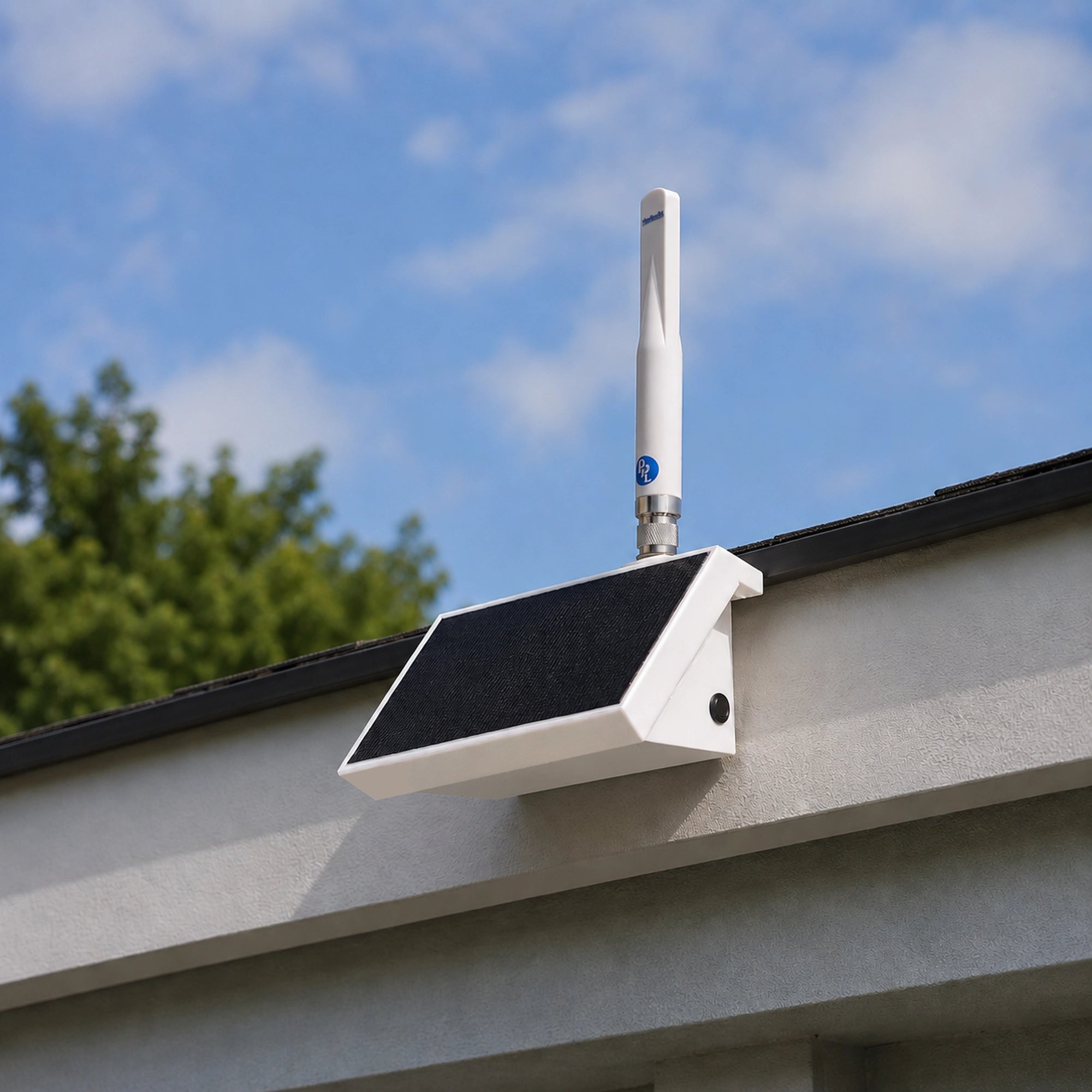
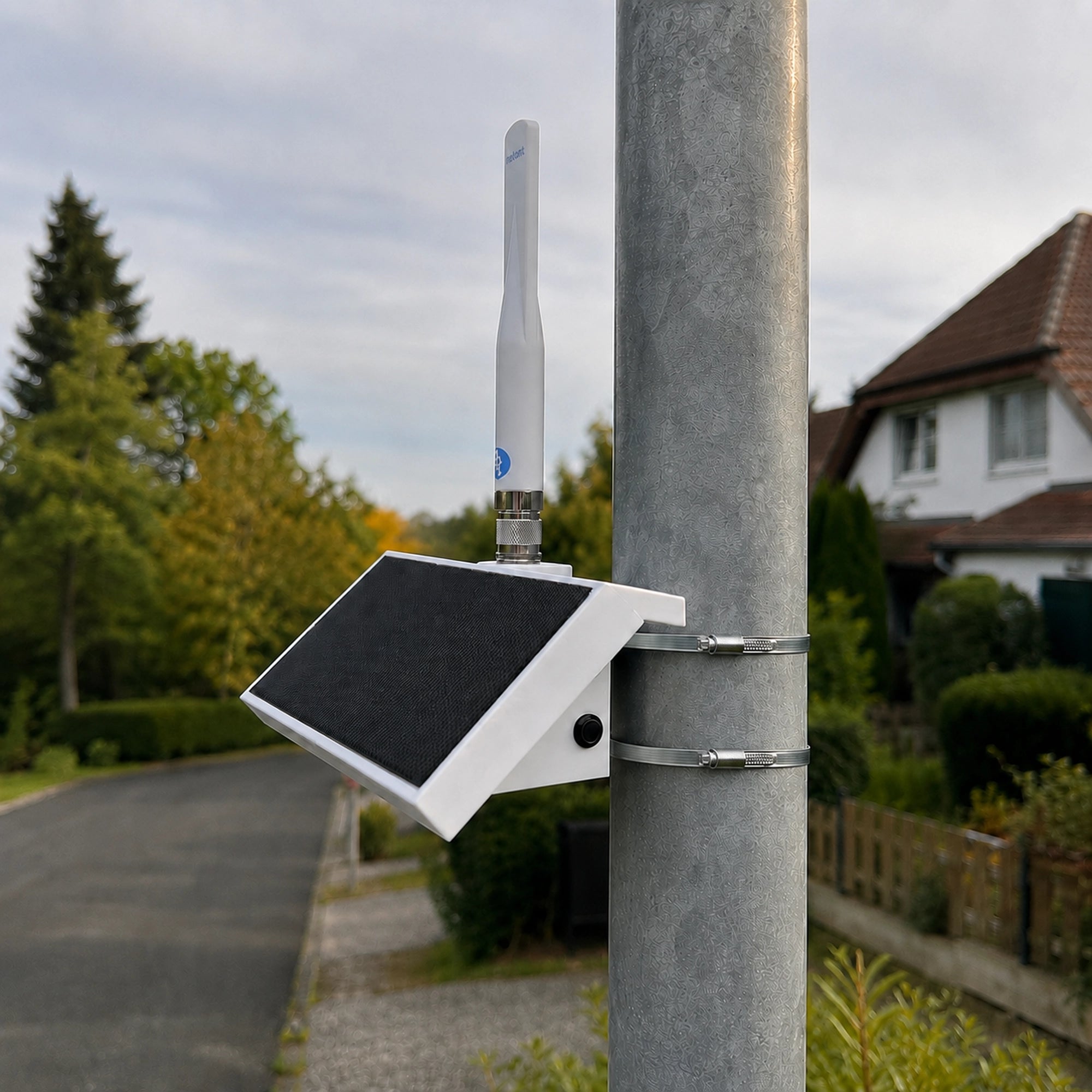
A better location can make a bigger difference than a better device. MeshCore specifically presents repeaters as devices that can be installed in high or otherwise optimal positions to expand network coverage. A MeshCore Repeater Node placed on a rooftop, hill, mast or other elevated structure can achieve a significantly clearer radio path than a node operating indoors or at ground level.
At the same time, coverage is never guaranteed by height alone. Real-world performance still depends on terrain, surrounding buildings, antenna quality and installation, as well as radio configuration. Because of this, a repeater should be seen as a tool for improving network geometry rather than a device that guarantees a fixed range.
Controlled forwarding instead of blind repetition
Another advantage is that the repeater does not simply retransmit every packet it hears. It forwards MeshCore packets according to the protocol's routing rules, which helps prevent unnecessary duplication of traffic.
Flood-based traffic can also be controlled by configuring the maximum number of hops. This allows an operator to limit how far flood traffic propagates and therefore limit the amount of airtime consumed by those packets.
Monitoring and remote management capabilities
MeshCore also provides tools for monitoring and managing repeaters. The firmware exposes operational statistics such as uptime, battery status, radio performance and packet counters. In addition, repeaters can be configured remotely using supported MeshCore clients.
Available configuration options typically include transmission power, radio parameters, advertisement intervals and flood-hop limits. This makes it possible to adjust network behavior without physical access to the device, which is especially useful for remote or hard-to-reach installations.
Support for autonomous installations
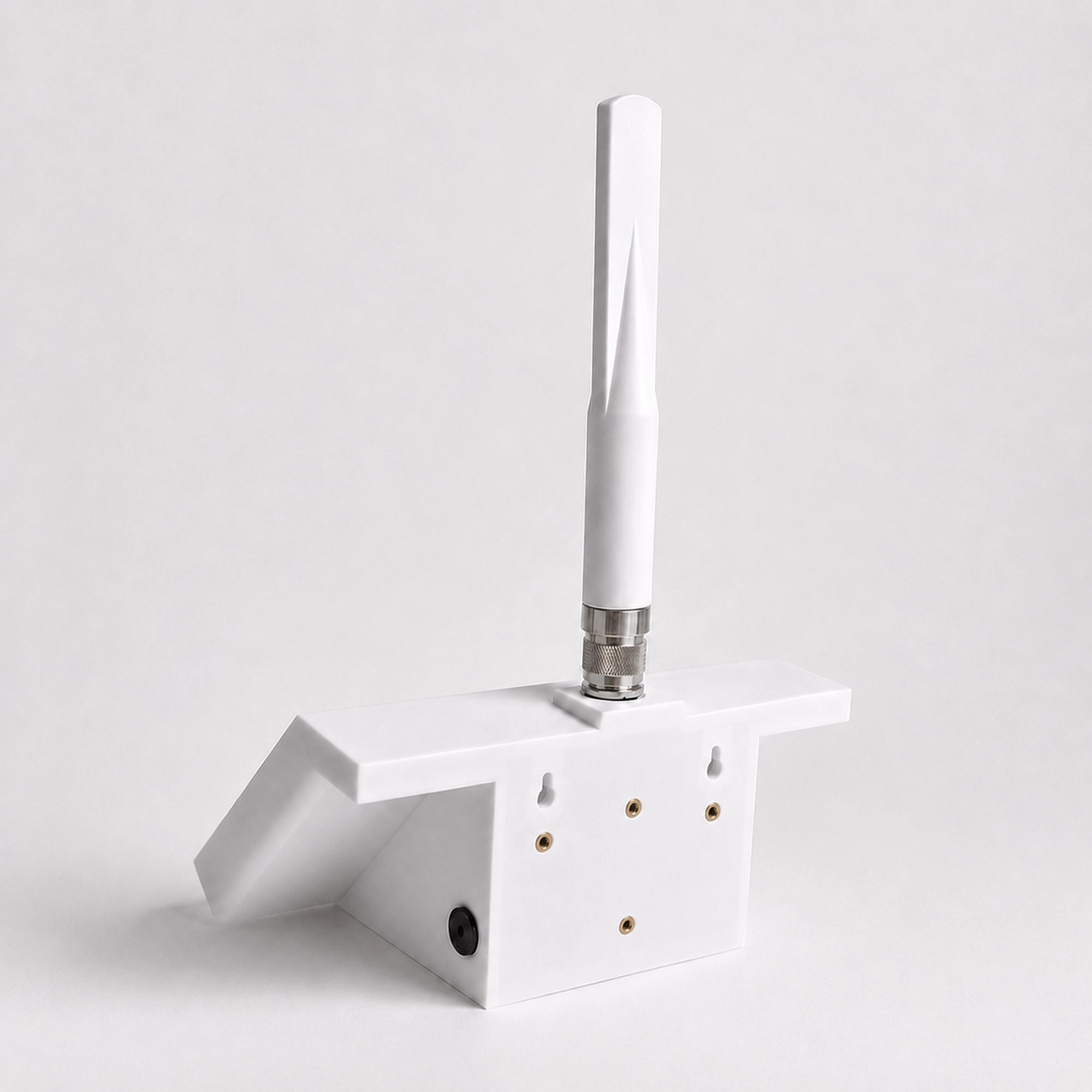
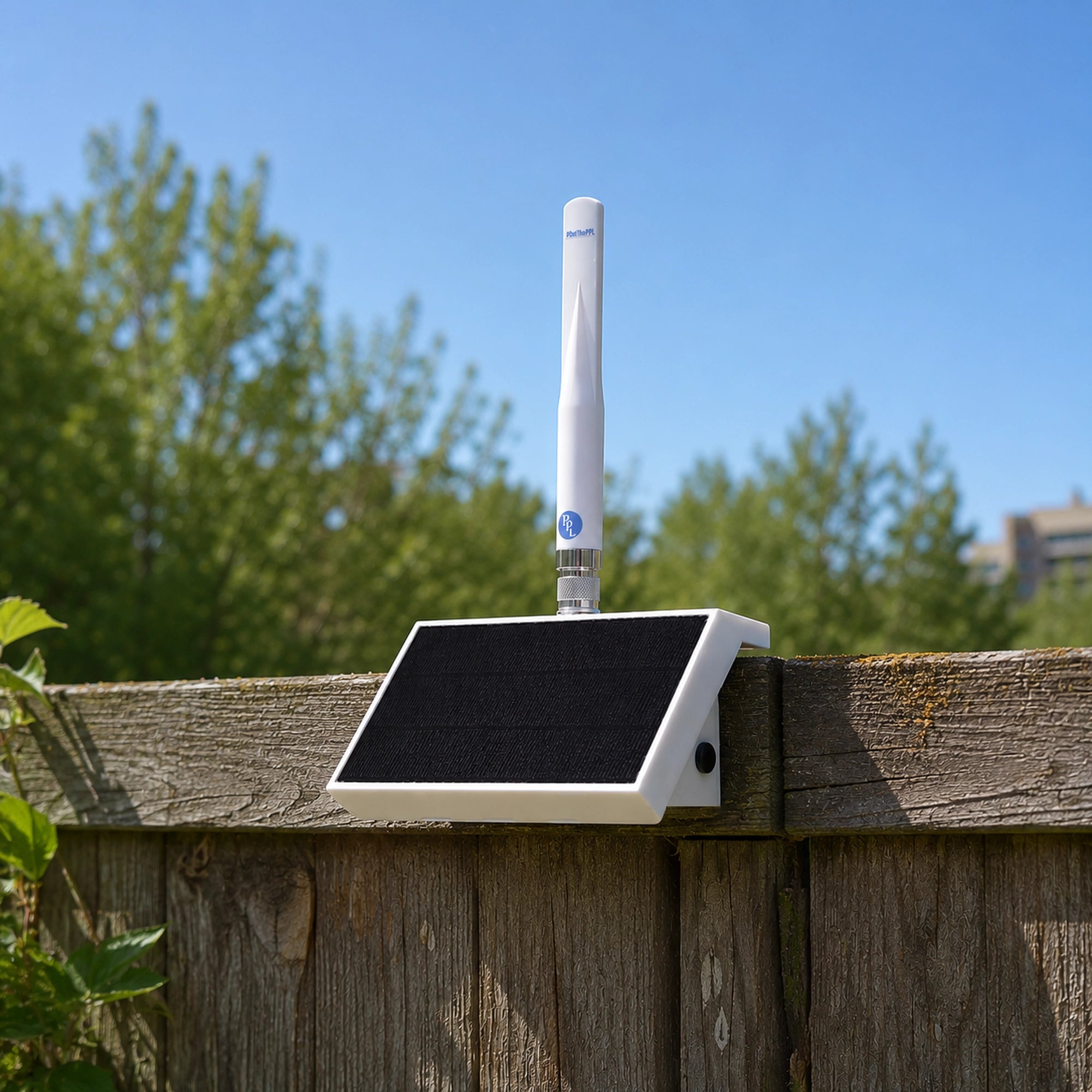
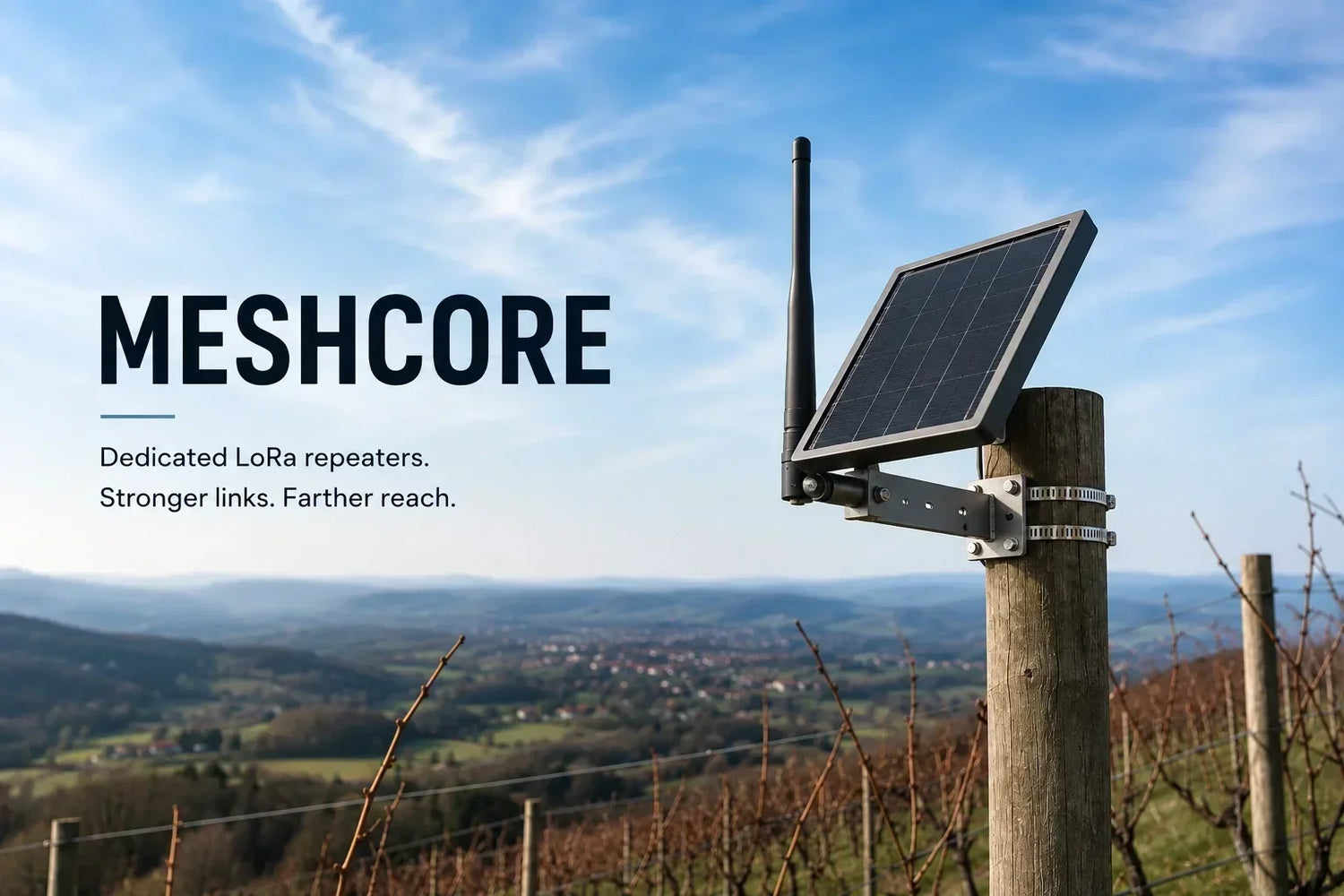
Finally, a MeshCore Repeater Node can be designed as a standalone installation. MeshCore documentation highlights the use of solar-powered repeaters, which makes this approach suitable for locations where mains power or continuous user presence is not available.
This allows the repeater to function as persistent network infrastructure rather than a user-tied device. Once deployed, it can serve multiple users in the area and remain operational with minimal ongoing interaction, depending on the reliability of its power and installation setup.
Limitations of a MeshCore Repeater Node
A dedicated MeshCore Repeater Node can be useful network infrastructure, but it does not remove the limitations of LoRa communication. Some of the constraints come from the radio itself; others are specific to the way a MeshCore network operates.
Coverage Still Depends on Radio Conditions
Installing a MeshCore Repeater Node does not automatically produce a large coverage area. Its usefulness depends heavily on where it is installed, the antenna system, terrain, buildings, interference and the radio settings being used. A poorly positioned repeater may provide little benefit even if the hardware itself is perfectly functional.
There is also a fundamental requirement: the repeater has to be able to hear the devices it is supposed to serve, and the next node in the path must be able to hear its transmissions. A repeater cannot compensate for a completely unusable radio link.
More Repeaters Mean More Radio Traffic
Repeating packets extends coverage, but every retransmission also occupies airtime. This is particularly relevant to flood routing, where a packet can be forwarded by a MeshCore Repeater Node and then by additional repeaters. MeshCore therefore provides a configurable flood.max setting that limits the number of hops an incoming flood packet can make. The maximum path length is constrained by the space available for path information. With the current protocol, one-byte path hashes allow up to 64 hops, two-byte hashes up to 32 hops, and three-byte hashes up to 21 hops.
This creates a practical trade-off: more hops can make a network reach farther, but allowing traffic to propagate unnecessarily far can consume additional airtime. A repeater network therefore has to be configured with some consideration for how much traffic it is expected to carry.
Hardware and Firmware Compatibility Matter
A MeshCore Repeater Node is not tied to one particular piece of hardware, but the device still has to be supported by the project. Firmware 1.14 introduced multi-byte path-hash support. Repeaters running firmware older than 1.14 only forward packets using one-byte path hashes and silently drop packets using two- or three-byte path hashes.
That means maintaining a larger network is not simply a matter of installing more repeaters. Firmware versions and network configuration need to remain compatible.
A Repeater Needs Power and Maintenance
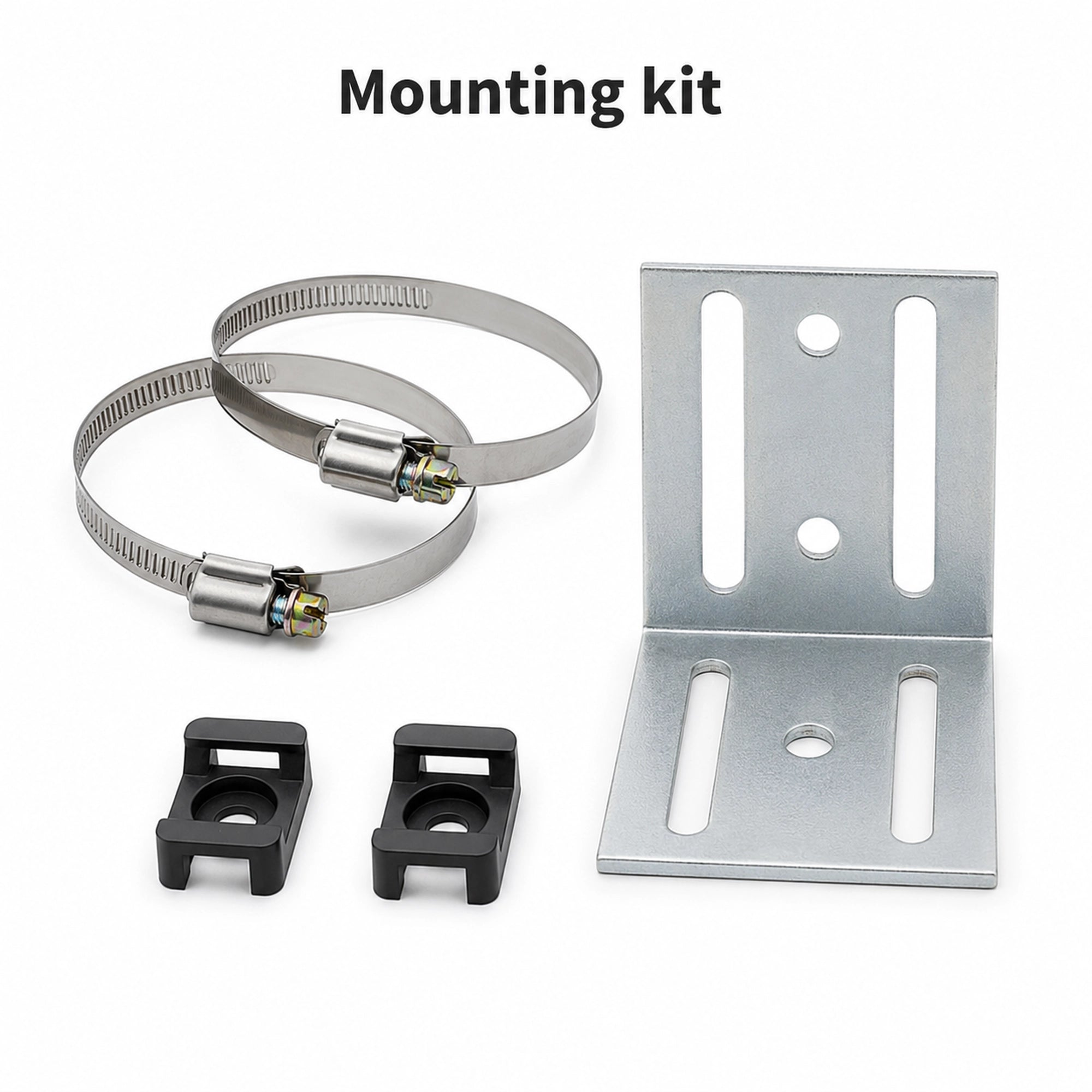
Unlike a handheld device, a permanently installed MeshCore Repeater Node has to remain powered and operational. Remote installations can use autonomous power systems, but the hardware, power source, antenna and enclosure all become part of the deployment.
MeshCore does provide remote administration and configuration features for repeaters, including changing radio parameters, transmission power, flood-hop limits and other settings. That reduces the need for physical access, but it does not eliminate the need to maintain the installation.
In short, a MeshCore repeater can extend a network, but it is not a magic range multiplier. Its effectiveness depends on radio conditions, network traffic, compatible firmware and reliable infrastructure. The better the network is planned, the more useful the repeater becomes.
Where Does a MeshCore Repeater Node Make Sense?
A MeshCore repeater is most useful when there is a real gap in the radio network that can be solved by putting infrastructure in a better location. The project itself lists several use cases for MeshCore, including off-grid communication, outdoor activities, emergency response and disaster recovery.
Outdoor and remote communication
One obvious application is communication in places where mobile coverage is weak or unavailable. Hikers, campers and other outdoor users can communicate through a local MeshCore network without relying on cellular infrastructure.
A MeshCore Repeater Node can be particularly useful when the users are spread across an area with obstacles or uneven terrain. Placing the repeater at a suitable elevated location can create a radio link between users who cannot communicate directly.
Community and local networks
A repeater can also form part of a permanent local network. Instead of every user having to provide routing infrastructure, dedicated repeaters can be installed at useful points around a town, rural area or other community.
This approach becomes more practical as the network grows. Users can carry their companion devices, while each MeshCore Repeater Node remains in a fixed location and provides part of the network's infrastructure.
Emergency and temporary networks
MeshCore is also designed for situations where conventional communication infrastructure is unavailable. A network can be deployed independently of cellular or internet connectivity, making the technology relevant to emergency communication and disaster-response scenarios.
The important limitation is that a repeater does not create coverage from nothing. It still needs suitable radio links to the devices it is serving, so its location and the surrounding network topology remain critical.
For that reason, the best use of a MeshCore Repeater Node is not simply “long range.” It is putting radio infrastructure where it can connect parts of a network that would otherwise be difficult or impossible to reach.
Choosing Hardware for a MeshCore Repeater
Choosing hardware for a MeshCore Repeater Node is less about finding a special “repeater” product and more about selecting a supported LoRa device that is suitable for permanent deployment. MeshCore's repeater firmware can run on devices that are also supported for other MeshCore roles.
Radio compatibility comes first
The first requirement is support for the particular hardware and LoRa configuration. The device also needs to operate on the frequency permitted for its region. MeshCore's configuration tools allow the repeater's frequency and other radio parameters to be set during setup.
The antenna and installation matter
For a fixed MeshCore Repeater Node installation, the antenna deserves at least as much attention as the radio board itself. An elevated position with a clear radio path can be far more useful than simply choosing a more expensive device.
The antenna, its connection to the radio, mounting position and surrounding environment all become part of the RF system. A good repeater placed badly can perform worse than a modest device installed in a much better location.
Power is part of the design
A permanent MeshCore Repeater Node also needs a reliable power source. For installations away from mains electricity, MeshCore supports power-saving features, and the project describes MeshCore as suitable for low-power, battery- and solar-powered devices.
For an outdoor installation, the enclosure and protection of the electronics also matter. Weather exposure, temperature and physical access are practical considerations that do not arise to the same extent with a handheld companion device.
In other words, the best repeater is not necessarily the board with the most impressive specification. It is a supported radio, paired with an appropriate antenna, reliable power and a location that gives the network a useful new radio link.
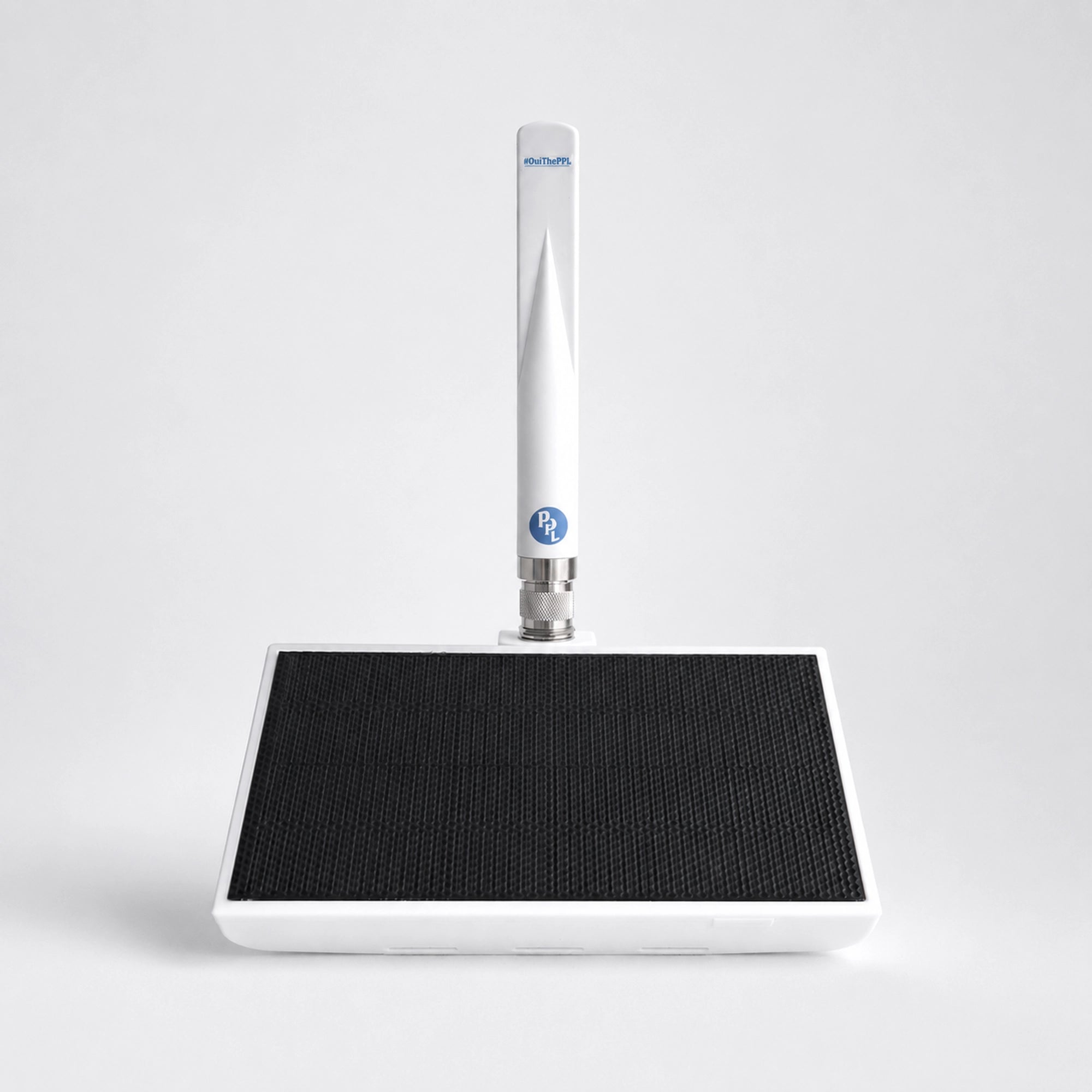
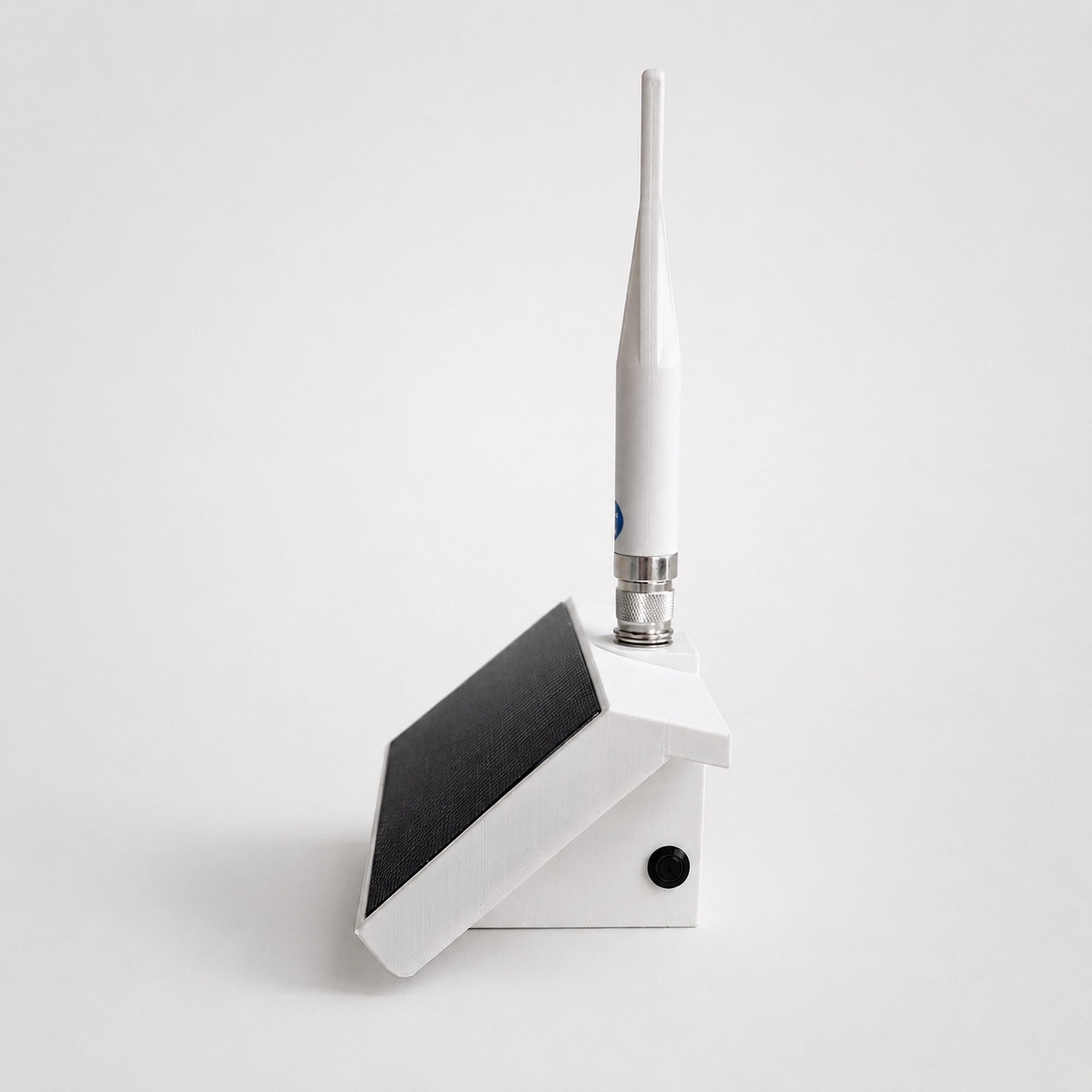
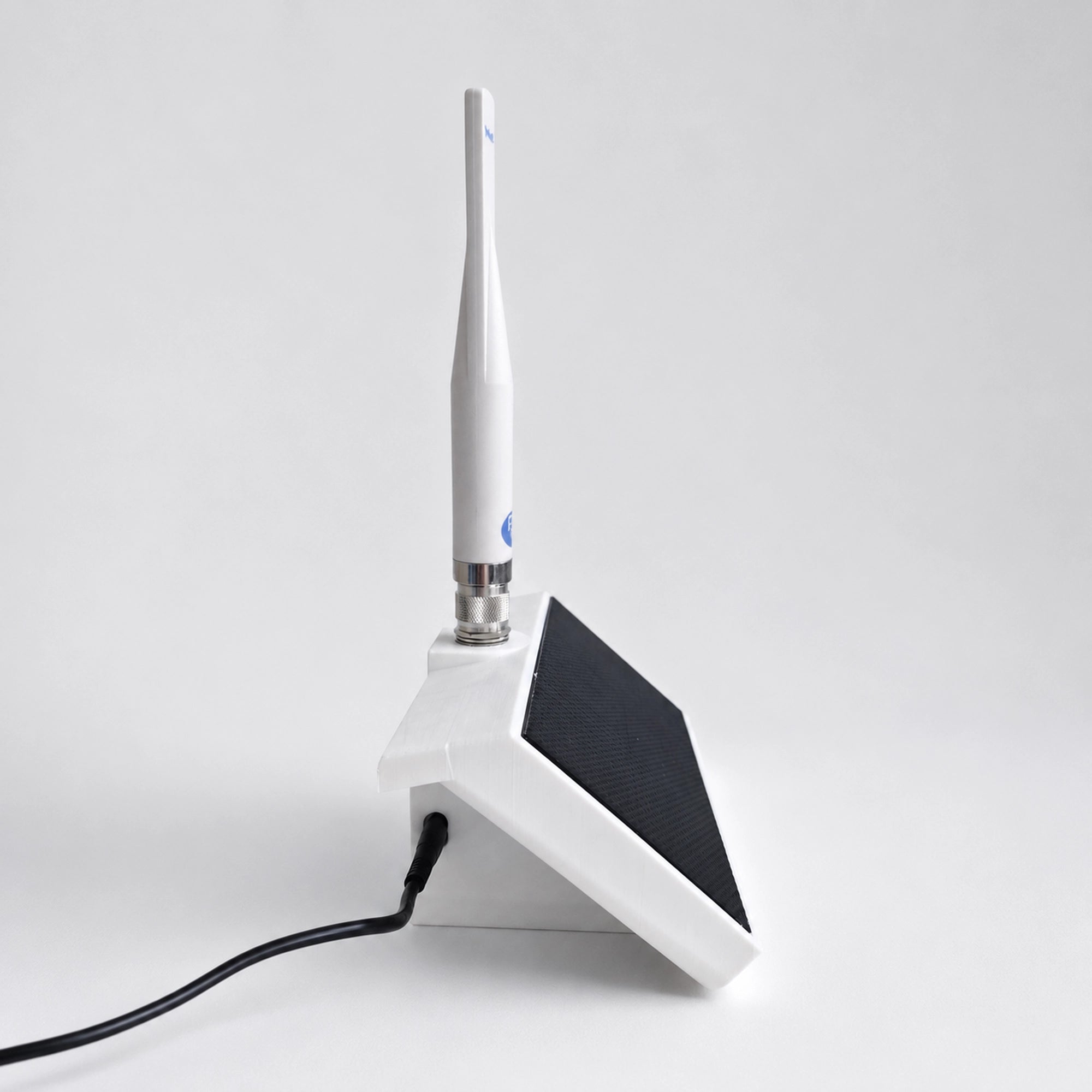
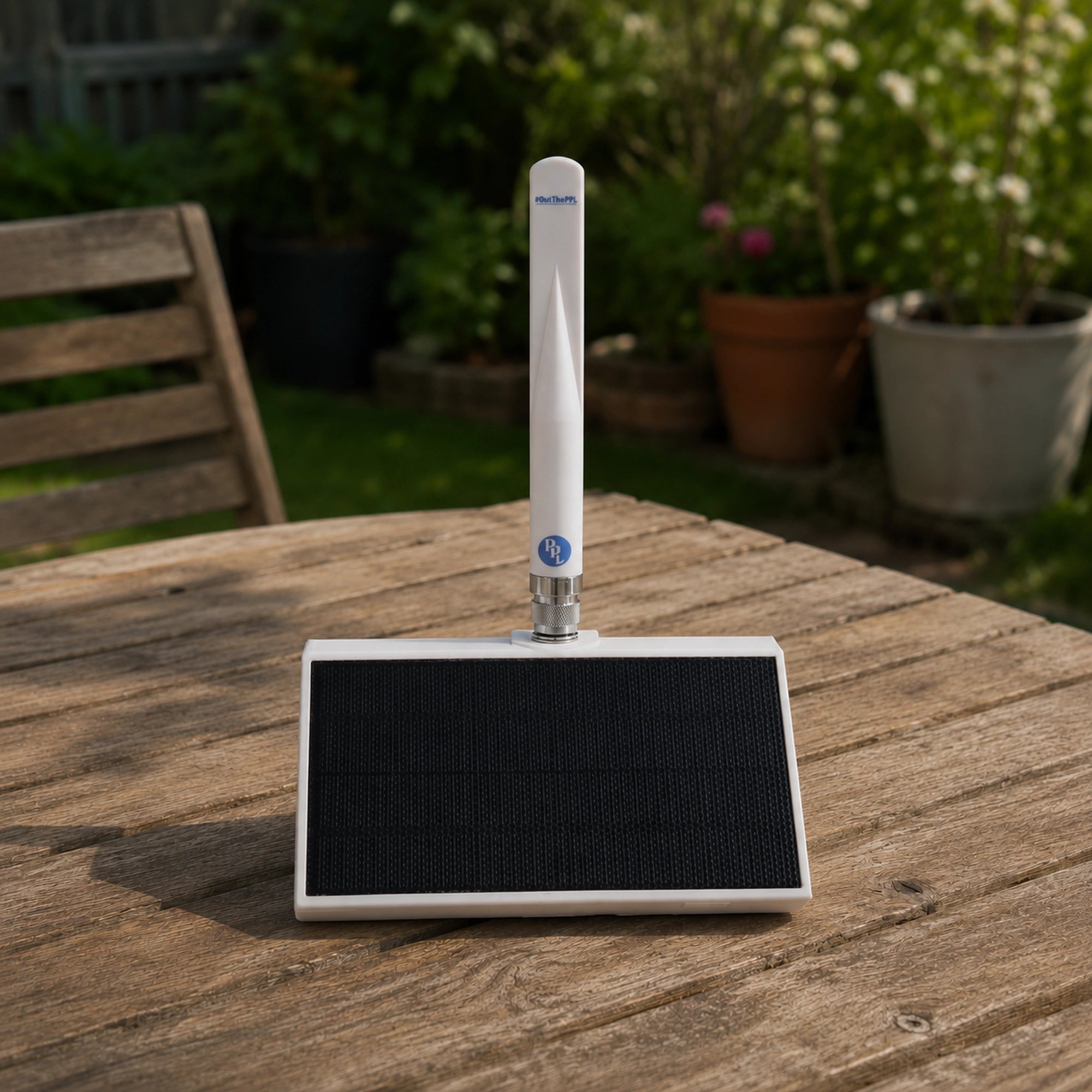
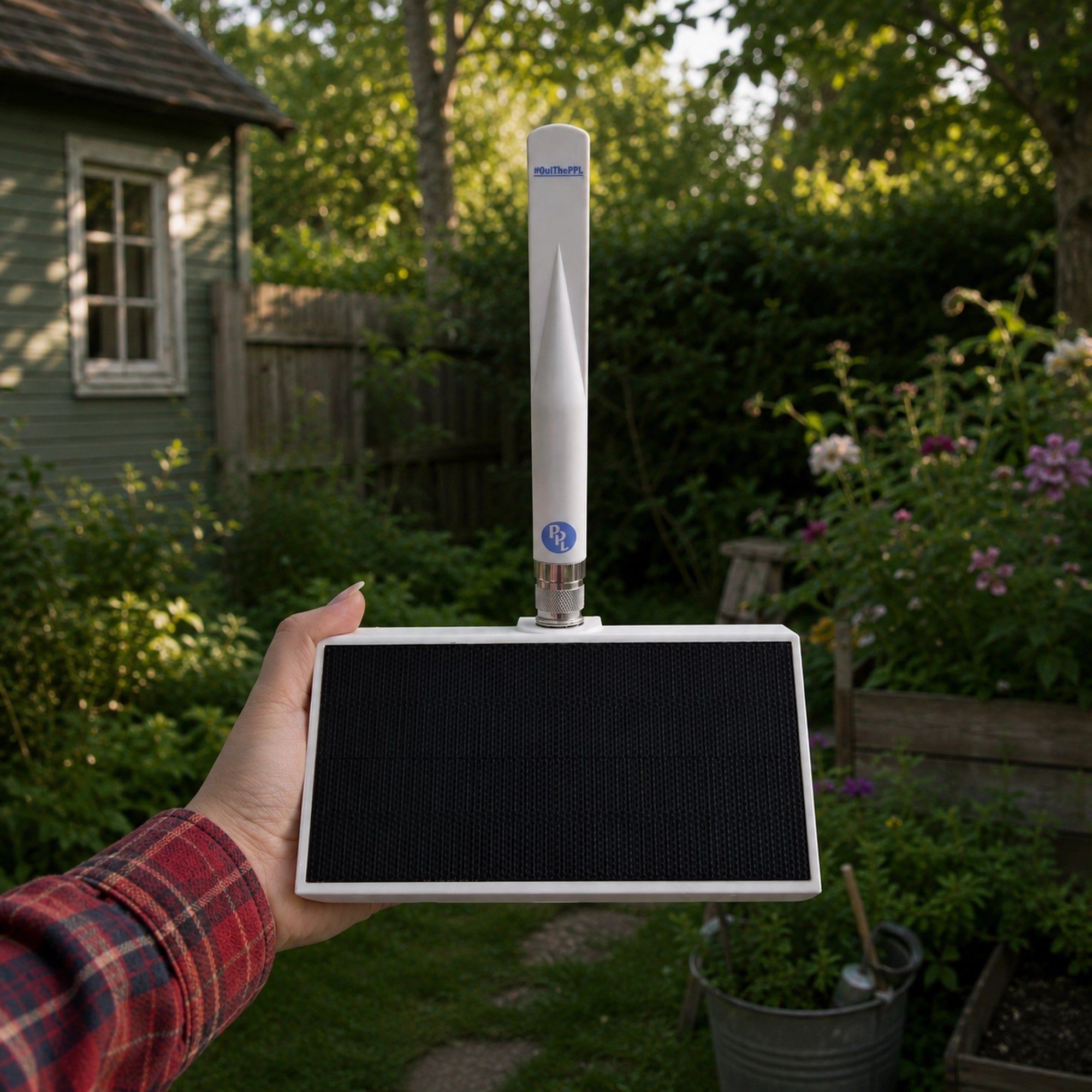
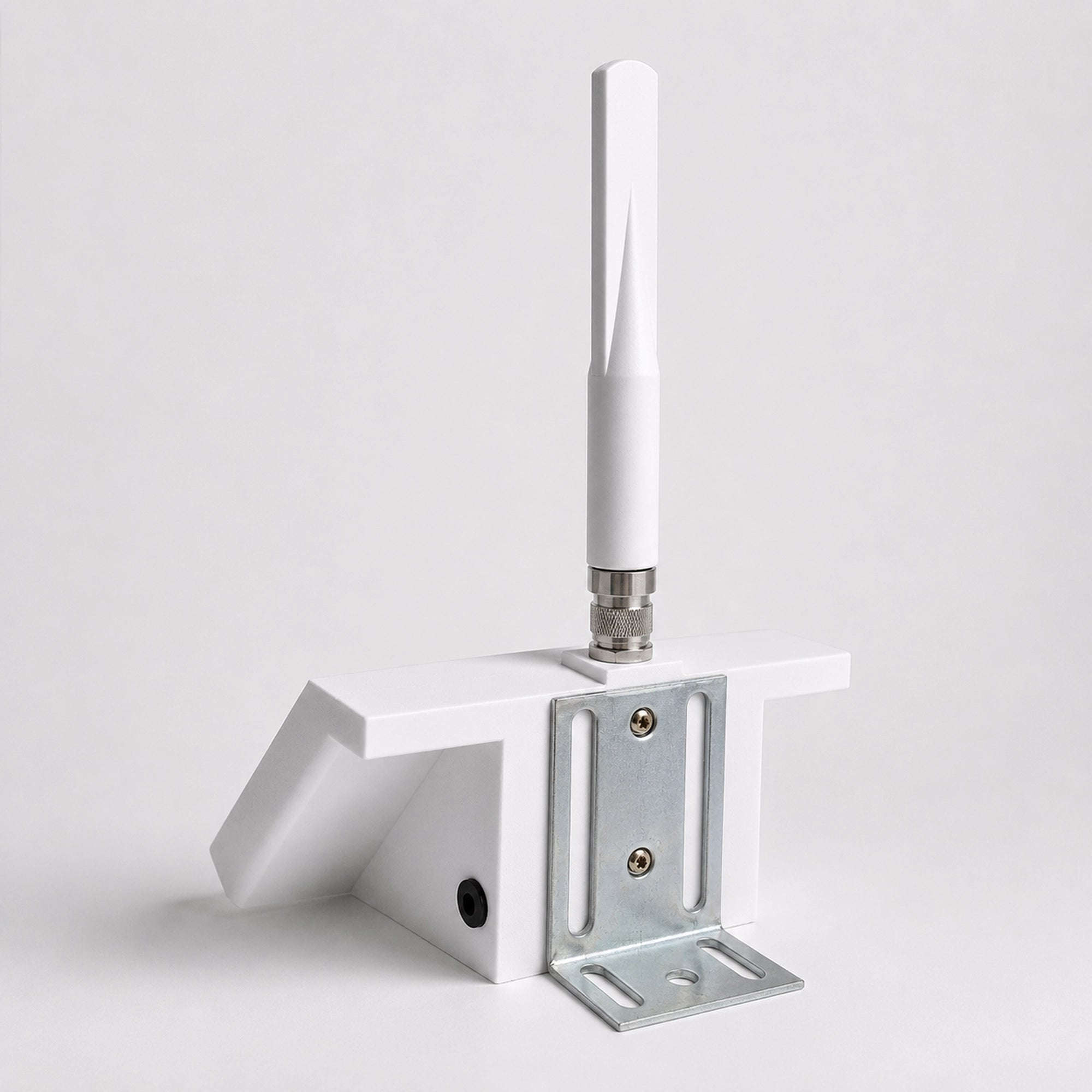
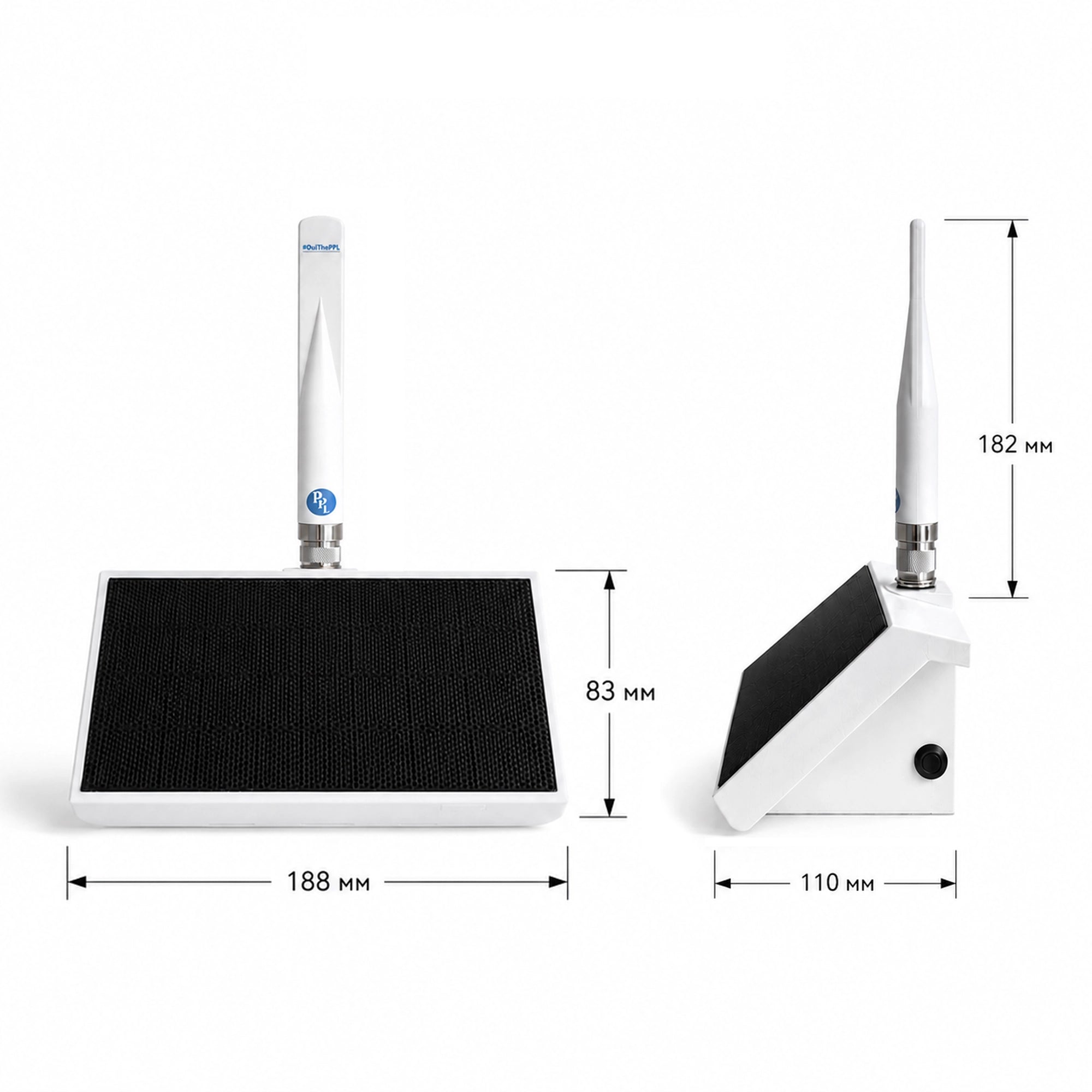
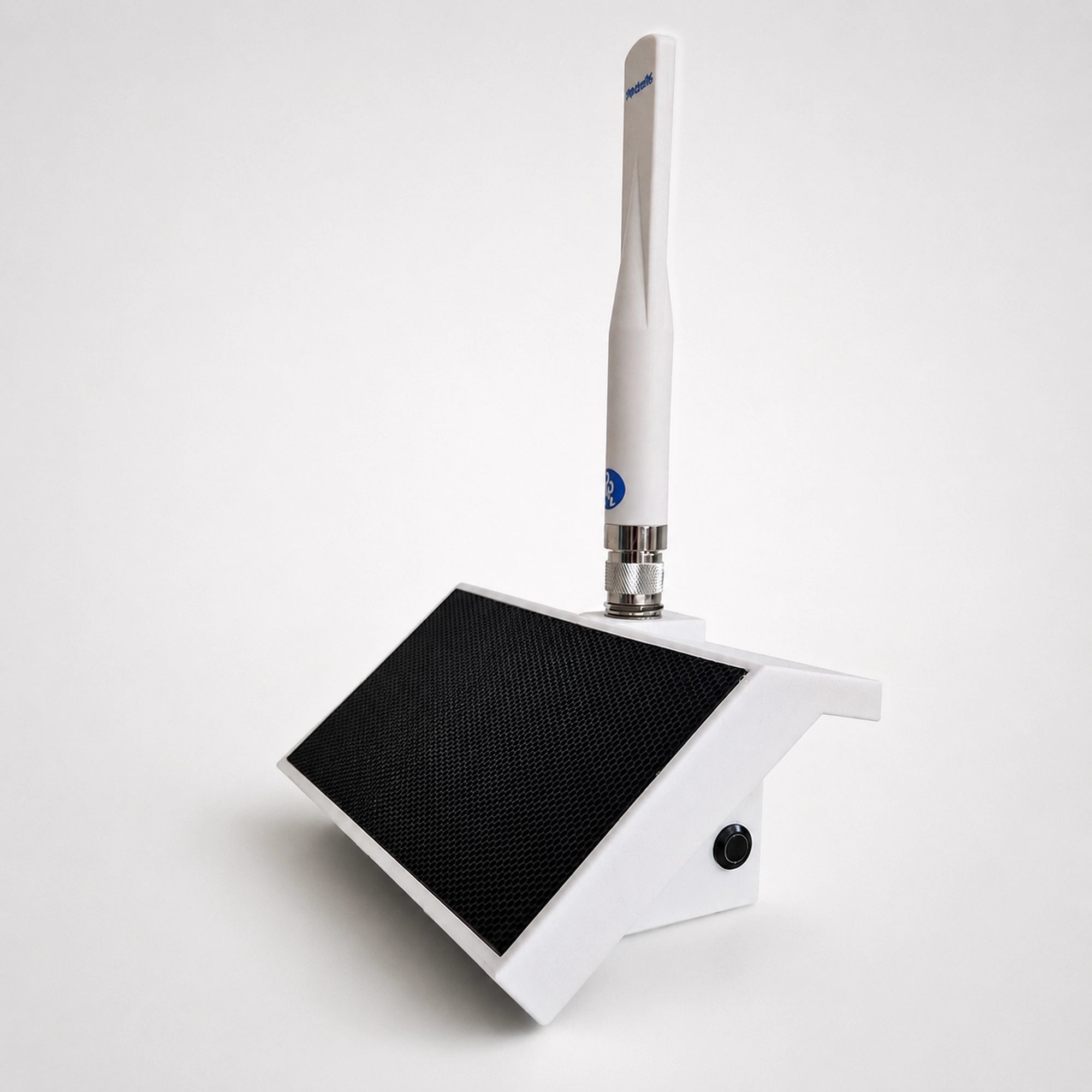
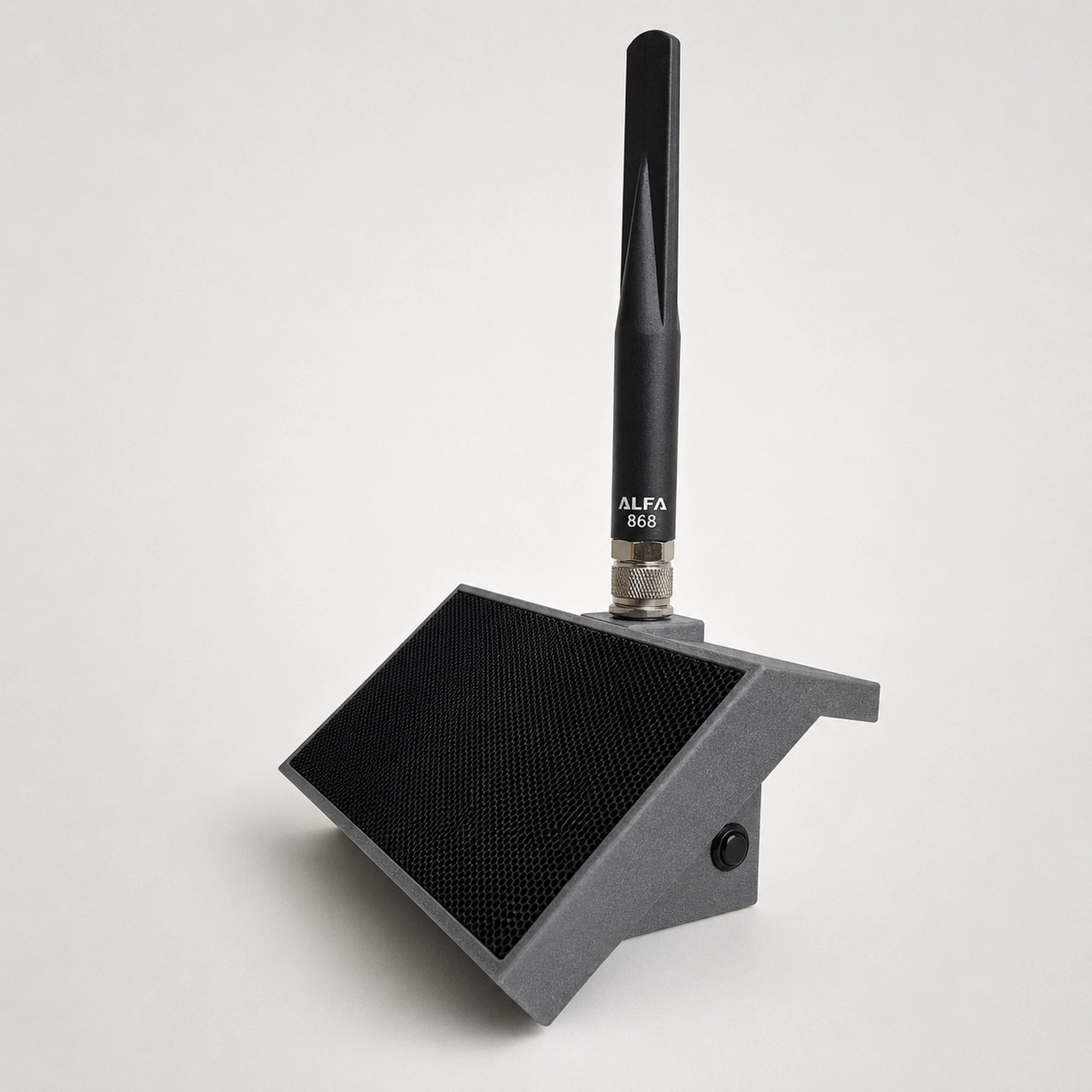
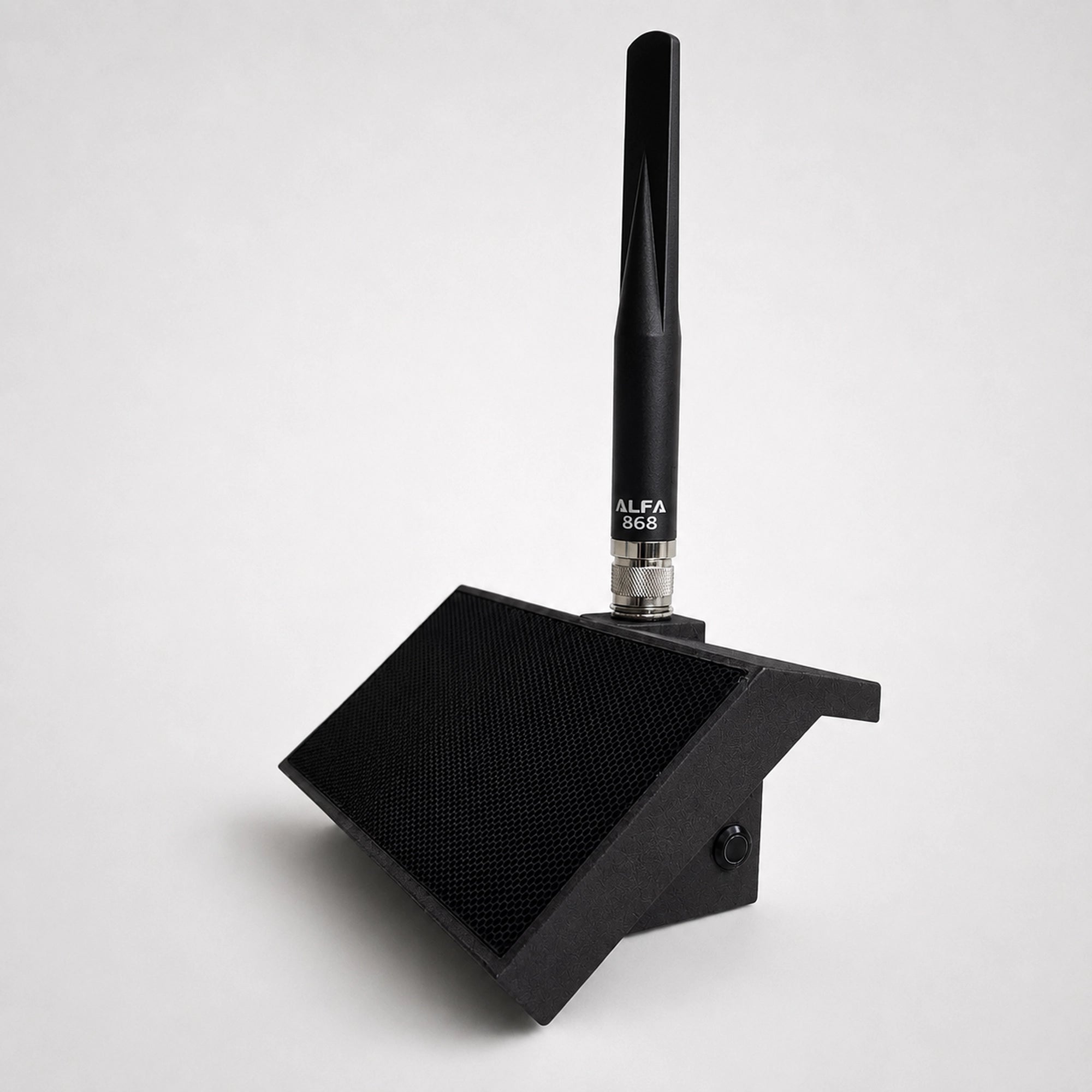
Such assembled MeshCore Repeater you can get from our shop.
Is a MeshCore Repeater Node Worth Using?
Whether a MeshCore Repeater Node is worth deploying depends less on the hardware itself and more on the network you are trying to build.
For a small group of users who are usually within direct radio range of one another, a dedicated repeater may add little. The situation changes when users are separated by distance, terrain or buildings and a fixed radio point can provide a useful additional link.
MeshCore's architecture is particularly well suited to networks where repeaters can be installed as permanent infrastructure. A companion device can remain with the user, while repeaters are placed at locations chosen specifically for radio coverage. This makes sense for community networks, remote areas and other situations where the network is expected to remain in place rather than being created temporarily between a few devices.
MeshCore's specialized architecture makes the most sense when dedicated infrastructure is actually useful. If users already have reliable direct links, a MeshCore Repeater Node adds complexity without necessarily adding much value. If terrain, buildings or distance create coverage gaps, a fixed repeater can become a useful part of the network.
The important point is to choose the network architecture first and the hardware second. A repeater should solve a specific connectivity problem rather than be added simply because the firmware supports one.
Conclusion
The most useful way to judge a MeshCore Repeater Node is not by asking how far it can transmit, but by asking whether it solves a specific problem in the network. A repeater makes sense when there is a known weak link, a difficult piece of terrain, or a location where placing a fixed radio can materially improve connectivity. Without that problem to solve, adding infrastructure can simply create more hardware to power, configure and maintain.
That also suggests a practical way to approach deployment. Before making an installation permanent, test the proposed location, observe which links actually improve, and decide whether the benefit justifies the added complexity. In this kind of network, placement and topology are often more important than choosing the most expensive board.
This is where the MeshCore Repeater Node becomes interesting: not as a range-enhancing accessory, but as a tool for deliberately shaping a network. MeshCore gives builders the option to design coverage rather than merely hope that enough individual radios happen to connect.
For a persistent LoRa network, that shift in thinking may be more important than any single hardware specification.