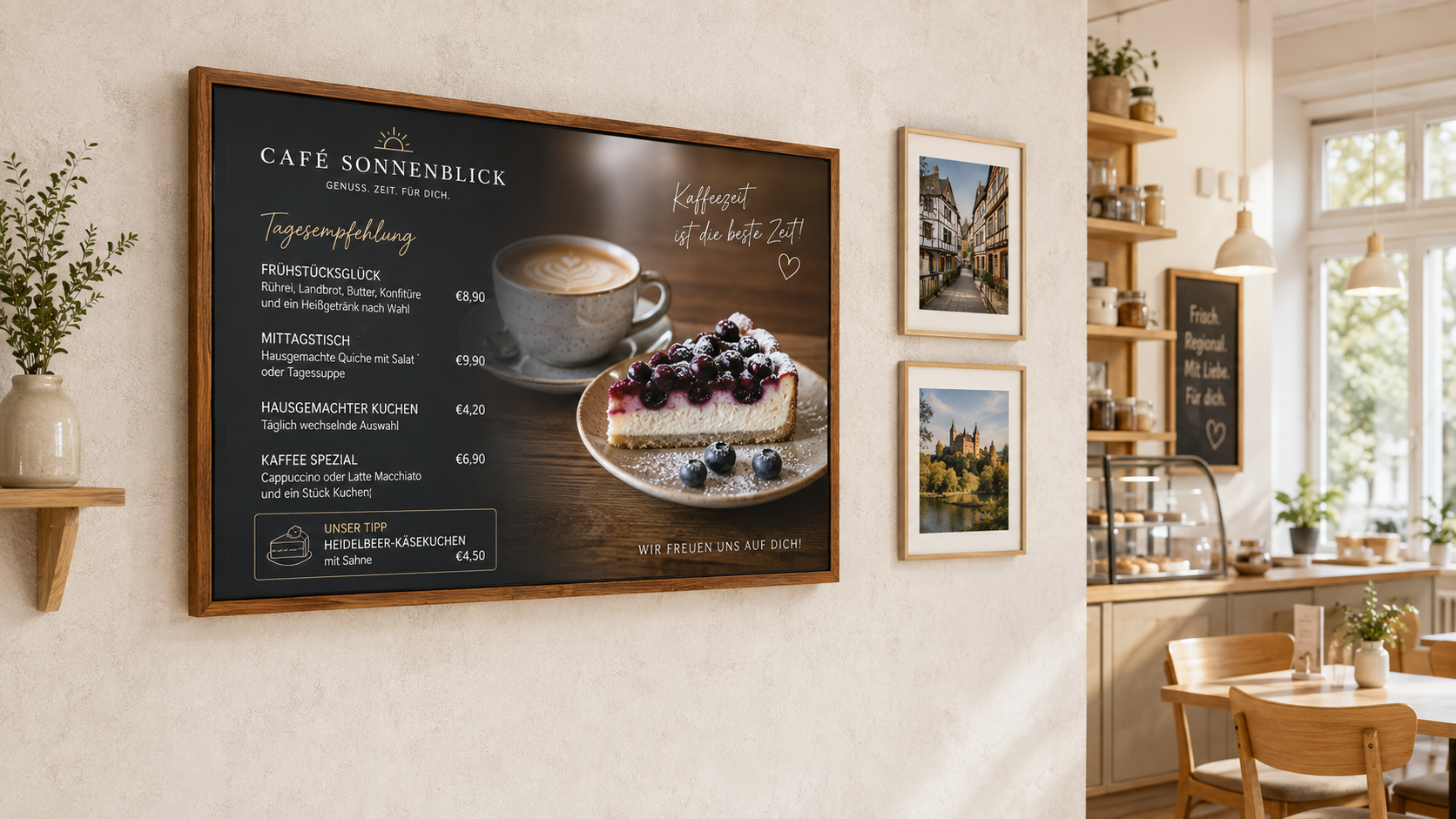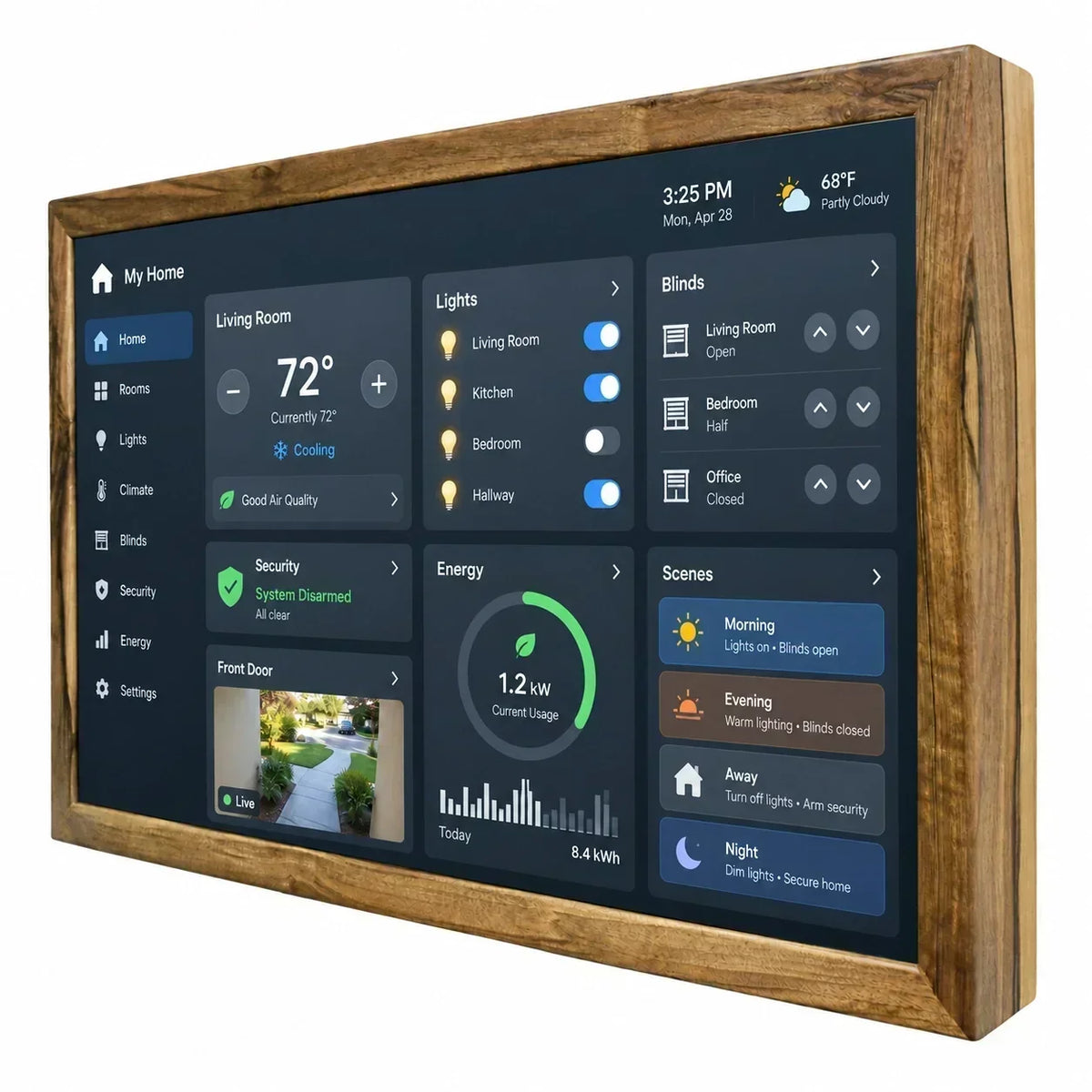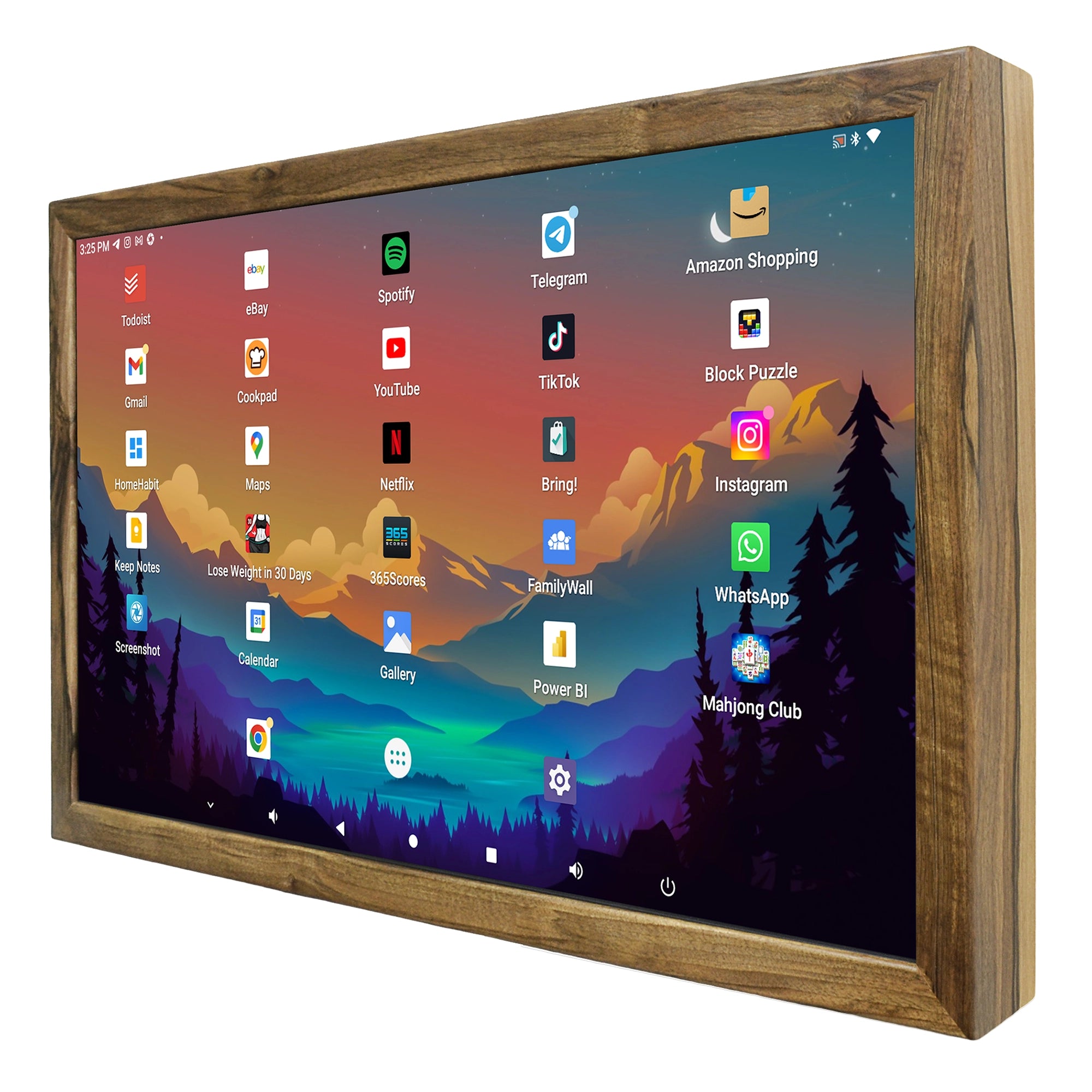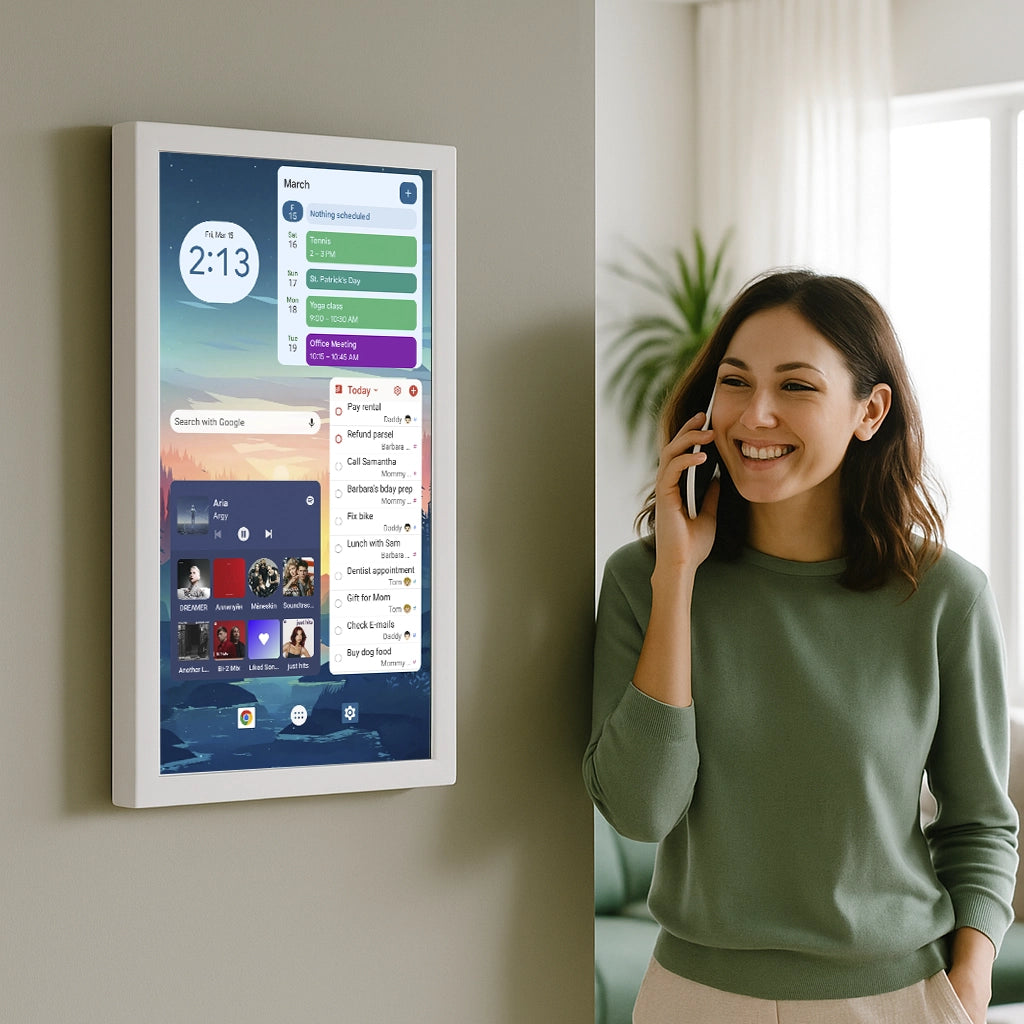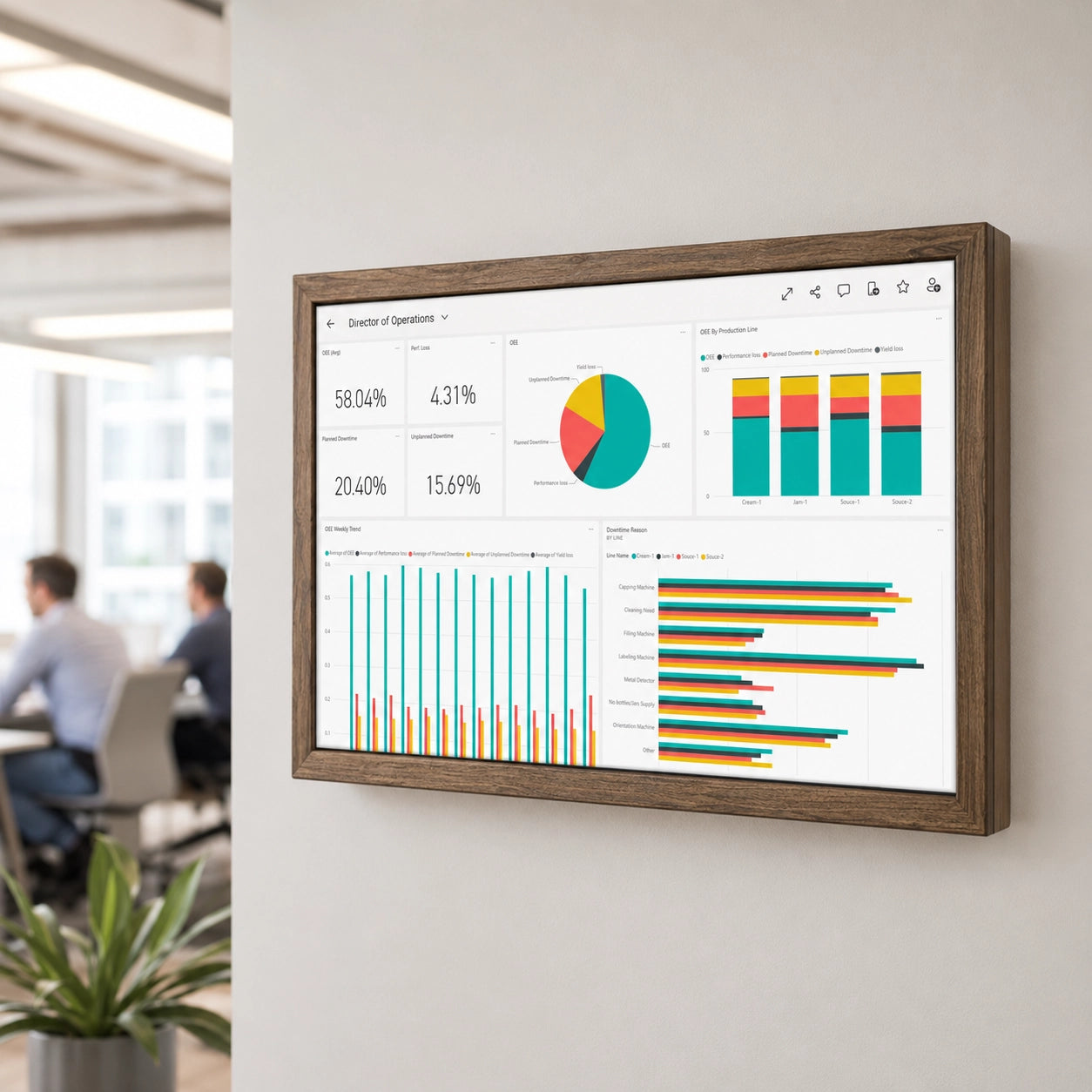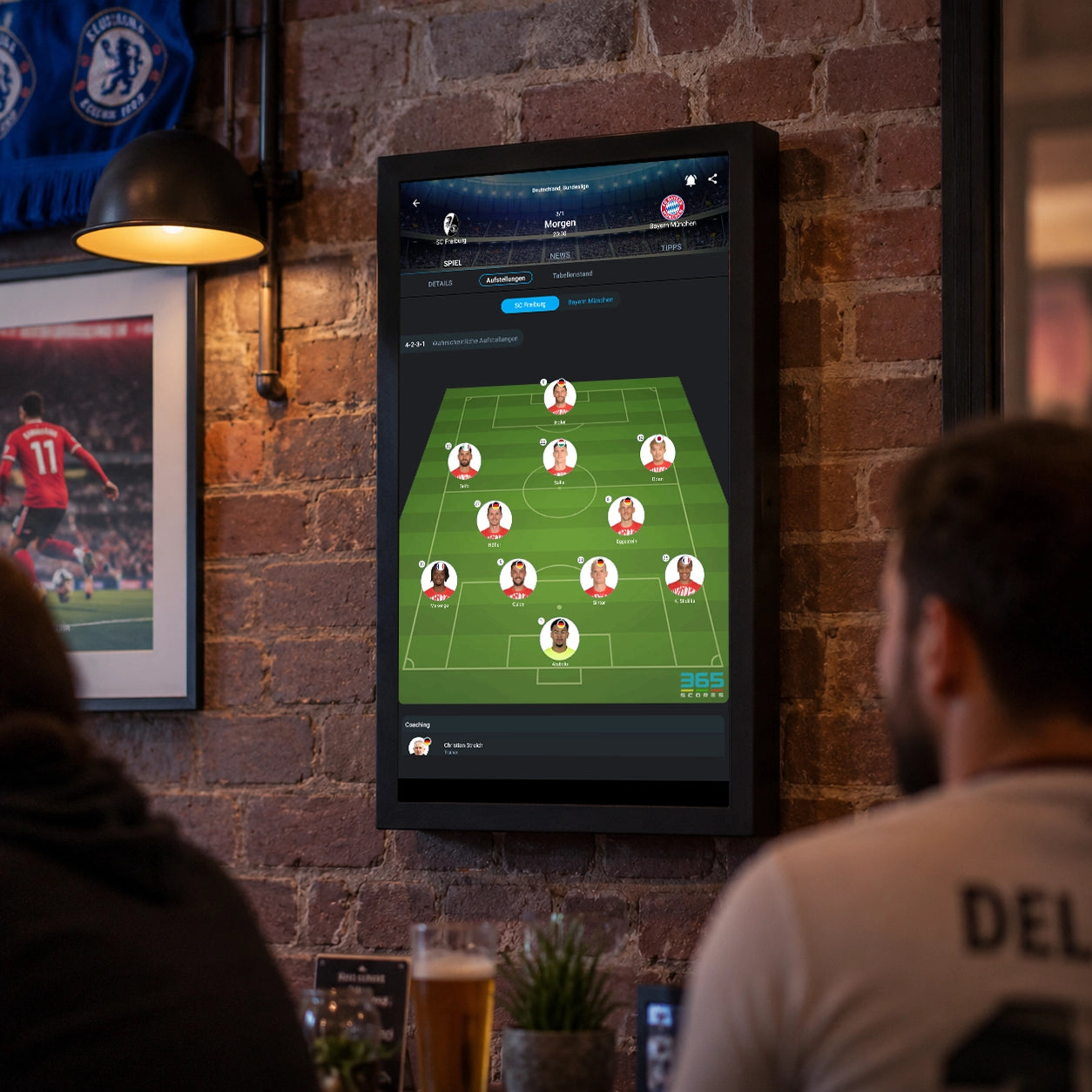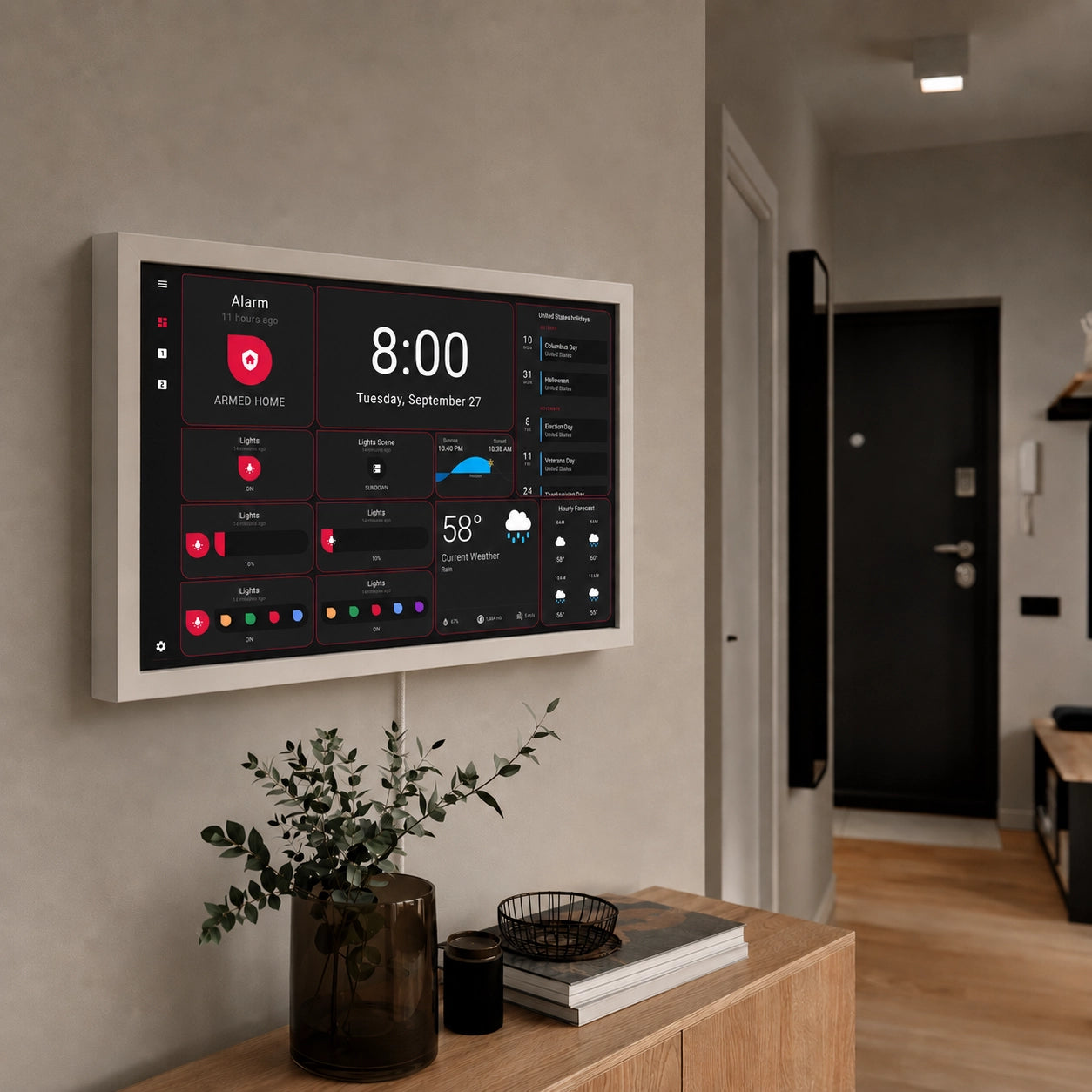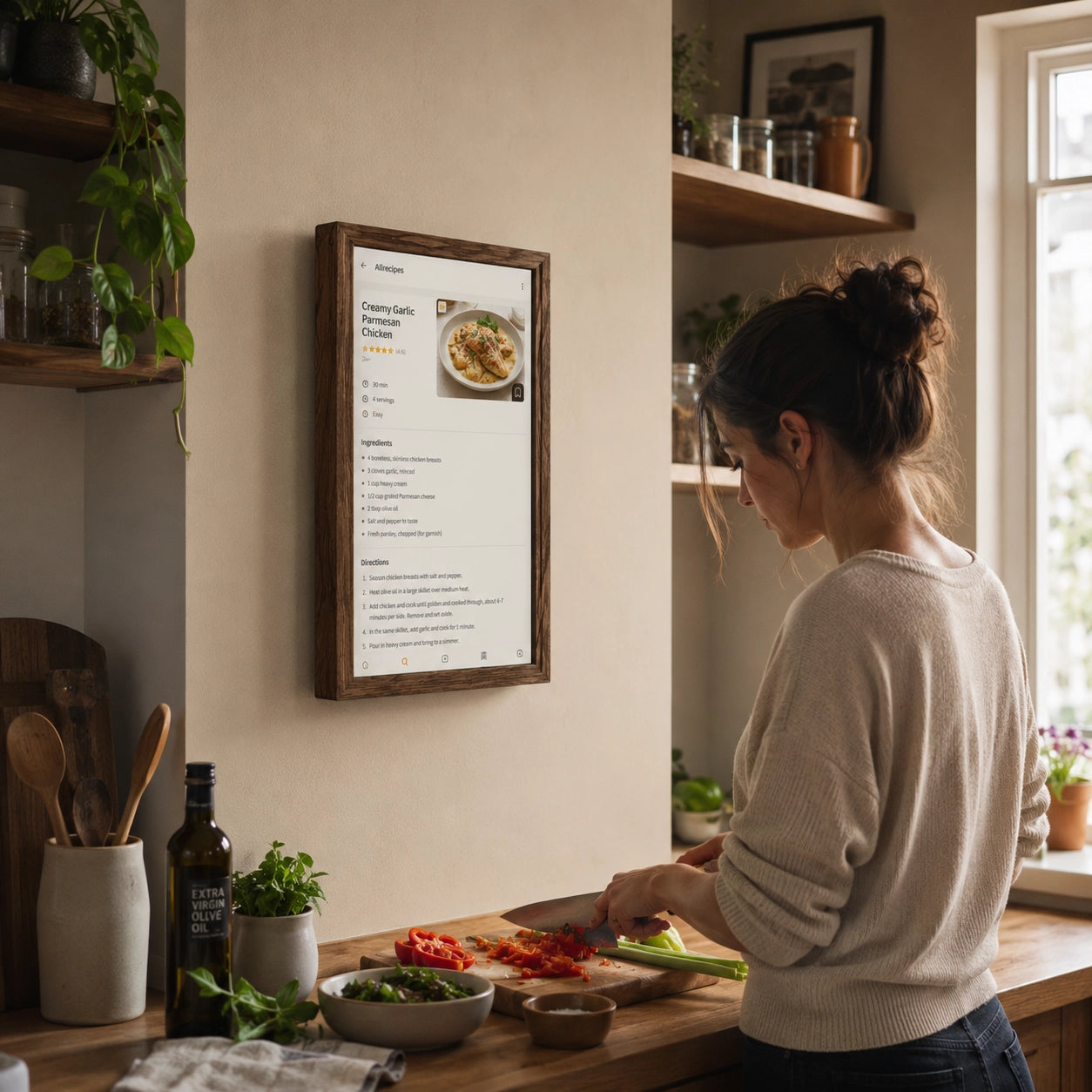
If you decide to buy a digital family calendar, your search will probably start looking familiar very quickly.
Which one is better in 2026, Daely Calendar or Skylight Calendar? Which one has the better calendar? Which one handles chores better? Can you plan meals? Is there a shopping list? Can tasks be assigned to children? Does it work with Google Calendar? Is a subscription required?
All of these are reasonable questions. But there is one more fundamental question that people usually do not ask at all: Why should you have to choose between two predefined sets of features?
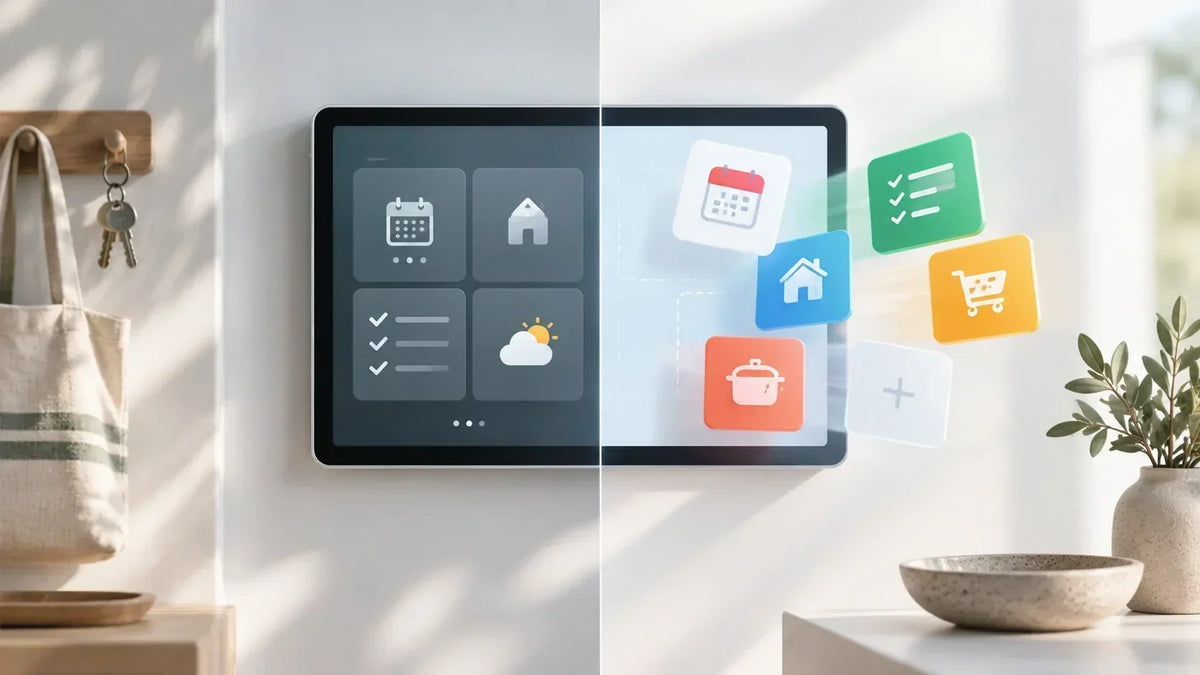
This may be where the much more important dividing line in modern family dashboards actually lies. Not between Daely Calendar and Skylight, but between Android devices where the manufacturers have already decided which functions you need and just plain Android display where you choose the apps yourself and, by doing so, define the functionality you want of your own family dashboard.
The difference may seem small as long as your family does not grow, or complexity is not that high, and you are satisfied with what you got from the manufacturer. Later, however, it can turn out to be the difference that determines almost everything.
Does Daely Calendar and Skylight Solve a Real Problem?
First, the obvious point should be acknowledged: the idea of a dedicated digital family calendar all-in-one is a good one.
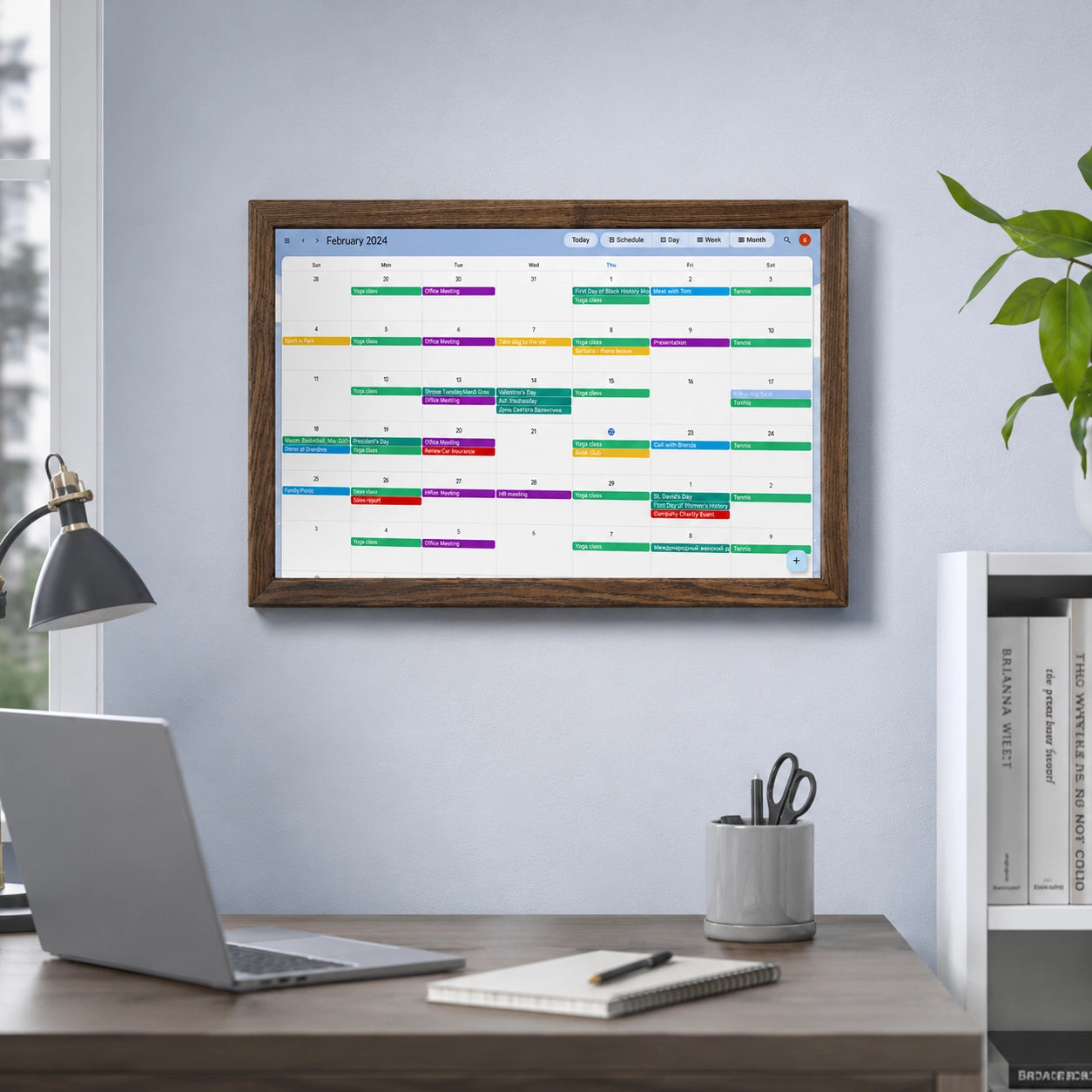
A large, permanently accessible wall display calendar can genuinely be more convenient than a smartphone for shared family information. There is no need to ask who has training today, what time the dentist appointment is, who is supposed to take out the trash, or what is planned for dinner.
The information is available in one physical location and visible to everyone in the household. That is the basic appeal of products such as Daely Calendar.
Daely Calendar currently offers a family calendar, tasks and routines, a points system, meal planning, lists, reminders, and a digital photo-frame mode. It synchronizes with external calendars such as Google, Apple, and Outlook and includes a companion smartphone app. The company also emphasizes that there is no mandatory subscription and says it continues to add new features through software updates.
Skylight is built around a very similar idea to Daely Calendar. It combines a family calendar, synchronization with external calendars, chores, lists, meal planning, and a mobile app. Some additional features, including more advanced rewards, Sidekick, the photo screensaver, and parts of meal planning, are tied to Calendar Plus.
And....both are running on Android OS, cool. So, they insta
In other words, both Daely Calendar and Skylight address roughly the same use case: creating a central place in the home for family organization.
And....both are running on Android OS, cool.
You Get These Features, and These Are the Features You Use
Imagine a typical situation.
You like Skylight Calendar as a device. The display size works for you, you like the design, and you have already found the perfect place for it on the kitchen wall.
A few months later, however, you realize that you do not like the way chores are implemented. What can you do? You can explore the settings. You can wait for an update. You can send the developer a feature request. But installing a completely different Android chore-management app that fits your family better is another matter entirely.
This is where the fundamental limitation of a dedicated family calendar such as Daely Calendar becomes visible.
Daely Calendar does not simply provide a category of functionality. It provides one specific implementation of that functionality.
Need a shopping list? Here is our shopping list. Need chores? Here are our chores. Need a meal planner? Here is our meal planner. Need a family calendar? Here is our family calendar interface.
If you like all of it, that is perfectly fine. But if you dislike one specific feature, you usually cannot simply say, “I’ll keep the calendar, but I’ll use a different app for household tasks.” There is no such choice with these displays. With Daely Calendar or a similar dedicated platform, you are choosing the system as a whole.
Buying Someone Else’s Decision About Which Features You Need
The contrast with a product such as Daely Calendar becomes clearer when we buy a smartphone: nobody asks, “Do you want the phone with WhatsApp or the phone with Telegram?” That would sound absurd, right?
We buy the device first and then choose the software we use or we like. Do not like one weather app? Install another one. Google Keep does not fit your workflow? Try Todoist, TickTick, Notion, or something else. Do not like one chores service? Use another.
The family-calendar market, including products such as Daely Calendar and Skylight, however offers today an opposite direction. We got sold often the display, interface, calendar, task system, lists, meal planning, and future product direction as one package which we can not alter. Does it make sense? Perhaps in some cases yes, but not for all customers for sure.
In practical terms, when you buy a product such as Daely Calendar, you are also buying into the manufacturer’s product roadmap. If the developer decides to add a new feature, you get it. If the developer decides not to add it, you do not.
Daely Calendar, for example, explicitly says that its team continues to develop additional features and release updates. That is a positive thing. But there is another side to the same statement: it is the Daely Calendar team that decides which future functions will appear on your display and how those functions will work.
You own the screen, but the screen’s functional capabilities are still determined to a large degree by someone else.
Now Imagine the Same Wall Display with Instant Google Play
Change only one element.
There is still a large touchscreen on the wall. It is still used as the family information center. It is still always available. It is still installed in the kitchen, hallway, or another shared space.
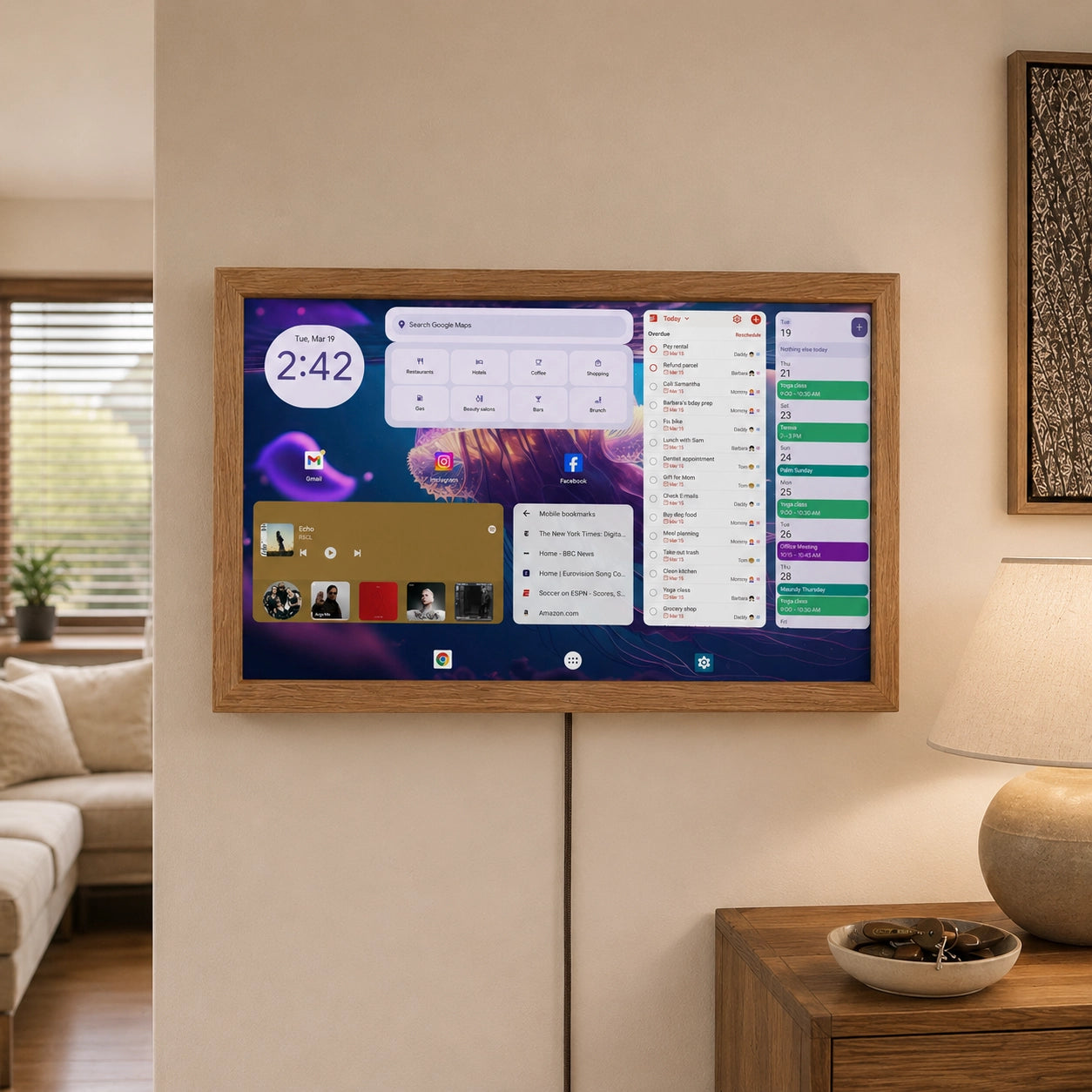
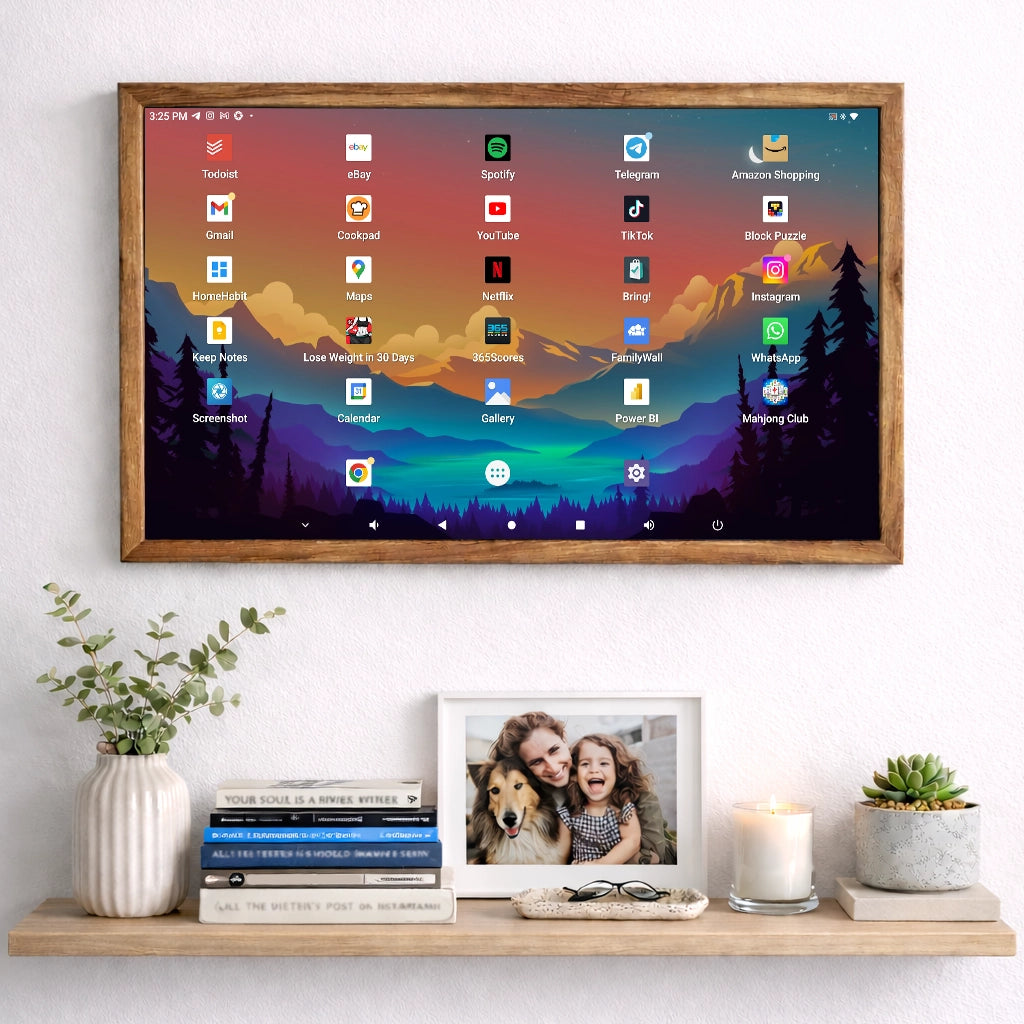
But instead of the fixed software package used by products such as Daely Calendar, it runs a full Android system with access to Google Play. You no longer need to find a family calendar whose developers happened to implement everything perfectly. You can then assemble the functionality yourself.
If you want one all-in-one app, install one. If you want to use five specialized apps, use five.
The display itself does not have to change, which is the key contrast with the fixed software model of Daely Calendar.
Don’t Like the Google Calendar? Choose Another One
Take the core feature of any family dashboard: the calendar.
Why should it be represented by only one application? Google Play offers many different approaches to shared scheduling.
TimeTree, for example, focuses specifically on shared calendars and has more than 10 million downloads on Google Play. It allows users to create shared calendars for families, couples, and groups.
Cozi Family Organizer combines a shared calendar, reminders, shopping lists, and other family features and has more than 5 million downloads.
FamilyWall goes even further, combining a shared calendar, collaborative lists, meal planning, expenses, documents, and family messaging. It also has more than 5 million downloads.
There are apps designed specifically for couples. There are planners for parents. There are tools for shared custody. There are applications for shift workers.
If, two years from now, a new app appears that solves your problem better, there is no need to replace the wall display. You replace the app. That is how normal software competition works.
Why Should Chores App Be Limited to One Implementation?
The same applies to chores. For one family, a simple list may be enough: clean your room, feed the dog, take out the trash.
Another family may want points and rewards. A third may need recurring tasks. A fourth may want household work distributed between adults. A fifth may not need child-oriented chores at all and may instead want a proper household-maintenance system.
That is already a very different kind of application from the built-in chores functionality you get with Daely Calendar.
Tody, for example, focuses specifically on household tasks and cleaning. It allows users to define task frequencies, track the condition of the home, and distribute work among household members. It has more than a million downloads on Google Play.
Why should a family have to give up an app like that simply because a wall calendar such as Daely Calendar already includes its own chore manager?
This is where the difference between the two approaches becomes especially clear.
One says, “We have a chores feature.”
The other says, “Choose the chores system that works for you.”
Those are not the same thing, and this distinction matters when comparing an open Android display with Daely Calendar.
The Same Applies to Shopping Lists App
At first glance, a grocery list seems so simple that a dedicated application might appear unnecessary.
Users of specialized shopping-list apps may disagree.
Bring!, for example, is built specifically around shared shopping lists, synchronization between household members, and grocery planning. The app has more than 10 million downloads on Google Play.
This is a useful example of why a specialized application may potentially provide more depth than a small grocery module embedded inside a much larger system.
A team developing a family calendar such as Daely Calendar has to work on the calendar, chores, rewards, lists, recipes, meal planning, mobile apps, synchronization, and many other elements at the same time.
A team developing a dedicated grocery app can focus almost entirely on one problem. That does not automatically mean that a specialized app is better.
It means that you have a choice with a native Android Display. And choice is the key word here.
Does a Family Dashboard Really Have to Stop at Family Planning?
There is an even more interesting question when comparing a general Android display with a dedicated product such as Daely Calendar.
Why should a 15-, 24-, or 32-inch touchscreen on the wall suddenly stop being useful once you move beyond calendars, chores, and grocery lists?
A modern home contains far more information than that.
Lets take Home Assistant.
Its Android application can control a smart-home system combining lighting, heating, sensors, multimedia devices, and many other components.
Now your family dashboard can also become the control center for your smart home.
One person may want to see security cameras. Another may want lighting controls. Someone else may care about household energy consumption. Another family may want to see the status of doors and windows.
And another family may have no use for Home Assistant at all. That is exactly the point. You should decide whether that function is useful.
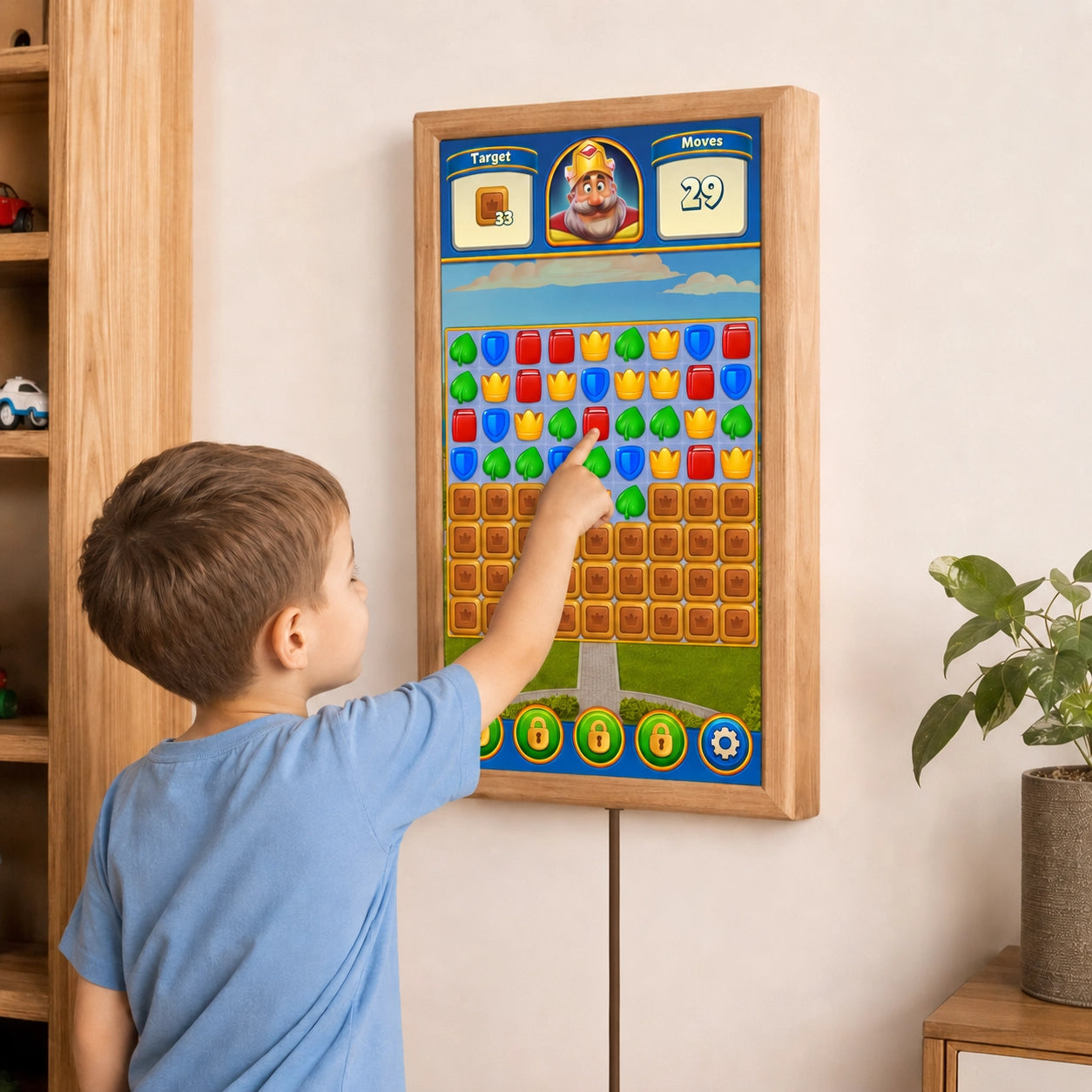
You can add Spotify. You can install a recipe app. You can display family photos. You can use note-taking software. You can show a school schedule. You can open the dashboard for a solar power system. You can use a household-budget app. You can display public-transport information. You can open a web dashboard.
And tomorrow, a useful app may appear that does not even exist today, while Daely Calendar remains dependent on what its own platform supports.
The important thing is that the display should not limit you and exclude that possibility by its design.
You Do Not Have to Use Many Apps
There is an obvious counterargument.
“I do not want ten different apps. That is exactly why I buy something like Daely Calendar or Skylight.” That is a perfectly reasonable position. But access to Google Play does not mean that you are required to install ten apps. If you want an all-in-one solution, install FamilyWall. Or Cozi. Or another family organizer. If it fully satisfies your family, use only that.
The difference becomes important only when it stops satisfying you. On a dedicated device such as Daely Calendar, you are dependent on what the manufacturer decides to change. On a universal Android dashboard, you can replace the application. Or you can keep your main family organizer and add only one missing feature.
For example, you could use FamilyWall for family organization, Bring! for shopping, Tody for household chores, and Home Assistant for smart-home control.
You Choose the Apps That Work Best for You
There are two fundamentally different ways to build a family dashboard. One is to give you a complete, tightly integrated system with a predefined set of features. The other is to give you a platform where you can choose the best app for each job.
Skylight and Daely Calendar follow the first approach. An Android dashboard follows the second. Instead of locking you into one predefined set of features, it lets you choose the apps that fit your household best — for calendars, chores, groceries, recipes, smart-home control, and more.
A family with two young children obviously needs something very different from a household with teenagers, or from a couple with no children at all. So why to lock you in?
Families Change Faster Than Displays
There is another important factor that is easy to overlook at the time of purchase: a good display can physically last for many years, while a family’s needs can change dramatically during the same period. When children are five, routines, pictures, stars, and rewards may be genuinely useful. Five years later, school schedules, sports training, homework, and a shared calendar may matter much more. Another five years on, a child-focused reward system may no longer be relevant at all, even though the display itself still works perfectly well.
That raises a simple question for any product built around a fixed set of features: will the software that fits your household today still fit it five or seven years from now? With an Android-based dashboard, the answer is straightforward. You can change the apps while keeping the same hardware. As your household changes, the software can change with it.
The Apps Compete Too
There is another effect that is easy to underestimate: competition works differently when software is built into a device. Once you have bought the product, the manufacturer has less pressure to make every individual feature the best in its category. If the built-in grocery list works well enough, improving it may simply not be a priority.
Specialized apps operate in a very different environment because users can replace them at any time. TimeTree competes with other calendar apps, Bring! with other shopping-list apps, Tody with other household-management tools, and FamilyWall with other family organizers. That competition does not guarantee better software, but it does create constant pressure to improve.
For the user, the advantage is simple: if an app no longer meets your needs, you can switch to another one without replacing the display itself.
Dedicated Family Calendars Still Have a Serious Advantage
It would be misleading to claim that a universal Android dashboard is objectively better for everyone. Daely Calendar and Skylight have a clear advantage: simplicity. You take the device out of the box, configure your household, and use a system that was designed from the beginning as one integrated product. Daely Calendar even presents the absence of games and other distracting apps as a benefit, and for many families that genuinely may be one.
With this type of system, there is less to think, decide and manage. You do not need to compare apps, build your own setup, check whether each application works well on a large landscape display, or keep track of several separate accounts. The interface is consistent, support comes from one company, and the overall experience may be easier for children and less technical users.
Android has its own limitations. Not every app is designed for a large wall-mounted screen. Some work better in portrait mode, some are clearly optimized for phones, and others simply do not feel natural as part of an always-visible family dashboard. That is a real trade-off.
The difference is therefore not between a good system and a bad one, but between simplicity and flexibility. A fixed platform requires less setup and fewer decisions. An Android platform gives you more choice, but that choice also requires more effort.
And when it comes to the apps optimized for Android display, we have performed the tests for you and share the results in this article.
So the Question Is Not “Which One Is Better?”
The better question is what you actually want to buy. If you want a ready-made appliance where the manufacturer has already chosen the functionality and combined it into one interface, Skylight or Daely Calendar may be a perfectly rational choice.
If, however, you see a family dashboard as a device whose functionality you want to shape yourself, the question changes. Why tie a large touchscreen to one predefined set of software features when a full Android platform can serve the same general purpose while giving you much more control over what runs on it?
The calendar is still a calendar, and the family dashboard is still a family dashboard. The real difference is simply who decides what the display can do: the manufacturer or you.
Don’t Choose Between Two Sets of Limitations
This is why a simple “Daely Calendar versus Skylight” comparison can be too narrow from the start. One may have a better chores system, while the other may offer a calendar layout you prefer. One may include a feature the other lacks, while some functionality may only be available through a paid subscription. At that point, the decision becomes a comparison of compromises: which limitations are acceptable and which are not?
An Android-based dashboard introduces a different option. Instead of choosing between two fixed feature sets, you can choose the software separately from the hardware. You can use the family organizer you prefer, add a dedicated chores app, choose a different grocery-list app, run Home Assistant, and replace any of them later if something better comes along.
The same applies as your household changes. If your needs are different in two or five years, you can change the software without replacing the display. That is the fundamental difference: with a fixed platform, you choose between predefined packages; with Android, you can change the package itself.
Daely Calendar and Skylight provide a ready-made interpretation of what a family dashboard should be. An Android-based display takes a different approach by allowing each household to decide which functions actually matter to them.
That distinction is worth considering before comparing screen sizes, frame colors, calendar layouts, or individual built-in features. The most suitable family dashboard is not necessarily the one with the longest feature list. It may simply be the one that gives you the freedom to choose the software that fits your household today and change it later when your needs evolve.
Instead of adapting your family to a fixed set of functions, you can adapt the dashboard to your family.