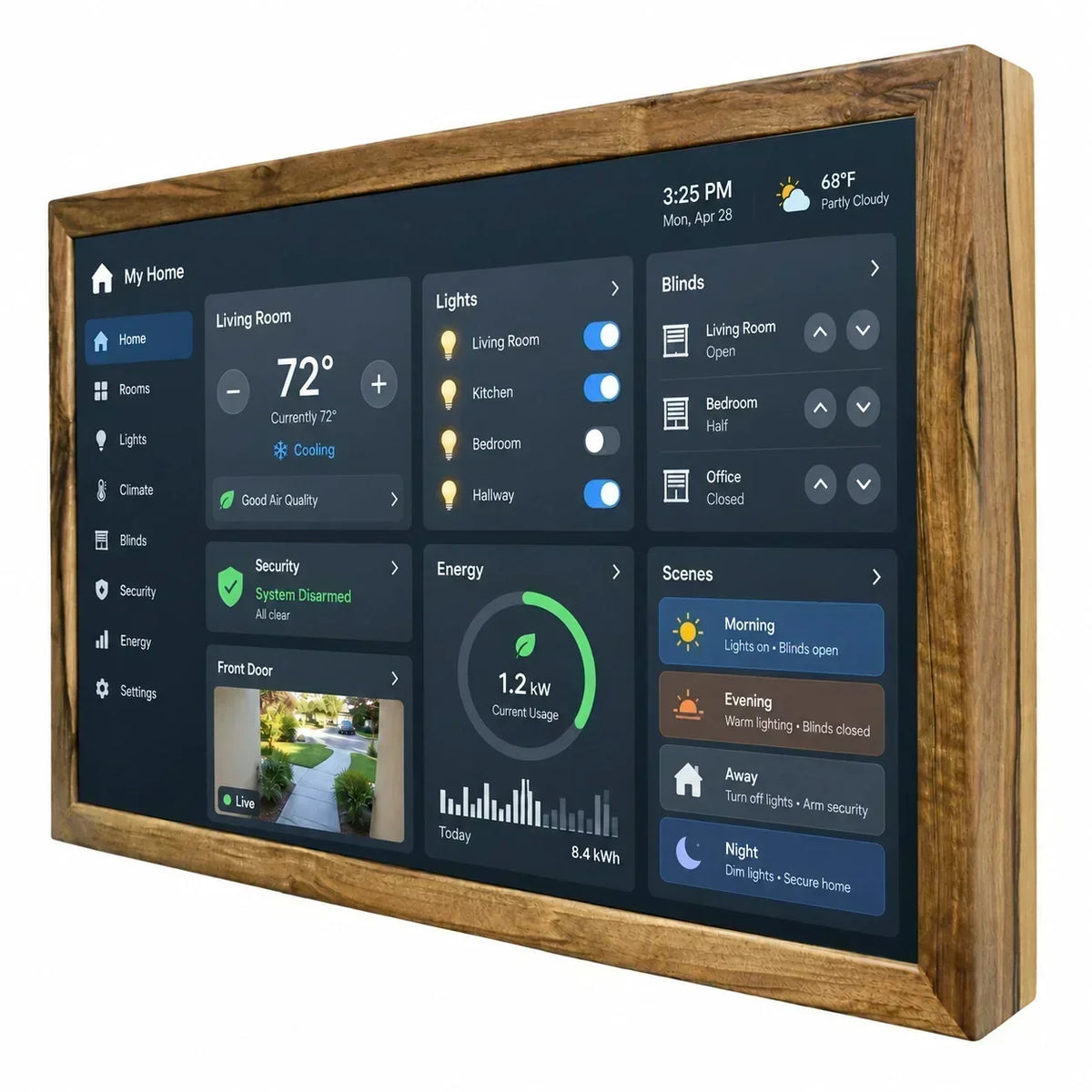
A Modern Alternative to Traditional Control Systems
An Android display is a modern alternative to traditional control systems, which are often limited to one specific task. Thanks to its touchscreen interface and compatibility with a wide range of applications, it allows users to control different functions directly without requiring a separate device for each system.
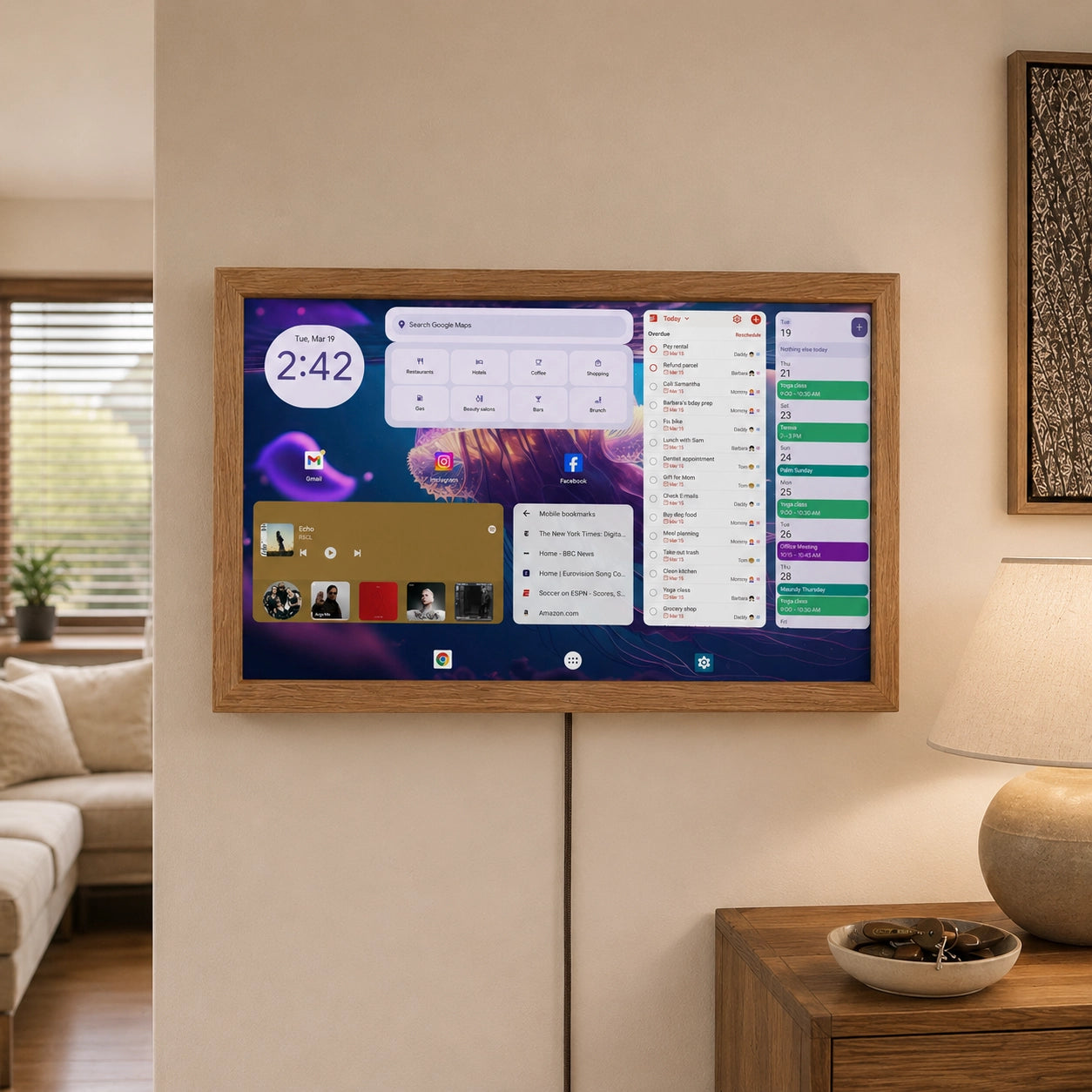
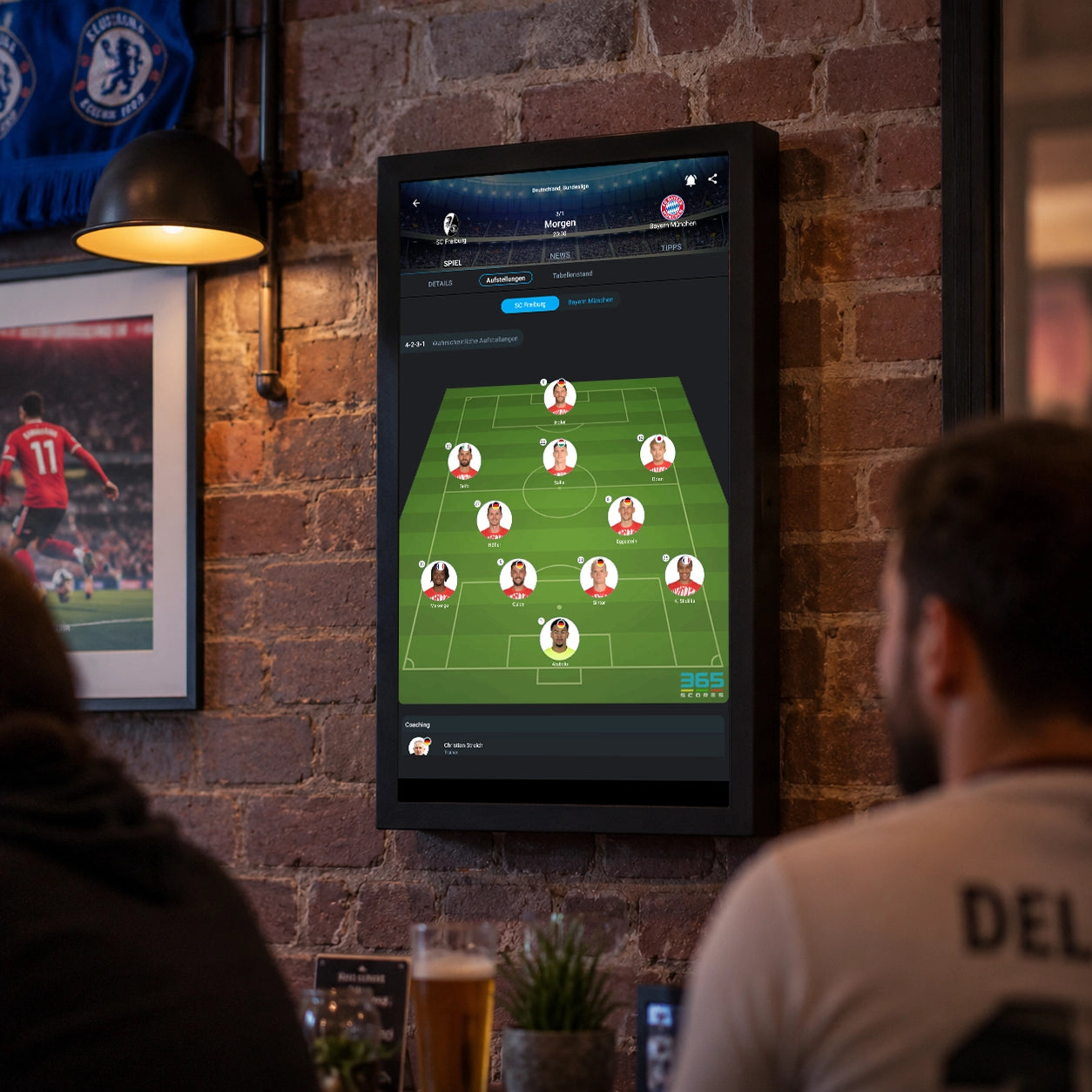
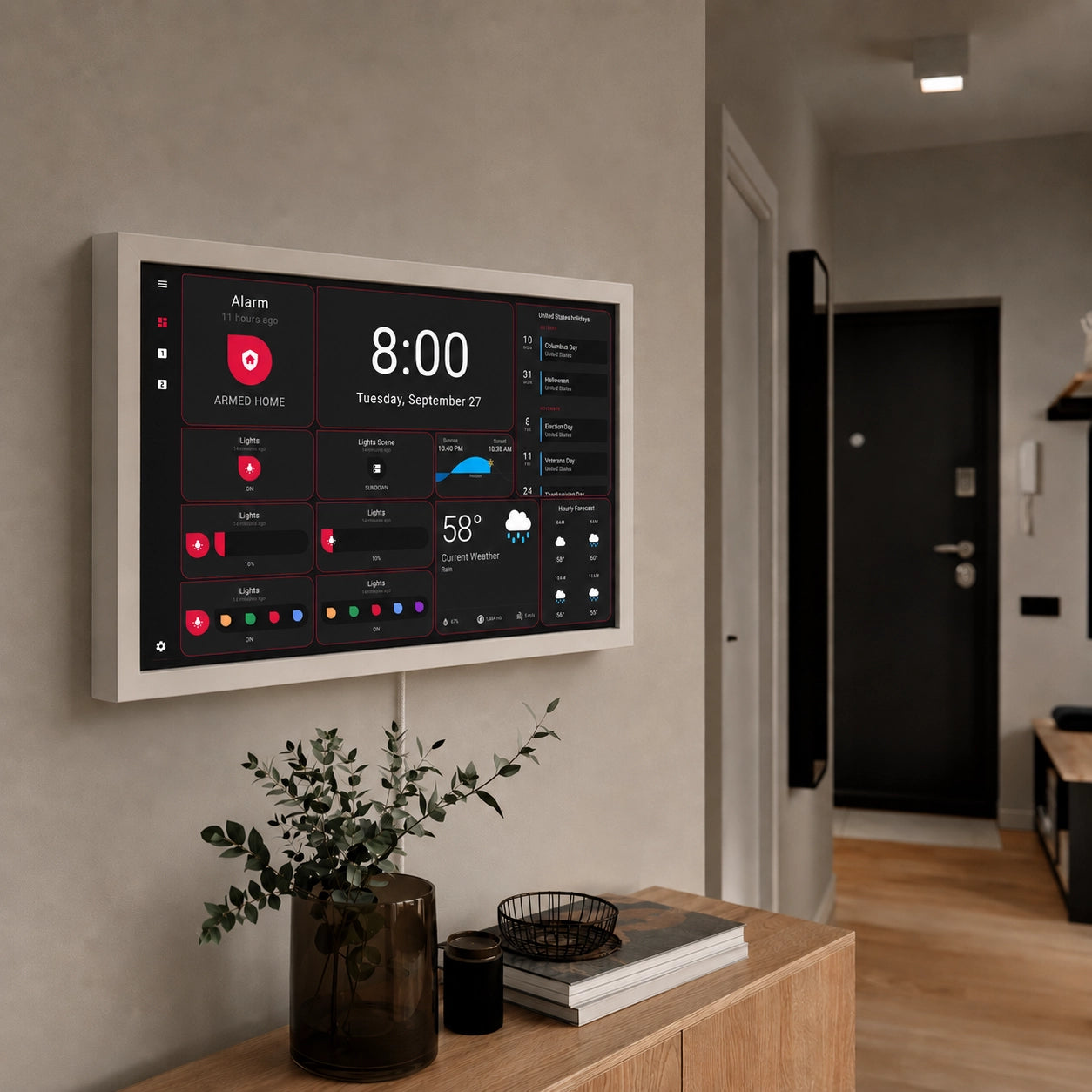
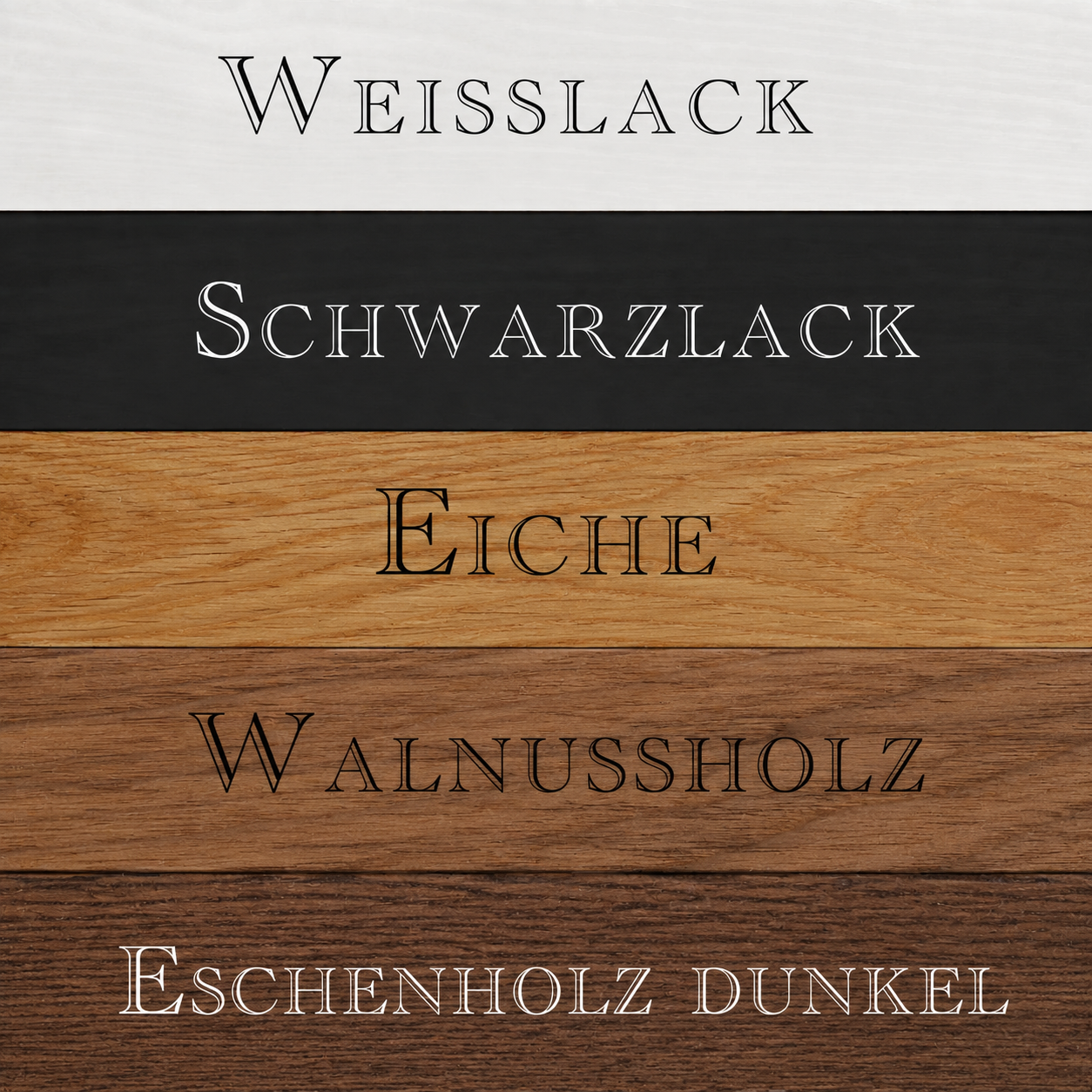
Its modern design allows an Android display to integrate naturally into the interior. A wall-mounted panel only 52 mm thick, with a 24-inch screen, 1920×1080 resolution, and a natural wood frame, can be perceived not only as part of the building’s technical infrastructure, but also as an organic design element for a home or office.
Equipped with a powerful quad-core RK3568 processor, 8 GB of RAM, 128 GB of storage for applications and data, a built-in microphone, and high-quality speakers, it provides a powerful and versatile platform for stable operation of Smart Home applications, interactive control panels, and multimedia services.
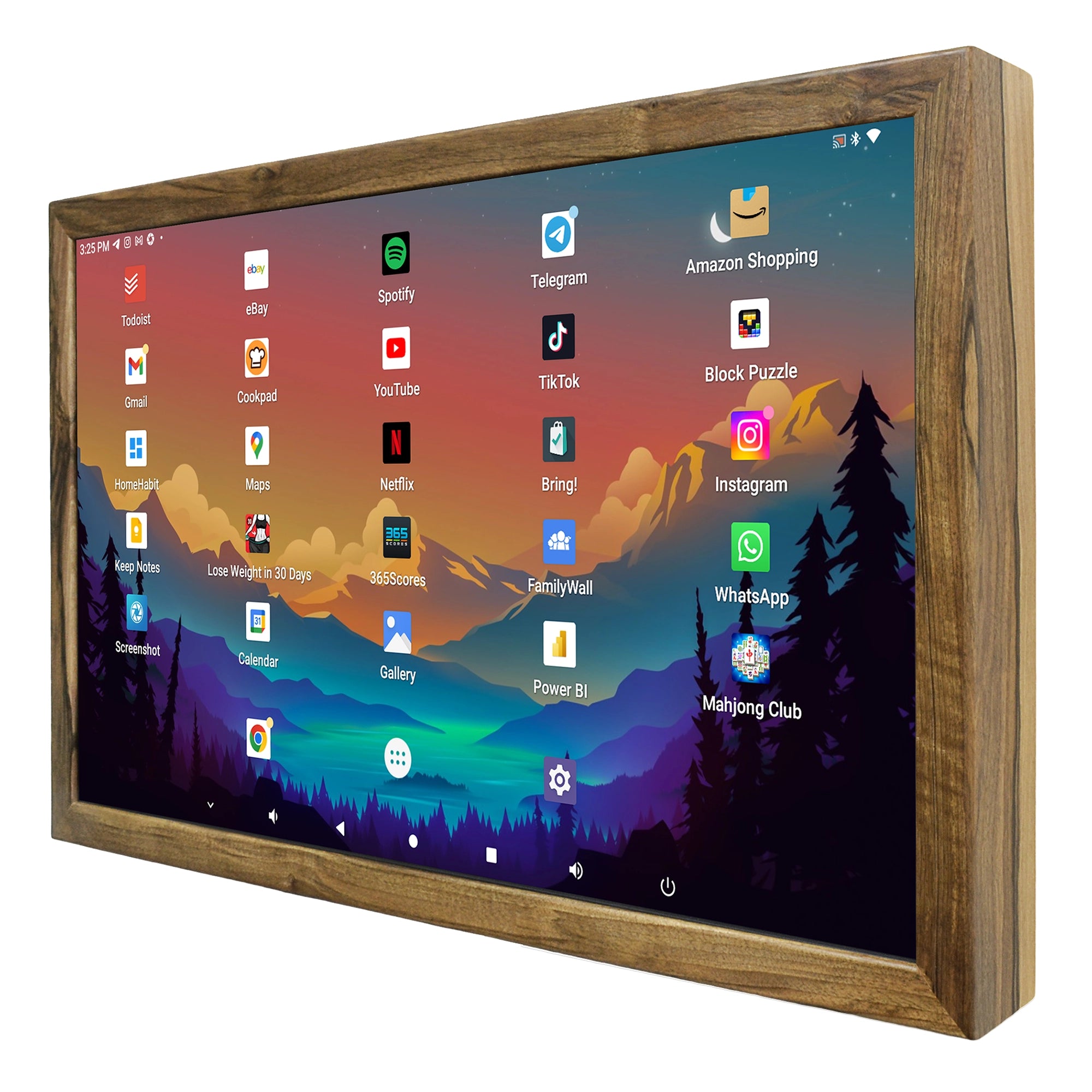
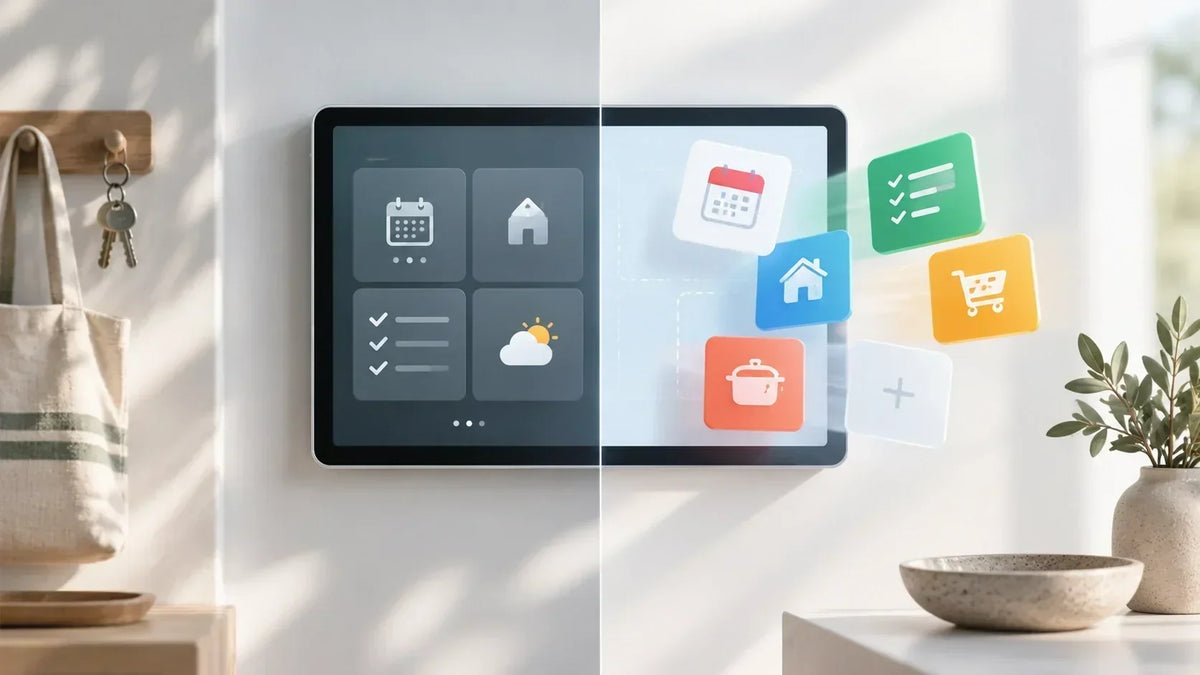
Another advantage is that many changes can be made at the software level. If a new function needs to be added, this does not necessarily mean that a new control device must be purchased. In many cases, it is enough to install an additional application or modify the existing dashboard.
This is one of the key differences between an Android display and traditional control panels with a fixed interface.
Android Display as the Central Interface of a Modern Smart Home
As lighting, heating, security, energy systems, and multimedia become increasingly interconnected, a convenient and intuitive control interface becomes more important. An Android display for Smart Home can serve as the central point of interaction between the user and the home automation system.
Instead of controlling many separate devices and applications, the most important functions can be combined in one interface. The touchscreen provides direct access, while Android offers the flexibility required to use different applications.

Whether used as a fixed panel in the hallway, an information display in the kitchen, or a central control system in the living room, the use case can be adapted to specific requirements.
An Android display therefore combines several qualities that are important for a modern Smart Home: intuitive operation, flexible software, a clear dashboard, and the ability to combine different digital functions on a single device.
For users who plan to expand their Smart Home gradually and do not want to be tied to one predefined interface, an Android display can become a universal hardware platform for modern and convenient home automation.
One Platform for Different Tasks
The key difference compared with many specialized devices is that an Android display is not limited to a single Smart Home function. Today, the display may be used mainly for lighting and heating control, while later cameras, energy monitoring, calendars, and other applications can be added.

This means that the purpose of the device is not fixed exclusively at the time of purchase. The functions the display performs are largely defined by the software installed on it.
For users, this means greater freedom when creating their own Smart Home. Different solutions can be tested and the structure of the interface can be changed without having to purchase new hardware every time requirements change.
It is precisely the combination of a touchscreen, Android, and freely selectable software that makes an Android display an interesting platform for modern building automation.
Family Calendar and Additional Information
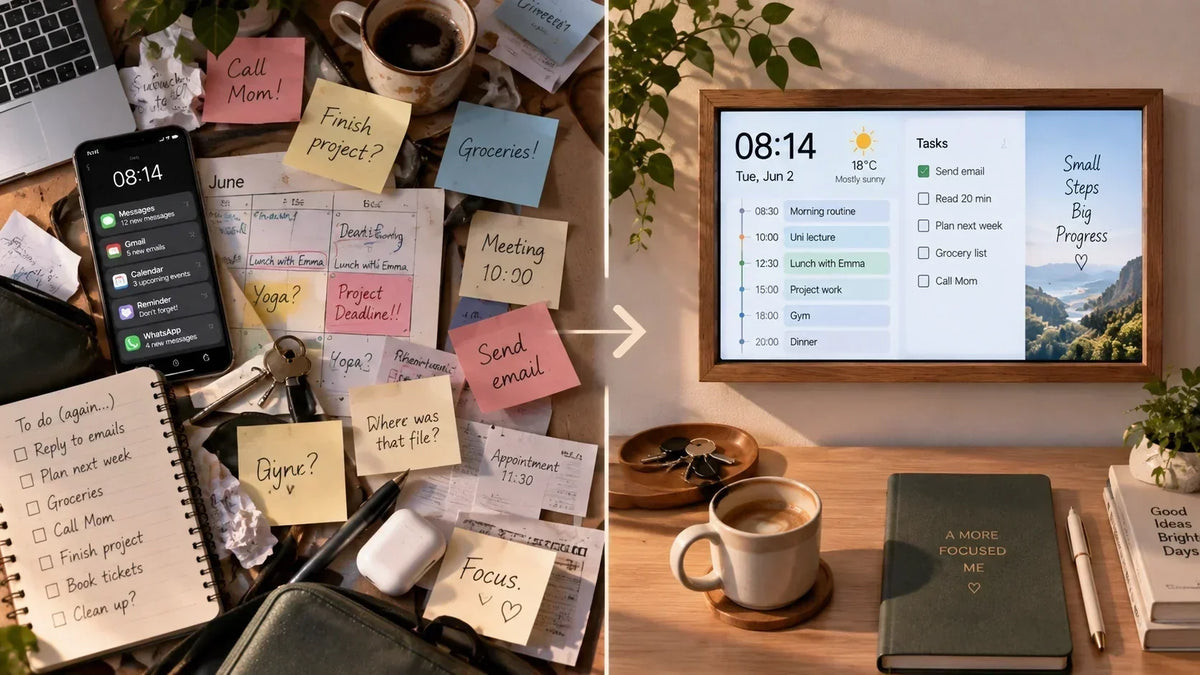
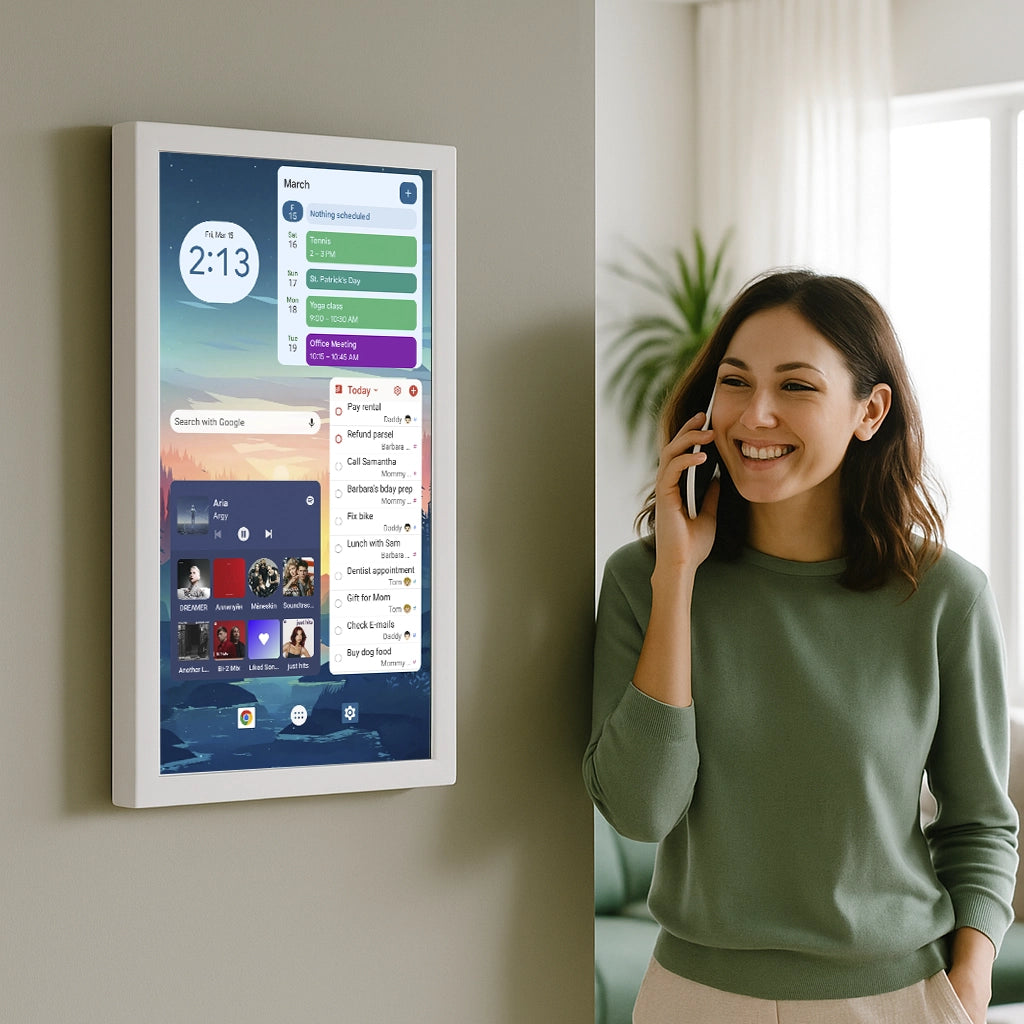
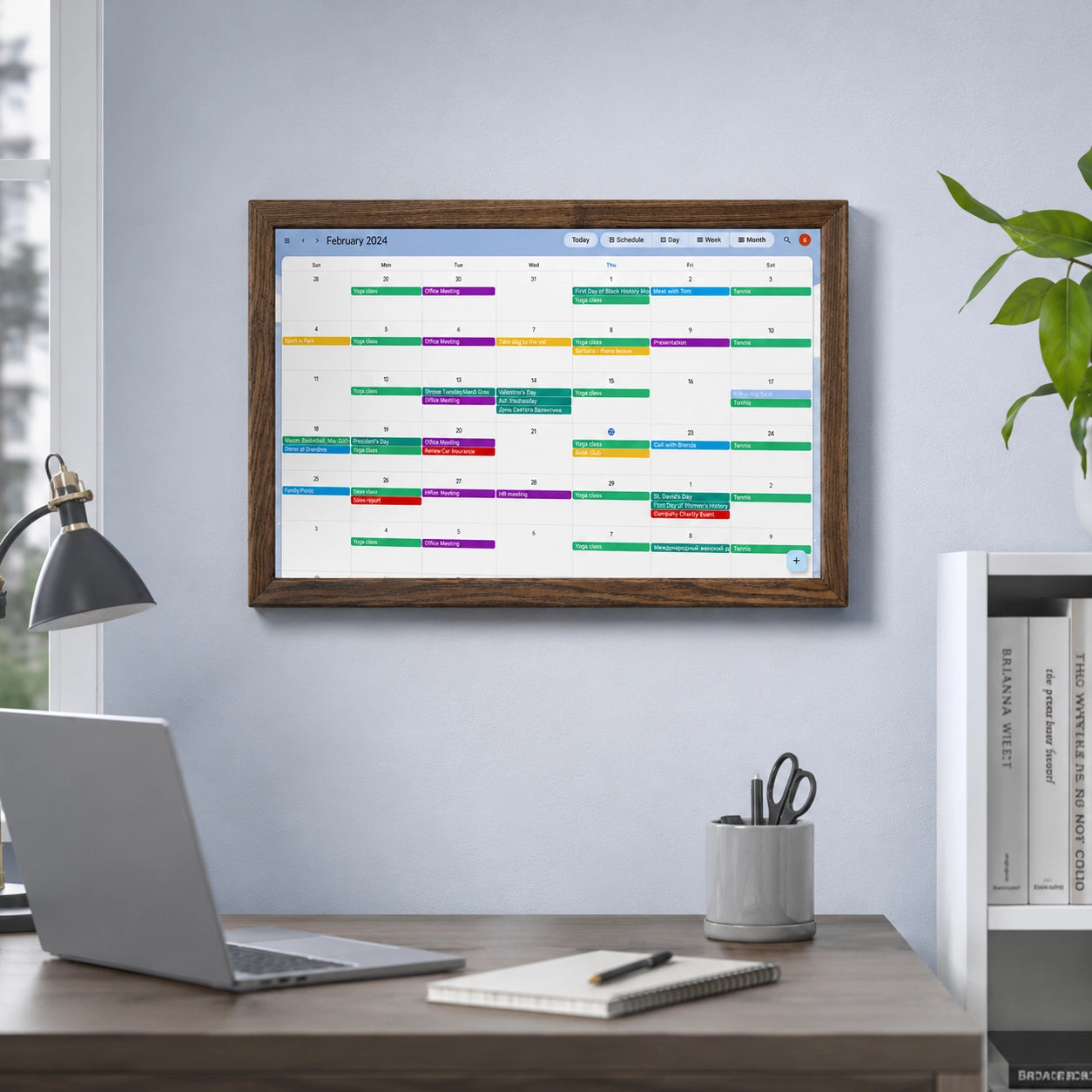
A centrally positioned display is also convenient for showing information that is not directly related to home automation. For example, it can display a calendar, weather information, to-do lists, other family-related information, or even be used as a digital photo frame.

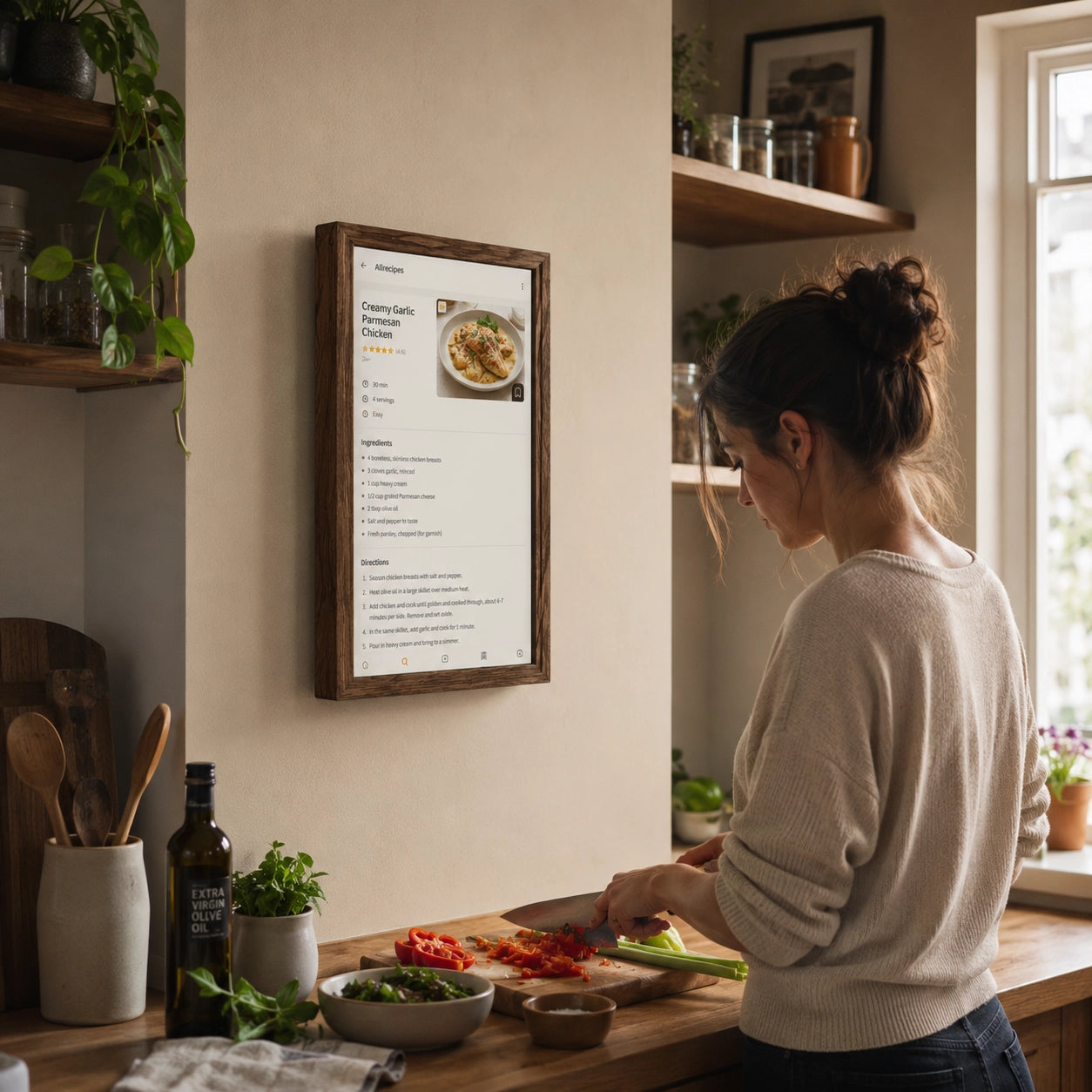
In the kitchen or hallway, an Android display can therefore become a shared family information center. In the morning, it can show the weather forecast, upcoming events, and the current Smart Home status, while later the user can switch to lighting or heating control when needed.

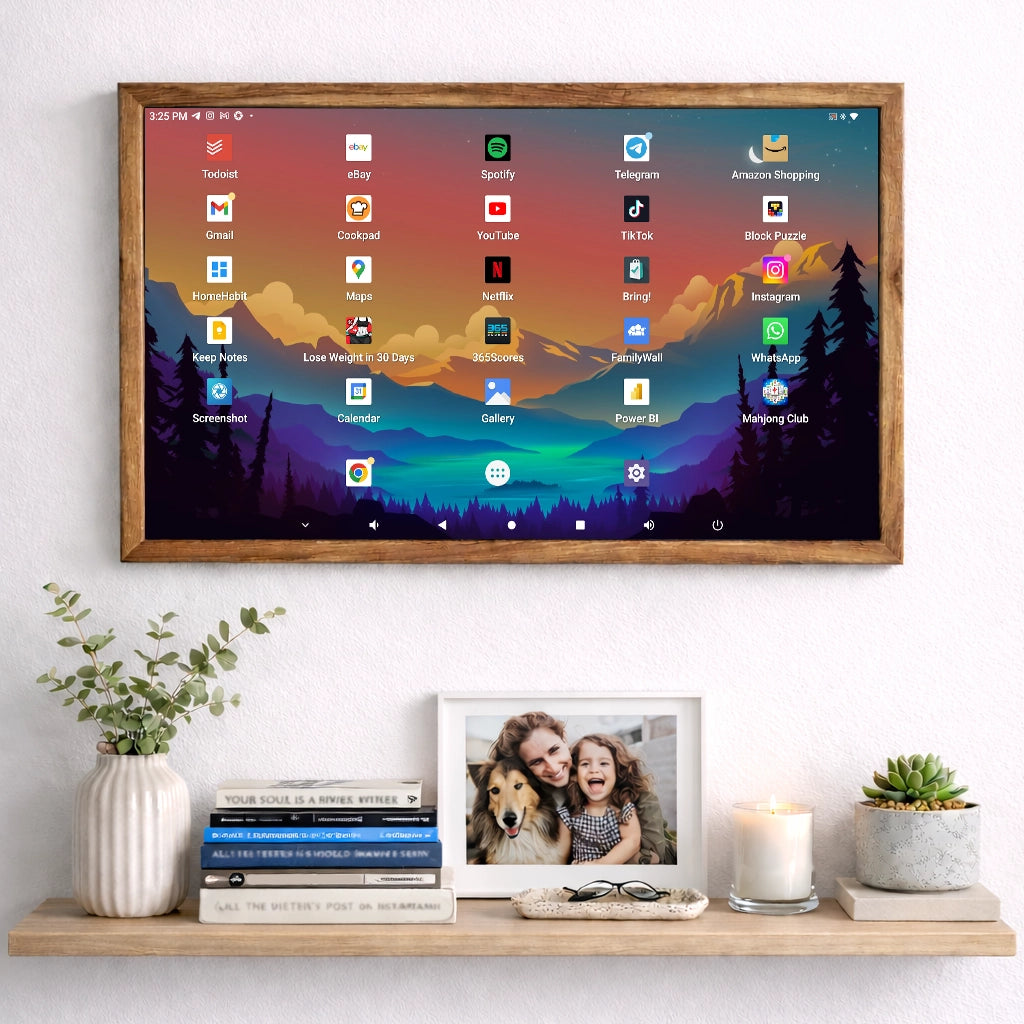
Because Android allows different applications to be used in parallel, the user is not limited exclusively to Smart Home functions. This is exactly what distinguishes an Android display from many specialized panels whose functionality is predefined by the manufacturer.

High Flexibility and Reliable Performance
An Android display is more than just a control device. It can become the central interface element of a modern Smart Home. It allows connected systems to be controlled centrally while maintaining the flexibility to add new applications and functions.
Whether you need to control lighting, security systems, heating, or music, a properly configured Android display can bring these functions together in one interface. Displays are available in different sizes and can be used as wall-mounted or desktop devices depending on the specific requirements.
Another advantage is that the user interface does not have to remain unchanged throughout the entire lifetime of the device. If the family’s requirements change, the dashboard can also be adapted. New devices can be added, unnecessary functions removed, and frequently used controls made more prominent.
This adaptability is particularly important for long-term Smart Home projects. A Smart Home is rarely created completely in one day. In most cases, it grows gradually, and a flexible Android display can evolve together with it.
Intuitive Control in Any Room
An Android display is well suited to different use cases throughout a Smart Home. Whether in the living room, bedroom, office, hallway, or kitchen, the touchscreen panel can be integrated into almost any environment. Thanks to its intuitive interface, operation remains simple: the most important controls can be arranged clearly on the screen and accessed with just a few taps. From temperature and lighting control to music and video management, an Android display can combine many functions that make everyday life more convenient.
In the kitchen, the display can simultaneously serve as a Smart Home control panel, family calendar, information screen, or multimedia device. In the hallway, it can provide access to cameras, a video doorbell, lighting, and the security system. In the living room, an Android display can be used not only for home control but also for music, news, weather information, or multiroom systems.
Because different applications can be used, the interface can be adapted to the specific room. For example, lighting, blinds, and temperature may be the most important functions in the bedroom, while in the hallway, door control, cameras, and information about whether people are present at home may also be required.
Another advantage of Android displays is the ability to use scenes and automations. For example, an evening scene can be configured so that the lighting is dimmed, the blinds are closed, and the temperature is set to a comfortable level. Another scene can switch off unnecessary lighting, deactivate selected sockets, and activate the security system when leaving the house. This flexibility increases comfort and can also help to use energy more efficiently.
Centralized Control Instead of Multiple Apps and Switches
As the number of smart devices increases, home control can become more complex. Lighting, heating, cameras, speakers, sockets, door locks, and sensors are often produced by different companies and managed through separate applications. An Android display for Smart Home can serve as a single central access interface.
Instead of searching for a smartphone every time or switching between multiple applications, the user gets a permanently available panel in a fixed location. A wall-mounted Android display is particularly convenient because it is almost as quick to access as a traditional light switch while offering far more functionality.
Depending on the Smart Home platform being used, the display can show dashboards from systems such as Home Assistant, ioBroker, openHAB, and other automation platforms. Manufacturer-specific applications can also be used at the same time. This means the user is not necessarily tied to a single control interface.
The combination of a permanently installed display and freely selectable software enables a particularly flexible control concept. In this case, the Android display serves as the hardware platform, while the specific Smart Home application or interface can be chosen according to the user’s needs.
Customizing the Smart Home Dashboard
One of the main advantages of an Android display is the ability to customize the user interface. A modern Smart Home may include dozens of sensors, switches, actuators, and automations. However, not every piece of information is equally important at every moment. A well-organized dashboard can therefore significantly simplify everyday interaction with the system.
The home screen can, for example, display room temperatures, humidity, lighting status, energy consumption, or open windows. Frequently used buttons such as “Switch Everything Off,” “Good Morning,” “Leave Home,” or “Movie Night” can be placed nearby.
Additional information can be organized on separate pages. One screen can be used for security cameras, another for heating, and another for monitoring energy consumption. This approach helps keep the interface clear even as the Smart Home becomes more complex over time.
A large touchscreen provides enough space to show several types of information at the same time. This reduces the number of interactions required and allows users to quickly assess the current status of the home.
Compatibility with Different Smart Home Systems
An Android display itself is generally not limited to the ecosystem of a single manufacturer. The key factor is which applications or software interfaces are used on the device. This makes it possible to work with different systems through corresponding Android applications or web interfaces.
This flexibility is particularly useful in homes where devices from different brands are already in use. In many cases, a Smart Home develops gradually over several years. New lights, sensors, thermostats, or cameras are added while older devices continue to operate.
A fixed interface can quickly become a limitation in such an environment. An Android display, on the other hand, can be adapted with new applications, browser-based dashboards, or updated Smart Home software.
Even when switching to another Smart Home platform, replacing the hardware is not always necessary. In some cases, installing another application or using a different interface is enough. This allows the display to remain relevant even after changes to the Smart Home architecture.
Home Assistant and Other Smart Home Platforms on an Android Display
An Android display becomes particularly interesting when combined with centralized Smart Home platforms. Systems such as Home Assistant make it possible to bring devices from different manufacturers into one environment. In this case, the Android display acts as the physical and permanently accessible control panel.
The Smart Home platform itself may run on a server, mini PC, NAS, or Raspberry Pi. The Android display connects to the platform over the local network and shows the corresponding dashboard.
This creates a logical separation of functions: the automation platform handles logic, device integration, and automated scenarios, while the Android display provides a convenient visual interface.
This approach offers another advantage. Even if several Android displays are installed throughout the house, they can all access the same system. A change in the status of a light or heating system will also be reflected on the other control panels.
Android Display as a Permanent Wall-Mounted Panel
One of the most practical use cases is a wall-mounted display for Smart Home. In this configuration, the device is permanently installed in an easily accessible location. Typical positions include the hallway, kitchen, living room, or entrance area.
Compared with a smartphone, a permanently installed panel has an obvious advantage: it does not need to be searched for, unlocked, or taken from another family member. Everyone in the household has access to the same central panel.
Depending on the design, the display can be mounted directly on the wall or installed in a dedicated frame or holder. With a properly planned power supply, the device can remain permanently ready for use.
A well-positioned Android display can complement many traditional control elements. Instead of using several thermostats, separate panels, and specialized controllers, the user gets one unified touchscreen interface.
At the same time, traditional physical switches do not necessarily need to be removed completely. For frequently used functions such as lighting, a combination of conventional switches and a central touchscreen often remains the most practical solution.
Energy Management on One Screen
Smart Home systems are increasingly used not only for comfort but also for monitoring and optimizing energy consumption. An Android display can serve as a central information screen for this purpose.
Through suitable Smart Home systems, data from electricity meters, smart sockets, solar panels, battery storage systems, or heat pumps can be visualized. Users can, for example, see how much energy is currently being generated and consumed or whether energy from a home battery is being used.
Historical data can also be displayed on the dashboard. This makes it possible to analyze consumption peaks or compare energy use across different days and weeks.
An Android display makes this information permanently accessible. Instead of checking energy consumption only through a smartphone application, users can immediately see the current status of the home energy system on a central screen.
When combined with automations, additional possibilities become available. For example, certain devices can be switched on only when excess solar energy is available, or energy-intensive appliances can be scheduled for specific times.
Centralized Control of Lighting, Heating, and Blinds
Among the most common Smart Home functions are lighting, temperature, and sun protection control. These are exactly the areas where an Android display performs particularly well as a central panel.
For lighting control, individual lights, rooms, or entire floors can be managed. Depending on the system, brightness and color temperature can be adjusted, or predefined lighting scenes can be activated.
Heating can be controlled in a similar way. Temperatures from different rooms can be displayed on one screen, while target values can be adjusted quickly. The user can immediately see both the current temperature and the selected setpoint.
Electric shutters, curtains, and blinds can also be integrated into the system. They can be controlled individually or included in automated scenes. For example, a “Leave Home” mode could switch off the lights, reduce the heating, and move the blinds to a predefined position at the same time.
Integration of Security Systems and Cameras
An Android display can also become part of the home security system. Through suitable applications, IP cameras, video doorbells, motion sensors, and alarm systems can be monitored and controlled.
For example, when motion is detected near the front door, the camera image can be opened on the display. In compatible systems, it may also be possible to communicate with visitors or control the door lock.
A central security dashboard can additionally show the status of various sensors, including door and window contacts, smoke detectors, leak sensors, and motion detectors.
This allows users to quickly check whether all windows and doors are closed or whether any sensor has detected an unusual condition. Such information can be particularly useful before leaving the house.
However, integration capabilities depend on the specific Smart Home equipment and security systems being used. Not every camera or alarm system supports direct operation through every Android application.
Voice Control as an Addition to the Touchscreen
In addition to direct touchscreen control, voice control can be a useful extension. Depending on the software and hardware used, compatible voice assistants or Smart Home voice-control functions can be integrated.
This gives the user several ways to interact with the system. More complex tasks can be performed conveniently through the display, while simple commands, such as switching on the lights or activating a predefined scene, can be executed by voice.
Touchscreen and voice control do not exclude one another. On the contrary, they can complement each other. The display provides visual information about the current state of the home, while voice commands allow users to perform simple actions without touching the screen.
Music and Multiroom System Control
An Android display does not have to be used exclusively for traditional home automation. It can also provide access to multimedia control.
Streaming services, internet radio, or multiroom audio systems can be controlled through Android applications if supported by the respective system. In this way, the Smart Home panel can also become a music controller for a specific room.
For example, playback can be controlled in the living room, while playlists or radio stations can be selected in the kitchen. In a multiroom system, several rooms can be grouped together and controlled as one.
This combination of different functions clearly demonstrates one of the main advantages of an Android display: it is not a device with one rigidly defined task. Instead, it can combine different digital functions on a single hardware platform.
Data Protection and Local Smart Home Control
Privacy is also an important consideration when using Smart Home systems. Cameras, presence information, room temperatures, and energy-consumption data can contain sensitive information about the home and its occupants.
The Android display itself does not determine whether data is processed locally or through cloud services. This depends on the applications and Smart Home platforms being used.
Users who prefer a highly local Smart Home architecture can choose systems in which most data is processed within the home network. In this case, the Android display mainly acts as an interface to the local infrastructure.
When cloud-based solutions are used, it makes sense to consider data-processing policies, server locations, and access permissions. Regular software updates and a properly secured Wi-Fi network are also important components of a reliable installation.
User Profiles and Different Requirements
A Smart Home is usually used by several people, and their needs may differ. An Android display can therefore be configured so that the most frequently used functions are easy to access.
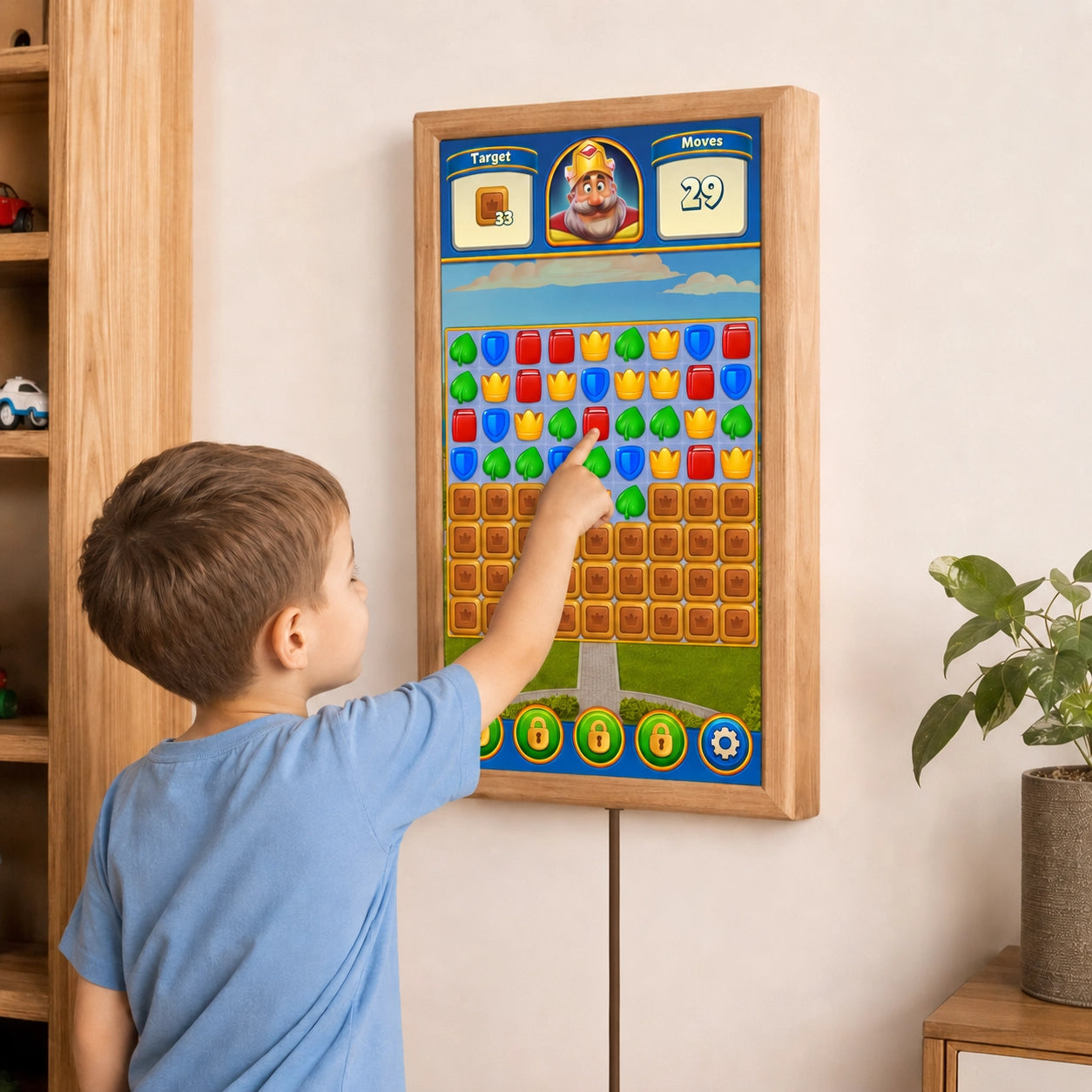
Children, for example, may only need access to lighting or music functions, while adults may require additional controls for heating, security, or automation.
Depending on the software being used, separate user accounts, dashboards, or access levels can be created. This helps reduce the risk of important settings being changed accidentally.
Such access control can also be useful in offices or commercial environments. Employees can be given access to basic room functions while technical settings remain available only to administrators.
Use in Offices and Commercial Buildings
The possibilities of an Android display are not limited to private Smart Homes. Central touchscreen panels can also be useful in offices, meeting rooms, hotels, and other commercial environments.
In a conference room, lighting, blinds, temperature, and presentation equipment can be controlled through one interface. At a reception desk, the display can also show information or the current status of different building systems.
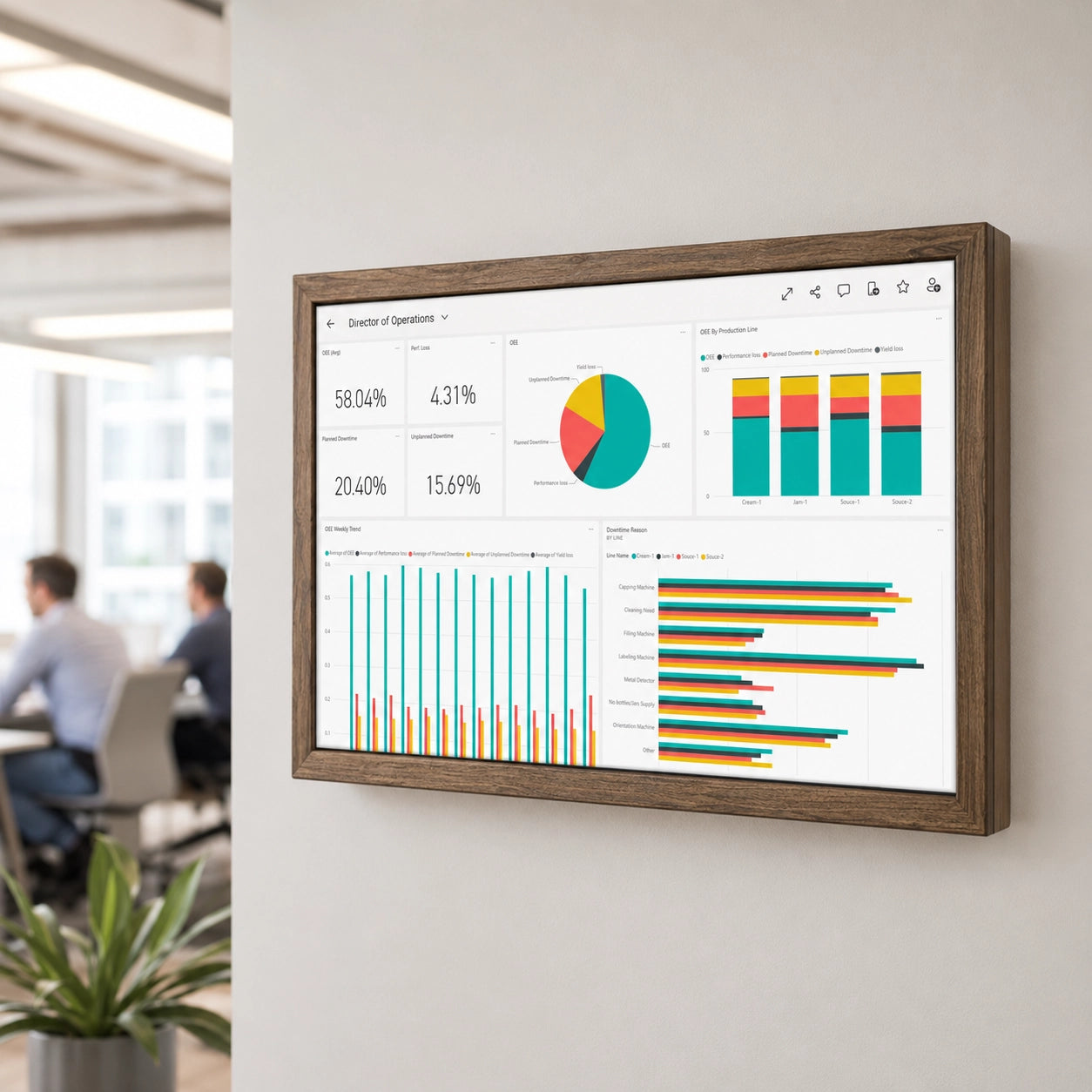
In smaller commercial spaces, lighting, climate control, and energy consumption can be monitored centrally. Digital dashboards for building-management systems can also be displayed on an Android panel.
The specific possibilities depend on the automation systems and available interfaces. However, Android provides a flexible software platform on which different control concepts can be implemented.
What to Consider When Choosing an Android Display for Smart Home
Not every Android display is equally suitable for permanent use in a Smart Home system. Important factors include a high-quality, easy-to-read screen, a reliable touchscreen, and sufficient hardware performance.
The screen size should also match the intended use case. A compact panel may be sufficient for simple lighting and heating control. If advanced dashboards, camera feeds, and multiple types of information need to be displayed simultaneously, a larger screen will be considerably more convenient.
Stable network connectivity is equally important. Because many Smart Home functions operate through Wi-Fi or Ethernet, the connection should be reliable.
For a permanently installed device, the power supply should also be planned in advance. With wall mounting, a cleanly integrated power connection significantly improves the overall appearance of the installation.
Before purchasing, it is also advisable to check the Android version and whether the required applications can be installed. Ultimately, not only the hardware matters, but also the combination of the display, operating system, and required Smart Home software.
A Smart Home Interface Designed for Future Expansion
Smart Home technologies continue to evolve. New device categories, communication standards, and software platforms appear, while existing systems gain new functions.
For this reason, the control interface should be designed to remain as flexible as possible. An Android display uses a widely adopted software platform that can run applications from different developers.
Of course, this does not mean that every older device will remain compatible with all future applications indefinitely. The Android version, hardware performance, and software support still matter. Nevertheless, compared with fully closed control panels, an open Android platform provides significantly more opportunities to adapt existing hardware to new requirements.
For this reason, an Android display is particularly interesting for users who view their Smart Home not as a static system, but as an infrastructure that will continue to expand and change over time, while the display remains one of the key components of the Smart Home.