When the Problem Isn’t Knowing What to Do
For many people with ADHD, staying organized can be surprisingly difficult even when they have every intention of being organized. The calendar is there, the reminders are set, the to-do list has been carefully prepared, and yet something still gets missed. An appointment slips out of mind, an important task remains unfinished, or a plan that seemed perfectly clear in the morning becomes difficult to reconstruct a few hours later.
This can be particularly frustrating because the problem is not necessarily a lack of planning. In fact, many people with ADHD spend considerable effort trying to build systems that will keep everyday life under control. They try calendar apps, productivity tools, alarms, notes, lists and various combinations of them. The trouble is that all of these systems require one more step: opening the right app, checking the notification, remembering the list exists, or deciding which task should come first.

There is another way to look at the problem. Instead of asking how to remember more, it can be useful to ask how much important information can be kept visible in the first place.
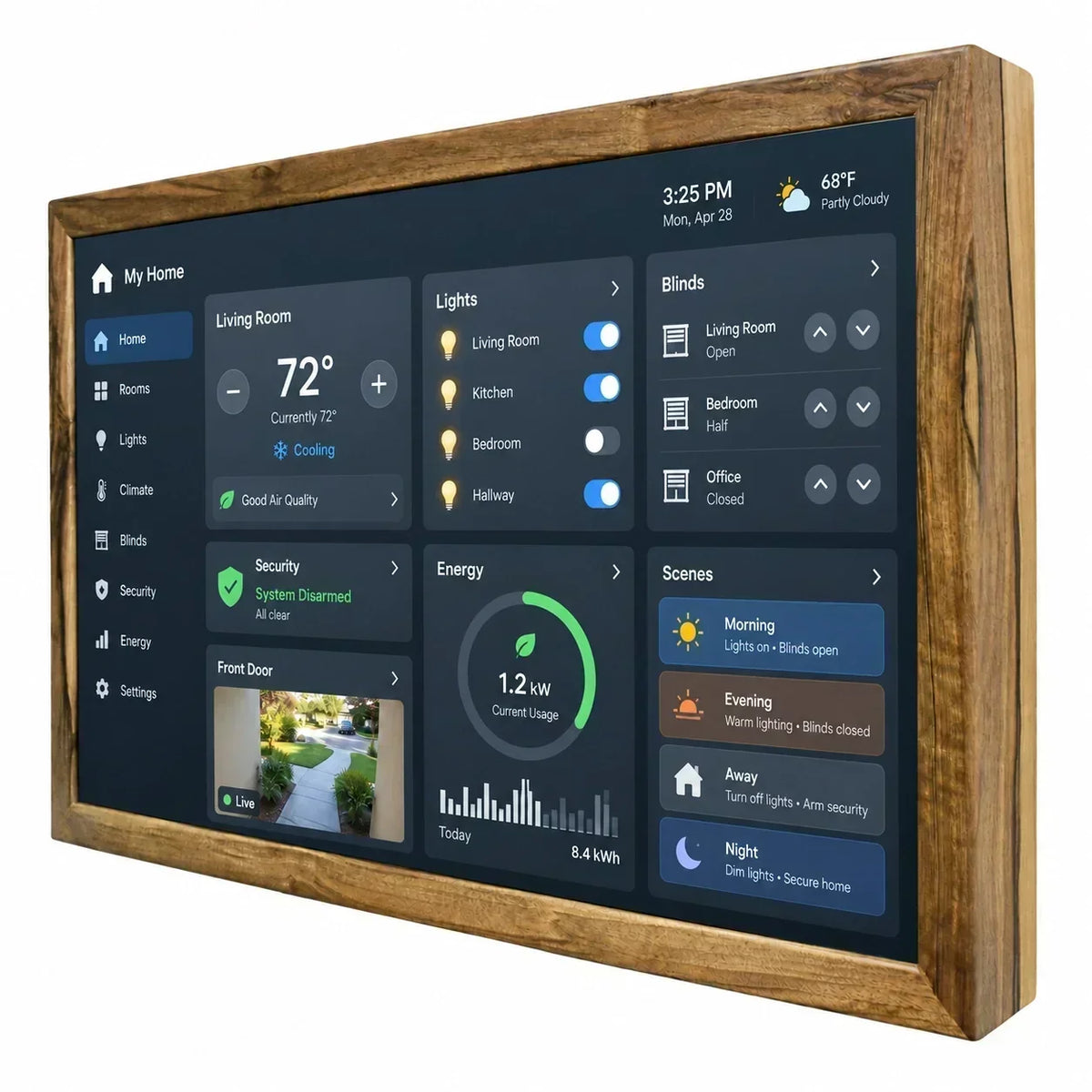
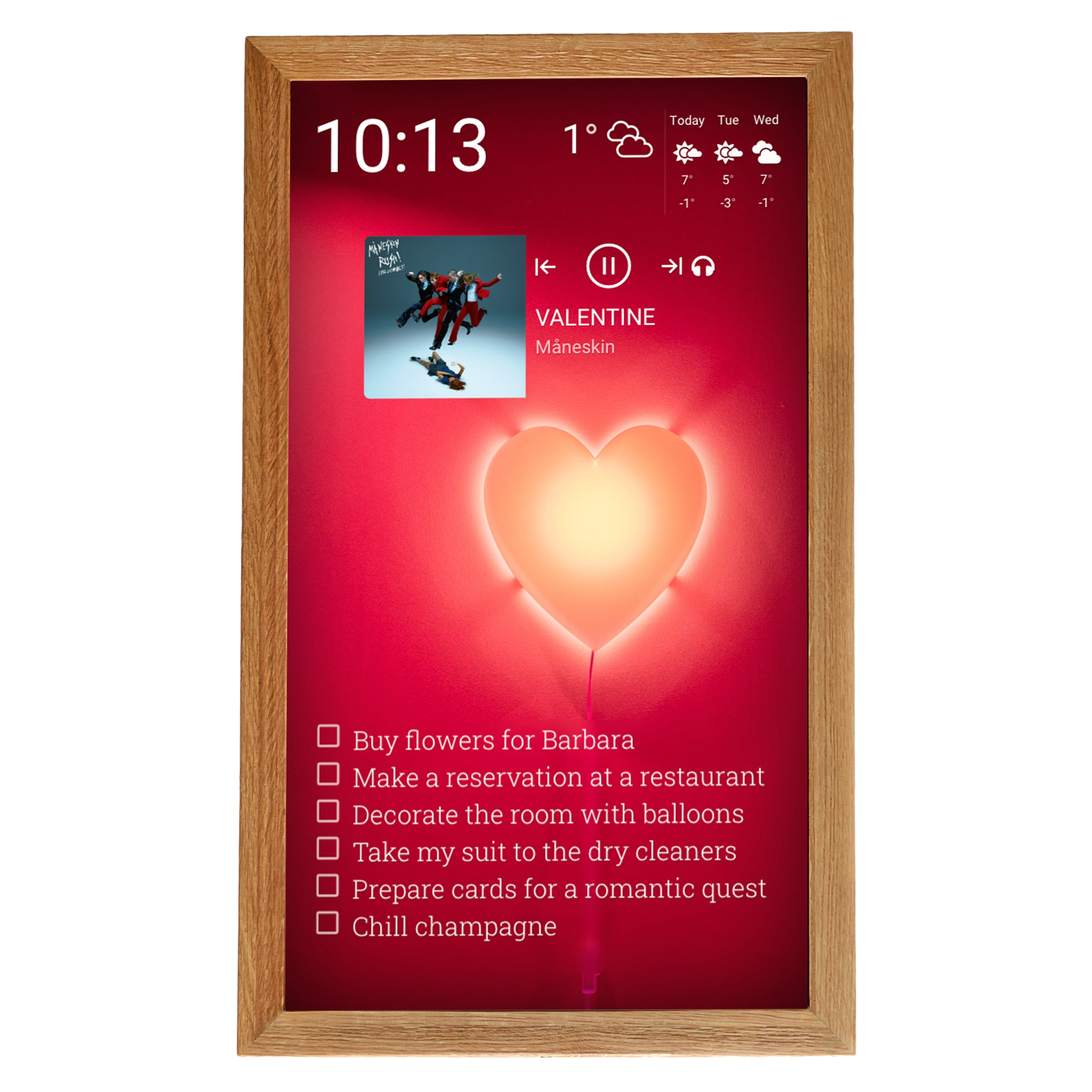
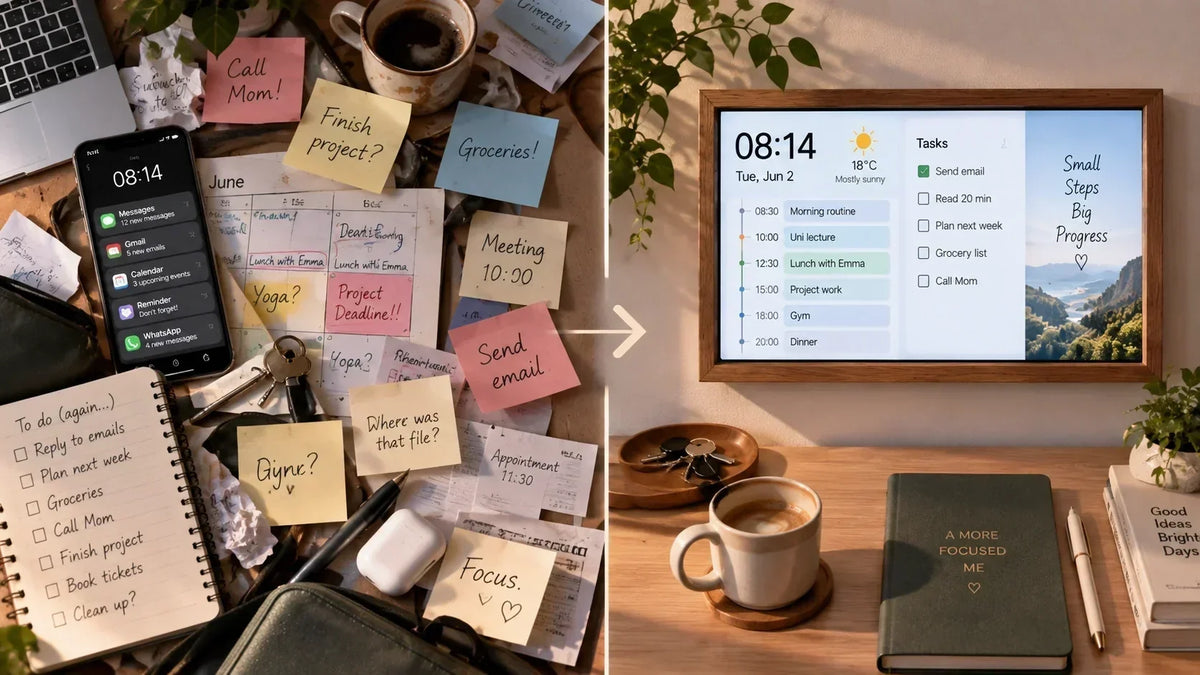
A calendar that lives on a phone is available whenever you open it. A task list hidden inside an app is available whenever you remember to check it. A reminder appears at a particular moment and then disappears. A screen placed somewhere in the home, however, can turn that information into part of the environment itself: today’s appointments, upcoming tasks, the time, the weather or a countdown can remain in view without requiring a deliberate search.
That does not make a smart display a treatment for ADHD, nor does it suddenly make an unstructured day perfectly organized. What it can do is provide an external visual reference for some of the information that is otherwise easy to lose track of. For people who find planning, time management and keeping track of everyday tasks challenging, that small change in how information is presented may be worth exploring.
ADHD and Organization: Why Everyday Planning Can Be Difficult
ADHD is often associated with distractibility, but that is only part of the picture. For many adults, some of the more persistent difficulties show up in the less obvious parts of everyday life: planning what needs to be done, estimating how long something will take, keeping several tasks in mind at once, getting started on something that is not particularly interesting, or moving from one task to another without losing track of the original plan.
This is where organization can become complicated. A person may have no trouble understanding what needs to happen and may even have a perfectly reasonable plan for getting it done, but putting that plan into action consistently can be much harder. A busy day with several appointments, deadlines and small household tasks can require a surprising amount of mental coordination.

Time can be particularly difficult to manage. There is a difference between knowing that a meeting starts at 3 p.m. and having a reliable sense of what that actually means for the rest of the afternoon. If getting ready takes longer than expected, an earlier task runs over, or a person becomes deeply absorbed in something else, the original schedule can quickly stop matching reality. By the time the next appointment comes into focus, there may be very little time left to react.
Research supports the idea that these are not simply matters of being careless or insufficiently disciplined. Studies of adults with ADHD have found difficulties in areas including executive functioning and time organization, and these difficulties can be associated with everyday functioning and quality of life. That distinction matters because it changes the question from “How can I become more disciplined?” to something more practical: “What can I change about the way I organize my environment?”
A written list, calendar, alarm or timer can take some of the information that would otherwise have to be held in memory and put it somewhere outside the mind. It does not remove the need to act, but it can make the next step easier to see. Sometimes the most useful organizational tool is not another app, but information that is difficult to overlook.
The Difference Between Storing Information and Seeing It
Modern life gives us no shortage of ways to store information. We can put an appointment into a calendar, save a task in a productivity app, create a reminder, leave ourselves a note or set an alarm for practically anything. From a purely technical point of view, it is difficult to forget something when there is a smartphone full of reminders sitting in your pocket.
But storing information and noticing information are not quite the same thing. A calendar entry can be perfectly accurate and still be easy to overlook. A to-do list can contain everything that needs to be done and still remain untouched for half a day. A reminder can appear at exactly the right time, but if it arrives while you are concentrating on something else, it may be dismissed almost automatically and disappear from your immediate attention.
This becomes especially relevant when organization and time management are already demanding. Every additional step between the information and the person who needs it creates another opportunity for that information to get lost.
|
Information is stored in… |
What you need to do to see it |
|
Smartphone calendar |
Pick up the phone and open the calendar |
|
To-do app |
Open the app and review the list |
|
Reminder |
Notice the notification when it appears |
|
Paper planner |
Remember to take the planner with you and open it |
|
Wall-mounted display |
Look at the display as part of your normal surroundings |
The last option is fundamentally different, although the information itself may be exactly the same. The appointment does not become more important simply because it is displayed on a larger screen. What changes is the visibility of the information and the effort required to access it.
Imagine a typical weekday. Your calendar contains a doctor’s appointment at 3:00 p.m., you have two work tasks to finish before lunch, and you need to pick something up on the way home. All of this information may already exist in your phone. There is nothing wrong with the system; the difference is that you have to actively retrieve it whenever you want to know what comes next.
A display in the kitchen, home office or hallway can make that same information something you encounter naturally throughout the day. You do not necessarily have to stop what you are doing, unlock a device and navigate through an app just to answer a simple question: What’s happening today?
How a Smart Display Can Fit Into an ADHD-Friendly Routine
Start the day with the whole picture
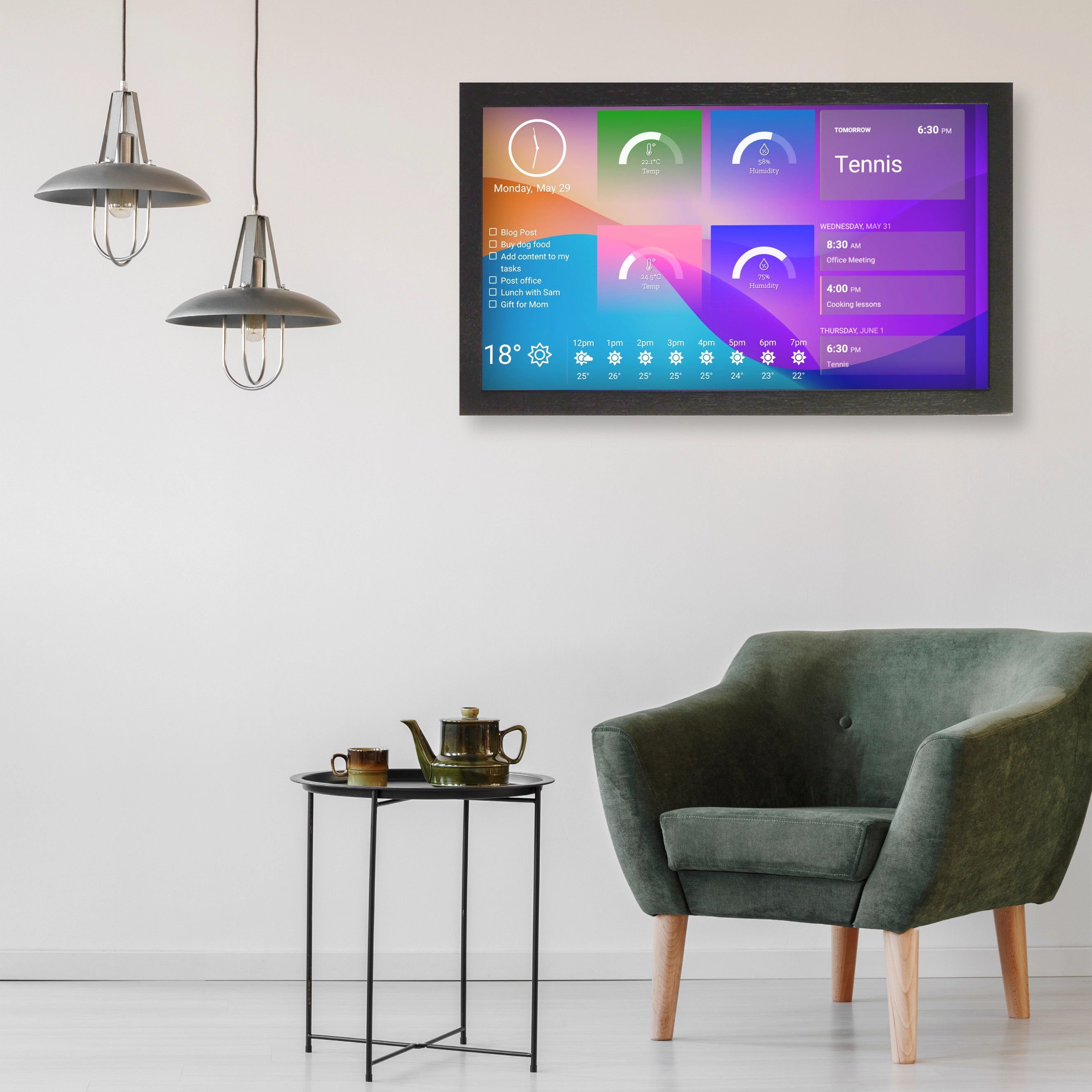
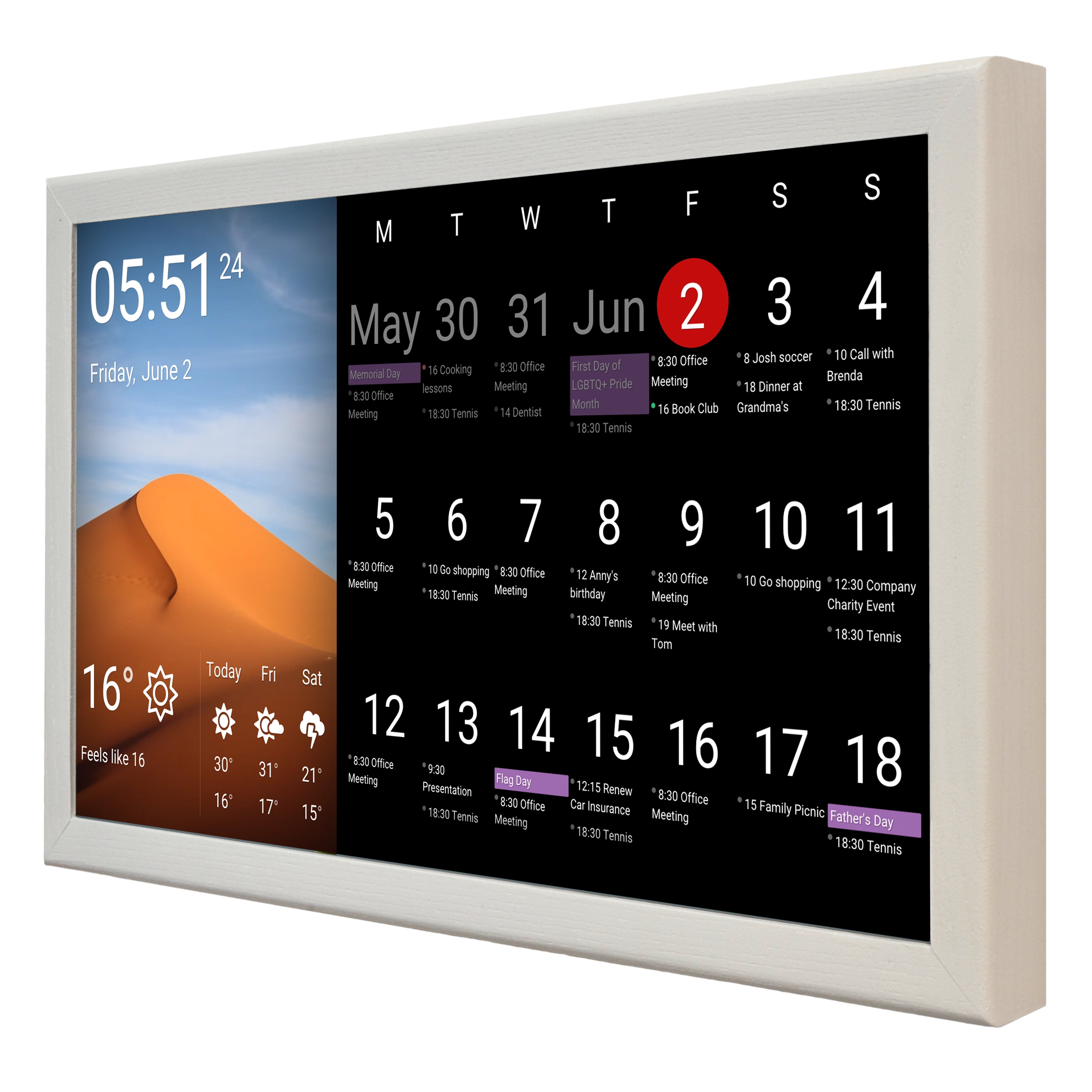
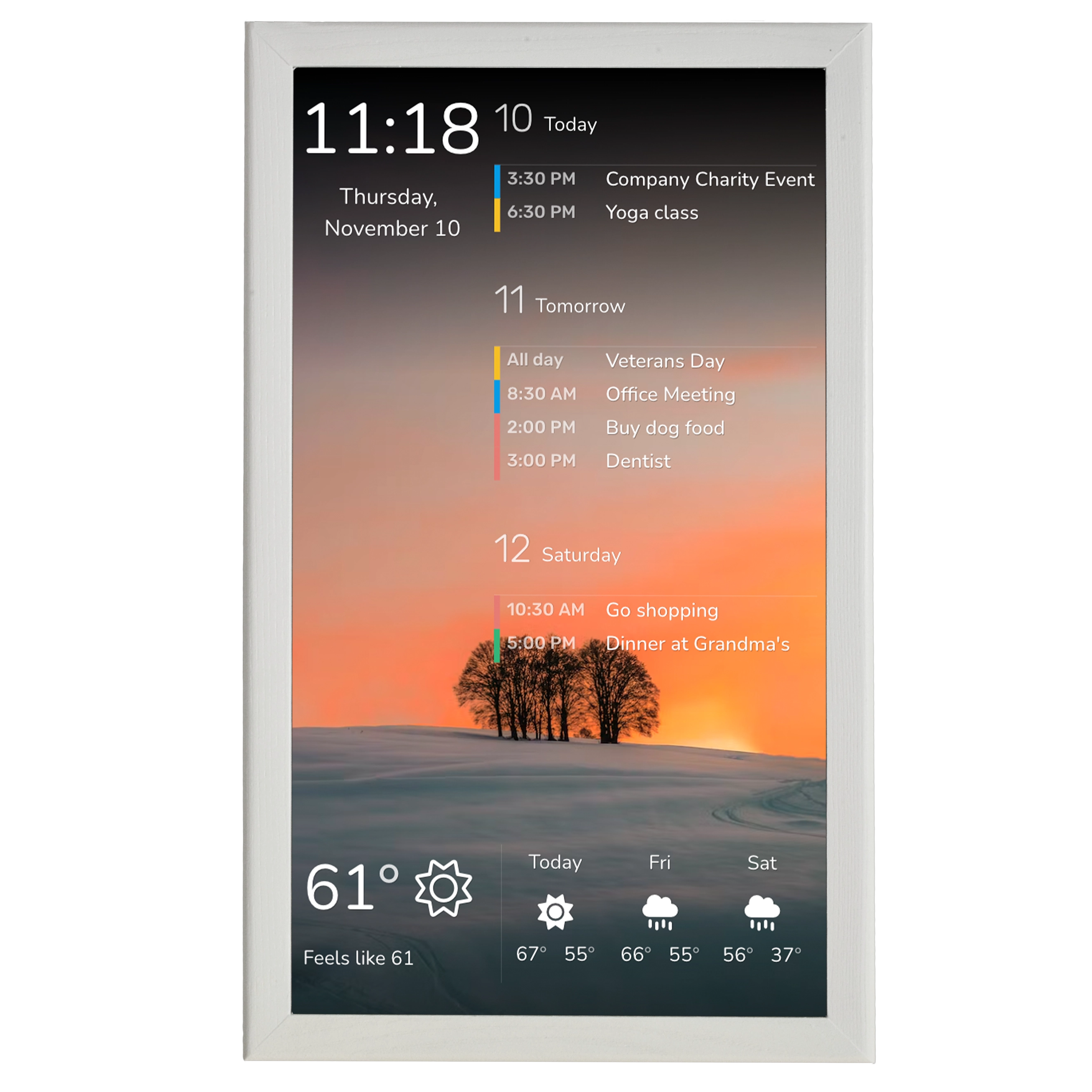
Imagine walking into the kitchen in the morning and seeing the day’s schedule on the wall: a work meeting at 10:00, a doctor’s appointment at 15:30, two tasks that still need to be completed and the weather forecast for the afternoon. Instead of reconstructing the day by checking several different apps, the essential information is already there.
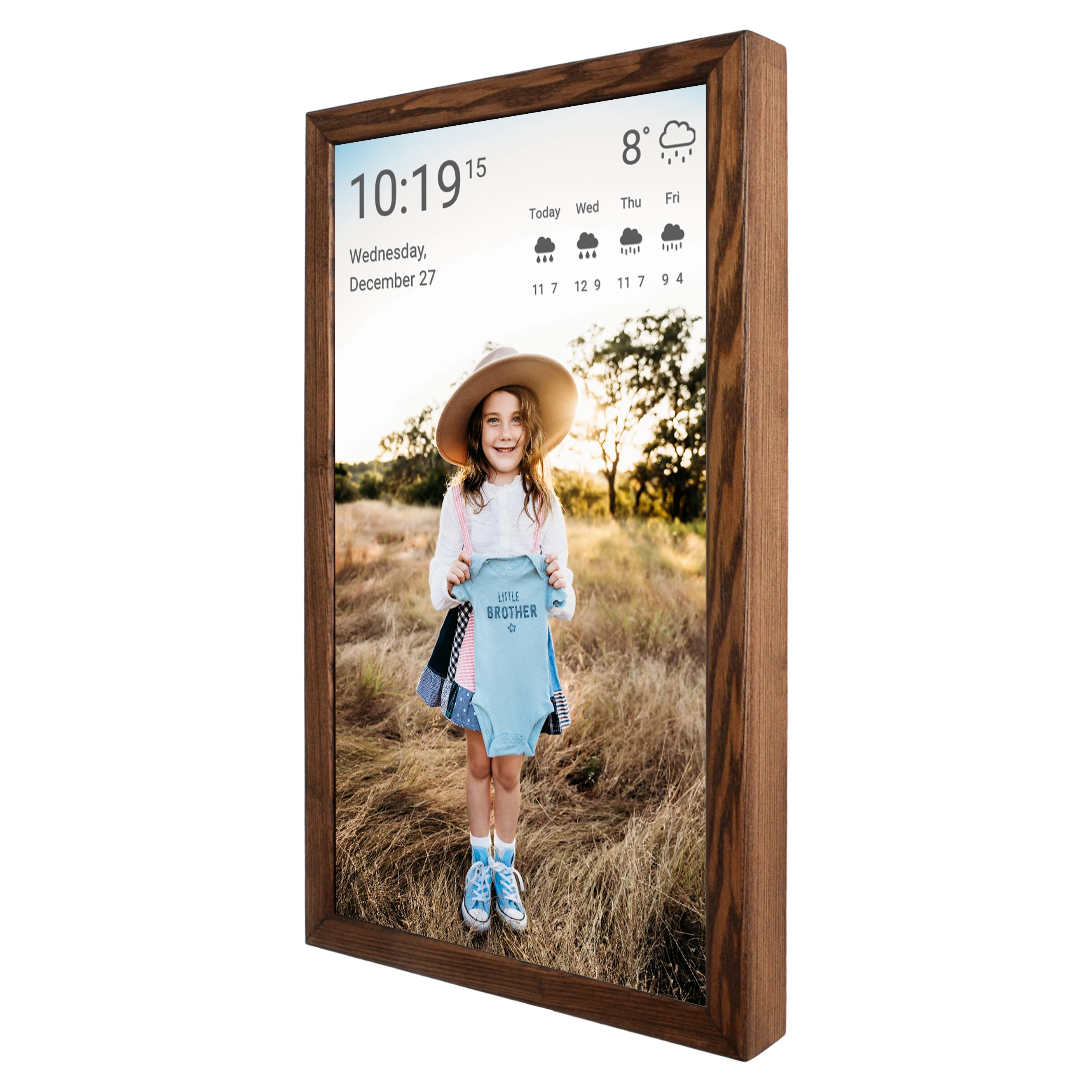
SmartnMagic displays can connect to online calendars including Google, Apple, Microsoft and other calendar services, with changes to the schedule reflected on the display. The screen can therefore work as a visible extension of the digital tools you already use rather than forcing you to create a separate planning system.
Keep unfinished tasks in sight
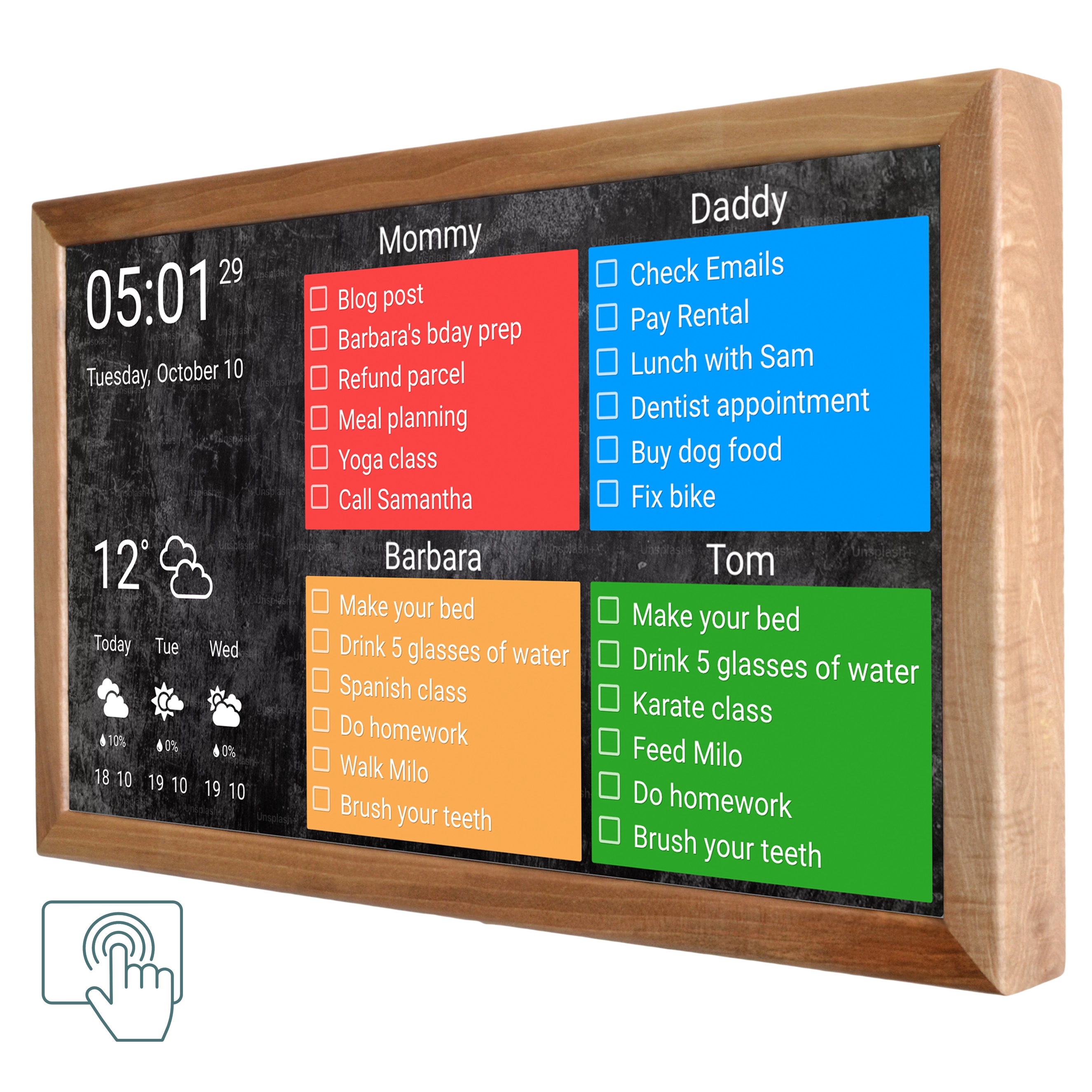
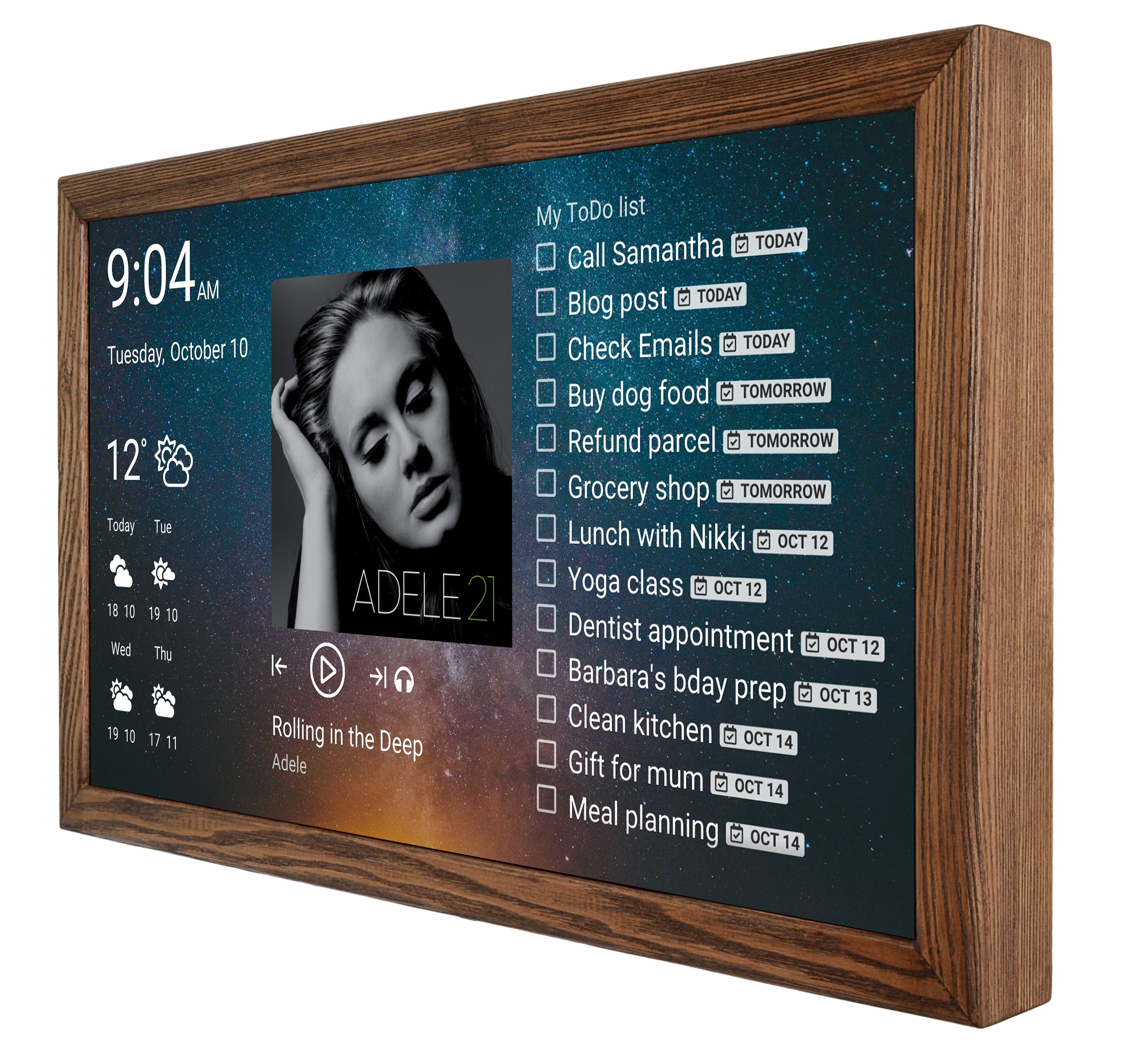
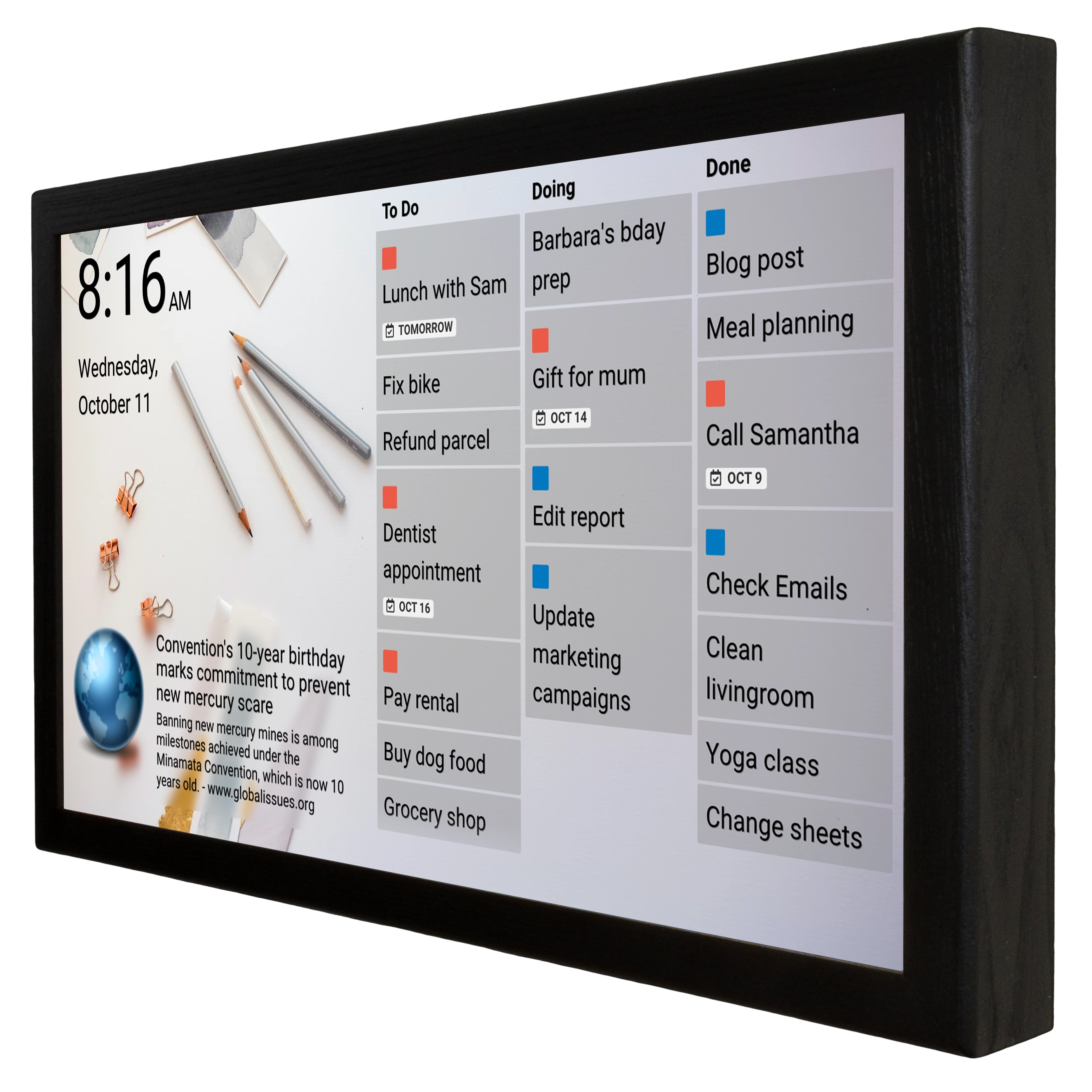
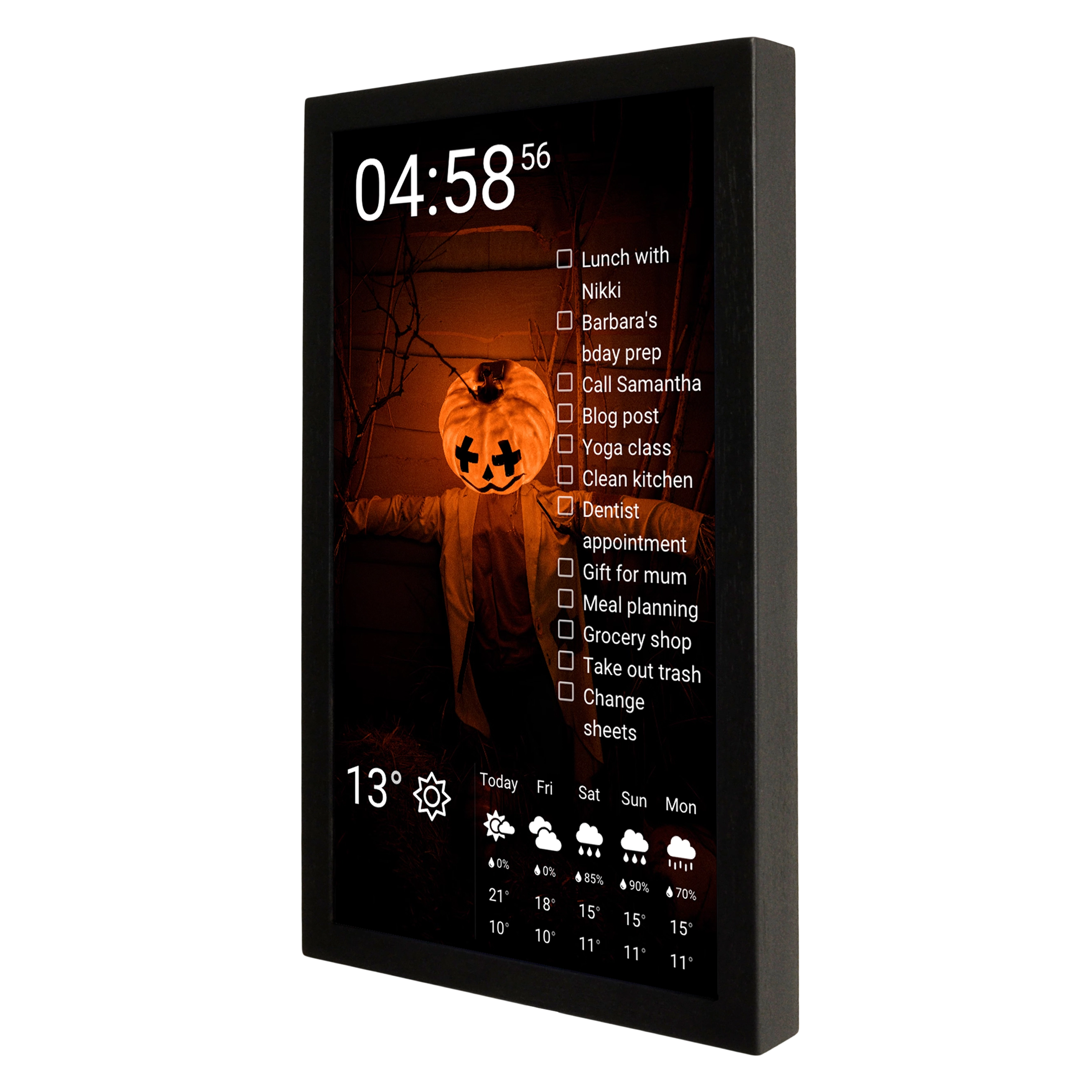
Tasks are often easier to postpone when they are hidden inside an app. A smart display can put them next to the calendar, so the question is no longer simply “What do I have to do?” but “What still needs to be done today?”
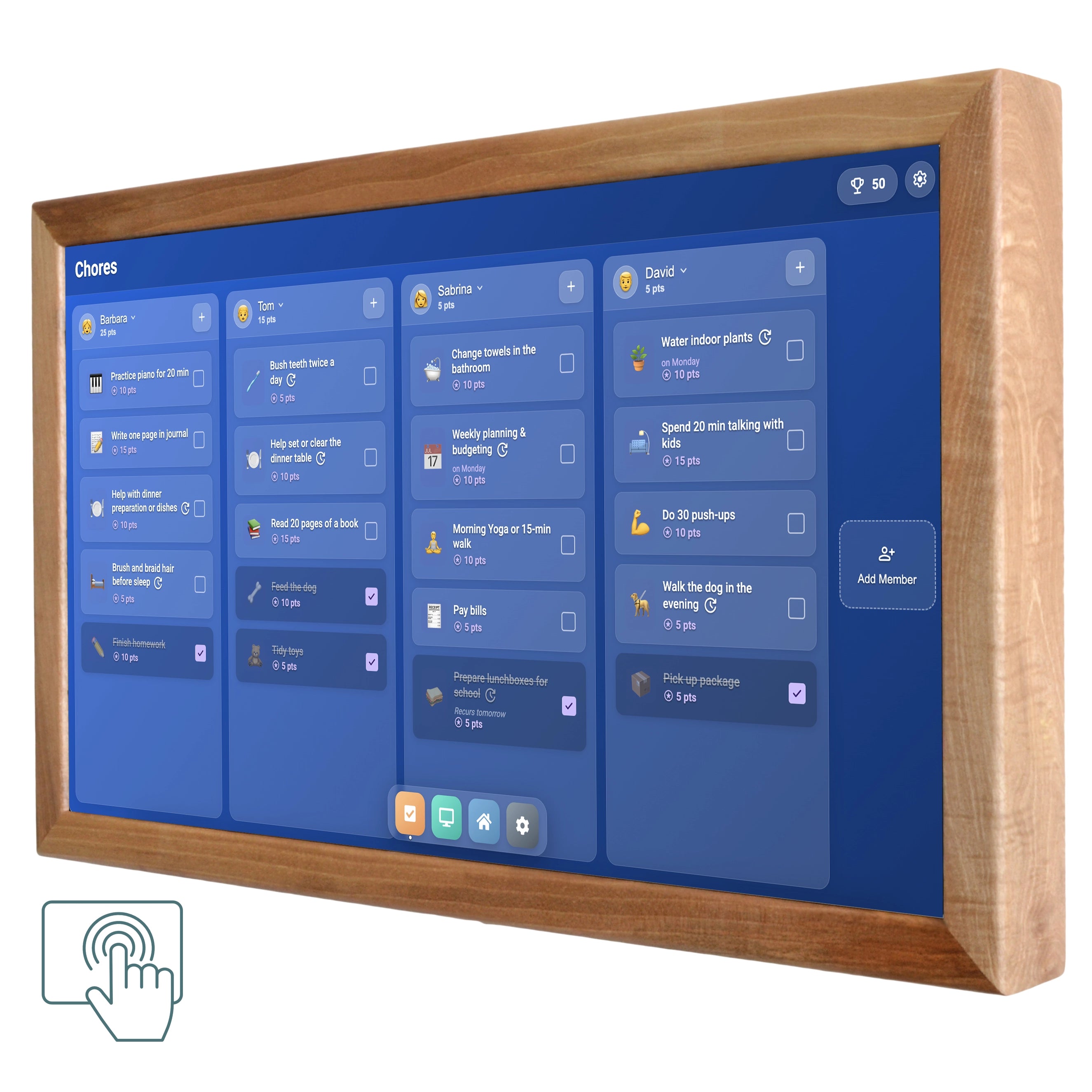
With compatible DAKboard setups, SmartnMagic touchscreen displays can show Todoist and Google task lists, and tasks can be checked off directly on the screen.
For example, a simple morning setup might show:
Today
• Send the invoice
• Pick up prescription
• Buy groceries
• 30-minute workout
As each task is completed, it can be checked off without reaching for a phone or opening another application.

Make time visible with a timer
A clock tells you what time it is; a countdown tells you how much time you have left. That distinction can be useful in everyday situations where time tends to disappear while you are concentrating on something else. You might set a 20-minute timer before leaving the house, a 45-minute block for a work task or a 10-minute countdown for getting a few household jobs done before moving on to something else.
On SmartnMagic touchscreen DAKboard displays, timers can be started and stopped directly from the screen.
Use the touchscreen when interaction matters
A non-touch display works well when the main purpose is to keep information visible. A touchscreen adds another layer: you can interact with the calendar, review tasks and check them off without switching to another device.
This can be particularly useful for a shared household. A 24-inch touchscreen display in the kitchen, for example, can serve as a family calendar and chore board at the same time, while a larger 32-inch model gives more room for several information blocks to remain visible together. SmartnMagic offers both 24-inch and 32-inch touchscreen wall displays, as well as smaller desk-oriented options.
Keep the setup simple
A smart display does not have to become another complicated productivity system. It can be configured around the information that is genuinely useful: a calendar and weather forecast for one person, or a calendar, task list and timer for someone who needs more structure.
The idea is not to put everything on the screen. It is to make the few things that matter most difficult to overlook.
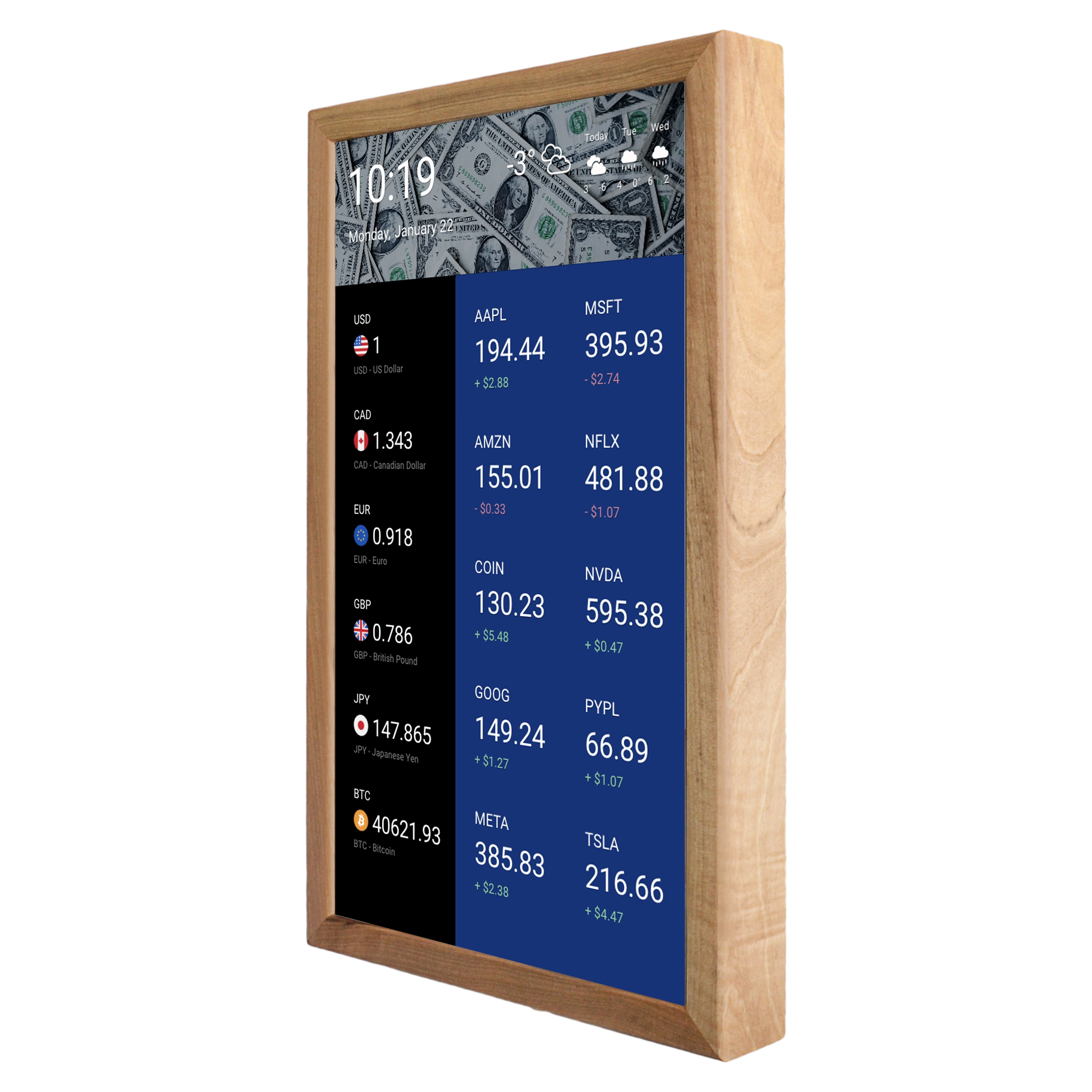
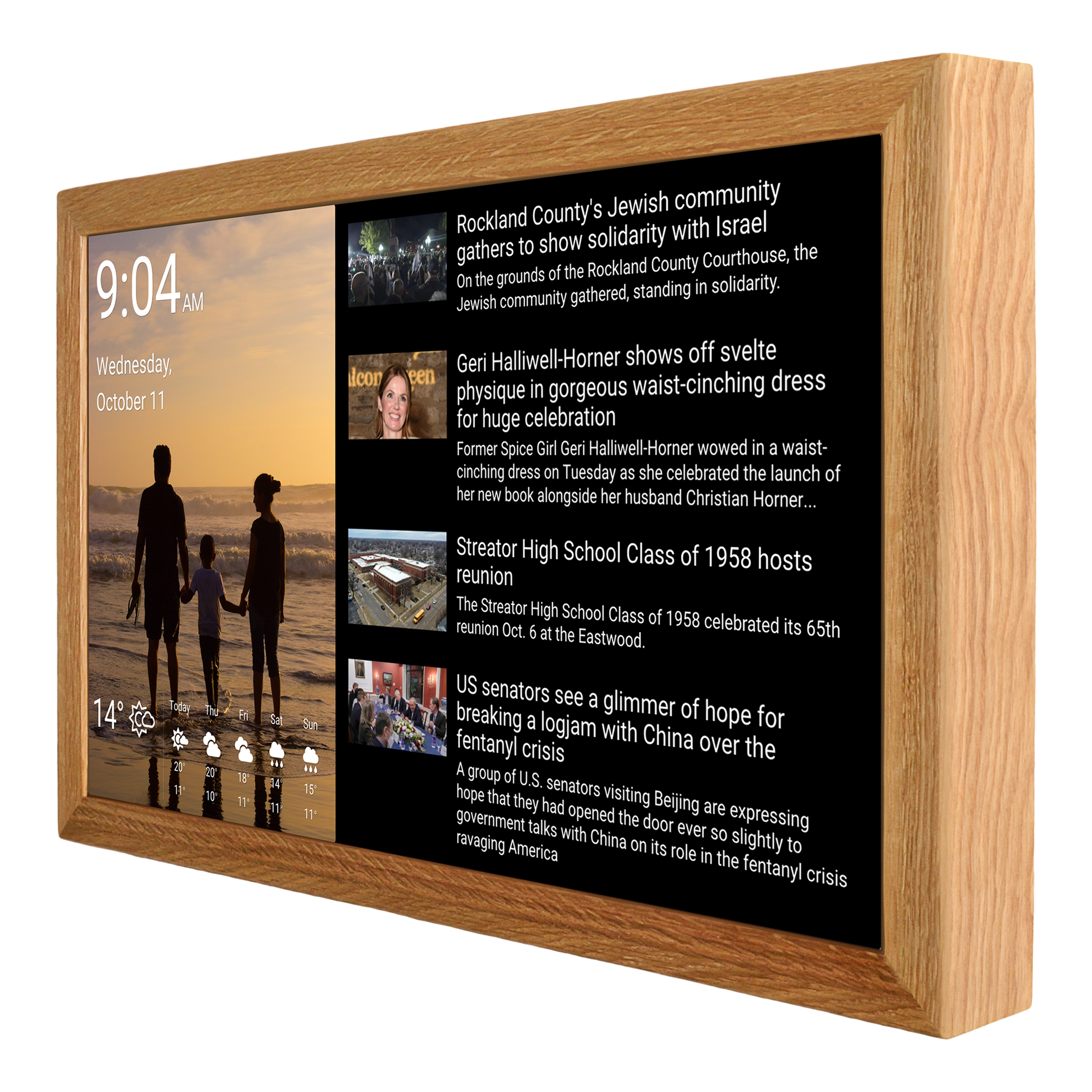
The same flexibility is useful because ADHD does not look the same from one person to another. Someone who mainly loses track of appointments may need a clean calendar view with plenty of space and very little else. Someone working from home may benefit more from a combination of calendar, task list and timer, while a parent managing a busy household may want several calendars and shared chores visible in one place. The display can therefore be treated less like a generic productivity gadget and more like a configurable part of the home: the layout can reflect the information that tends to matter most at a particular point in the day.
A More Visible Way to Organize the Day
There is no single system that makes everyday organization effortless for everyone with ADHD. What works brilliantly for one person may become just another forgotten app for someone else. The useful approach is usually the one that fits naturally into the way a person already lives rather than demanding a complete change of habits.
That is where a smart display can make sense. Instead of replacing the calendar, task manager or reminder system you already use, it can bring the most important information out of those apps and into your everyday surroundings. Appointments can stay visible, unfinished tasks can remain on the screen, and a countdown can provide a more tangible sense of how much time is left.
For some people, that may simply mean a calendar on the wall. For others, it could be a more complete daily dashboard combining appointments, tasks, weather and timers. In a family, the same display can become a shared point of reference, making everyone’s schedules and household responsibilities easier to see.
The important thing is to keep expectations realistic. A smart display will not treat ADHD, eliminate procrastination or make organizational difficulties disappear. What it can do is provide an external structure that is always there when you need it, without requiring you to remember to open the right app first.
For anyone who finds that important information tends to disappear from attention once it leaves the screen of their phone, making that information part of the physical environment is a simple idea worth considering. Sometimes better organization does not require another complicated productivity system. It may simply require putting the right information where you are most likely to see it.