Free digital calendar: a free DAKboard setup you’ll actually use every day
In general, our expectations for free subscriptions aren’t very high. Many companies offer only demo or trial features on the free tier. And as soon as you want to use the product “properly,” you often end up switching to a paid plan anyway.
The free plan from DAKboard proves the opposite. You’ll be surprised how many features are included—and everything really is free. No monthly bills, no subscription stress.
So let’s take a look at what’s included in the free DAKboard membership. If you subscribe to our blog or have visited our website before, you probably already know what DAKboard is: in short, it’s a digital platform that lets you display your calendars and many other useful bits of information on a screen—built specifically for smart displays. We manufacture displays from 15 to 32 inches, both with touchscreens and without touch (we also care about your budget, which is why we offer a sensible choice).
Why “free digital calendar” is ultimately about comfort and not just price
Let’s be honest: many people start searching for free digital calendar because they don’t want to take a risk. Fair enough. But the real problem is rarely “I don’t want to pay.” The real questios are usually these:
- will I get all I need from the free calendar subscription
- can I switch from free digital calendar model to a higher tier
- what is not included into free digital calendar subscription
That’s exactly why a smart display with DAKboard makes so much sense. You can begin with the DAKboard Free plan and still get the essentials people expect from a free digital calendar—and if you ever need more, you can move up to a higher tier without having to rebuild your setup from scratch.
Ready-made screen layouts: clean, fast, no design tinkering
A lot of free dashboards work like this: “Here’s an empty canvas—build everything yourself.” It sounds flexible, but it takes time and much effort. And the result often looks “clicked together.”
With DAKboard it’s simpler. The free plan includes predefined screen layouts designed to look good on a display. You pick a layout and immediately get a tidy, readable result.
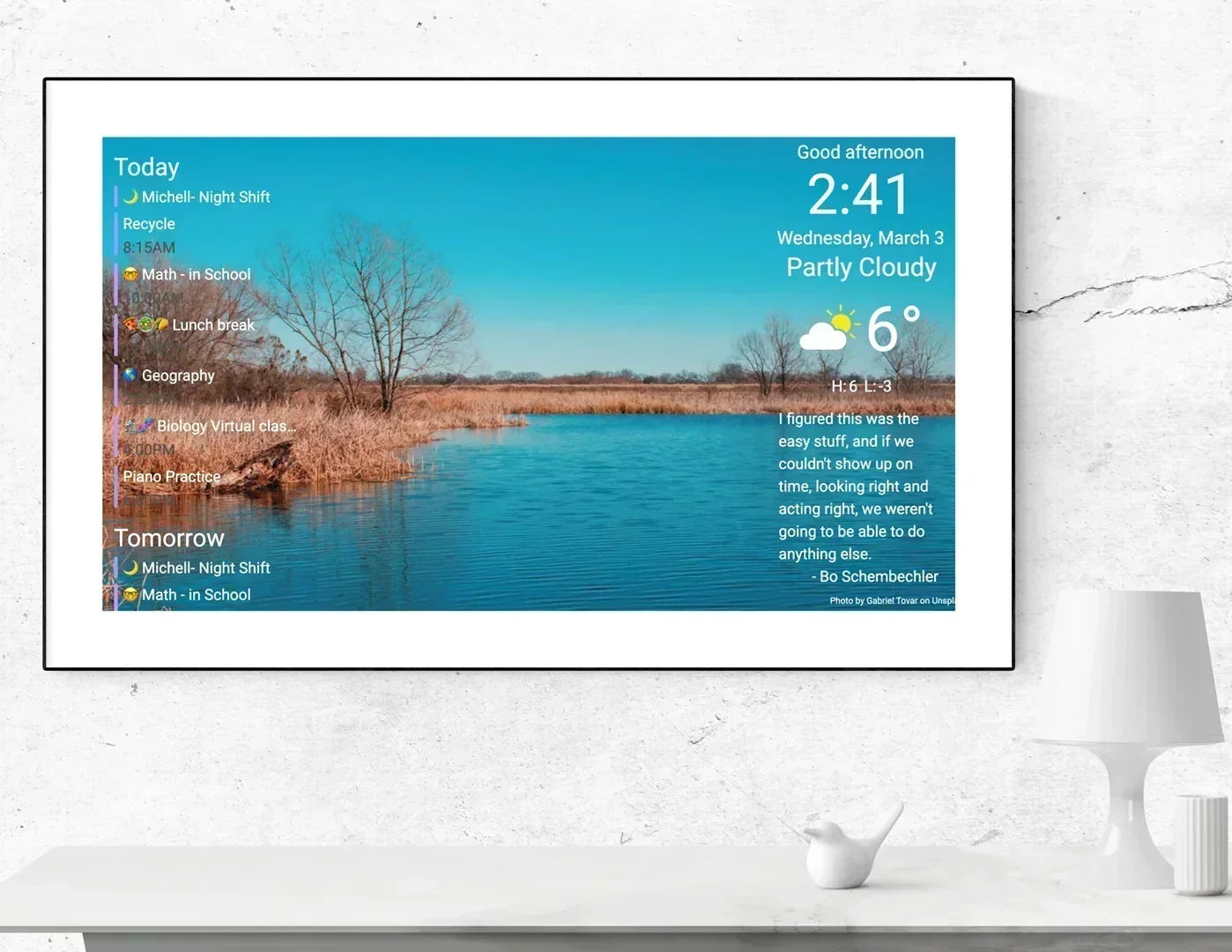
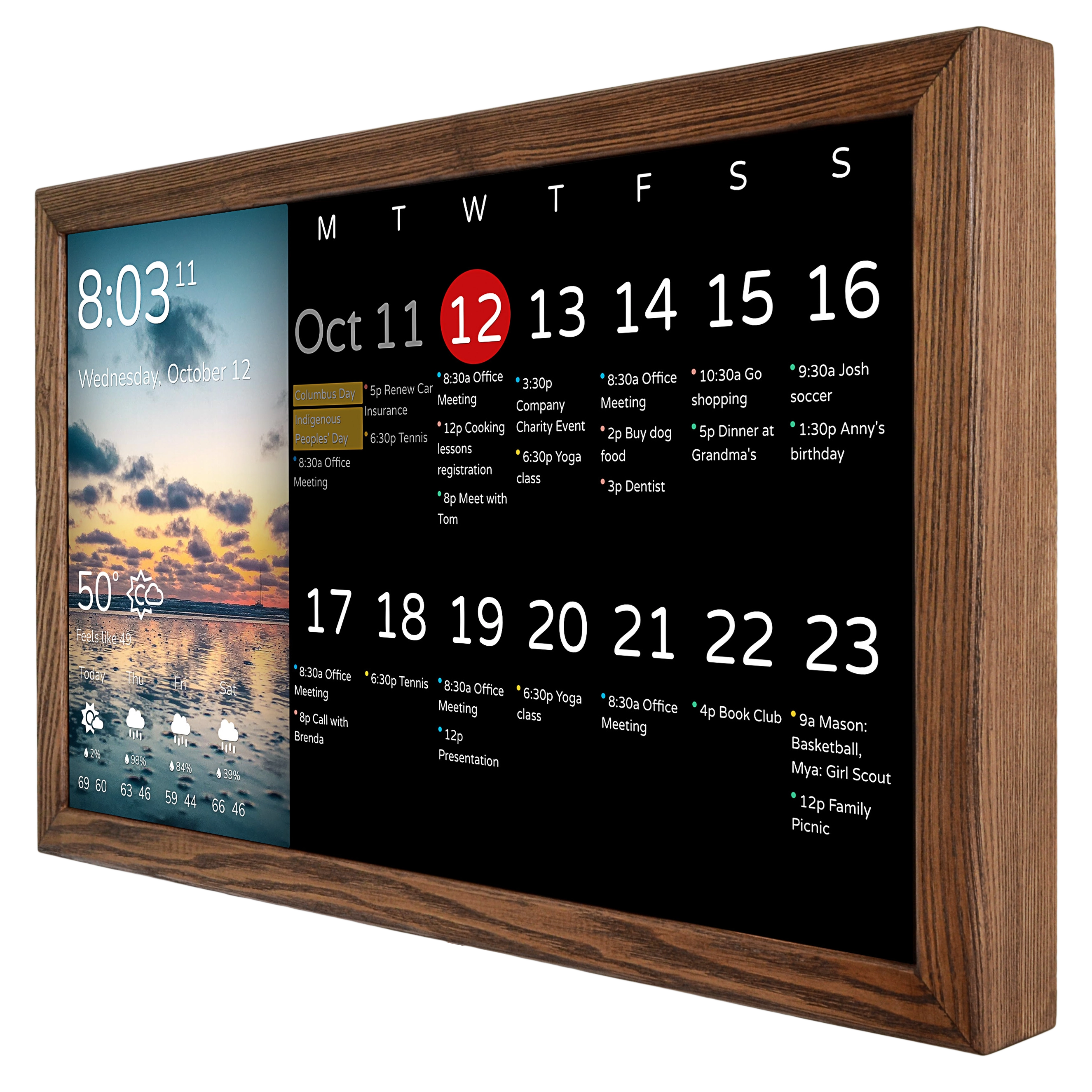
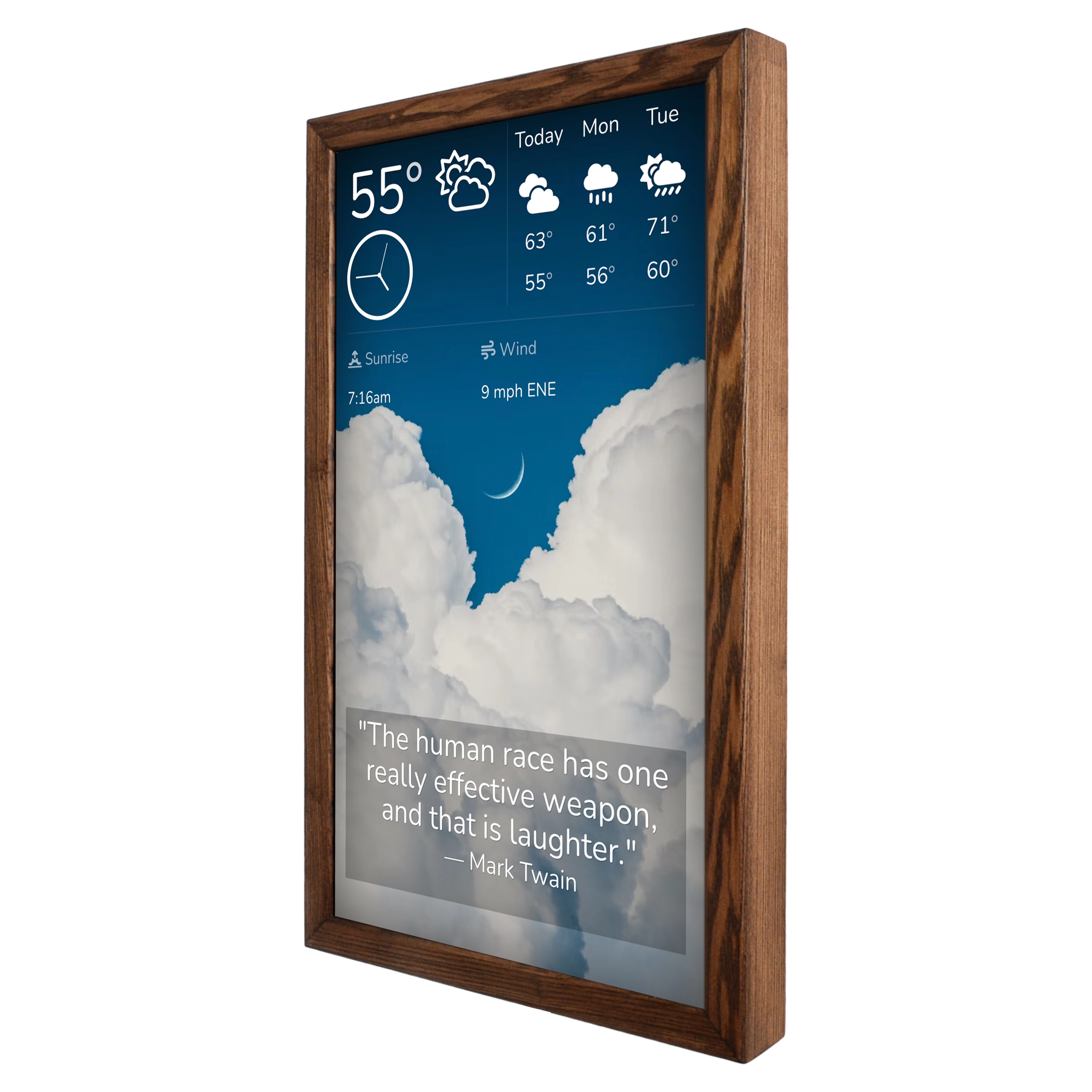
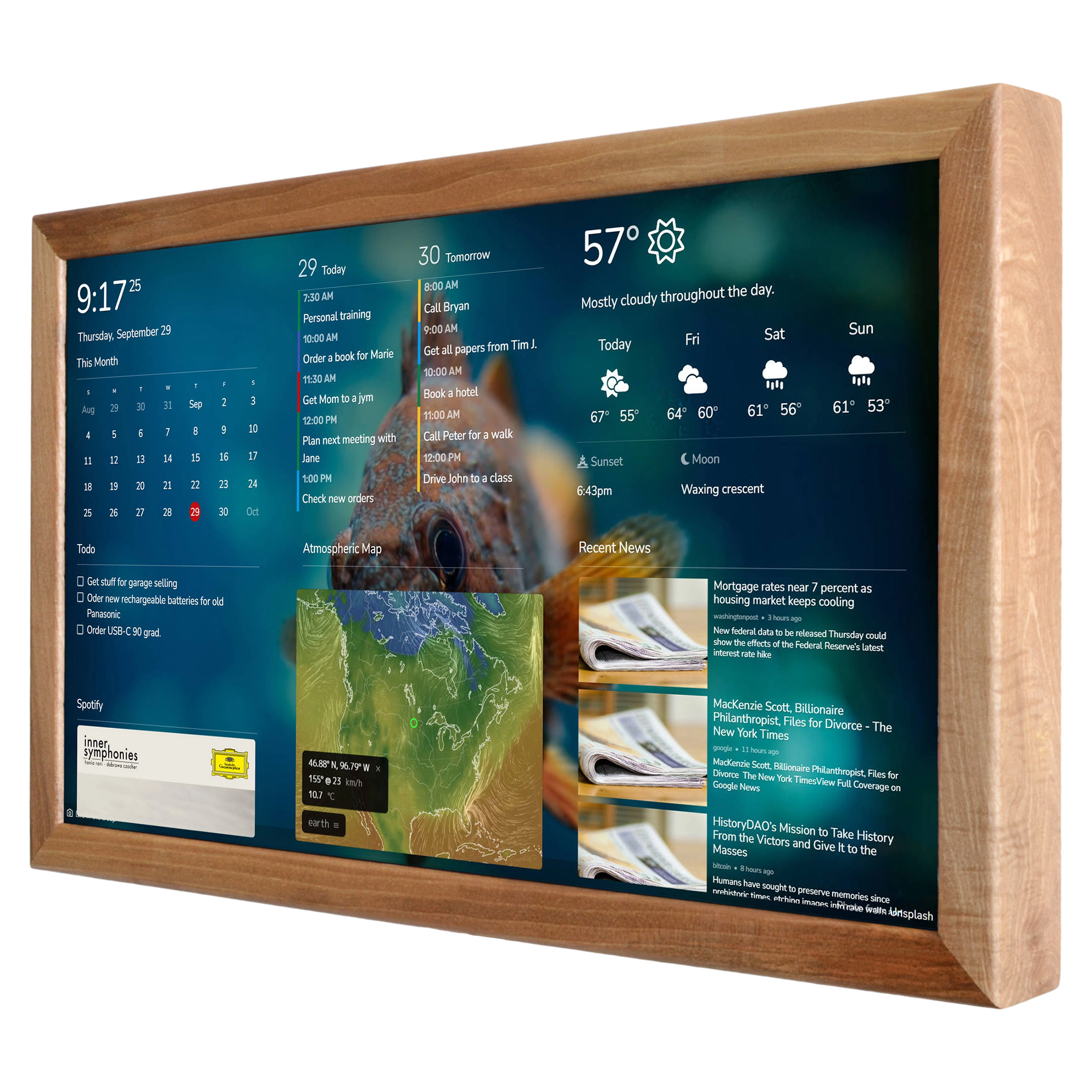
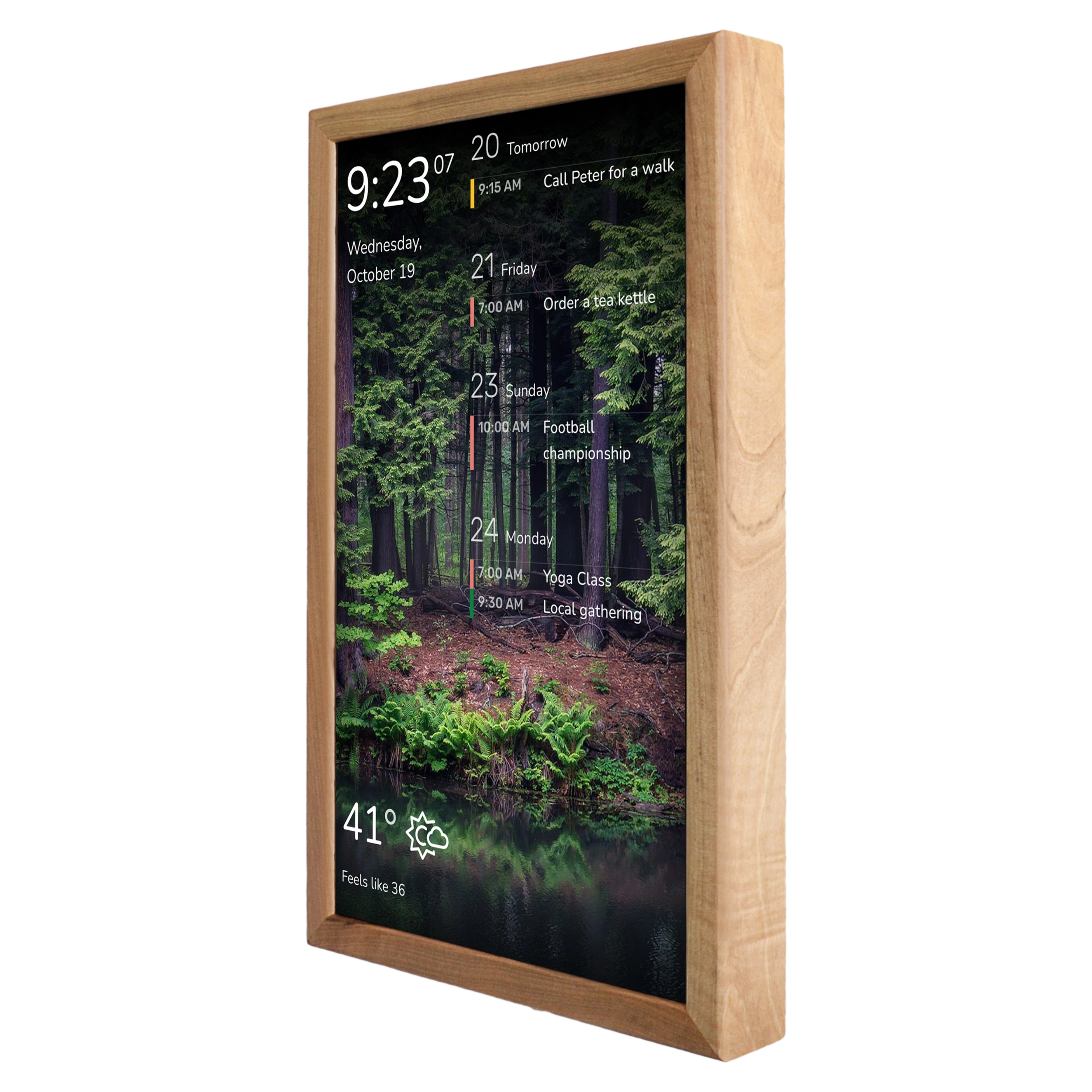
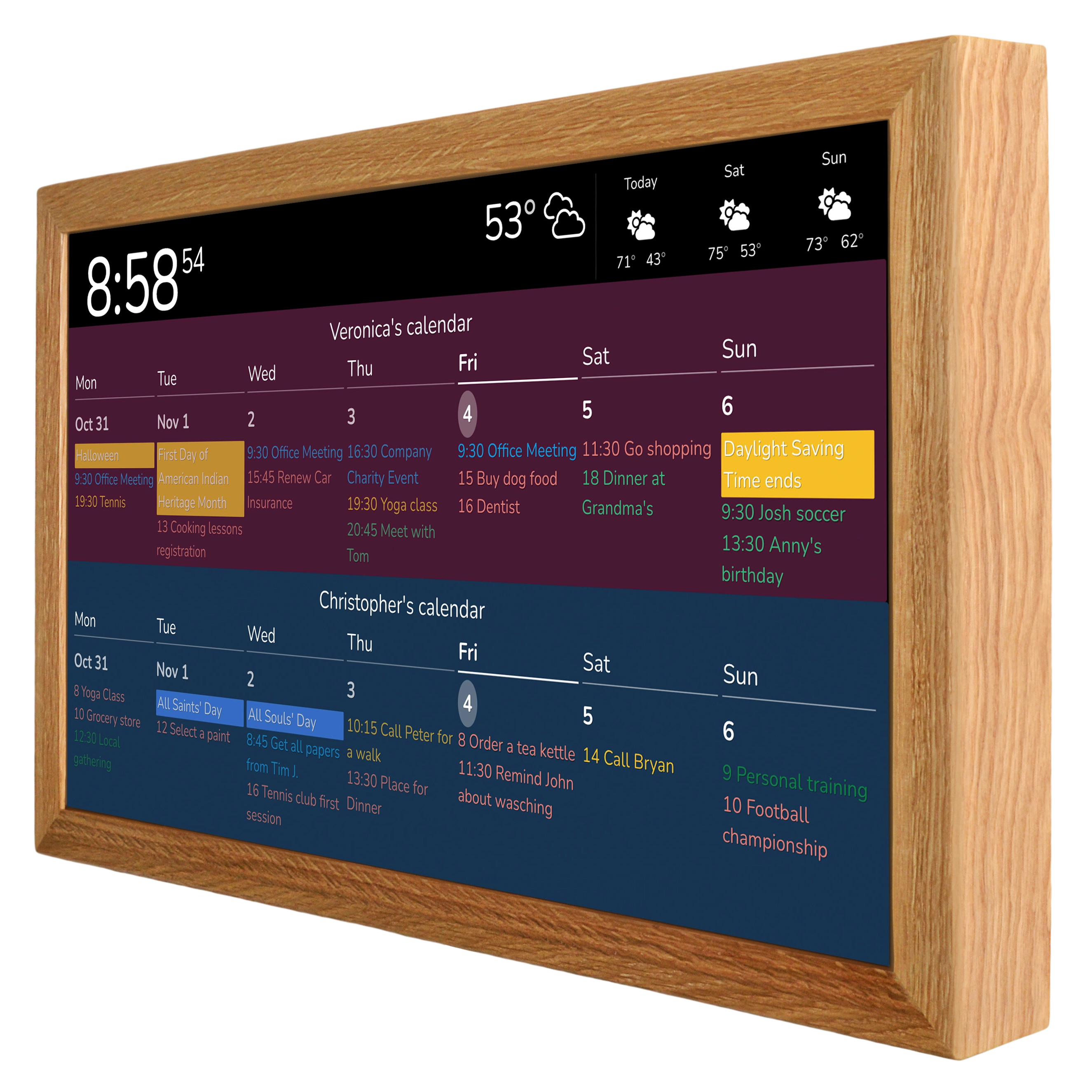
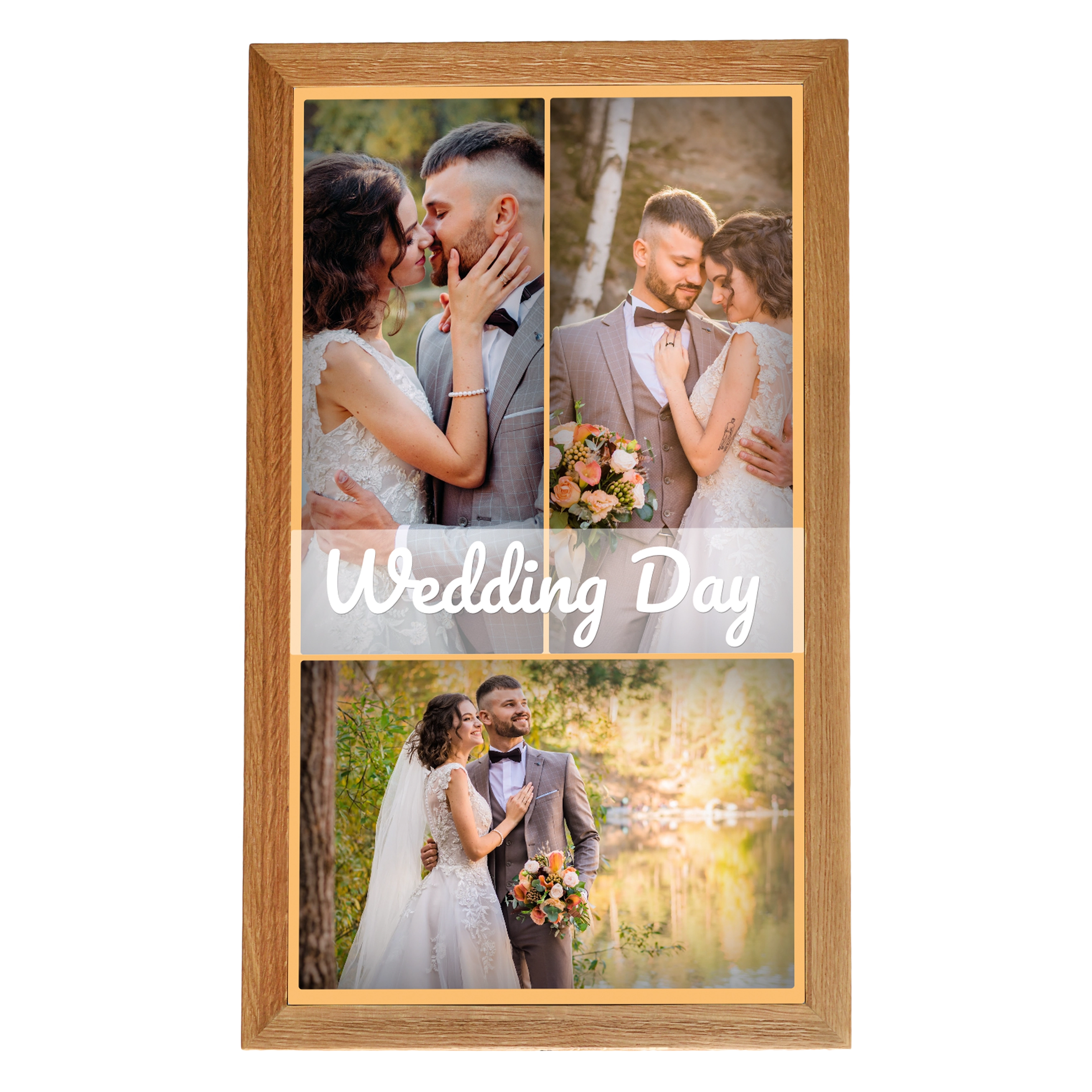
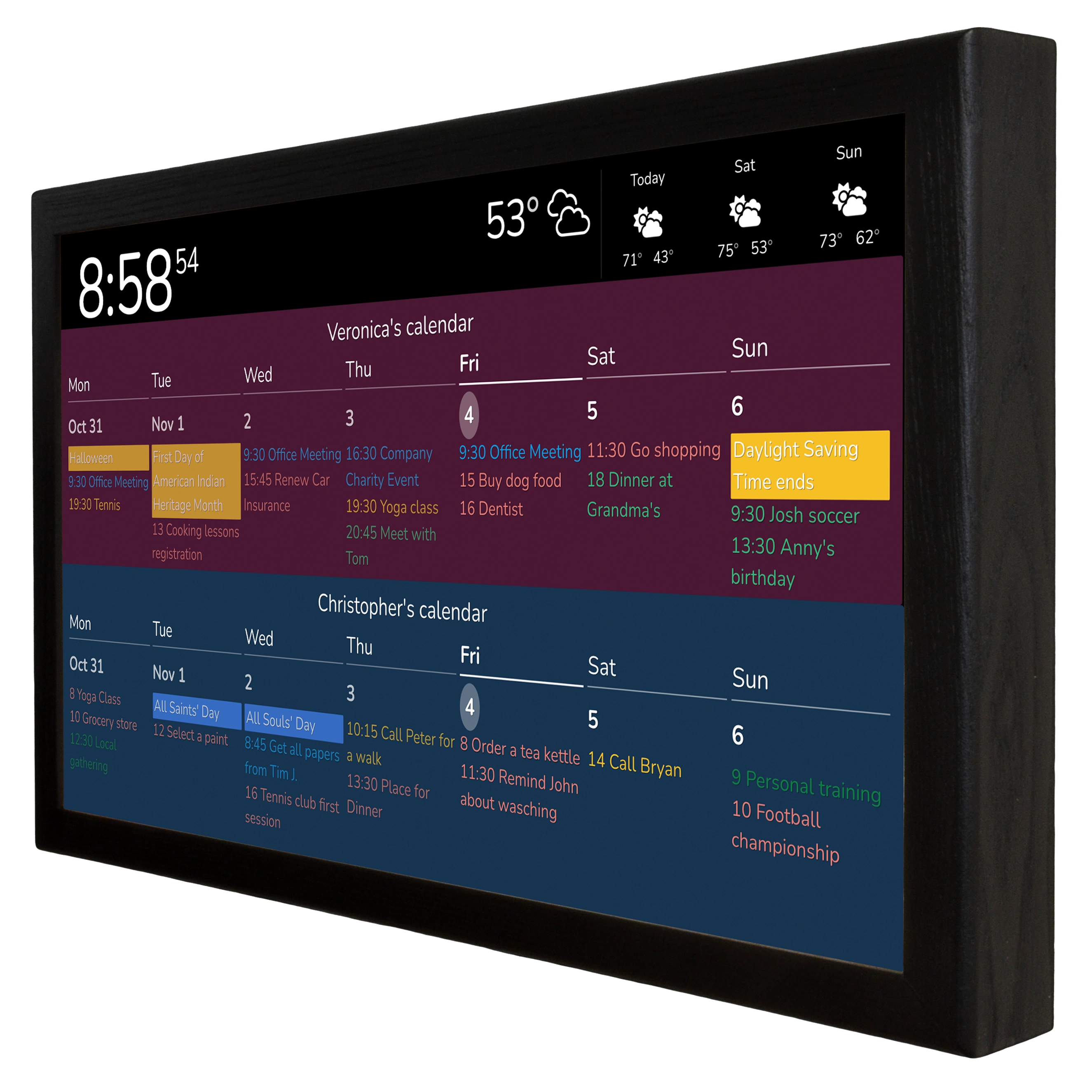
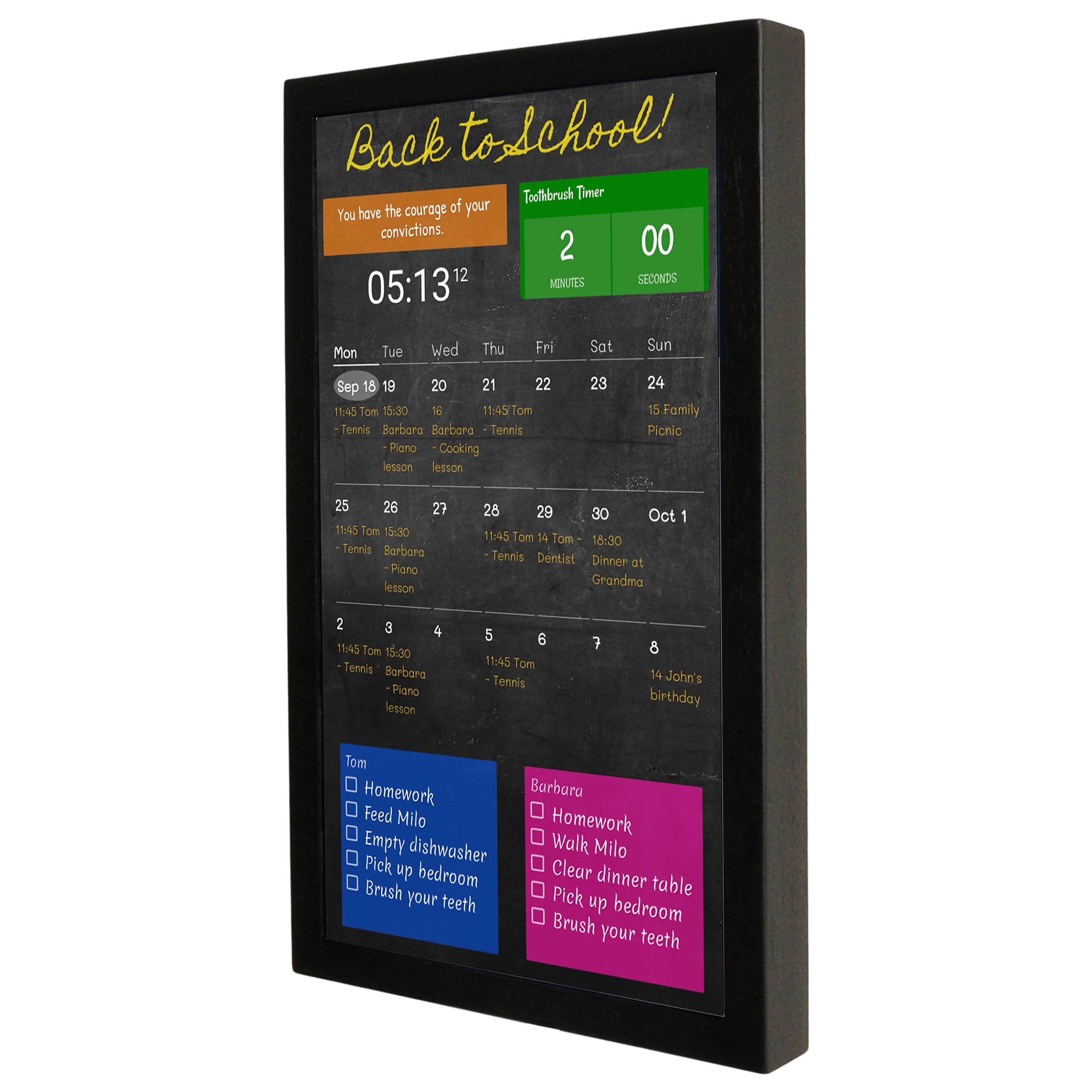
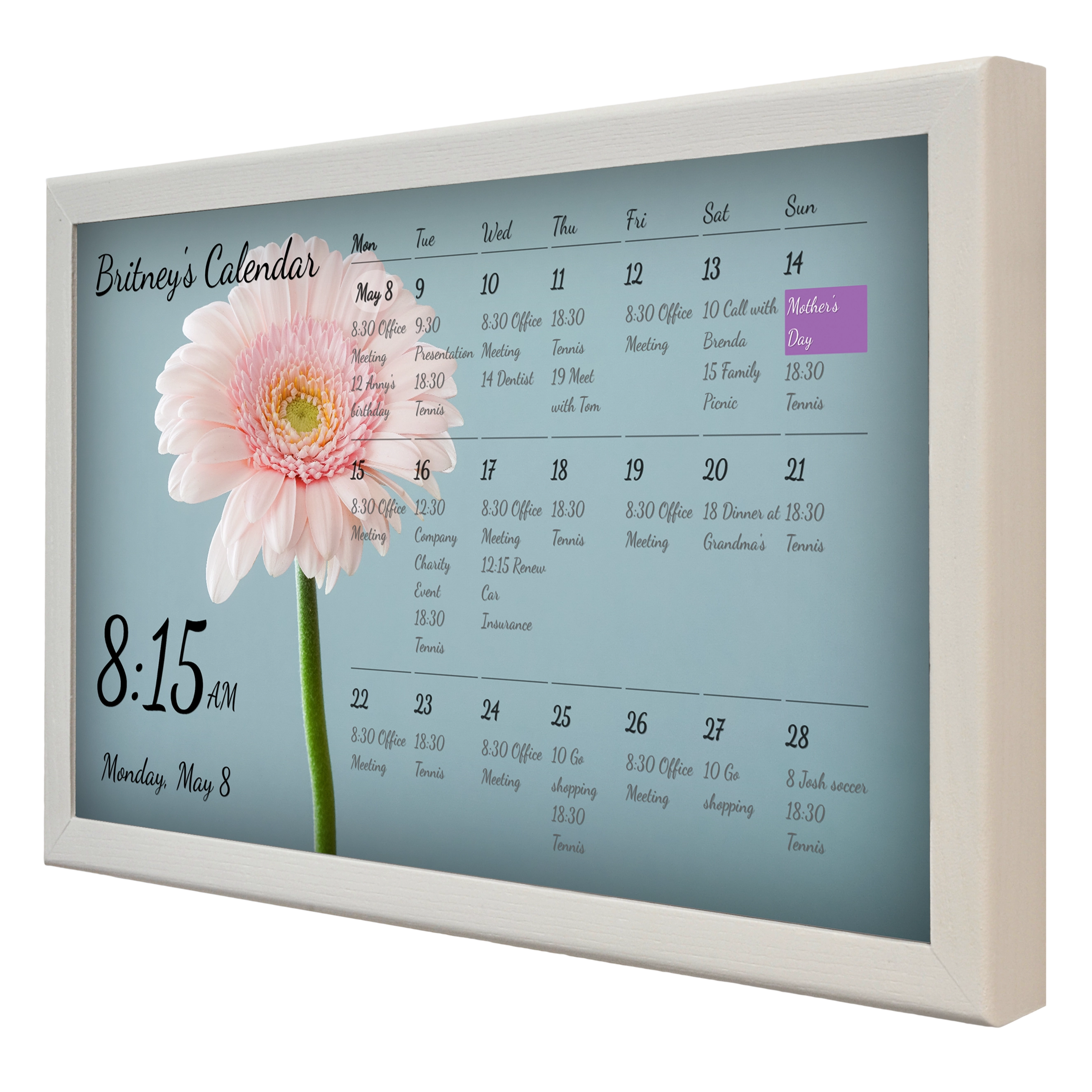
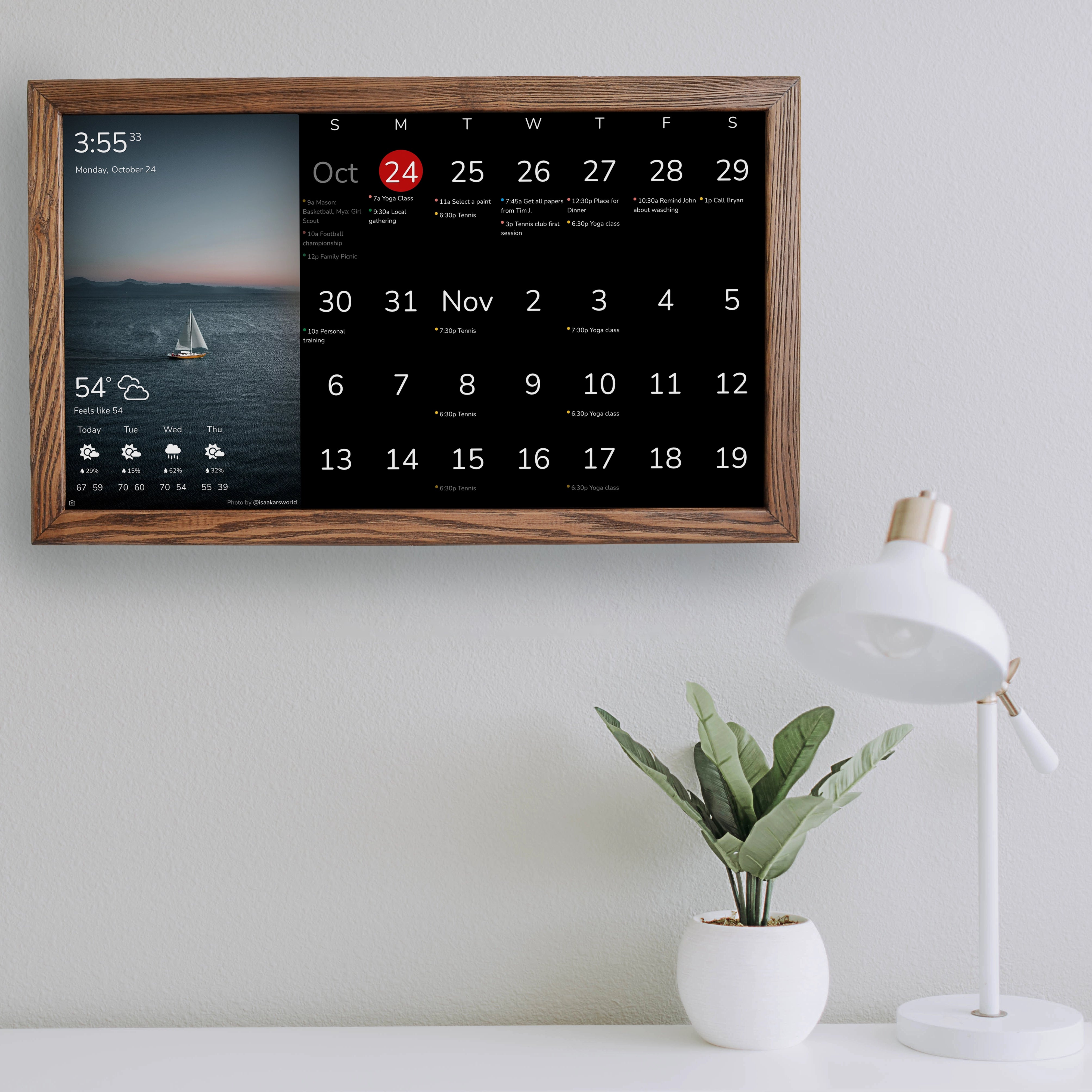
There are layouts that split the screen into zones—for example, calendar and time at the top with weather at the bottom. There’s a left/right layout where the calendar and tasks can sit together while weather stays separate. There’s a layout optimized for smaller displays with vertically stacked content and larger presentation. And there are versions where either the calendar is the main focus or the time/date is extra prominent.
This is the point where a free digital calendar suddenly looks like a real product—not like an experiment.
Calendar: two clear views and the exact options that
save your day
With DAKboard Free plan you can display your calendar in two basic formats:
-
Agenda — a list of upcoming events (perfect when “what’s next?” matters most)
-
Monthly — a month grid (perfect when you want the whole month at a glance)
Show weeks and choose the week start
You can choose how many weeks are visible. That helps you find the right balance between “more overview” and “still easy to read.” You can also decide whether the week starts on Sunday or Monday—for many people in Europe, Monday is the natural choice.
Event details: location, end time, repeats
In real life, the location can be just as important as the event title. DAKboard lets you show event locations and even choose how that location is introduced—using “At,” “In,” or no prefix at all. You can also show the end time of an event, which is very helpful when you want to understand “until when” you’re busy.
For repeating events there’s an additional label in the style “Day X of Y”, which makes longer sequences easier to follow.
Legend in the big calendar
If you use the big calendar layout, you can enable a legend. And one setting is especially practical: you can show only current and future events—past events are hidden. That keeps the screen fresh and focused.
Free plan limits
To set expectations: on the free plan you can connect up to 2 calendars. For many people that’s sufficient—“personal + work” or “family + school.”
And according to the plan overview, the free plan refreshes calendar data on a 60-minute cycle. That isn’t ideal for extremely fast-changing schedules—but for normal planning and daily overview it’s often perfectly fine.
Date & time: the way you’re used to
On a smart display you glance at the time constantly—so these settings matter. With DAKboard you can:
-
set your timezone
-
choose whether the clock is digital or analog
-
pick 12-hour or 24-hour time
-
decide whether you want to show seconds
-
decide whether you want to show AM/PM
-
and choose from multiple date formats (different writing styles, orders, and punctuation)
These aren’t gimmicks—they’re what makes your free digital calendar feel like it truly fits your purpose.
Weather: the part that turns “appointments” into real planning
A calendar without weather is just a schedule. A calendar with weather becomes a better planning tool.
With DAKboard Free you can display weather and:
-
choose a weather source: OpenWeatherMap, Weatherbit, WeatherUnderground—or turn weather off entirely
-
set a location
-
choose Celsius or Fahrenheit
-
decide whether you want an extended forecast: off / 4 days / 5 days
-
and enable extra details like “feels like” temperature, precipitation probability, and severe weather alerts.
For many people searching for a free digital calendar, this is exactly the value: one glance—and you know what your day actually looks like.
RSS news: short headlines from your sources
A lot of free solutions quickly become chaotic: recommendations, ads, “trending” content, endless distractions.
DAKboard uses RSS feeds. You can enable RSS, add one or more feeds, name them as you wish—and the interface can even recognize a feed as valid.
That’s how news should work on a display: short, factual, and from sources you choose.
To-dos: make tasks visible—and that’s how they get done
A simple effect that matters in everyday life: what’s visible gets done more often. What’s out of sight gets postponed.
With DAKboard you can show tasks via integrations. The visible options include:
-
Google Tasks
-
Todoist
-
Microsoft To-Do
-
or you can turn to-dos off entirely
You can manage authorized accounts and select a list. The result: calendar and tasks sit side by side—and your free digital calendar becomes a real daily dashboard.
Background & photos: beautiful and not distracting
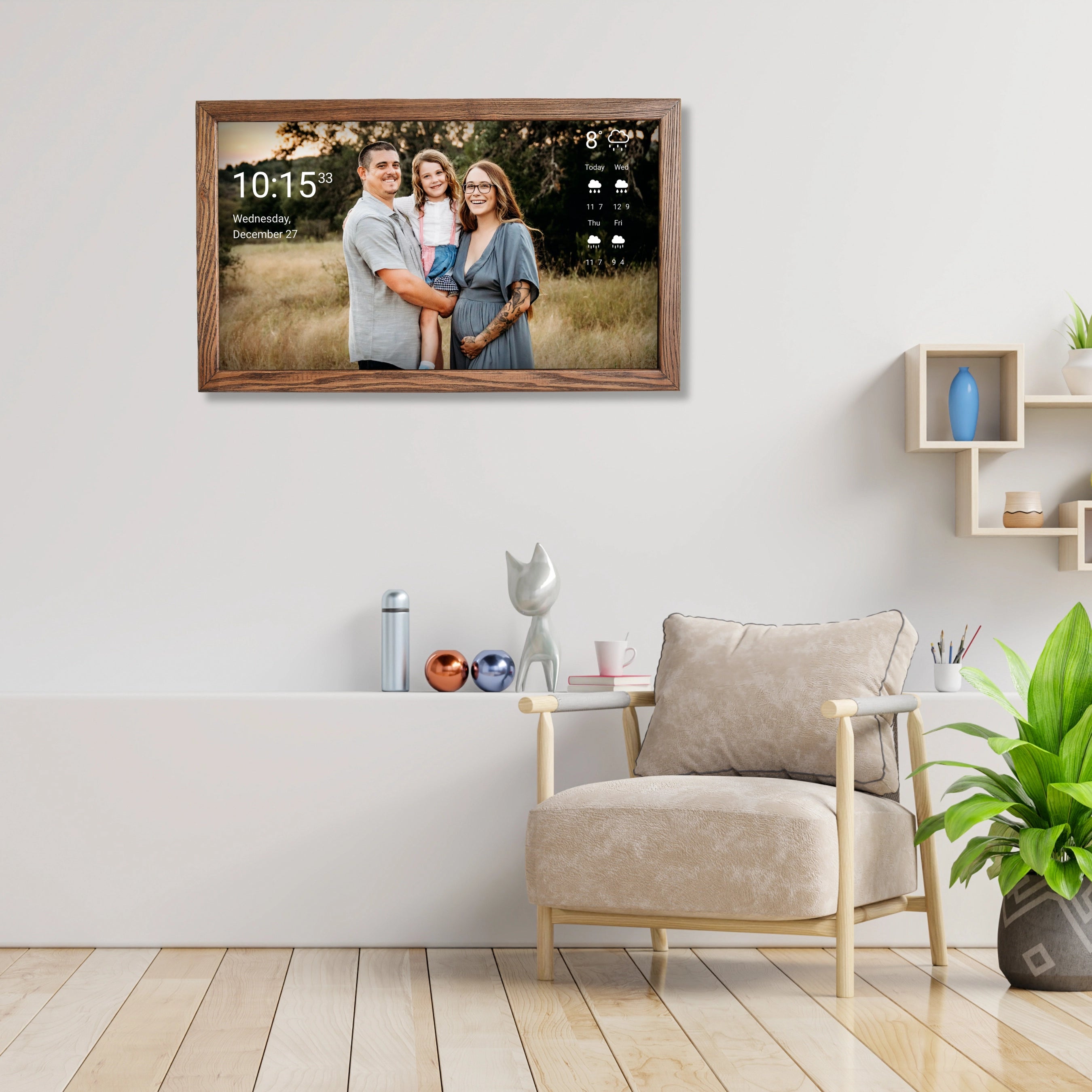
A display is part of the room. It should look good—and still remain readable.
DAKboard offers options such as:
-
choosing a photo source (the example shows a category like “Nature & Landscape”)
-
adjusting brightness
-
optionally showing photo metadata (title, user, date taken, and a progress indicator)
-
cropping images to fill the screen
-
and fading photos in and out smoothly
On the free plan, the fastest photo rotation is limited to 2 minutes according to the plan. In practice, that can be even better: the screen feels calmer, more premium, and less distracting—ideal for a calendar display.
Your own message: a small feature with a big effect
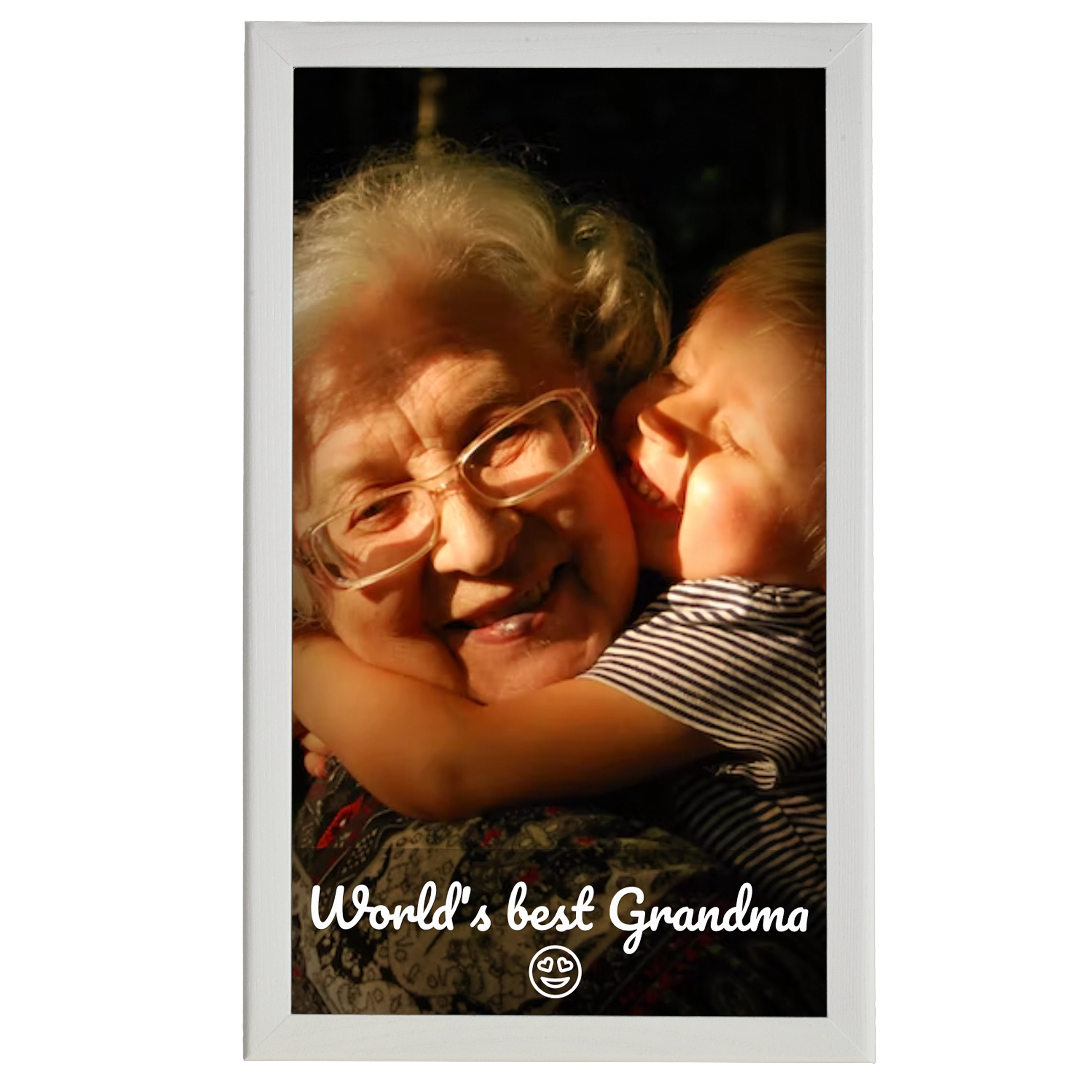
Sometimes just a few words are enough to make a screen feel like it’s “yours.” You can enable a custom message, write the text, and choose where it appears—at the top, a bit higher, centered, a bit lower, or at the bottom.
For home or office, it’s a nice touch: a welcome line, a short reminder, or a label like “Our Family Calendar”—without cluttering the screen.
General screen settings: language and font size
For real calendar display, three things matter: language, readability, and effortless access. You can name a screen, choose the language, and set the base font size.
What the free plan doesn’t cover
Sure, you can try to assemble something from a tablet, a couple of apps, and a mount. In practice, it often ends in updates, pop-ups, crashes—and eventually nobody uses it.
A display that’s designed from the start to be a calendar screen is a different concept: you set it up once and let it run. And because the free DAKboard plan already offers a lot, you can start without a subscription and decide later whether you ever need more.
We offer displays from 15 to 32 inches—with and without touch—so you can choose what fits your budget and your use case.
Is DAKboard Free a match for your “free digital calendar” goal?
The free plan is very likely a good fit if:
-
up to two calendars are enough for you
-
you’re okay with the calendar refreshing on a 60-minute cycle
-
you want a finished layout instead of layout tinkering
-
you want time/date, weather, RSS news, and to-dos on one screen
-
you like a calm background with smooth transitions
-
you find a custom on-screen message useful
If, on the other hand, you need instant updates, complex automation, or technical integration, that’s a different profile—higher tiers become relevant. But for the typical “free digital calendar” search intent, the Free plan is surprisingly strong.