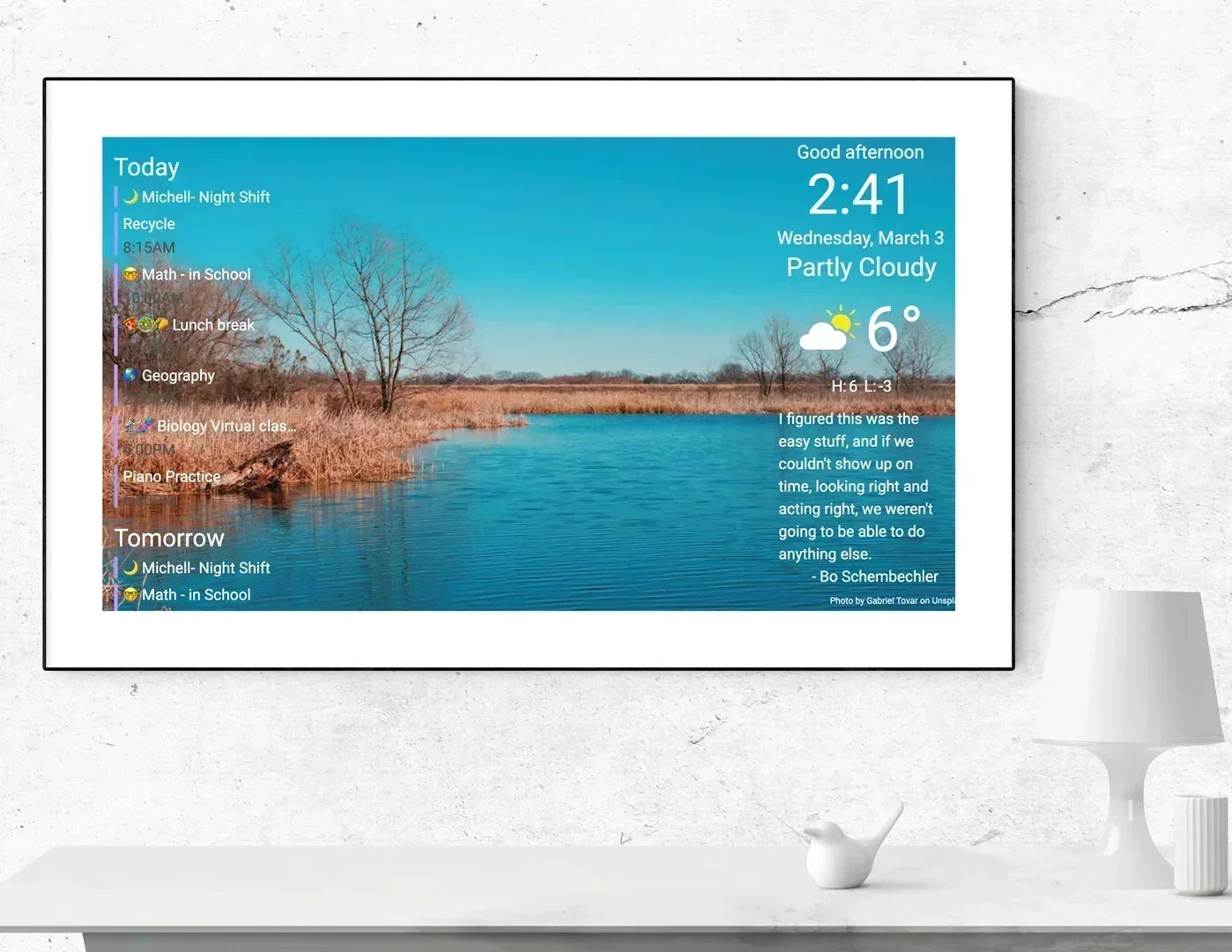
Before considering DAKboard alternatives, did you know that DAKboard has chores since a month or so? We must say that it is a game changer now.
DAKboard has added a full Family Chores Manager through its new TouchHub interface. Every family member can have their own chore area. Children can tap tasks as they complete them, earn points, work toward rewards and see their progress on a family leaderboard. There is even a Child Lock, so younger users can check off their own chores without accidentally changing anything else.
That is a much bigger update than it may sound.
For years, built-in chore management was one of the clearest reasons families considered dedicated products such as Skylight. Skylight made chores, stars and rewards a central part of its family-calendar experience. DAKboard now covers that same core use case directly on the wall display.
So if chores were the reason you assumed DAKboard was not suitable for your family, the comparison has changed.
You can now assign responsibilities, let children complete tasks themselves and use points and rewards to keep everyone engaged—without giving up the customizable calendars, photos, information blocks and smart-home integrations that made DAKboard attractive in the first place.
And this is where the news becomes genuinely exciting: TouchHub is available on every DAKboard plan, including Free. You do not need to move to a completely different calendar ecosystem just to get a family chore chart.
You’ll feel the difference immediately when the display stops being something the family only looks at and becomes something everyone actively uses.
What makes DAKboard different in 2026
DAKboard’s main strength remains, it is your freedom to decide what appears on the wall.
Majority of family calendars provide one established interface. The calendar, chores, meal planner and other areas remain in positions chosen by the software developer. This can make the product easier to understand, although it also limits how much the screen can change.
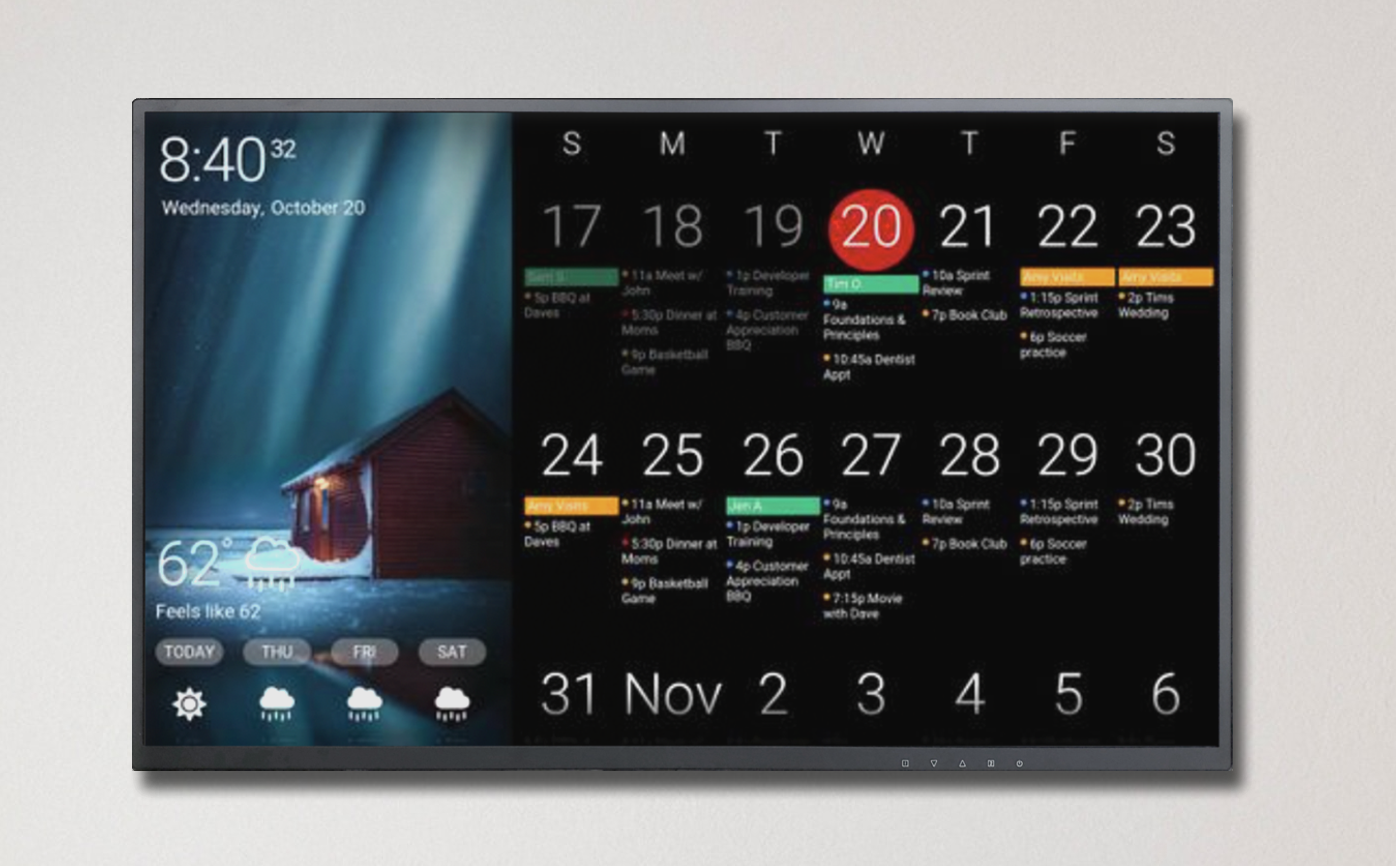
DAKboard uses content blocks. On custom screens, those blocks can be moved, resized and arranged according to the room, screen orientation and information that matters to the household.
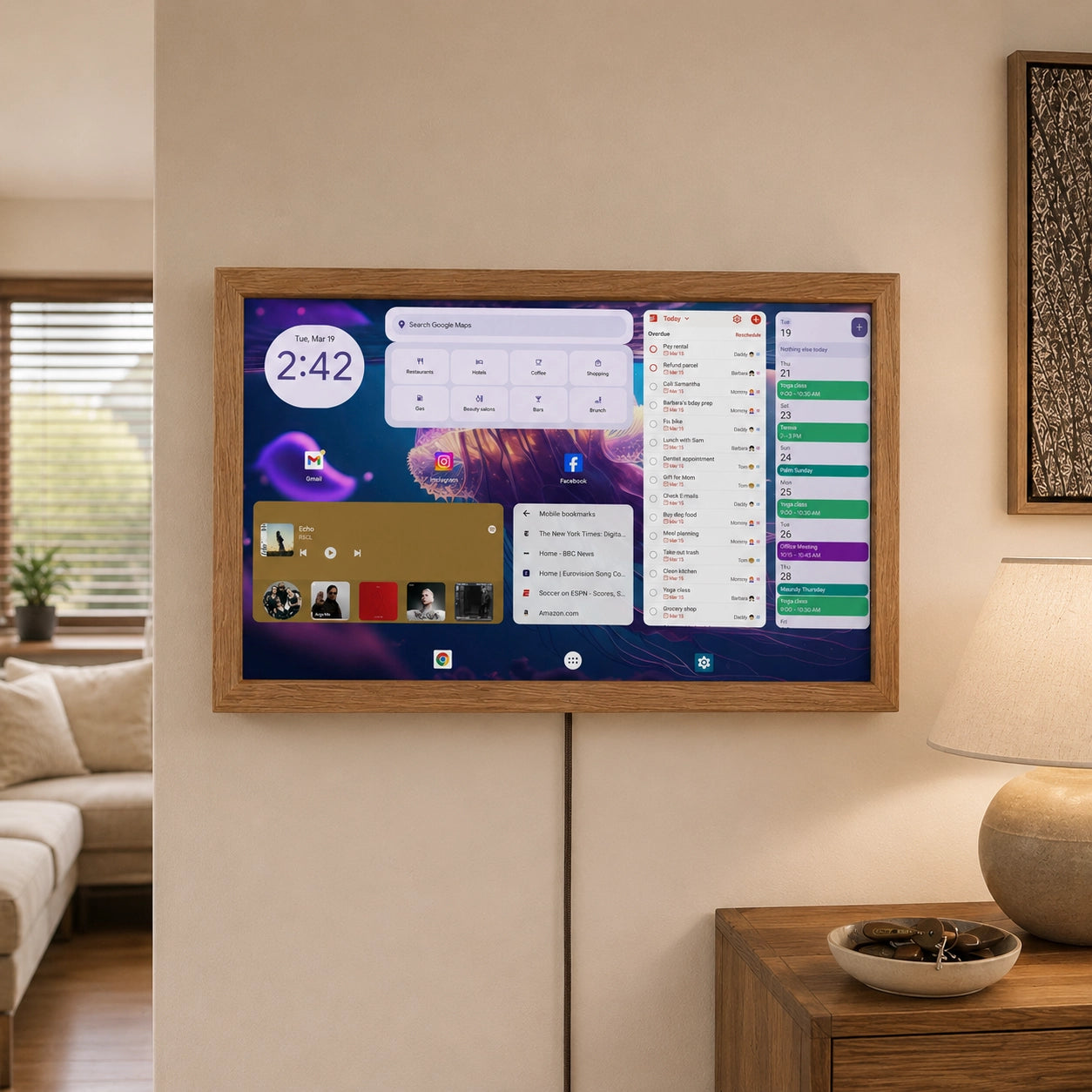
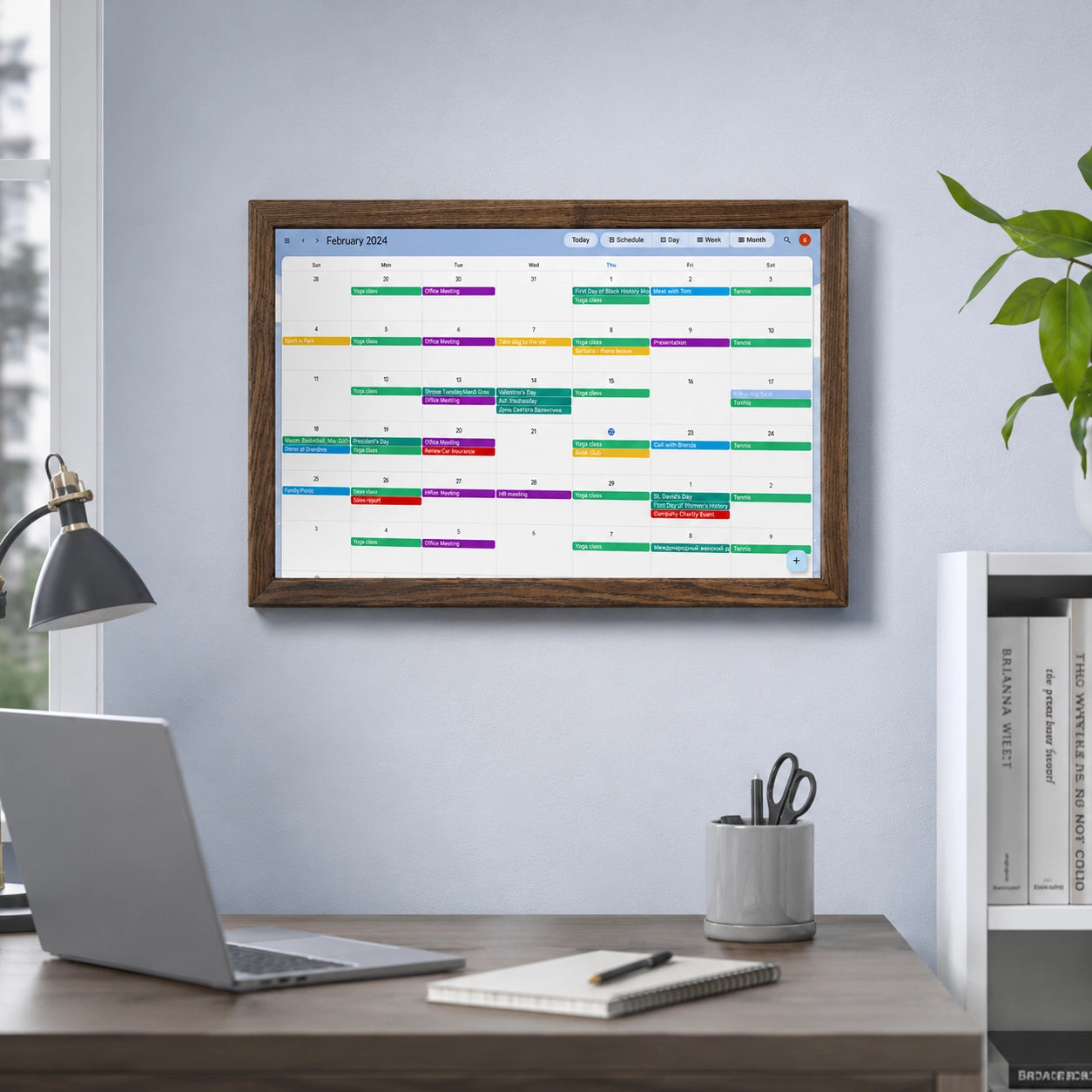
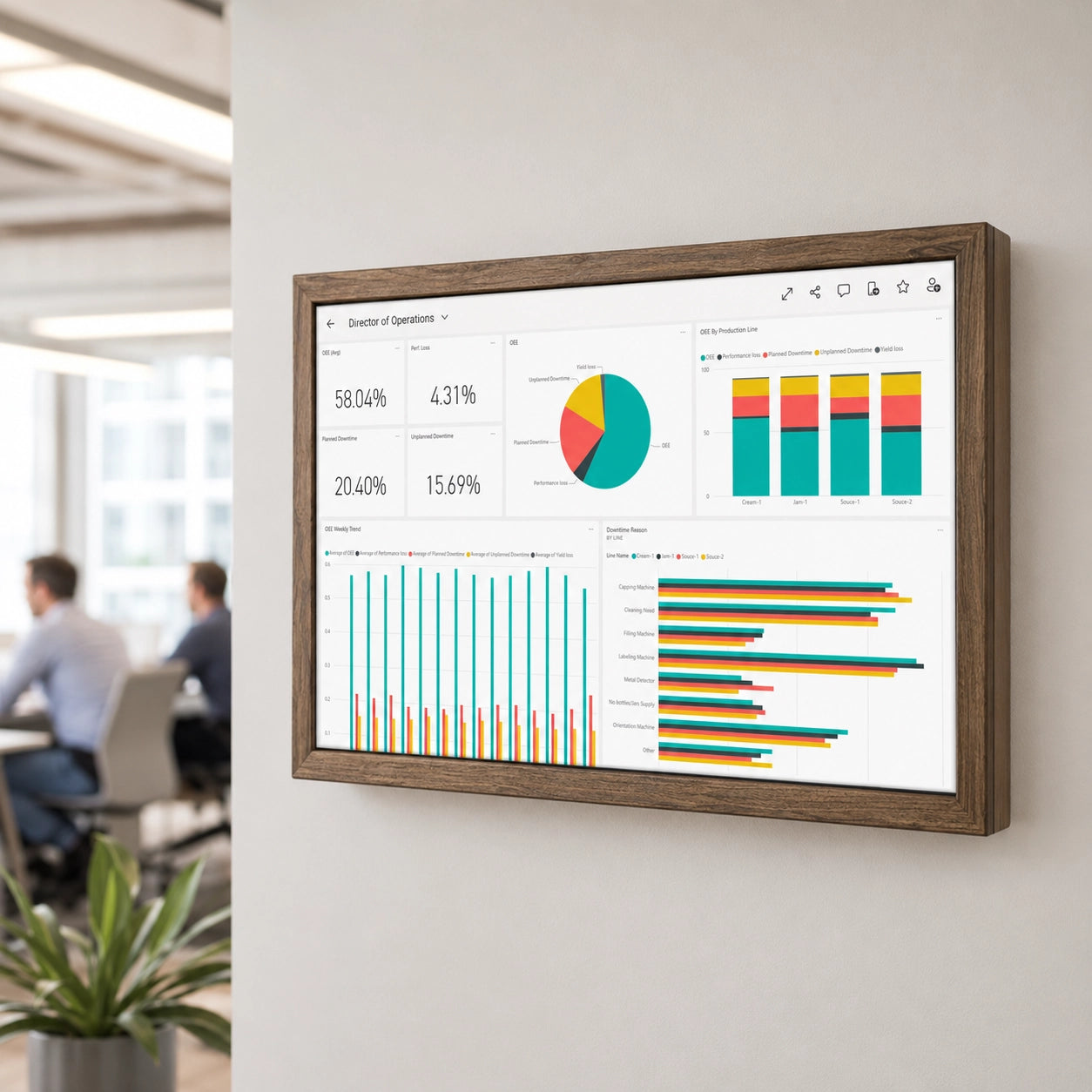
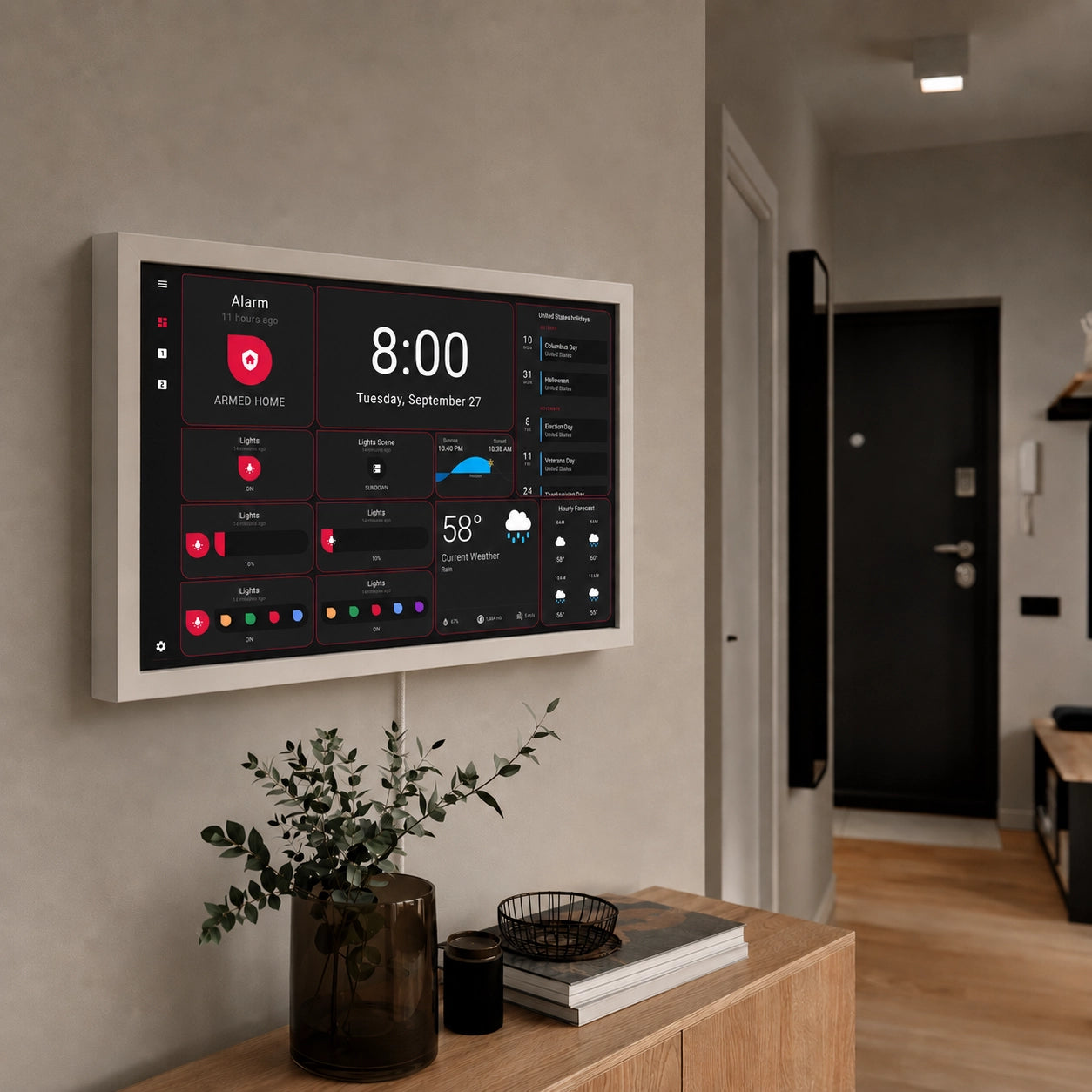
A family screen might place a large monthly calendar in the centre, today’s agenda beside it and weather, chores and photographs around the edges. A home-office layout could prioritize meetings, tasks, news and commute information. A smart-home screen could combine Home Assistant data with calendars, weather and household reminders.
DAKboard also supports multiple screens. One display can move between a family calendar, photographs, smart-home controls and another dashboard. Plus-plan users can place screens in loops or schedule content to appear at particular times. Essential and Plus plans include custom layouts, integrations, screen templates, Community Templates and Custom CSS.
You will be able to keep the result clean and simple or build a dense information centre. The platform does not force every available function onto one page. But just imagine to have in every room its unique display setup.
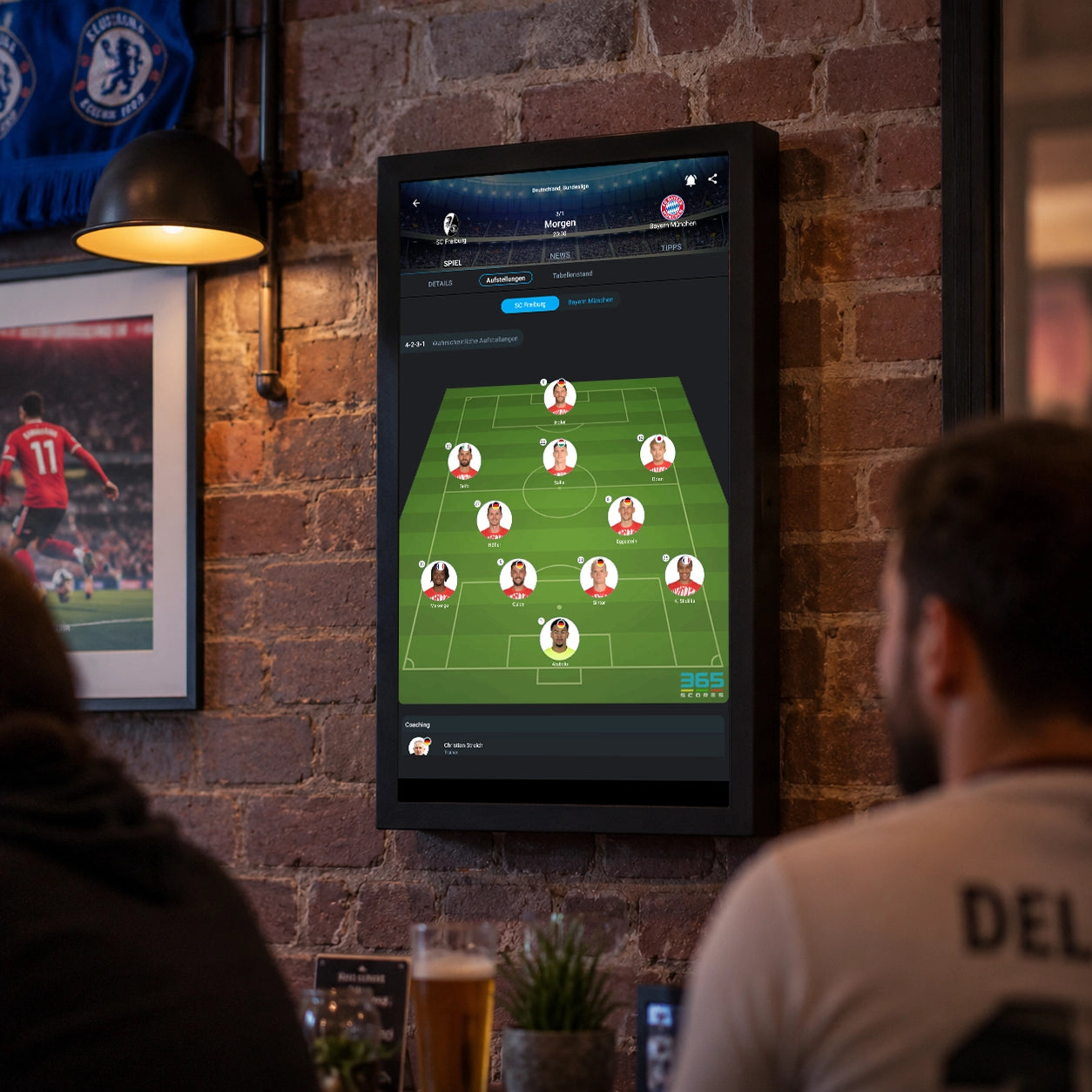
DAKboard’s published examples show how broadly this can be applied. Users have created family organizers, sports dashboards, themed displays, smart-home panels and screens that combine Home Assistant data with calendars, weather and photographs.
That degree of visual and functional freedom remains in 2026 one of DAKboard’s most distinctive characteristics.
TouchHub turns the display into an active family space
TouchHub changes how a DAKboard touchscreen is used during the day.
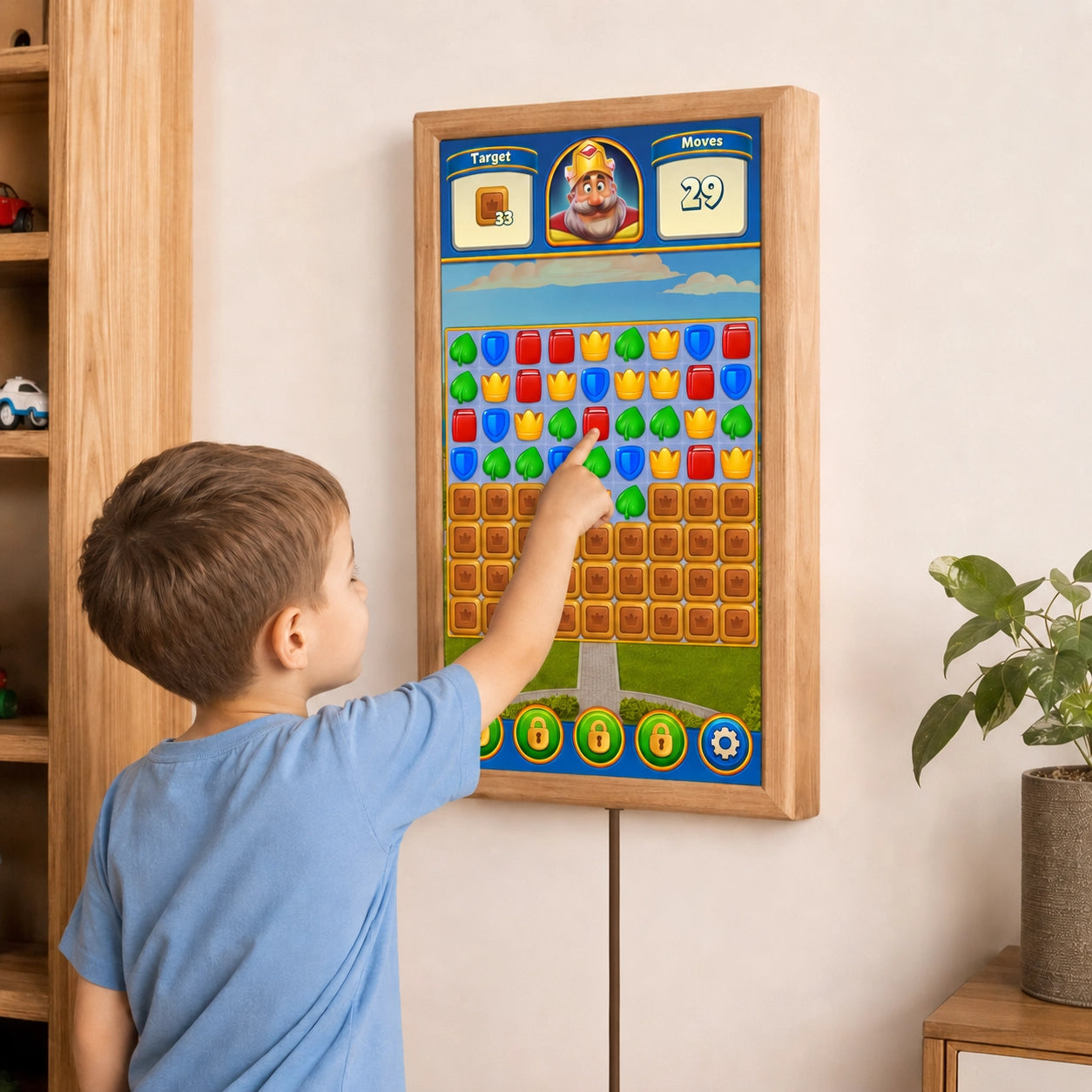
Its Family Chores Manager gives each family member a separate area on the wall display. Chores can be completed with a tap and can earn points linked to rewards chosen by the family. A leaderboard provides a visible overview of progress, while Child Lock allows younger children to use their chore area without changing other parts of the setup.
For a family that has relied on paper charts, verbal reminders or several disconnected apps, the benefit is visibility. The task remains in a shared physical location, and completing it becomes part of the same routine as checking the family calendar.
TouchHub also introduces a dock at the bottom of the display. Family members can move between calendars, photographs, weather and available touch apps with one tap. Home Assistant can run as a dedicated TouchHub app, giving direct access to connected lights, locks and thermostats.
On a large responsive touchscreen, you’ll feel the difference immediately. The screen becomes something people can use while passing through the kitchen or hallway. A child can complete a chore, a parent can review an event, and someone else can open a smart-home control without reaching for a phone.
TouchHub does not replace DAKboard’s normal screens. It creates an easier way to move between them and access interactive functions.
DAKboard has also announced a TouchHub Meal Planner with recipes and grocery lists. At the time we were writing this article, DAKboard describes this function as “on the way,” so it should not yet be treated as a currently available feature, but we will keep you posted.
Touch support extends beyond chores
A touchscreen DAKboard display can do considerably more than mark tasks as complete.
Supported Google, Apple, Microsoft, Cozi, Teamup, Facebook Events, Plan To Eat, and Yahoo calendars integrations allow events to be displayed around the screen. DAKboard’s own to-do system lets users add, complete and reopen items. Interactive task support also extends to services including Google Tasks, Todoist and Microsoft To Do.
Home Assistant and SmartThings controls can operate compatible devices from the wall. The whiteboard block provides a place for short handwritten notes or drawings. Google Maps can be panned and zoomed. Photo blocks can move to the next image with a tap, and long calendars or lists can be scrolled when they do not fit on one screen.
The value of touch depends on where the display will be installed and how people will use it.
A touchscreen makes sense when family members will complete chores, manage tasks, open events, change screens or control the home directly from the wall. A non-touch display remains a strong choice when information is mainly viewed on the wall and updated through phones or computers.
Touch should support a real routine. It does not need to be selected simply because it is the more advanced specification.
Getting the DAKboard experience without building it yourself
DAKboard can be installed as a DIY system, and some users enjoy creating their own device. A complete wall display, however, requires more than connecting a spare screen to a Raspberry Pi.
The builder needs to choose compatible components, find a touchdisplay, prepare an operating system, write an image to a memory card, configure Wi-Fi and automatic startup, mount the computer behind the screen, arrange power, hide the cables and find or produce a suitable frame. The finished assembly must also be securely attached to the wall.
Each task is manageable. Together, they turn a digital calendar into a technical project.
Smartnmagic DAKboard displays arrive as complete wall products with DAKboard already installed. The display, computer, frame, power components and mounting solution have already been selected and assembled. The owner creates or connects a DAKboard account and configures the calendars and screen content.
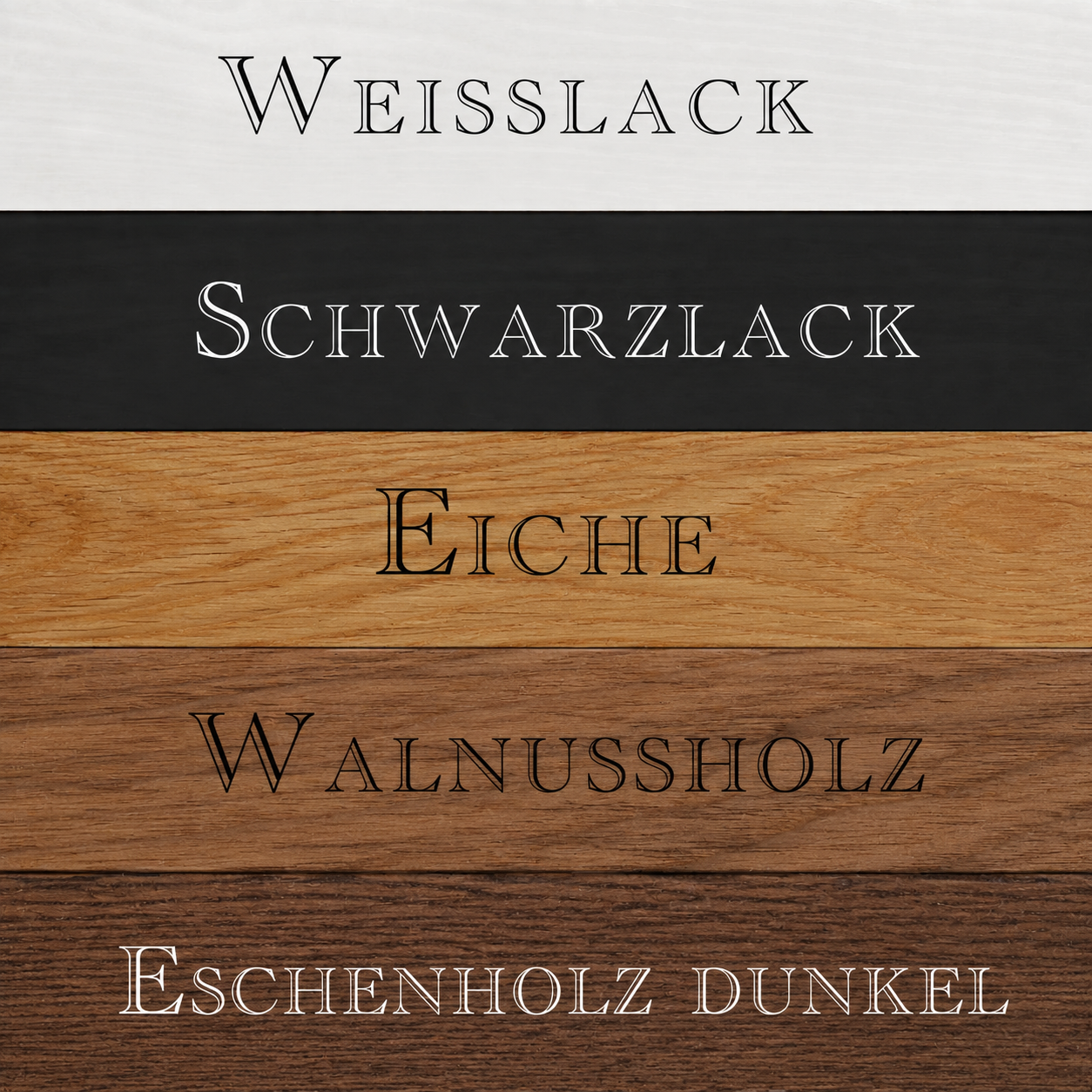
Current Smartnmagic models include 15-inch, 24-inch and 32-inch displays, touch and non-touch configurations, portrait and landscape orientation and several natural-wood or painted finishes. The 24-inch touchscreen model uses capacitive Gorilla Glass, while the 15-inch and 32-inch touchscreen version uses a matte panel, 32-inch is though 4K panel.
Here is what it means for you: your time goes into arranging the screen you want rather than constructing the device that will show it.
This is where many parts-only price comparisons become misleading. They include the monitor, computer and perhaps the mounting bracket, while treating research, assembly, troubleshooting and frame construction as free.
Losing hours to tasks that should take minutes is still a cost. Ordering one incompatible adapter or rebuilding an enclosure can quickly reduce the apparent saving.
A ready-made Smartnmagic display is intended for the buyer who wants DAKboard’s flexibility and new functions in a finished product that belongs on the wall.
 Choosing the right DAKboard display
A 24-inch display works well in many kitchens, hallways and home offices. It provides enough space for a calendar, agenda, weather, chores and several supporting blocks without occupying an unusually large section of the wall.
A 32-inch screen is better suited to longer viewing distances and layouts that place several blocks side by side. Calendar text, tasks and household information remain easier to read from across a larger room. The screen also has a stronger visual presence, so measuring the installation area before ordering is important.
Portrait orientation suits long agendas, vertical task lists and narrower wall spaces. Landscape orientation gives more width to week and month views, multi-column layouts and smart-home dashboards.
The touch decision follows the expected workflow. Choose touch when people will use TouchHub, chores, tasks, calendar controls or smart-home functions directly on the screen. Choose non-touch when the display will primarily present synchronized information.
When eCalendar is the better fit
DAKboard rewards people who want to shape their own screen. Some households prefer a family organizer with the workflow already defined and can not be altered.
Smartnmagic eCalendar brings these functions into one touch-based system. It includes calendar synchronization, event management, chores, meal planning, shopping lists, to-do lists, photos, videos and weather. Events can be managed from the display or through its mobile app. Supported services currently include Google, iCloud, Yahoo, Outlook and Cozi, and multi-user access supports up to 20 family members.
The eCalendar meal planner already includes recipes, repeating menus and customizable meal categories. Shopping and to-do lists synchronize between the display and the app. That gives family members a consistent way to update information from home or while they are out.
Current screen sizes are 10.1, 15.6 and 21.5 inches. The compact model works well on a counter, desk or shelf. The larger versions provide better visibility when the device is used as a shared wall calendar.
This is where eCalendar becomes a genuine DAKboard alternative. It offers a more focused experience with fewer design decisions. The main household functions are already connected, and the interface has a clear purpose from the start.
The difference is not a question of one system having family features while the other does not. Both now support chores and family organization. Their approaches are different.
DAKboard gives the owner broad control over layouts, integrations and screens. eCalendar provides a predefined family workflow with an existing meal planner and mobile-app management.
Choose eCalendar when simplicity and a consistent household routine matter more than deep dashboard customization.
 When Android makes more sense
A dedicated family-calendar platform may feel too narrow when the household already depends on a specific set of apps.
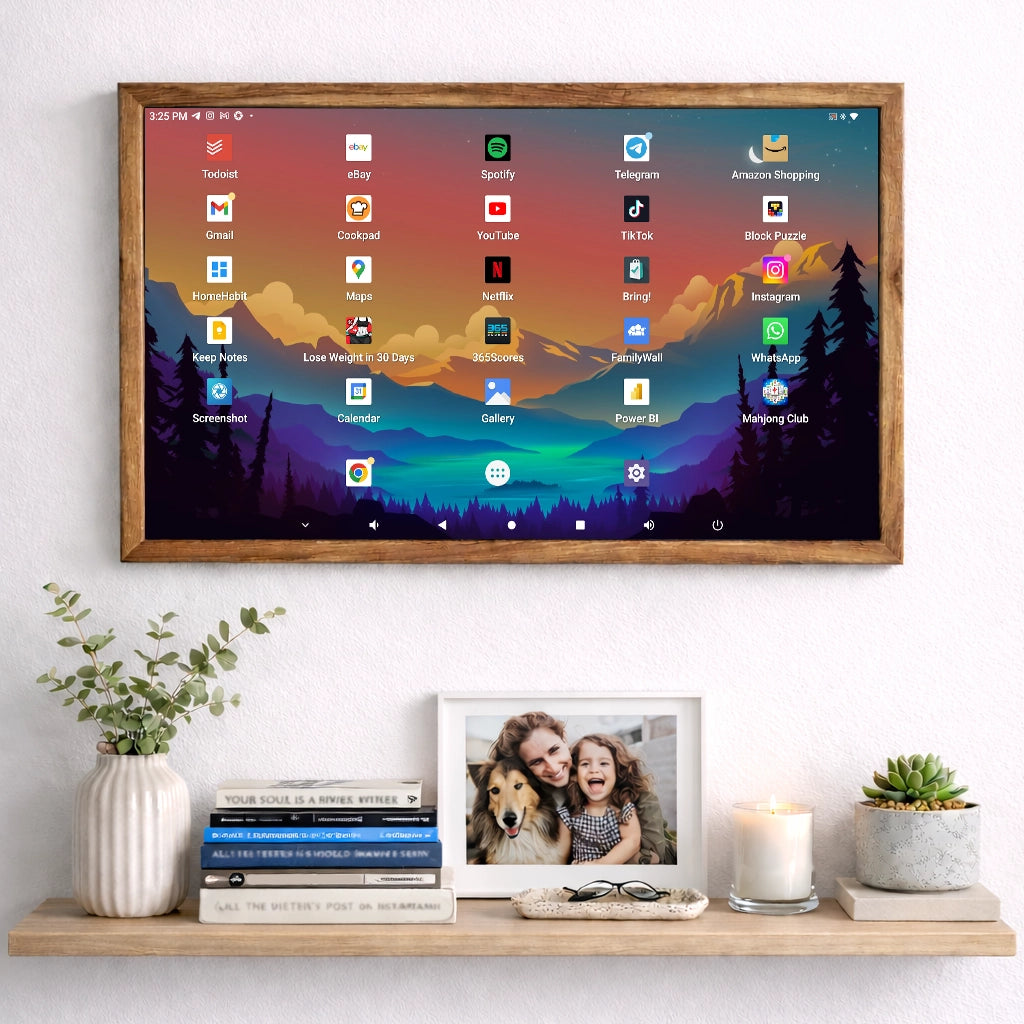
You may use Google Calendar for appointments, Todoist for tasks, Bring for shopping, WhatsApp for communication and a separate application for smart-home controls. Moving all of those activities into another ecosystem could create more work.
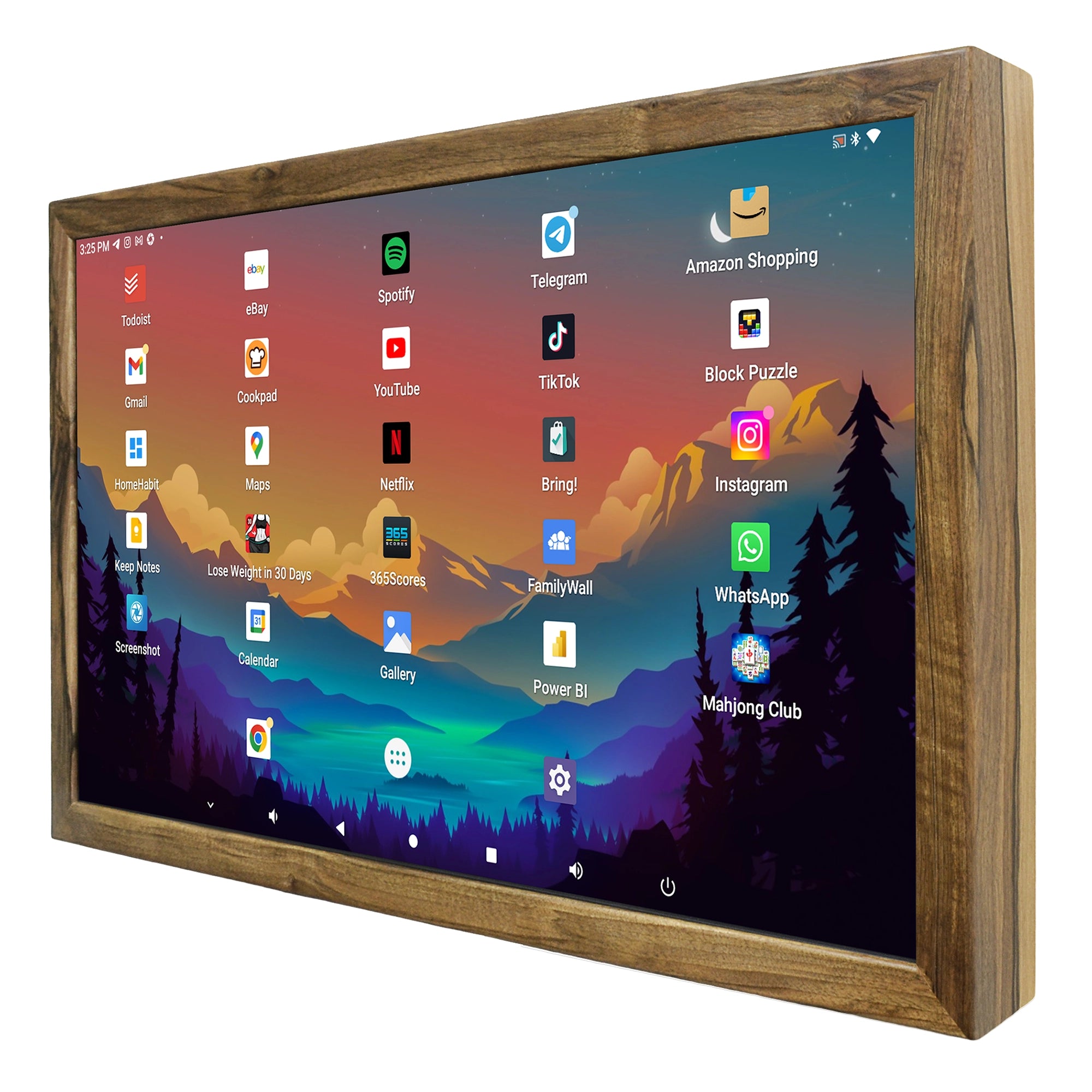
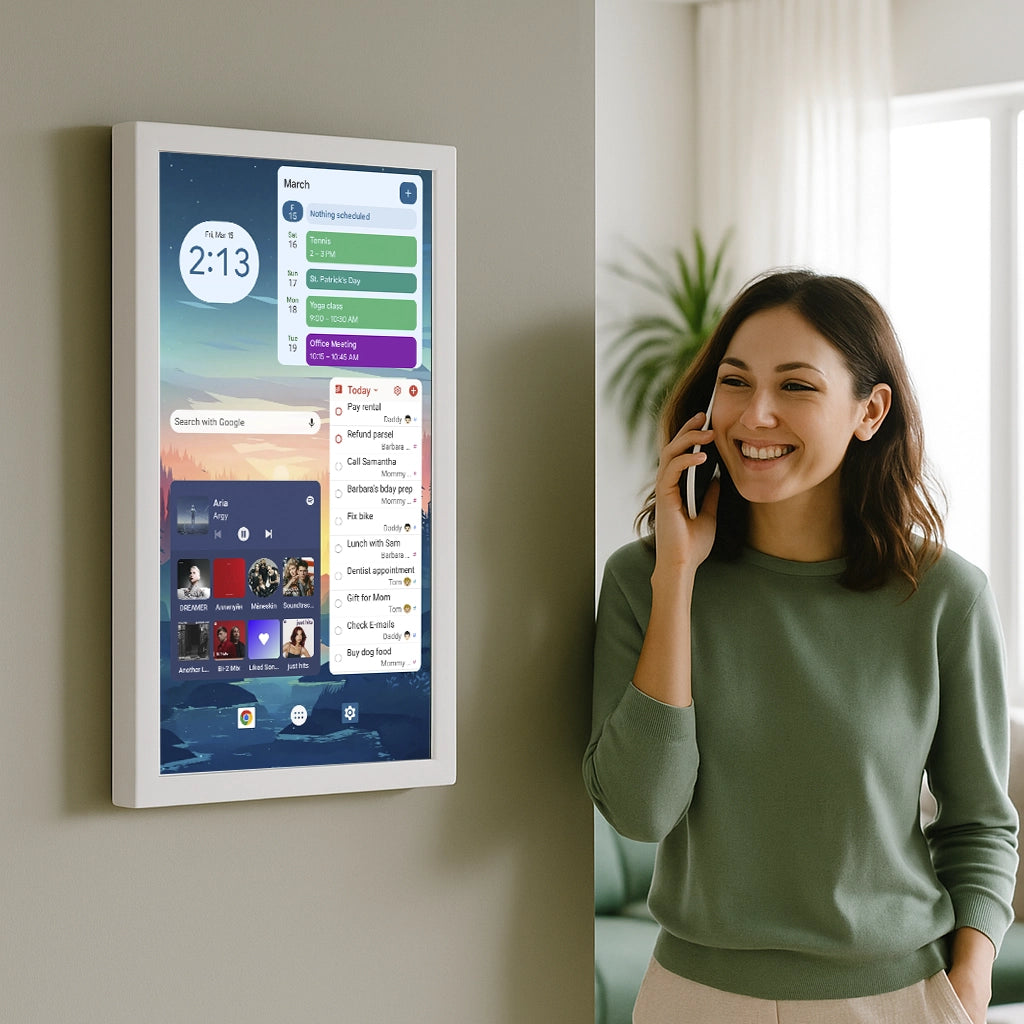
The Smartnmagic 24-inch Android Touch Display in a solid wooden luxury frame gives access to the Google Play Store and an integrated web browser along with built-in speakers and microphone. Android applications and widgets can be arranged on the home screen, allowing the display to show calendars, messages, tasks, news, weather and smart-home information.
The display uses a Full HD capacitive touchscreen and is available in portrait or landscape orientation. Natural oak, walnut and ash frames are offered alongside black and white finishes. Mounting hardware and a setup guide are included.
Android gives the wall screen a broader role. It can begin as a calendar, later add a communication app, run a browser dashboard or become a smart-home interface. You will be able to change applications as your workflow develops.
That flexibility brings more choices. Someone still needs to select the apps, arrange the widgets and decide how the display should behave. A Play Store does not automatically create a clear family command centre.
For users who already know which applications they want, Android can be the more flexible DAKboard alternative. For a household that wants one coordinated family organizer, eCalendar usually requires fewer decisions.

Three products with three different strengths
The simplest way to choose is to identify which kind of work you want the product to remove.
A Smartnmagic DAKboard display removes the hardware-building work. You receive a finished wall product while keeping DAKboard’s customizable layouts, integrations and TouchHub functions.
The Smartnmagic eCalendar removes most of the workflow-design work. Calendars, chores, meal planning, lists and mobile management already belong to the same system.
The Smartnmagic Android display removes the software-platform restriction. It runs Play Store apps and browser services, allowing the screen to follow the tools you already use.
Each product offers a different form of simplicity. DAKboard simplifies bringing several kinds of information together. eCalendar simplifies family organization. Android simplifies access to a broad range of apps.
The strongest product is the one that continues to be useful after the excitement of installation has passed.
Understanding DAKboard plans
DAKboard still offers a free plan. At the time of writing, it includes one predefined screen, up to two calendars, TouchHub, one included TouchHub app, photos, weather and news or RSS content.
The Essential plan adds custom screens, up to five calendars, integrations, templates, Community Templates and Custom CSS. The Plus plan adds unlimited calendars, a media library, screen loops, content scheduling, instant refresh and faster update intervals. The number of included TouchHub apps also increases across the paid tiers.
A simple calendar, weather and photo display may fit within the free plan. A customized dashboard with several calendars, integrations or scheduled screens will generally require one of the paid plans.
Plan pricing and features can change independently of the display, so DAKboard’s current pricing page should be checked before ordering.
Frequently asked questions
What is the best DAKboard alternative for my family?
The answer depends on the experience you want.
Choose a Smartnmagic DAKboard touchscreen when you want customizable layouts, TouchHub, interactive chores, smart-home access and a finished large wall display.
Choose Smartnmagic eCalendar when you want meal planning, chores, shared lists and mobile management in a focused family-organizer system.
Choose the Smartnmagic Android Touch Display when Play Store apps, browser access and long-term software flexibility are the main priorities.
Does DAKboard have chores?
Yes! Since June 2026 TouchHub includes the Family Chores Manager in every Dakboard Plan. Family members can have their own chore areas, completed tasks can earn points, rewards can be defined, and a leaderboard can show progress. Child Lock helps prevent younger users from changing unrelated parts of the system.
Is DAKboard still mainly a passive display?
Not anylonger. It can still be used as a passive calendar and photo dashboard, although supported touch functions now include calendar interaction, task management, Home Assistant and SmartThings controls, whiteboard input, maps, photo controls, timers and screen navigation.
Does DAKboard already include meal planning?
DAKboard announced a TouchHub Meal Planner with recipes and grocery lists in July 2026, but described it as an upcoming feature. Its release should be confirmed before treating it as currently available. Smartnmagic eCalendar already lists meal planning, recipes, repeating menus and synchronized shopping lists among its present functions.
Do I need to prepare a Raspberry Pi or memory card?
A DIY DAKboard setup may require those steps. A Smartnmagic DAKboard display arrives assembled with DAKboard already installed, so the buyer does not need to build the computing system or prepare a memory card. The remaining setup involves connecting the DAKboard account and arranging the desired screen content.
Is a touchscreen worth choosing?
Touch is worthwhile when family members will use chores, task lists, calendar controls, TouchHub or smart-home functions at the display.
A non-touch DAKboard display model is sufficient when calendars and information are mainly viewed on the wall and managed from phones or computers.
Choose the workflow before the screen
DAKboard deserves a fresh assessment in 2026. TouchHub, Family Chores Manager, calendar editing, interactive tasks, smart-home controls and customizable layouts have expanded the platform well beyond the passive calendar described in older comparisons.
Some buyers will discover that DAKboard already provides the experience they wanted. A ready-made Smartnmagic display gives them that platform without assembling electronics, preparing a memory card or building a frame.
Other households will prefer eCalendar because its family workflow, mobile application and meal planner are ready from the beginning. Android will suit people whose existing apps and services already define how they organize their day.
With a Smartnmagic DAKboard display, you will be able to start with a simple calendar and expand the screen as your needs become clearer. With eCalendar, the family can begin using a consistent organizer with fewer setup decisions. With Android, the wall display can evolve as applications and priorities change.
Most people hit the same wall when they choose the longest feature list instead of the system their household will continue using.
Pick the workflow used in your family. Then select the size, orientation. That is how you get what you really need and turn it into useful piece of electronics on your own wall. If any questions, always feel free to reach out via our chat or contact form.