Skylight and DAKboard are the two most searched smart wall calendar brands — and they could not be more different. Skylight is a family calendar designed for parents who want to sync schedules and assign chores with zero hassle. DAKboard is a highly customizable family dashboard for users who want to control every pixel on their display.
Choosing between them comes down to a simple question: Do you want something that just works as it is, or something you can make your own and customize to your needs?
We've compared both products across every dimension that matters — setup, calendar sync, features, pricing, design, and real-world usability. Here's our honest take.
Quick Verdict
Choose Skylight if: You're a busy parent who wants a family calendar on the wall in under 10 minutes, with chore charts and meal planning built in. You don't want to think about configuration.
Choose DAKboard if: You want a fully customizable family dashboard that shows calendars alongside weather, news, photos, smart home data, and anything else you can think of. You enjoy tweaking settings and making things your way.
At a Glance: Skylight vs DAKboard
|
Feature |
Skylight Calendar 27" | DAKboard 24" Wooden Frame |
|
Price |
$715 |
from $715 (discounted) |
|
Subscription |
$79/year (optional Plus) |
Free tier; Essential $4.99/mo; Plus $9.99/mo |
|
Screen size |
15", 27" |
15" (touch), 24" (touch), 32" (touch)/ 24" (non-touch), 32" (non-touch) |
|
Touchscreen |
Yes |
Yes/ No |
|
Calendar sync |
Google, Apple, Outlook, Cozi, Yahoo |
Google, Apple, iCloud, Outlook, Instagram, Facebook + 100 more |
|
Two-way sync |
Yes (Google) |
Limited |
|
Chore chart |
Yes |
No |
|
Meal planning |
Yes (with Plus Subscription) |
No |
|
Photo frame |
Yes |
Yes |
|
Smart home |
No |
Yes (Home Assistant, SmartThings, Ecobee) |
|
DIY option |
No |
Yes (Raspberry Pi + any screen) |
|
Setup time |
5 minutes |
20–40 minutes |
|
Companion app |
Yes (iOS/Android) |
Yes (iOS/Android) + Web-based dashboard, |
|
Voice control |
No |
No |
Design and Hardware
Skylight
Skylight's hardware feels purpose-built and consumer-friendly. The 15-inch model comes with a wall mount. The screen is bright with good viewing angles, though fingerprints show up clearly on the glossy display. The bezels are minimal and the overall look is clean and modern — it fits naturally in a kitchen or hallway.
The biggest hardware limitation: there's no battery. You need a power outlet nearby, and the cord (while long) is always visible. For wall mounting, you'll need to think about cable management — or live with a white cord running down your wall.
Skylight offers two calendar sizes: the 15-inch ($326) which can go on a counter or wall. The 27-inch Max ($714) designed for prominent wall mounting in landscape or portrait.
DAKboard
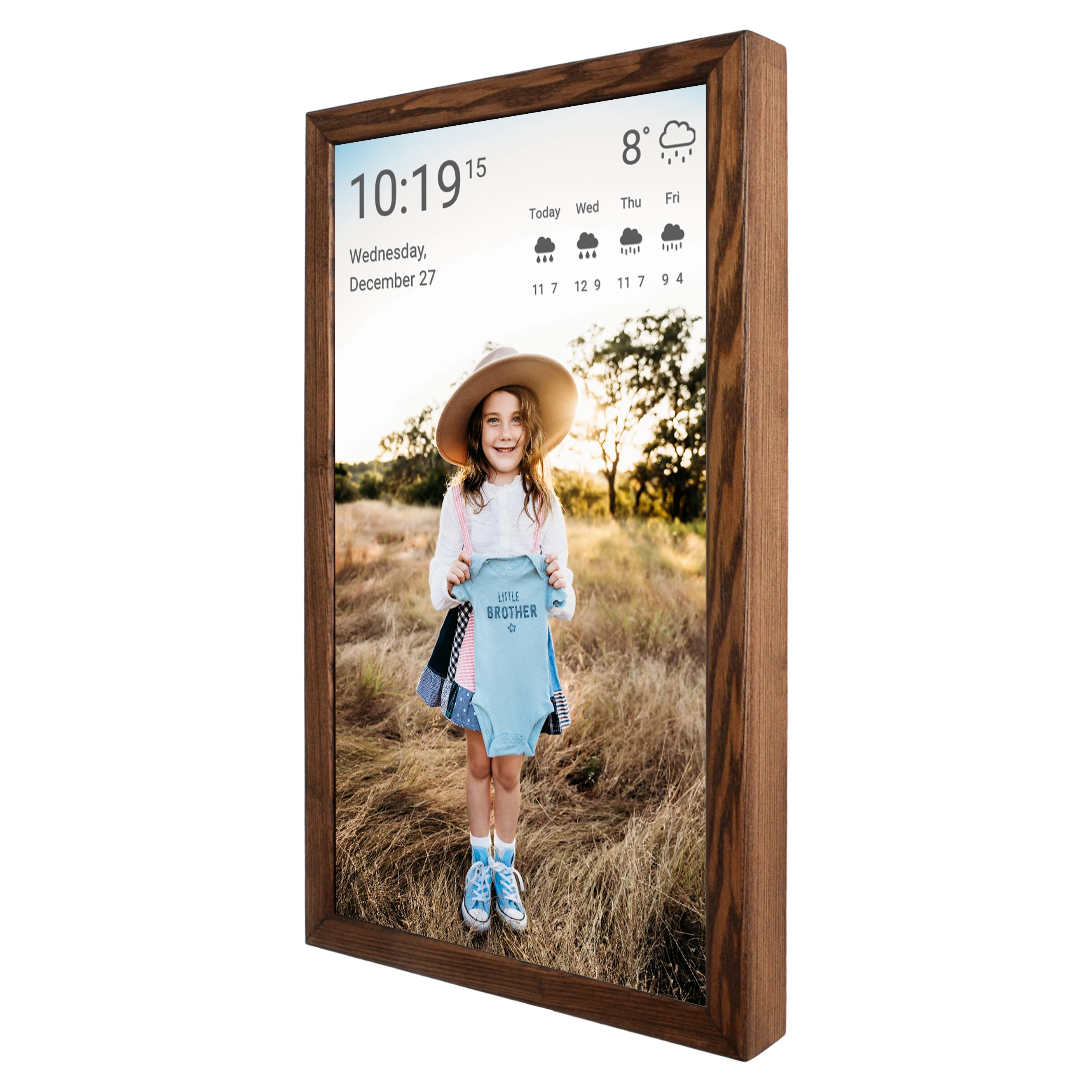
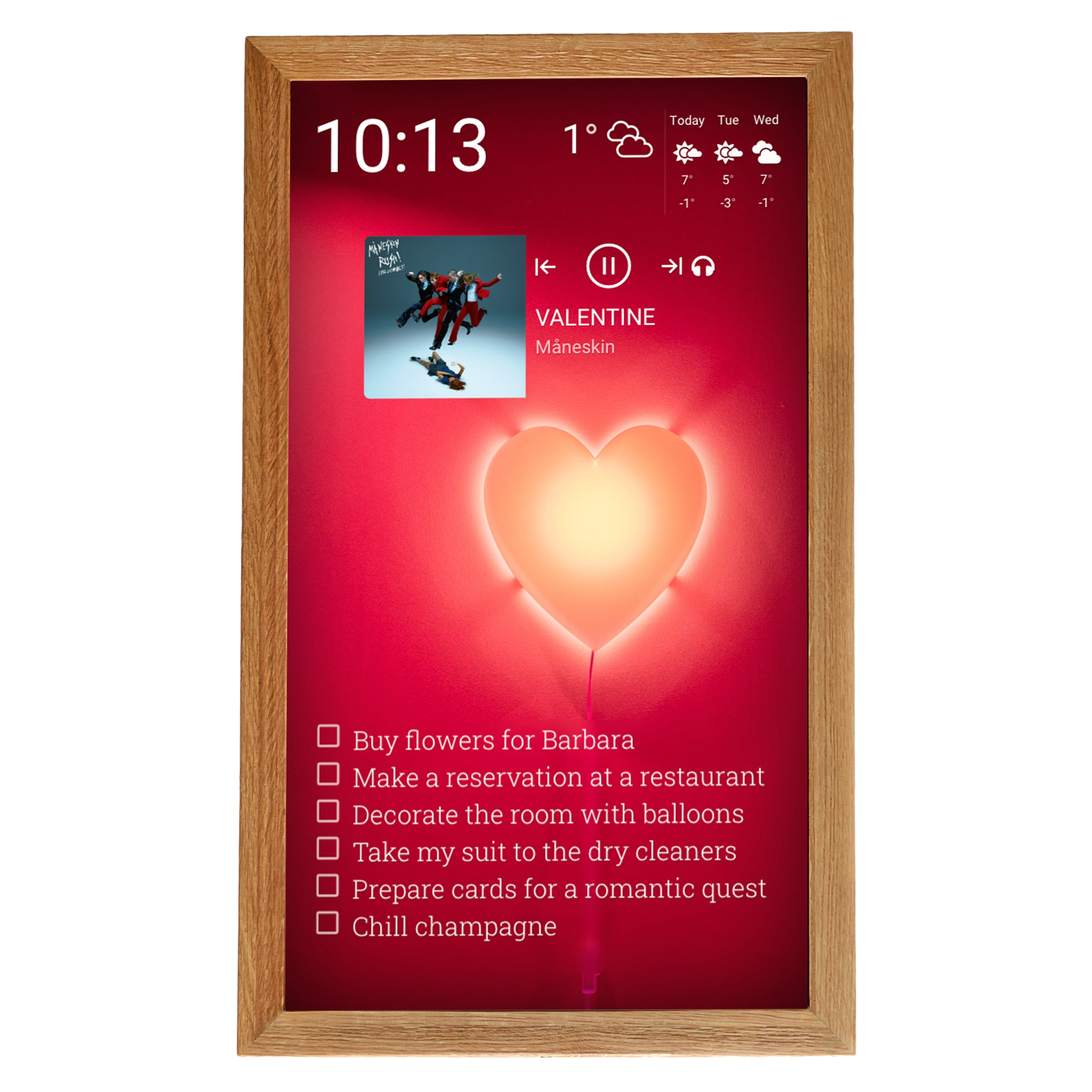
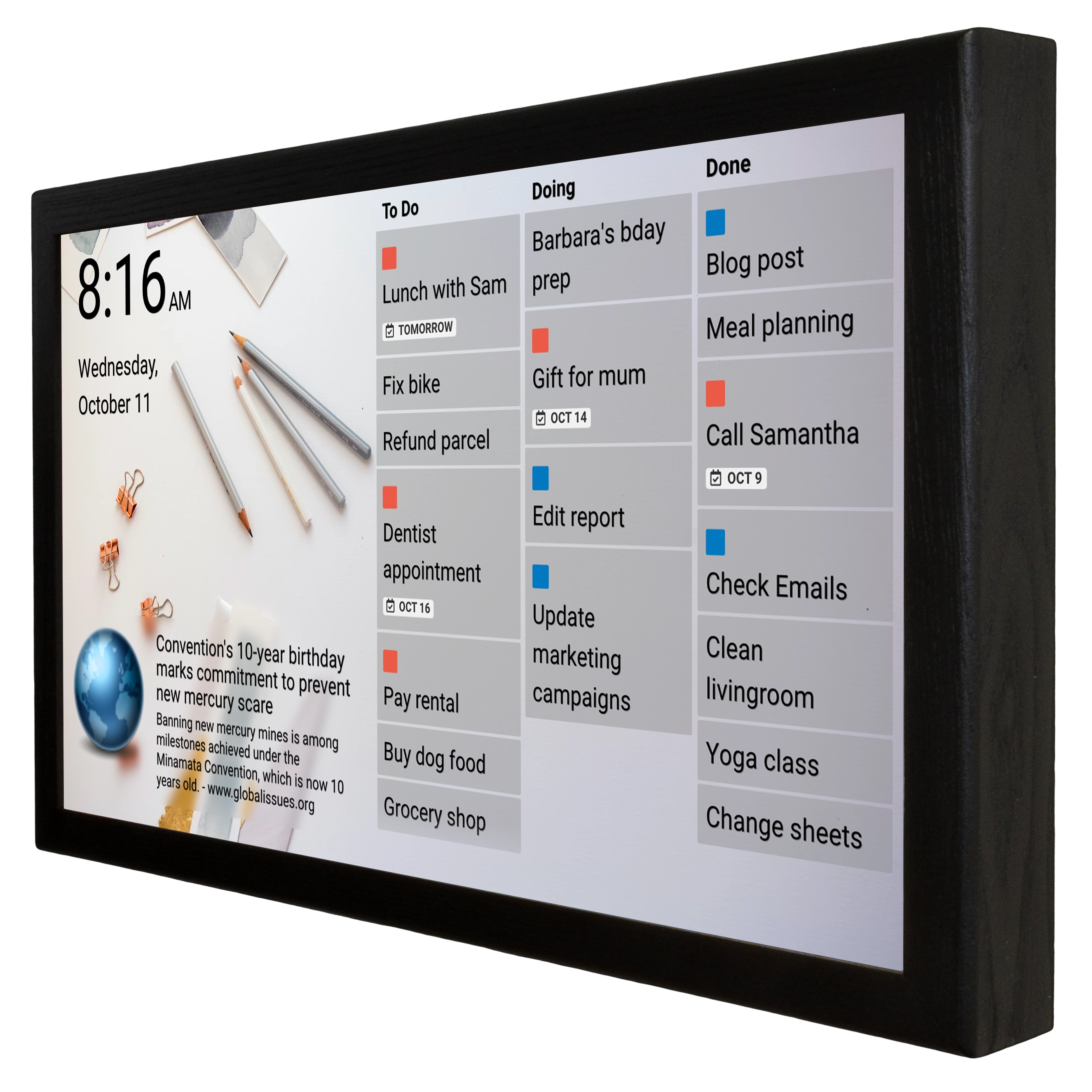
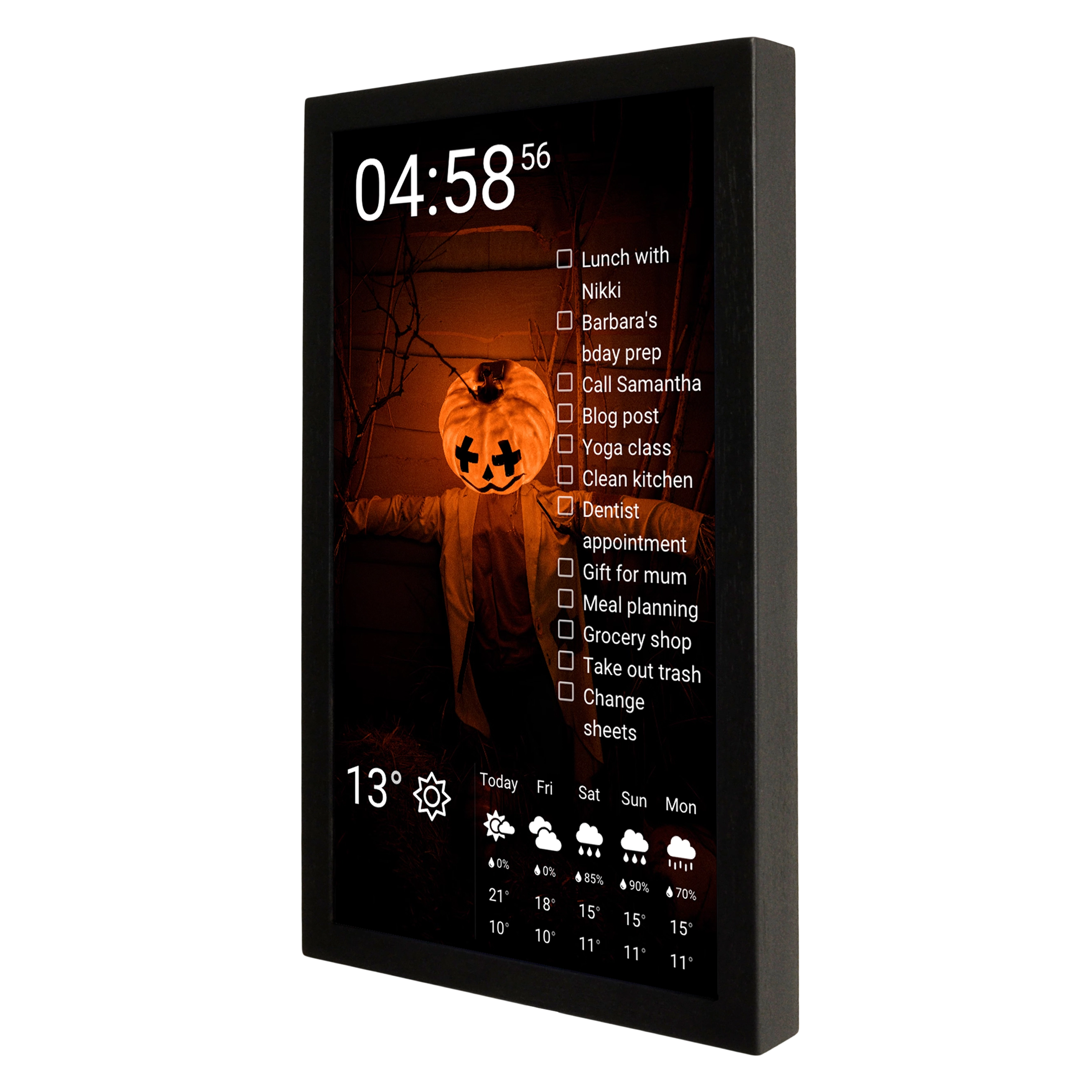
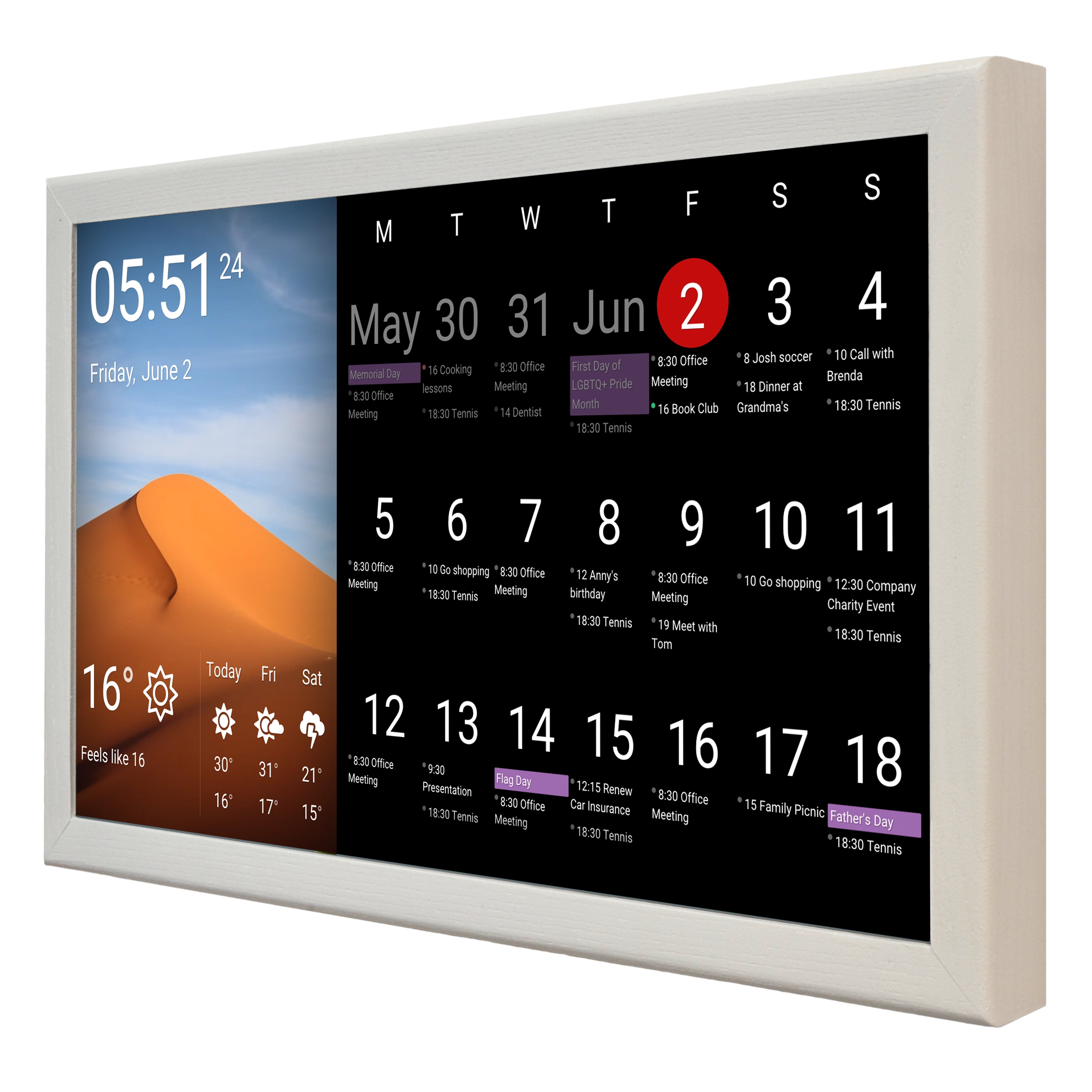
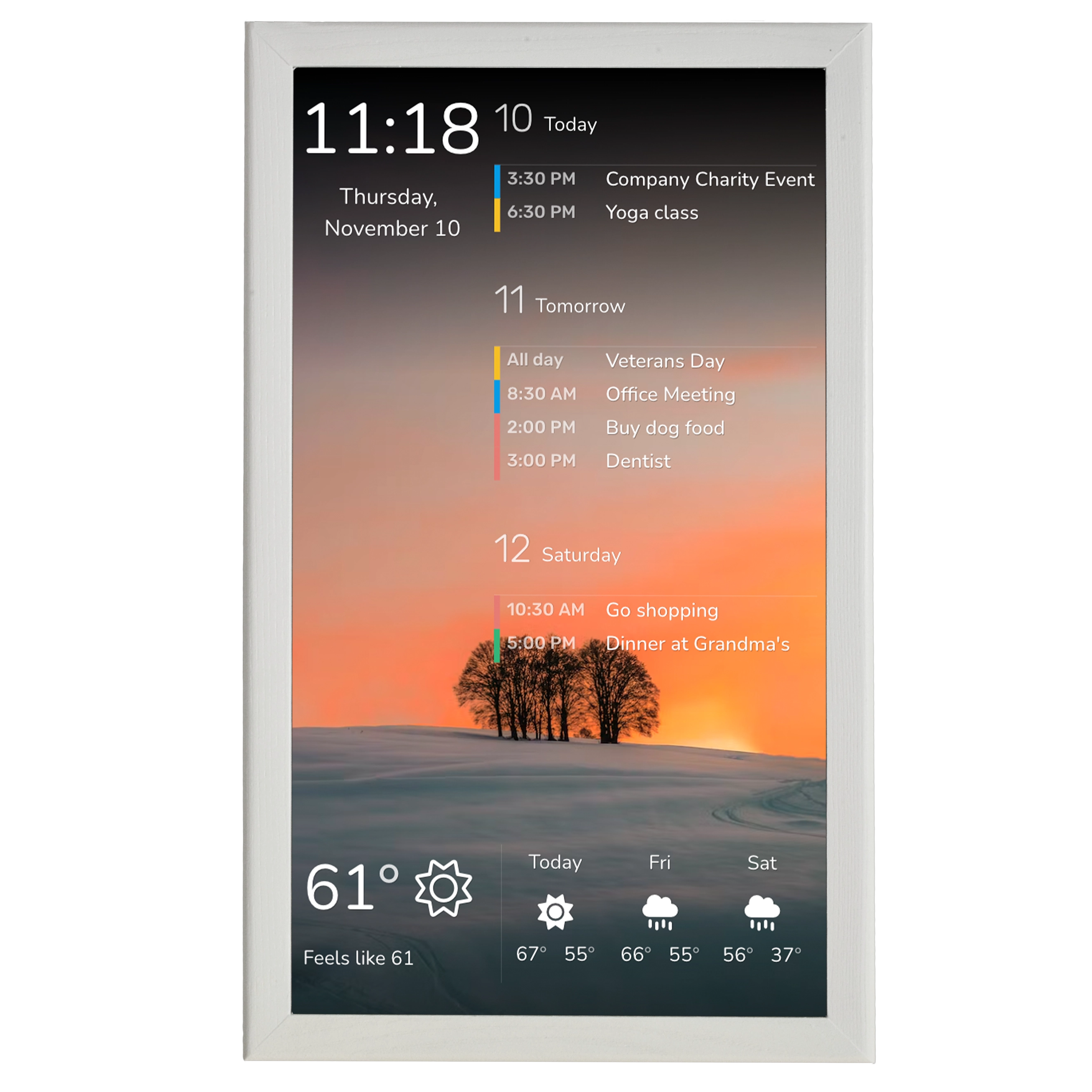
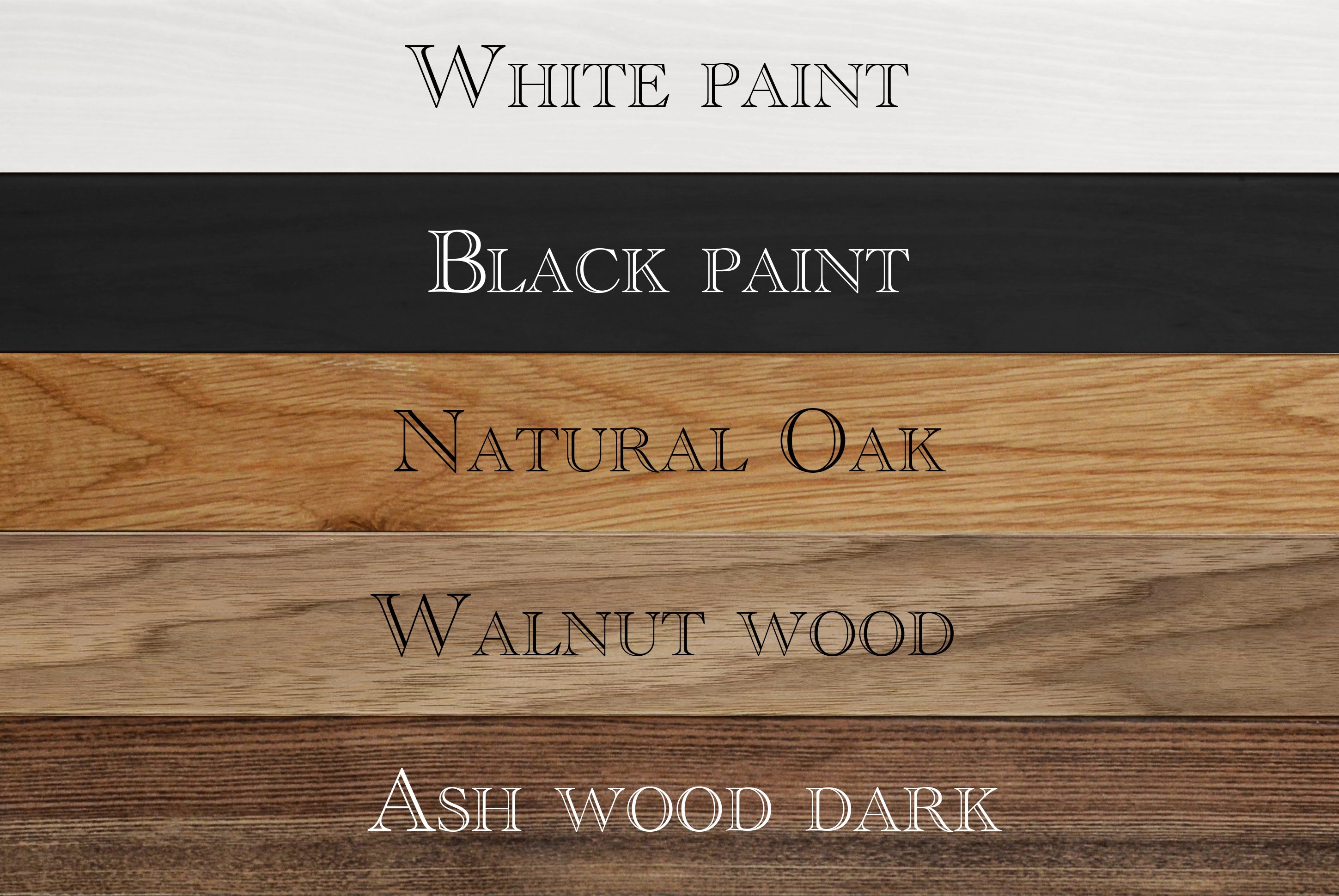
DAKboard's hardware takes the same approach when it comes to a power cord, it is also there, but you can align with the manufacturer for a customized version, so the cord goes out from the back. The Touch 24 ($852) is their first touchscreen model, launched in early 2024. It features a 24-inch HD 1080p IPS display with built-in speakers and Wi-Fi. It can hang like a photo frame in portrait orientation or in a landscape, as you wish. Every model comes in a solid wooden frame.
Design verdict: Skylight setup definitely takes less time and its white plastic frame will fit most interiors. However if you prefer wooden warmth over modern plastic, the DAKboard's smart wall calendar is worth considering, if aesthetics matter to you, Dakboard wins. DAKboard's flexibility and customization options is also an advantage.
Setup and Ease of Use
Skylight: 5 Minutes and Done
This is Skylight's killer feature. Unbox it, plug it in, download the app, scan a QR code, sign in to Google/Apple/Outlook, and your calendar appears. The entire process takes under 5 minutes. Every family member I've seen try it — including grandparents and young kids — figured out the touchscreen interface within seconds.
The app is well-designed for ongoing management. You can add events, assign chores, update meal plans, and manage photo albums from your phone. Changes sync to the display within seconds with the Plus plan. The free tier is slightly slower.
DAKboard: Powerful but Requires Patience
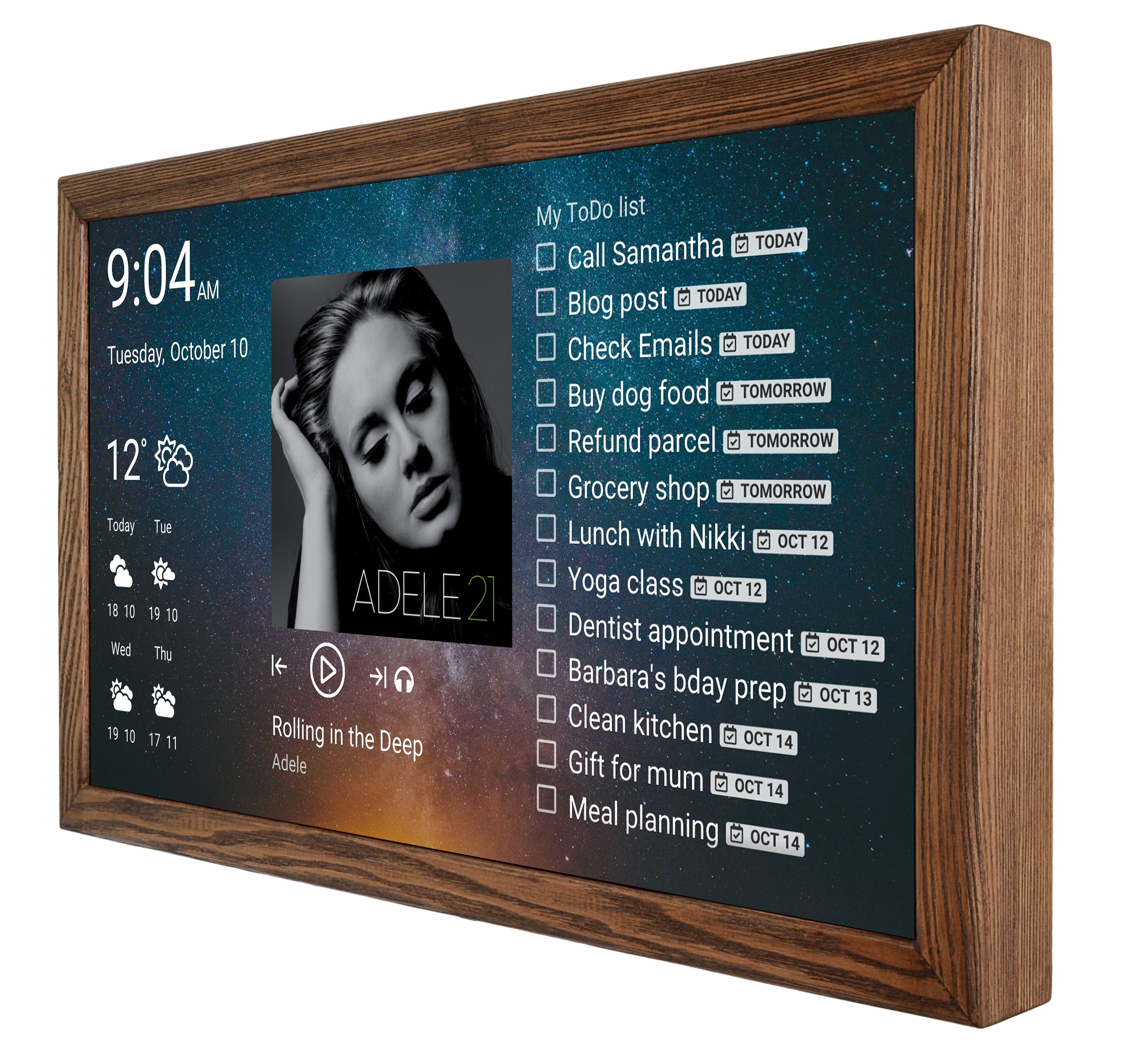
DAKboard setup is done entirely through their web interface at dakboard.com. You choose default or create a custom screen layout, add "blocks" (calendar, weather, photos, etc.), configure each block's settings, choose your data sources, and then connect your display.
For a basic calendar setup, this takes for about 10 minutes. And up to 30-40 minutes if you make it custom and use different blocks, like news feeds, etc. For a fully custom dashboard with multiple data sources, it can take up to an hour. There's is a companion app, so either it is maaged through the app or through the website.
The upside of this complexity is power. You can create multiple screens and rotate between them. You can set schedules (show weather in the morning, photos at night). You can adjust refresh rates, font sizes, block positioning, and dozens of other parameters.
Setup verdict: If you want something working on your wall tonight, Skylight. If you enjoy the process of building and tweaking, DAKboard rewards that investment.
Calendar Features
Skylight
Skylight's calendar is designed for families first. Each family member gets a color, and you can toggle between day, week, month, and schedule views. Events from synced calendars appear with their original details — time, location, description. Two-way Google Calendar sync means adding an event on Skylight creates it in Google, and vice versa. No support for iCloud or Apple Calendar though.
The standout feature (Plus plan) is Magic Import. Forward an email from your kid's school about picture day, and Skylight's AI extracts the date, time, and details, creating a calendar event automatically. You can also snap a photo of a paper flyer or upload a PDF. Parents consistently cite this as the feature that justifies the subscription.
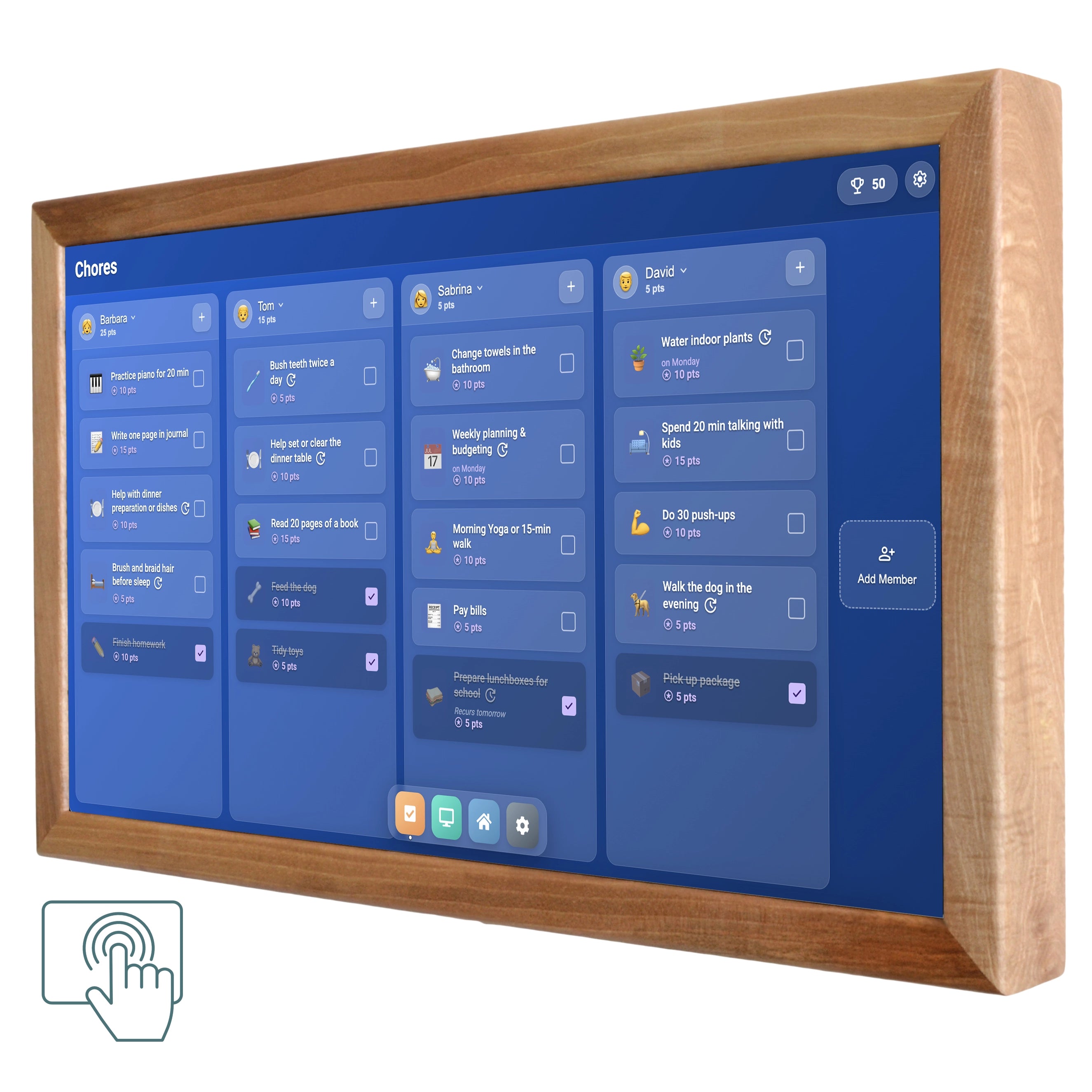
Additional family features include chore charts with star-based rewards, meal planning with recipe import, grocery lists (with Instacart integration), and custom to-do lists. These aren't afterthoughts — they're well- implemented and kids genuinely engage with the chore chart.
DAKboard
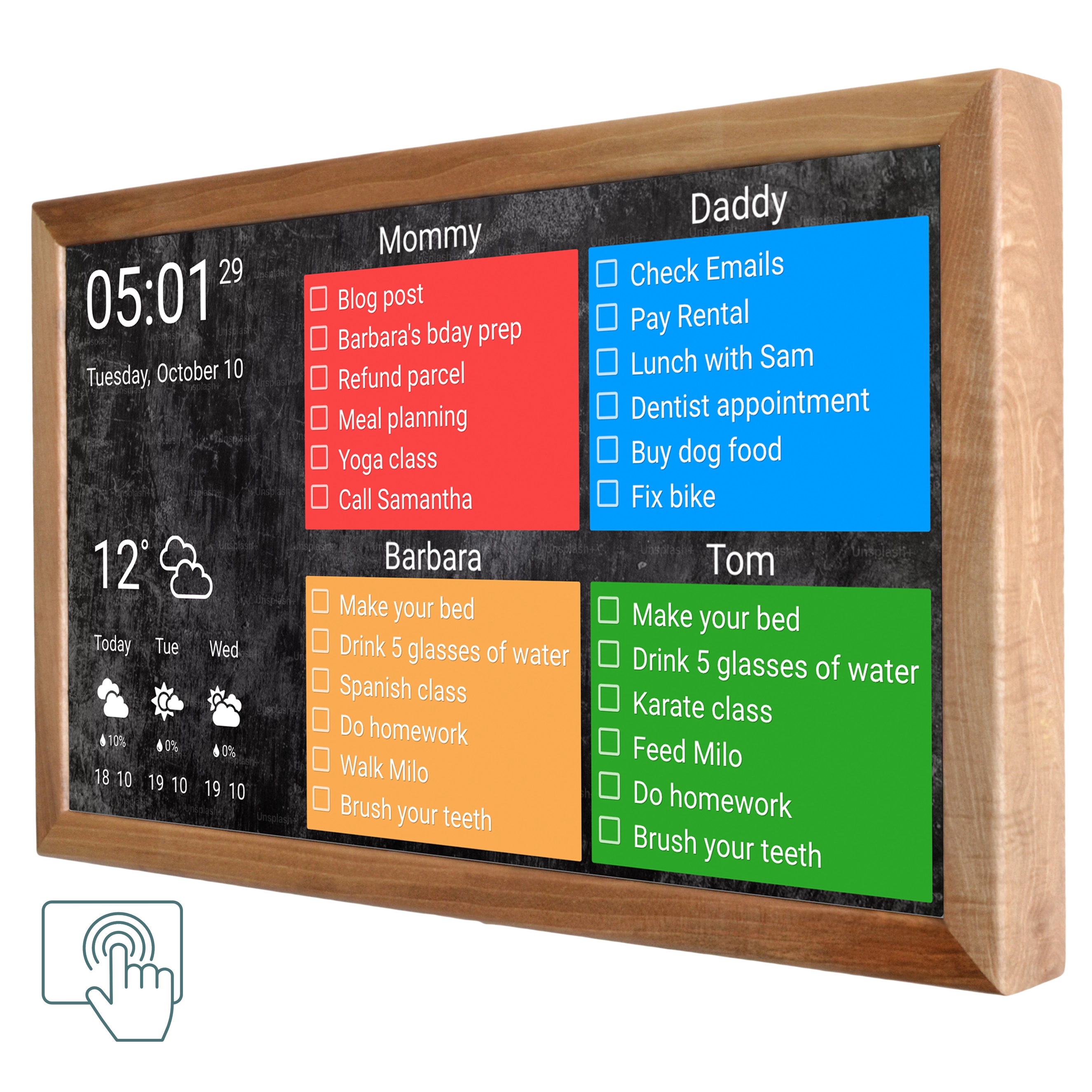
DAKboard's calendar is more flexible but less family-focused. You can display calendars in multiple formats: agenda view (upcoming events as a list), full monthly view, or embedded within a custom layout. The visual style is more "dashboard" than "family planner" — think calendar data overlaid on a beautiful photo background.
Where DAKboard excels is breadth of calendar sources. Beyond the usual Google/Apple/Outlook, it supports Facebook events, iCal URL feeds, and virtually any CalDA V source. The Plus plan allows unlimited calendars per block. On the Free tier, you're limited to 2 calendars; Essential gives you 5.
Though, DAKboard has no built-in chore system, it has a to-do lists, which can be used instead. But no meal planner, no grocery lists, and no kid-oriented features. It's a family data display. If you need those features, you'd need to integrate third-party services through additional blocks.
Calendar verdict: For family scheduling with kids, Skylight is a better option. For displaying multiple data sources alongside your calendar in a visually striking layout, DAKboard is superior.
Customization and Integrations
This is where the products diverge most dramatically.
Skylight: Limited by Design
Skylight gives you a fixed set of features that work well: calendar, chores, meals, lists, photos. You can customize colors, choose views, and arrange some elements, but you can't fundamentally change what the display shows or how it's laid out. There's no API, no plugin system, and no way to add custom data sources. It does a few things reliably, and every family member can use it without training.
DAKboard: Build Whatever You Want
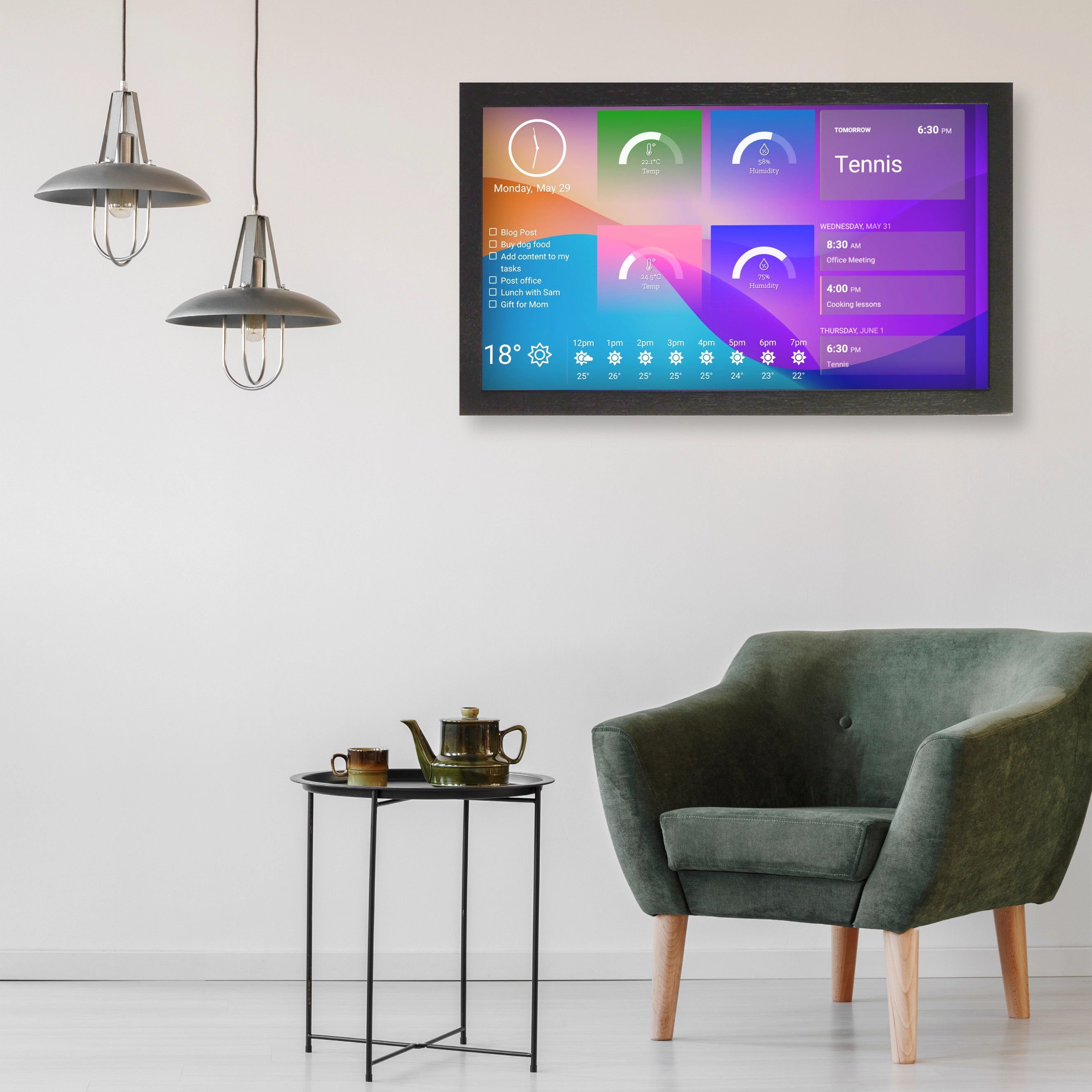
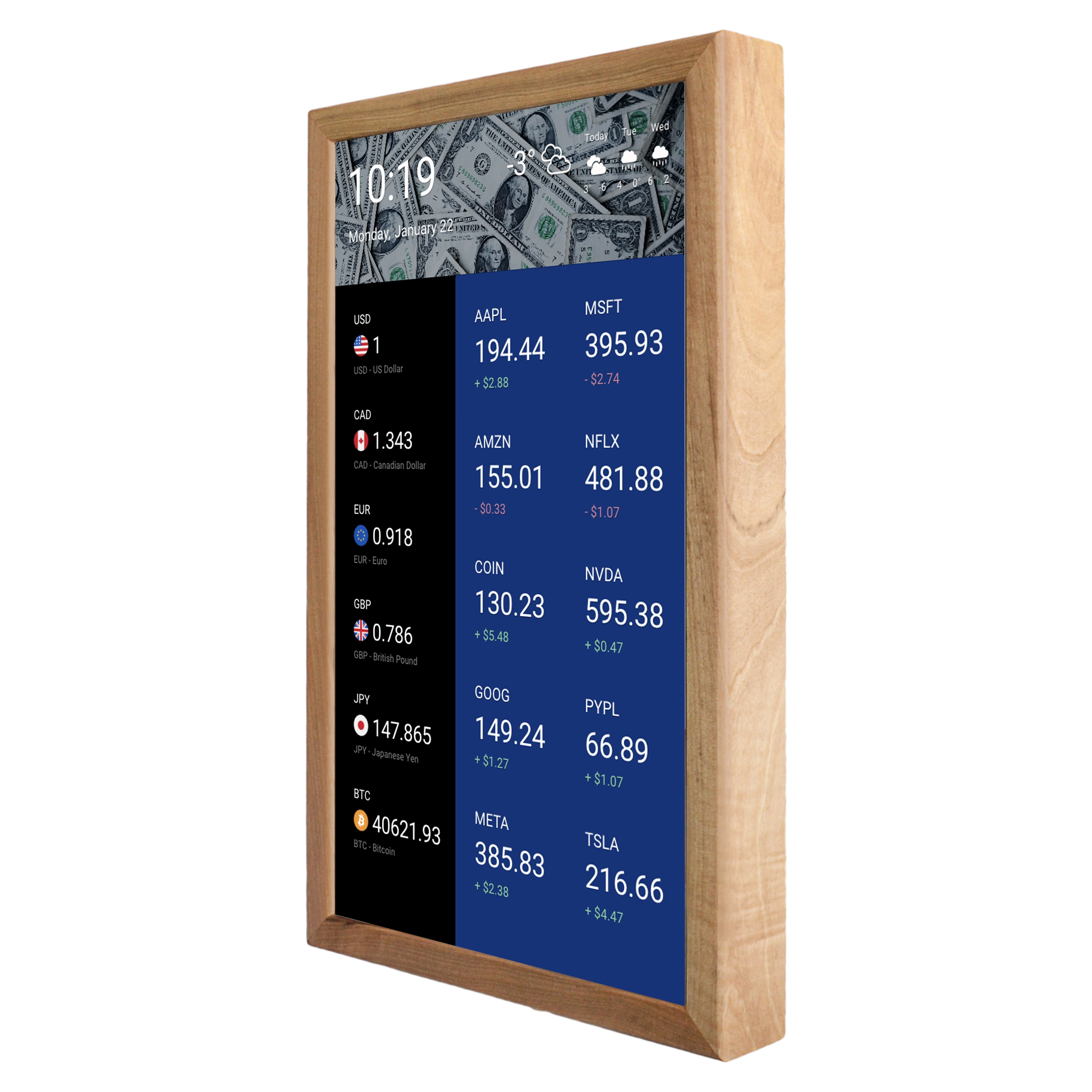
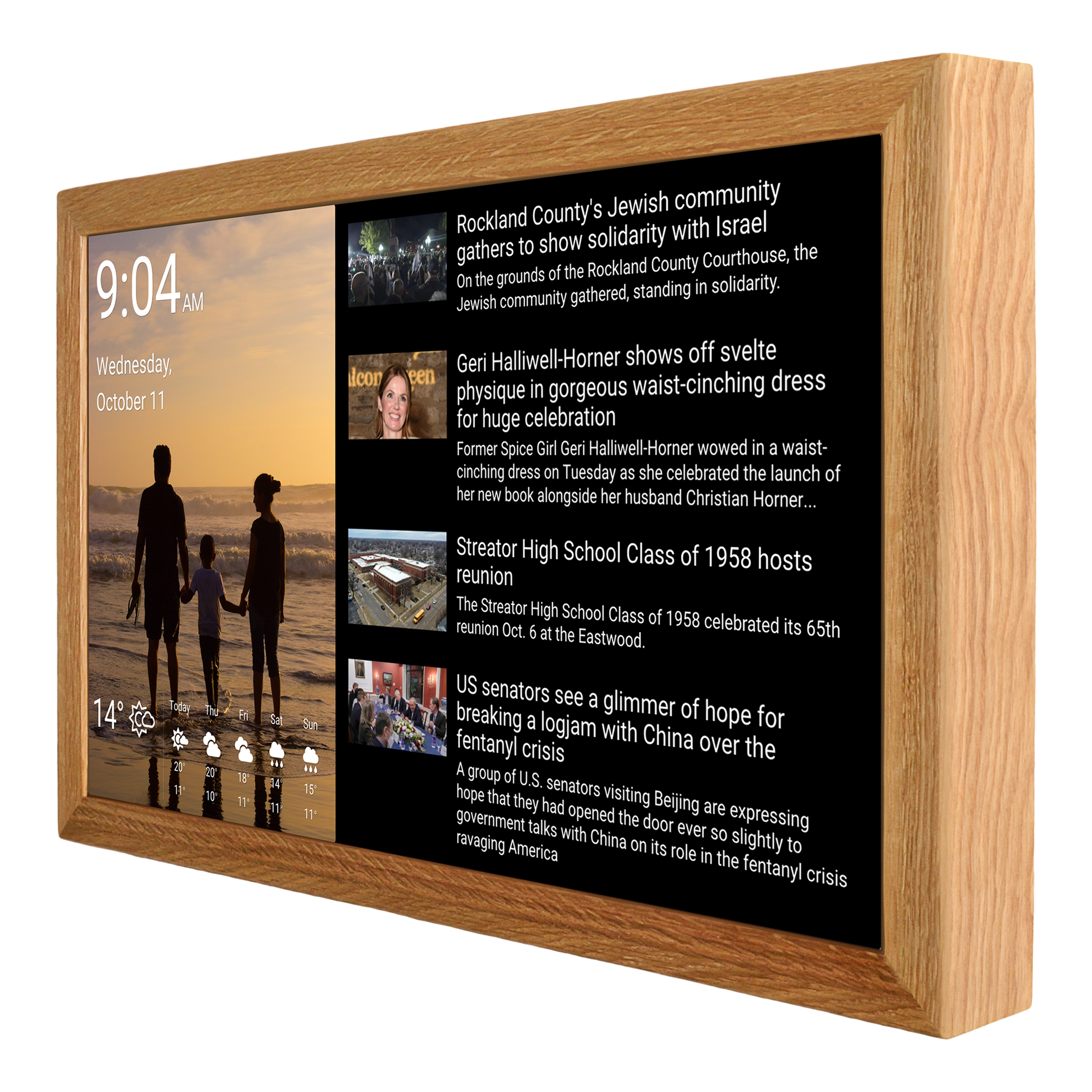
DAKboard offers a drag-and-drop block framework where you can build completely custom screens. Available blocks include: calendar, weather (multiple providers), photo galleries, news/RSS feeds, to-do lists (Todoist, Trello, Asana, Microsoft To Do, Google Tasks), smart home widgets (Home Assistant, SmartThings, Ecobee, Nest), financial data, sports scores, clocks, countdown timers, custom text, weather maps, and web iframes.
You can run multiple screens in a loop, schedule which content shows at which time, upload custom backgrounds, and control exactly how every piece of data is displayed. DAKboard also has an API for developers who want to push custom data to their displays.
The smart home integration deserves special mention. If you use Home Assistant, DAKboard can display your sensor readings, device states, and camera feeds. No other consumer smart calendar offers this.
Customization verdict: It's not even close. DAKboard wins overwhelmingly. If customization matters to you, Skylight isn't in the conversation.
Subscriptions
This is where many buyers feel burned, so let's be transparent about the financial picture.
Skylight Pricing
The device works without a subscription. Free features include: calendar sync, color coding, chore charts, basic meal planning, lists, weather, event countdowns, sleep mode, parental lock, and device linking.
Skylight Plus ($79/year) adds: Magic Import (AI event extraction from emails/photos), photo screensaver, recipe creation with AI, Instacart grocery integration, and rewards tracking for chores.
Is Plus worth it? If you have school-aged kids and get frequent paper schedules/email newsletters, Magic Import alone can justify the cost. If you're mostly using it as a wall calendar without the extras, the free tier is genuinely sufficient.
DAKboard Pricing
DAKboard has three tiers:
- Free: Pre-defined layouts only, 2 calendars max, limited integrations, slower refresh rates
- Essential ($4.99/month): Custom screens, 5 calendars per block, all integrations, faster refresh
- Plus ($9.99/month): Unlimited calendars, fastest refresh, multiple screens in rotation, photo uploads, priority support.
The free tier is usable but restrictive. Most users find they need at least Essential for a satisfying experience, especially if you have multiple family calendars.
| Scenario |
Skylight 15" |
DAKboard Touch 22" |
|
Free tier |
$300 |
$600 |
|
Mid-tier subscription |
$537 ($300 + $237) |
$780 ($600 + $180) |
|
Top-tier subscription |
$537 (same as mid) |
$960 ($600 + $360) |
|
DIY (equivalent) |
Not available |
~$150 + $0–$360 |
Cost verdict: Skylight is meaningfully cheaper at every comparison point. DAKboard's DIY option changes the math dramatically, but the premium hardware is expensive relative to what you get.
Photo Display
Both products double as digital photo frames, but they approach it differently.
Skylight shows photos as a screensaver when the calendar isn't in active use. You upload photos through the app, organize them into albums, and choose what gets featured. It's pleasant and simple. Full photo functionality is part of the Plus plan, but basic photo display works on the free tier as well.
DAKboard was originally designed as a photo display — it's in their DNA. Photos might serve as full-screen backgrounds with calendar and widget data overlaid on top. This creates a visually stunning effect: your family photos always visible, with today's schedule, weather, and news artfully layered. You can pull from Instagram, Google Photos, Flickr, Dropbox, and other sources. The visual presentation of photos with selected transtion effects is significantly more impressive than Skylight's screensaver approach.
Photo verdict: If photo display is important to you, DAKboard is meaningfully better.
Real User Feedback: What People Actually Say
What Skylight Users Love
- "It's been a game-changer for preventing 'Wait, you didn't tell me about that?' moments."
- "My 6-year-old loves checking her color-coded schedule every morning."
- "The Magic Import feature — I forward school emails and they just appear on the calendar."
- "Setup was genuinely 5 minutes. My husband was impressed, and he's skeptical of every gadget."
What Skylight Users Complain About
- "The subscription feels like double-dipping when you've already paid for the hardware"
- "Fingerprints everywhere. I wipe this thing daily."
- "No battery backup — a power flicker resets the screen and it has to reconnect."
- "I wish it did two-way sync with Apple Calendar and others, not just Google."
What DAKboard Users Love
- "I can build exactly the family dashboard I want — calendar, weather, cameras, everything."
- "Running it on a Raspberry Pi with a nice frame looks amazing and cost me under $100."
- "The photo backgrounds with calendar overlay look incredible."
- "Having my Home Assistant data on the same display is perfect for my smart home."
What DAKboard Users Complain About
- "The web interface for configuration is functional but not always easy to naviagte at first time."
- "It's not whole family-friendly — our kids never interact with it."
- "Why does a faster refresh rate require a more expensive subscription? That feels artificial."
Who Should Buy Which?
Buy Skylight if:
- You're a parent who wants every family member's schedule visible in the kitchen
- Easy setup is non-negotiable — you want it working in minutes
- Chore charts, meal planning, and grocery lists are features you'll actually use
- You primarily use Google Calendar
- You value a polished, consumer-friendly experience
Buy DAKboard if:
- You want a customizable information family dashboard, not just a calendar
- Smart home integration (Home Assistant, SmartThings) is important
- You're comfortable with a longer setup process and web-based configuration
- Photo display quality in a wooden frame is a priority — you want a living digital art piece
- You're considering the DIY route with a Raspberry Pi
Consider Neither if:
- You want zero subscriptions → look at Cozyla (full Android, no subscription ever)
- You want Alexa and streaming → Amazon Echo Show 21
- You want the premium child development approach → Hearth Display
- You want total control and free software → MagicMirror (open source)
Frequently Asked Questions
Can Skylight and DAKboard work without internet? Both require internet for initial setup and calendar syncing. DAKboard can display cached content when offline. Skylight needs a connection to sync new events but shows existing data without Wi-Fi.
Can I use DAKboard software on Skylight hardware (or vice versa)? No. Both are closed hardware/software ecosystems. However, DAKboard's software can run on any Raspberry Pi or web browser, which gives it inherent flexibility that Skylight doesn't have.
Is the Skylight Plus subscription worth it? For families with school-aged kids: probably yes, primarily for Magic Import. For couples without kids: probably not — the free tier covers the essential calendar functionality.
Which has better customer support? Skylight has a support team with email, a help center, and active social media. DAKboard has a support site and ticket system. Both are responsive.
Can I display DAKboard on a TV I already own? Yes. This is one of DAKboard's biggest advantages. Set up a Raspberry Pi, connect it to any TV via HDMI, and you have a massive smart display for a fraction of the cost.
Final Recommendation
For most families: Skylight can be an option. It does the core job — simple family scheduling — with the least friction.
For power users and tinkerers: DAKboard wins. Nothing else gives you this level of control over what your wall display shows. If you go the Raspberry Pi route, it's also the most cost-effective option by far.
The honest truth? These products aren't really competing with each other. They serve different people with different priorities. If you're reading this comparison, your answer probably became clear within the first few paragraphs. Trust that instinct.
Want to explore more options? Check out our complete Best Smart Wall Calendars for Families in 2026 buying guide, or dive into our Best DAKboard Alternatives roundup.