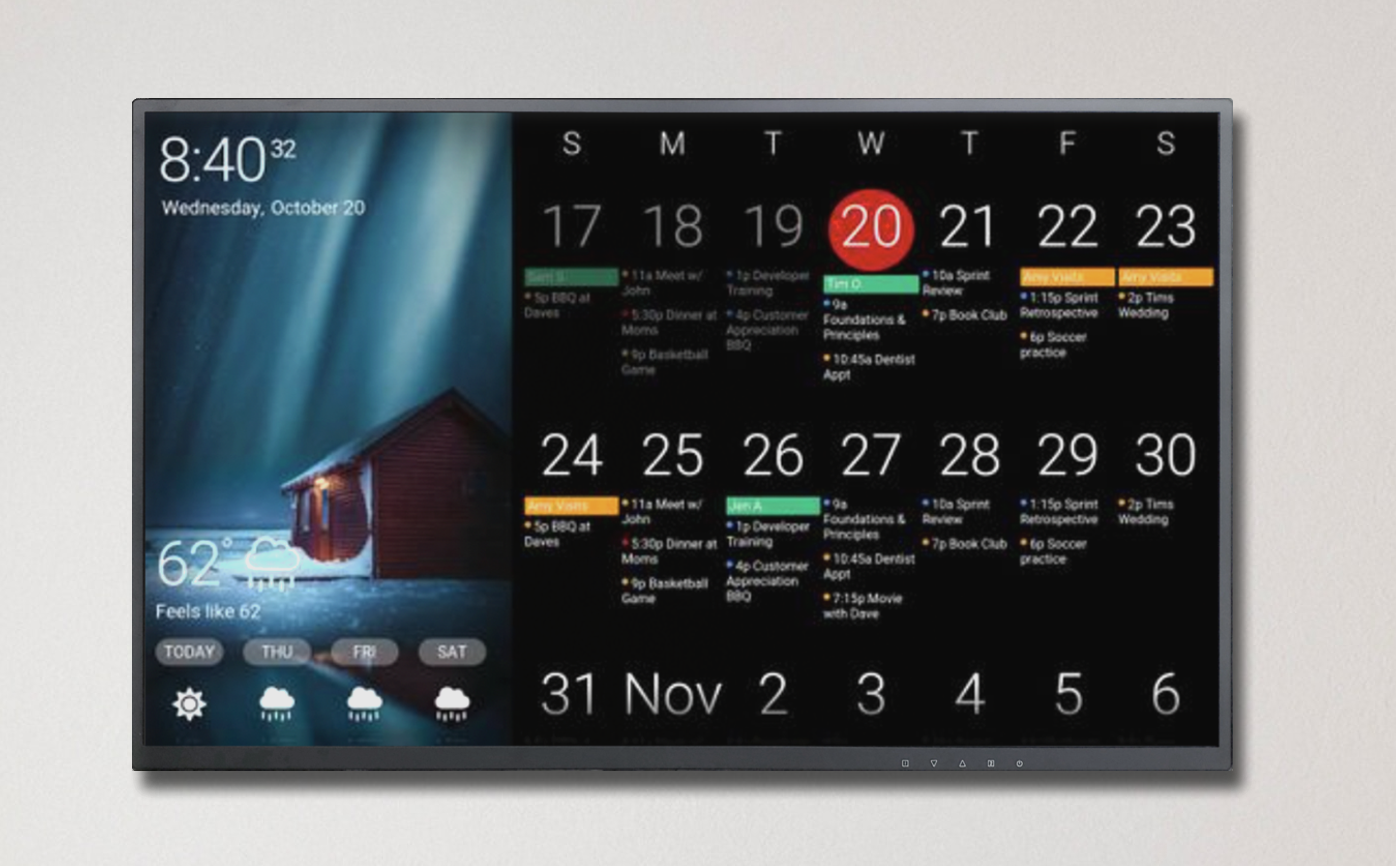
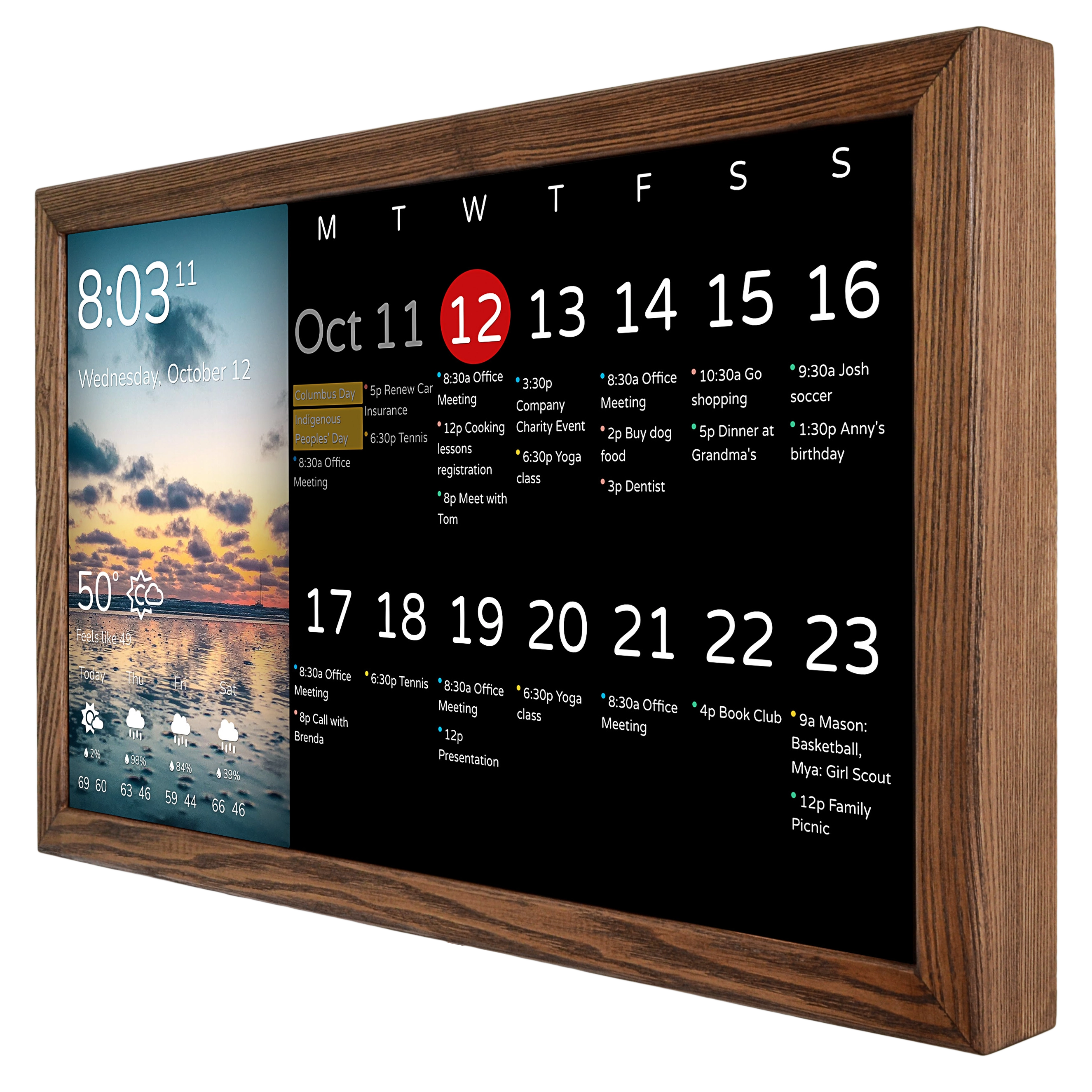
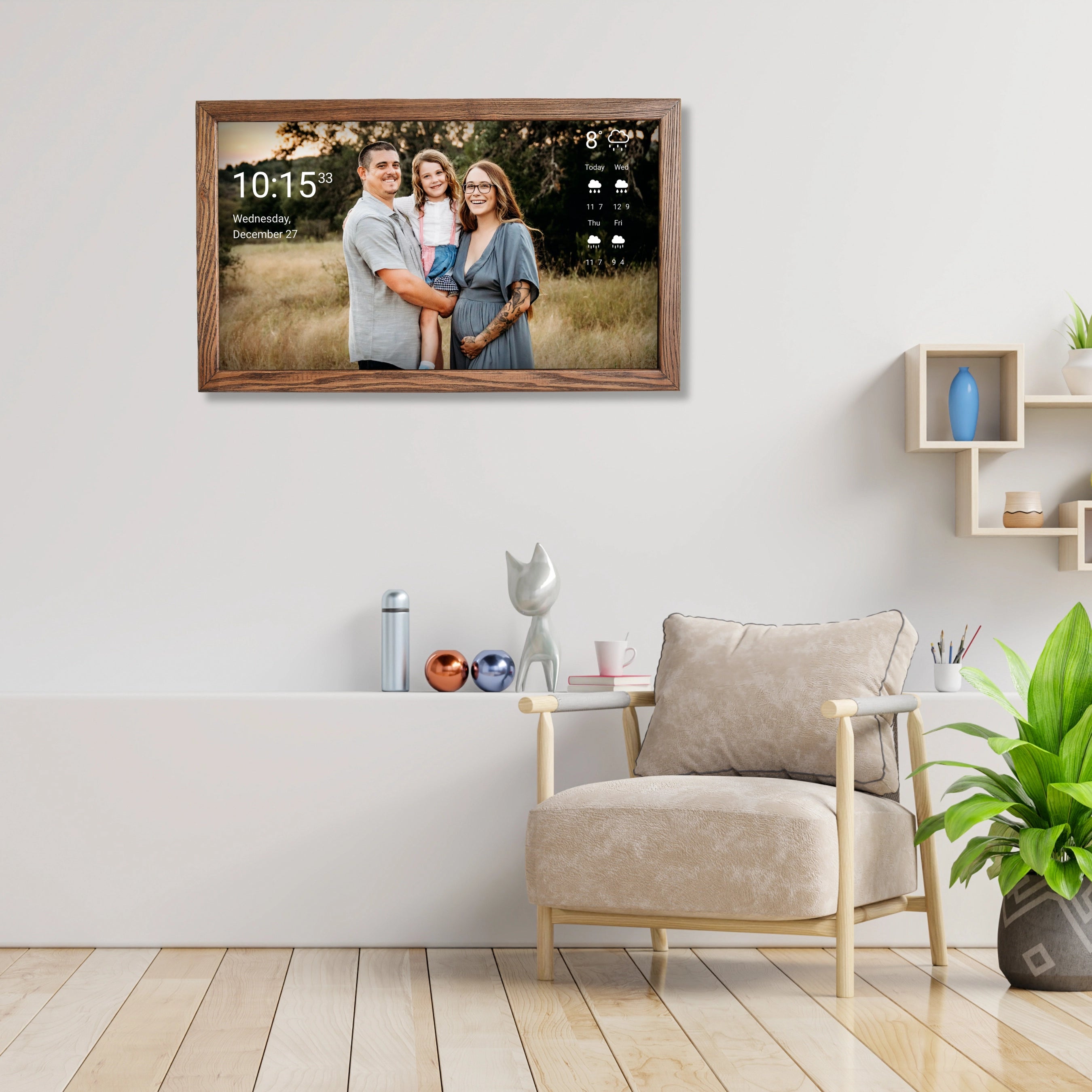
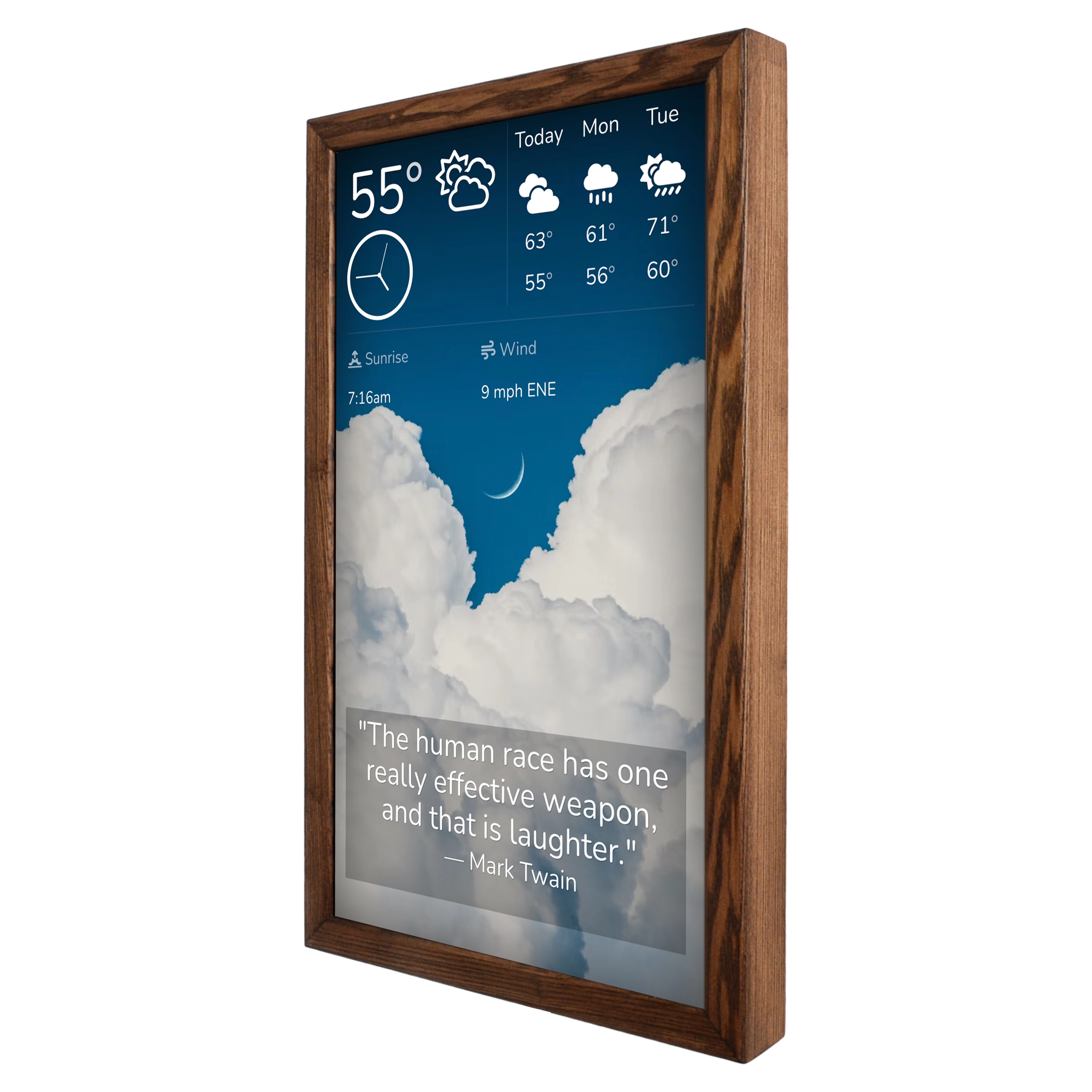
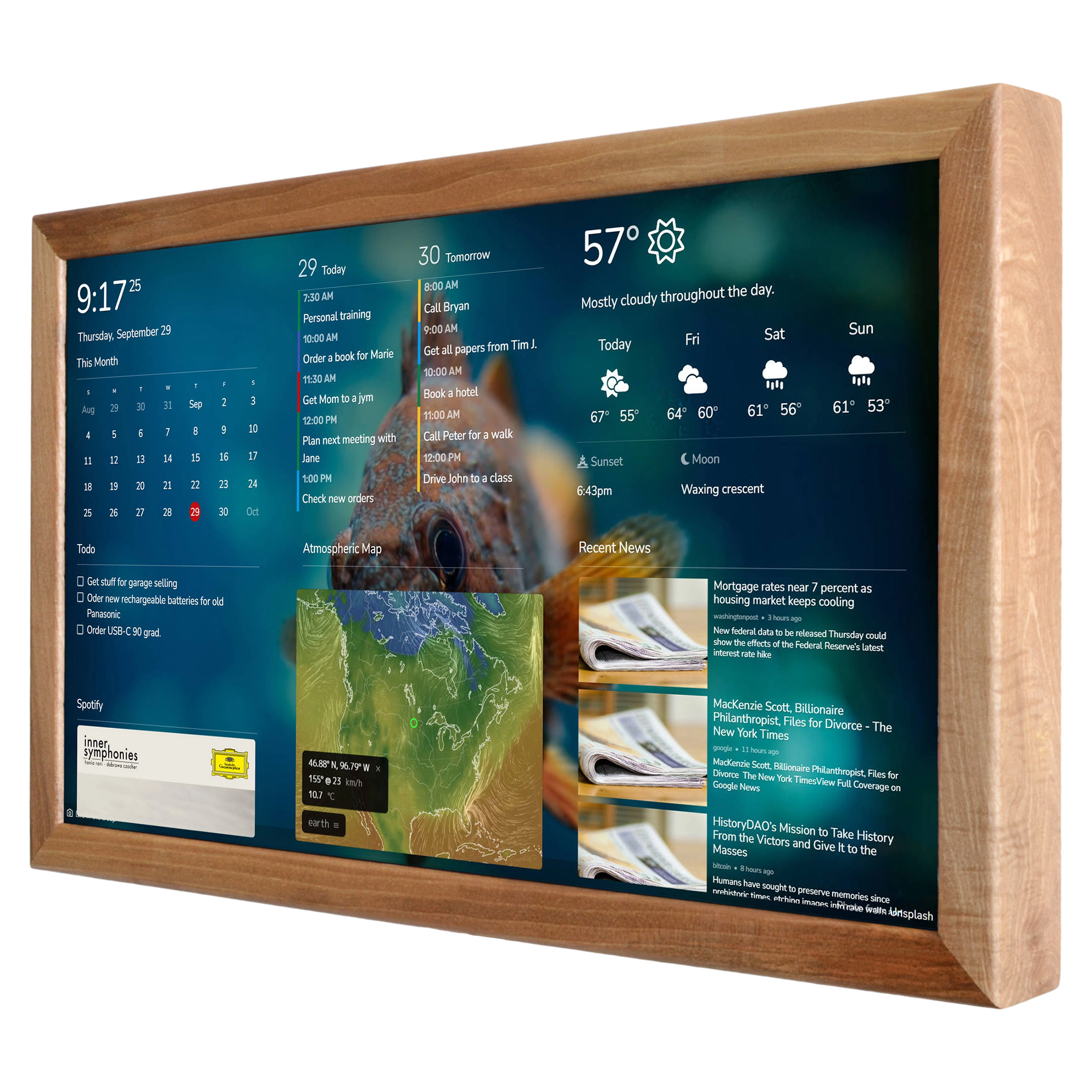
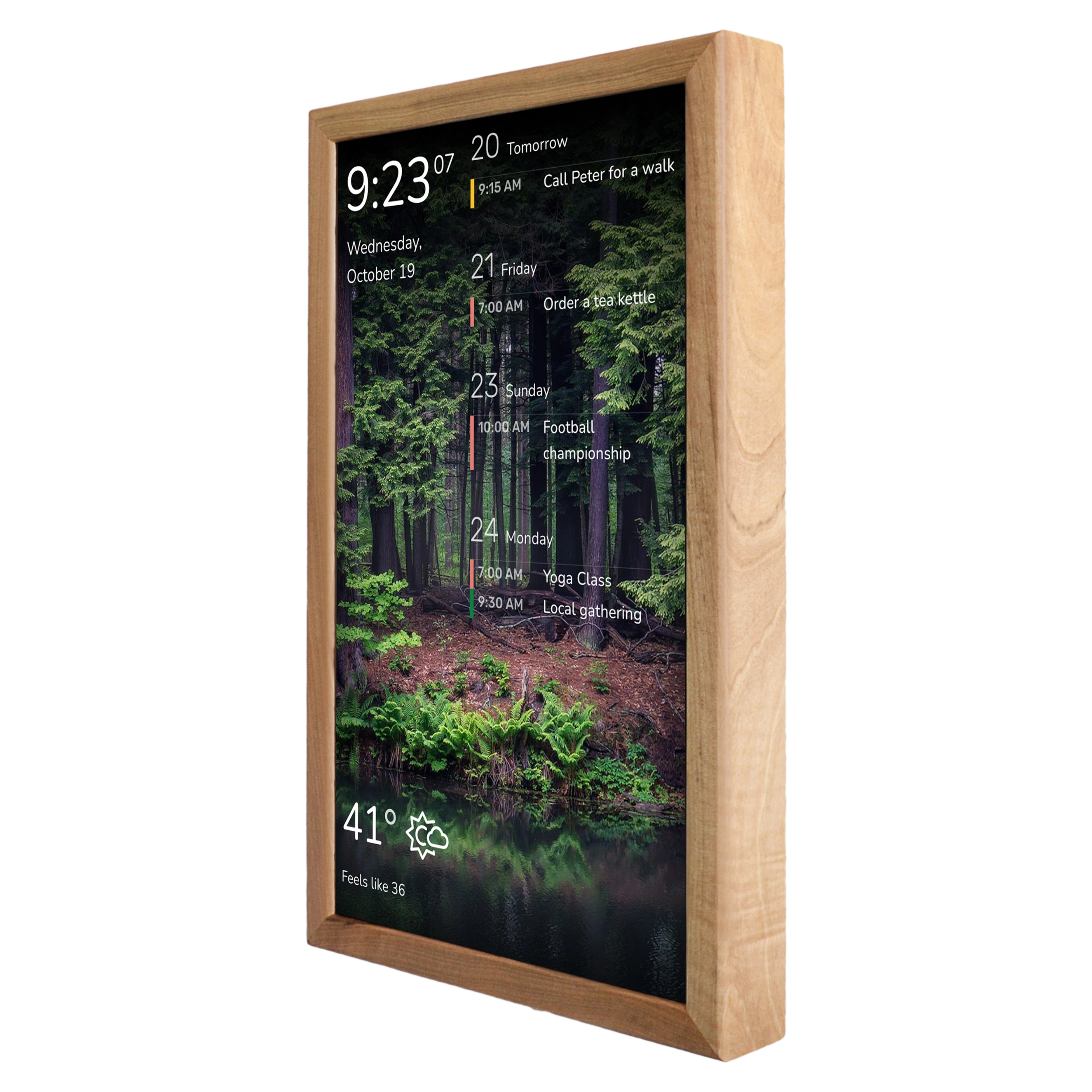
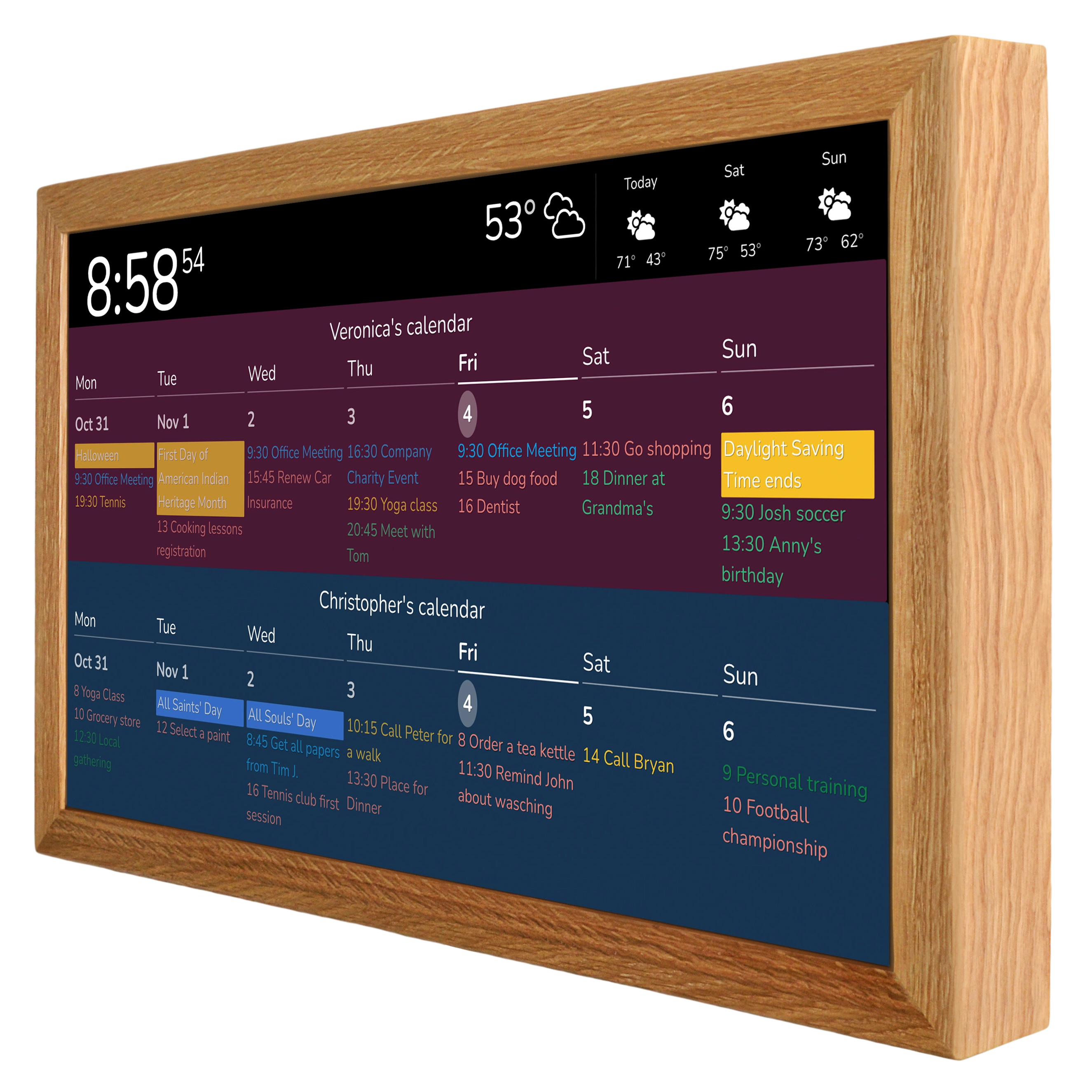
When you work collaboratively on projects in Trello, visualizing progress is essential. Usually, this happens through Trello Boards that you can share with colleagues by sending them a link to the Trello board. But what if, instead of relying on that traditional method, you could show information from your Trello Boards directly on a wall display in your office or coworking space? In 2026, new technology makes this surprisingly easy. You need a DAKboard account and, of course, the display itself, which can be purchased via this link.
For many teams, Trello Boards are already the central place where tasks, deadlines, owners, and priorities live. The problem is not whether Trello Boards are useful. The problem is to have a better visibility. A Trello link works, but only when all are actively open it. In practice, that means Trello Boards often become something people check only when they got told, not something they see continuously throughout the day.
That is exactly why putting Trello Boards on a wall display makes sense.
A dedicated DAKboard display turns Trello Boards from a passive project management tool into an always-visible operational dashboard. Instead of hiding your Trello Boards behind browser tabs, laptop lids, or forgotten bookmarks, you place them in the physical environment where the team actually works. That small change can have a larger effect than many teams expect.
Why Trello Boards work well on a wall display
Trello Boards are visual by nature. They are built around lists, cards, labels, due dates, members, and progress. Trello itself positions the platform as a visual way for teams to organize projects and collaborate. That visual structure is precisely why Trello Boards translate well to a large screen in an office.
A wall display does not replace Trello Boards. It extends them.
Instead of treating Trello Boards as something each person checks individually, you make Trello Boards part of the shared workspace. That matters for several reasons.
First, Trello Boards become easier to notice. Teams do not need constant reminders to “check the board.” The board is already there.
Second, Trello Boards become easier to discuss. When everyone can see the same project status at the same time, standups, planning sessions, and quick hallway conversations become faster and more concrete.
Third, Trello Boards create ambient accountability. This is not about surveillance. It is about clarity. If tasks are overdue, if a list is overloaded, or if work is stuck in review, Trello Boards on a wall display make that obvious without anyone needing to ask for a status report.
That is the core value here: Trello Boards stop being hidden project data and become visible team context.
Why sending a Trello link in 2026 is often not the best solution
Sharing Trello Boards by link is still useful. But it has limits.
A link assumes attention. It assumes every team member will open it regularly. It assumes they will keep Trello Boards pinned, refreshed, and mentally available. In reality, people jump between email, Slack, meetings, design tools, documents, tickets, and calls. Trello Boards compete with everything else.
A wall display changes that dynamic. Trello Boards become part of the room, not part of a browser routine.
This matters especially in offices and coworking spaces where multiple people coordinate work throughout the day. In those environments, Trello Boards displayed on a screen can serve as a live project pulse. Anyone walking by can understand what is moving, what is blocked, and what needs attention next.
That is a more practical workflow than asking everyone to repeatedly open Trello Boards on their own devices.
Trello Boards on DAKboard: what is possible
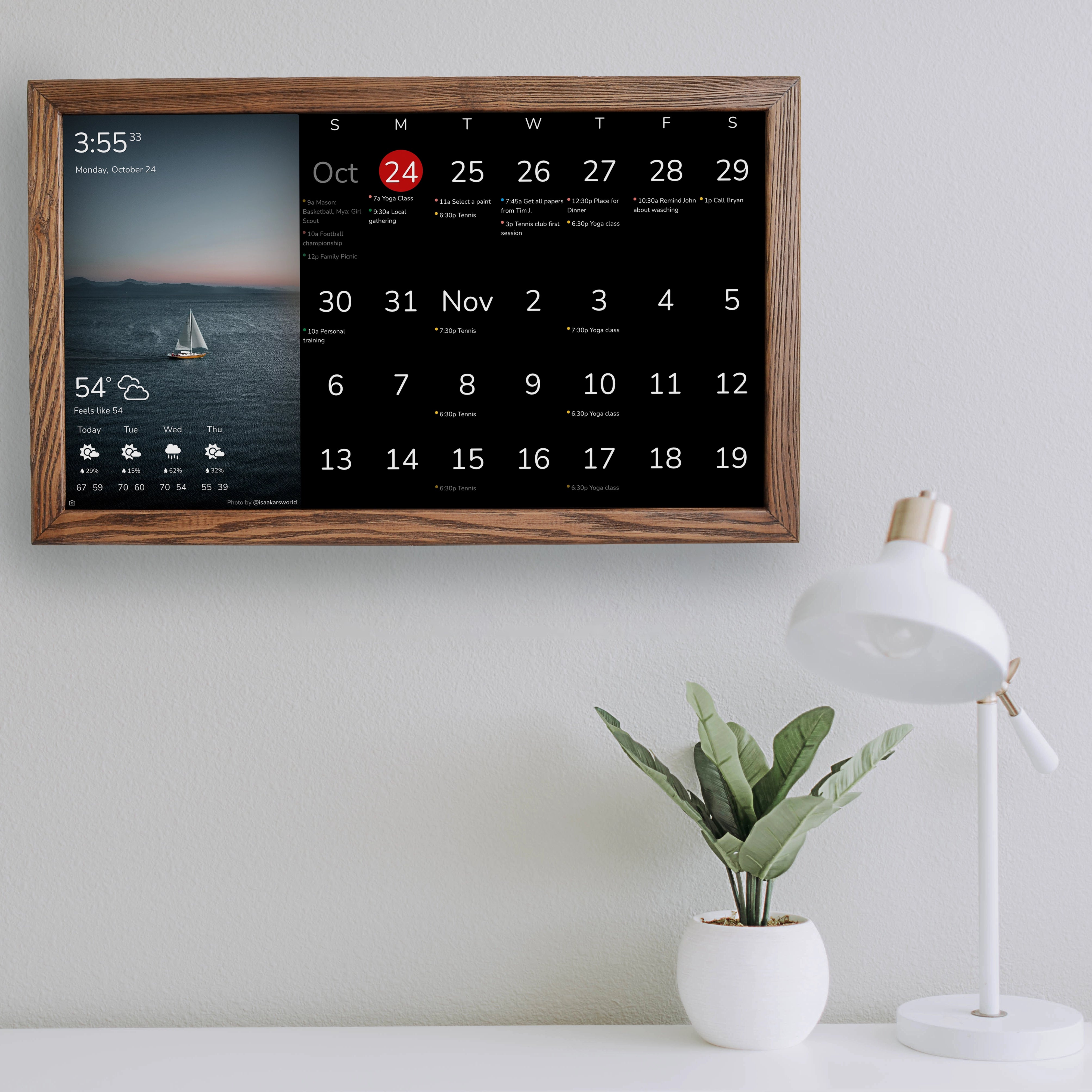
DAKboard provides a direct Trello integration that lets you link your Trello account and use Trello to-do lists on DAKboard screens. Trello content is available through the To-Do block on Custom Screens, where you can authenticate your account, select the Trello list you want to show, and configure how that content appears.
DAKboard also allows several display options for Trello content, including showing due-only tasks, due dates, labels, card names, card descriptions, checklists, members, and even filtering to “My Cards Only.” The same documentation notes that Trello content can be scheduled so it appears only on selected days or times.
There is one limit though: on-screen completion of Trello tasks is not supported in this integration. In other words, the display is meant for visibility, not direct task interaction.
That limitation is not always a weakness. For many teams, the display does not need to be interactive. Its job is to keep Trello Boards visible, legible, and top of mind. Actual task editing can still happen on laptops and phones, while the wall display keeps the team aligned.
The business case for showing Trello Boards on a wall display
Not every workflow needs wall-mounted Trello Boards. If you work alone, or if your team is fully asynchronous and rarely shares a physical space, the benefit may be smaller. But for many office-based or hybrid teams, Trello Boards on a dedicated screen solve a real operational problem: fragmented visibility.
Here is where Trello Boards on a DAKboard display tend to make the most sense:
1. Small offices with active project coordination
Teams that handle marketing campaigns, client deliverables, installations, production tasks, or internal operations often rely on Trello Boards as their single source of truth. A display makes those Trello Boards visible all day without requiring people to reopen them repeatedly.
2. Coworking spaces and shared studios
In coworking environments, Trello Boards can help teams keep track of shared deadlines, content schedules, events, or operational checklists. A public-facing internal display makes Trello Boards easier to reference during the day.
3. Creative and design teams
Creative work can become chaotic when priorities shift quickly. Trello Boards on a large screen make it easier to see review queues, waiting items, production pipelines, and deadlines.
4. Workshop, service, and operations teams
For physical workspaces, Trello Boards on a wall display can act as a digital job board. Instead of relying on paper notes or verbal updates, Trello Boards provide a more structured view of what is pending and what is done.
5. Agile teams running lightweight standups
For teams that do not want a heavy project management stack, Trello Boards are often enough. Putting Trello Boards on a DAKboard screen makes daily standups simpler because everyone starts from the same visible source.
Why DAKboard is a good fit for Trello Boards
There are many ways to show digital information on a screen, but DAKboard has one practical advantage: it is built around the idea of turning screens into useful, always-on displays rather than generic computers.
That matters because the goal here is not to install yet another monitor that shows random browser tabs. The goal is to create a clean, persistent, readable display for Trello Boards and other useful information.
DAKboard’s Custom Screens let users place content blocks where they want and size them as needed, and DAKboard’s To-Do setup allows Trello content to be styled and scheduled. This means your Trello Boards do not have to look like a raw software window on a TV. They can be presented in a way that fits the room, the workflow, and the display layout.
That difference is important. A wall display has to be glanceable. Trello Boards shown on a poorly configured screen can become visual clutter. Trello Boards shown properly through a dedicated display system are much easier to read and much more likely to be used.
How Trello Boards change team behavior
The strongest argument for displaying Trello Boards is not technical. It is behavioral.
When Trello Boards are continuously visible, teams usually change in a few subtle ways.
They talk about priorities earlier.
They notice overdue work sooner.
They ask fewer “where are we on this?” questions.
They align faster in meetings.
They rely less on memory and more on shared visibility.
That does not mean wall-mounted Trello Boards magically fix bad processes. They do not. If your Trello Boards are disorganized, putting them on a wall display will not solve that. In fact, it may expose the disorder more clearly.
But that exposure can be useful. Trello Boards on a display force a kind of discipline. If a board is too messy to show publicly in your own office, that is probably a sign it needs cleanup anyway.
Best use cases for Trello Boards on a DAKboard display
To get the most value from Trello Boards on a wall display, the content should be relevant at a glance. Teams often get the best results when they use Trello Boards for one of these purposes:
- daily task pipelines
- launch checklists
- content production schedules
- team priorities for the week
- event planning workflows
- service or support queues
- installation or build tracking
- marketing campaign progress
- editorial calendars
- internal operations boards
In each of these cases, Trello Boards are useful precisely because they reduce ambiguity. A wall display strengthens that effect by removing the friction of opening the app every time.
A modern office does not need more noise. It needs better visibility.
There is a weak version of digital productivity: more apps, more notifications, more tabs, more dashboards nobody checks.
Then there is the stronger version: showing the right information in the right place.
Trello Boards belong in that second category when project visibility matters.
A wall-mounted DAKboard display gives Trello Boards a permanent place in the workspace. That makes project information easier to absorb, easier to discuss, and harder to ignore. For teams that already depend on Trello Boards, this is not an unnecessary luxury. It is a practical upgrade in how information is shared.
In 2026, that kind of setup is no longer complicated. DAKboard has a live Trello integration through its Custom Screen To-Do workflow, with options for selecting Trello lists and controlling how they are displayed.
So the real question is not whether Trello Boards can live on a wall display. They can.
The better question is whether your team still wants critical project information hidden inside individual browser sessions.
If the answer is no, then Trello Boards on a dedicated DAKboard display are a very sensible next step.
A Trello link is fine.
Visible on a wall Trello Boards are better.
And Trello Boards shown on a dedicated wall display are better still for teams that want project progress to stay clear, present, and shared throughout the workday.
If your office, studio, or coworking team already runs on Trello Boards, then displaying those Trello Boards on DAKboard is one of the simplest ways to make collaboration more visible without making your workflow more complicated.