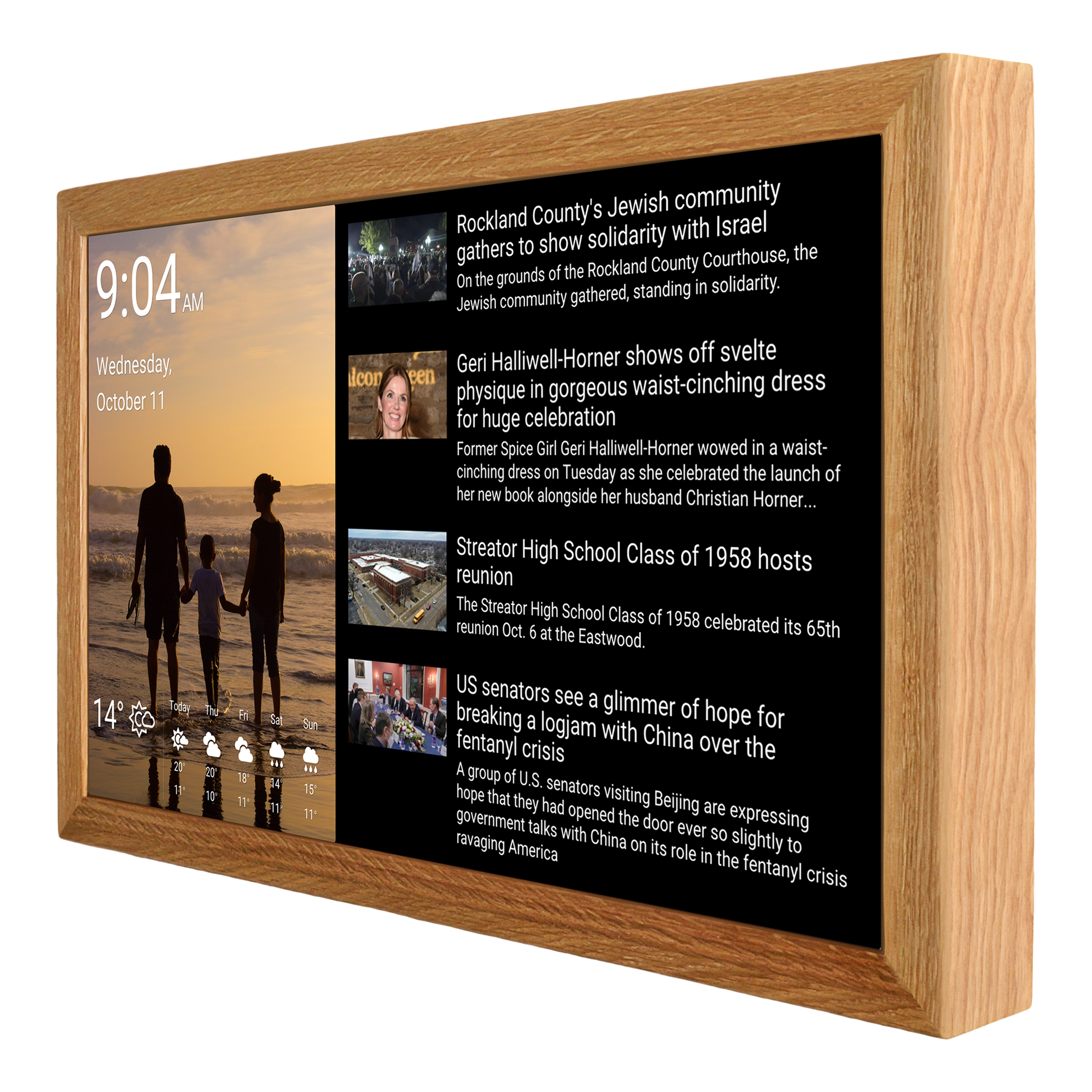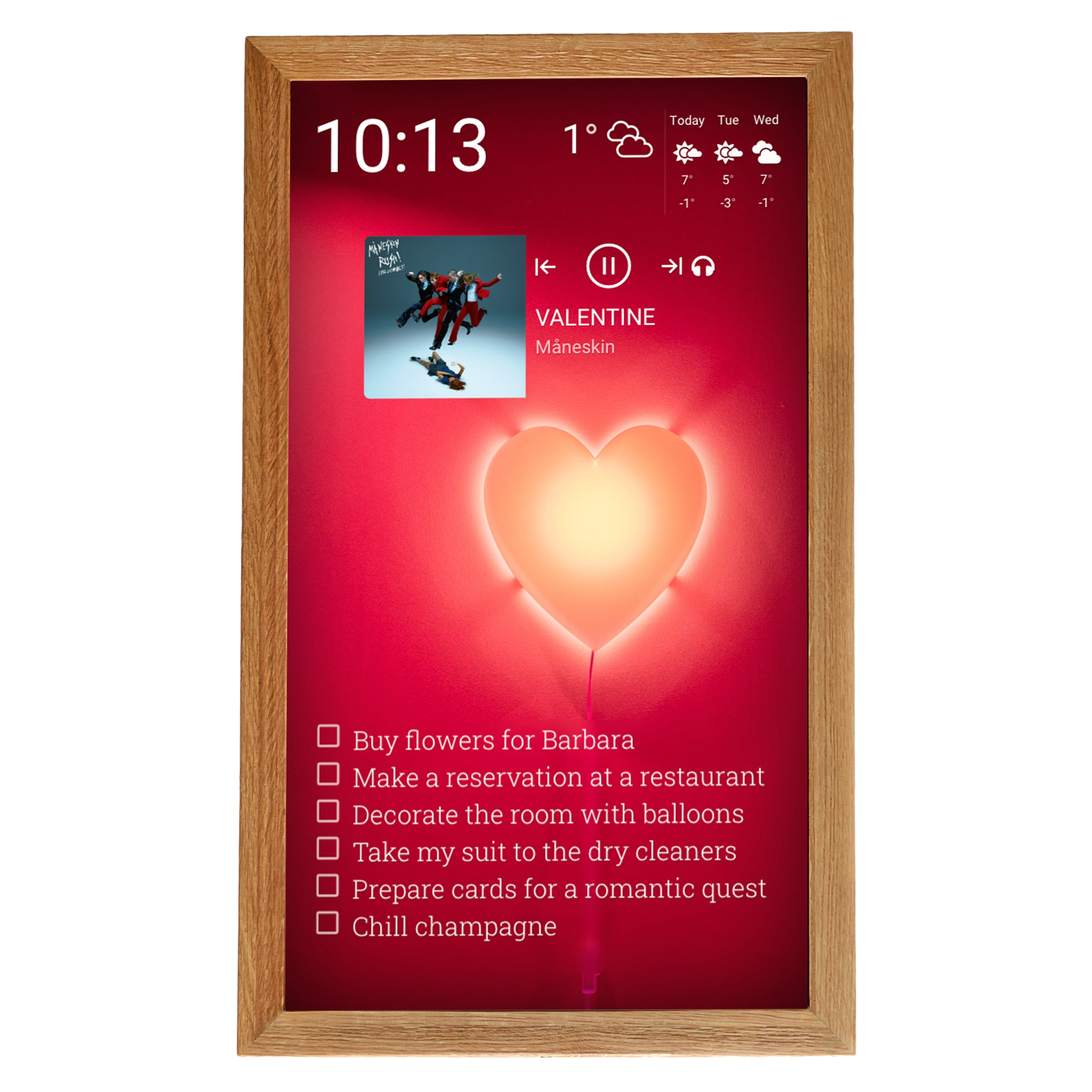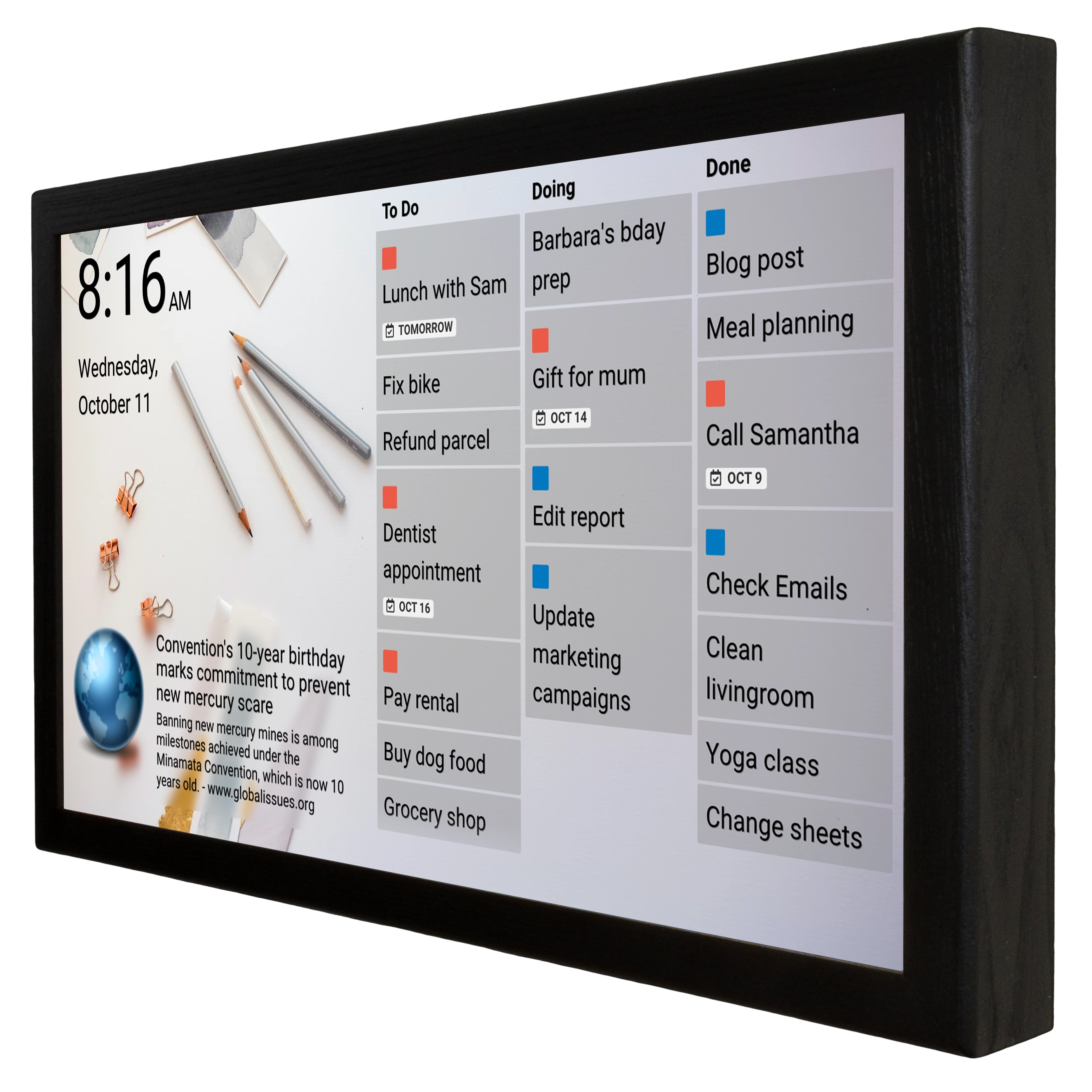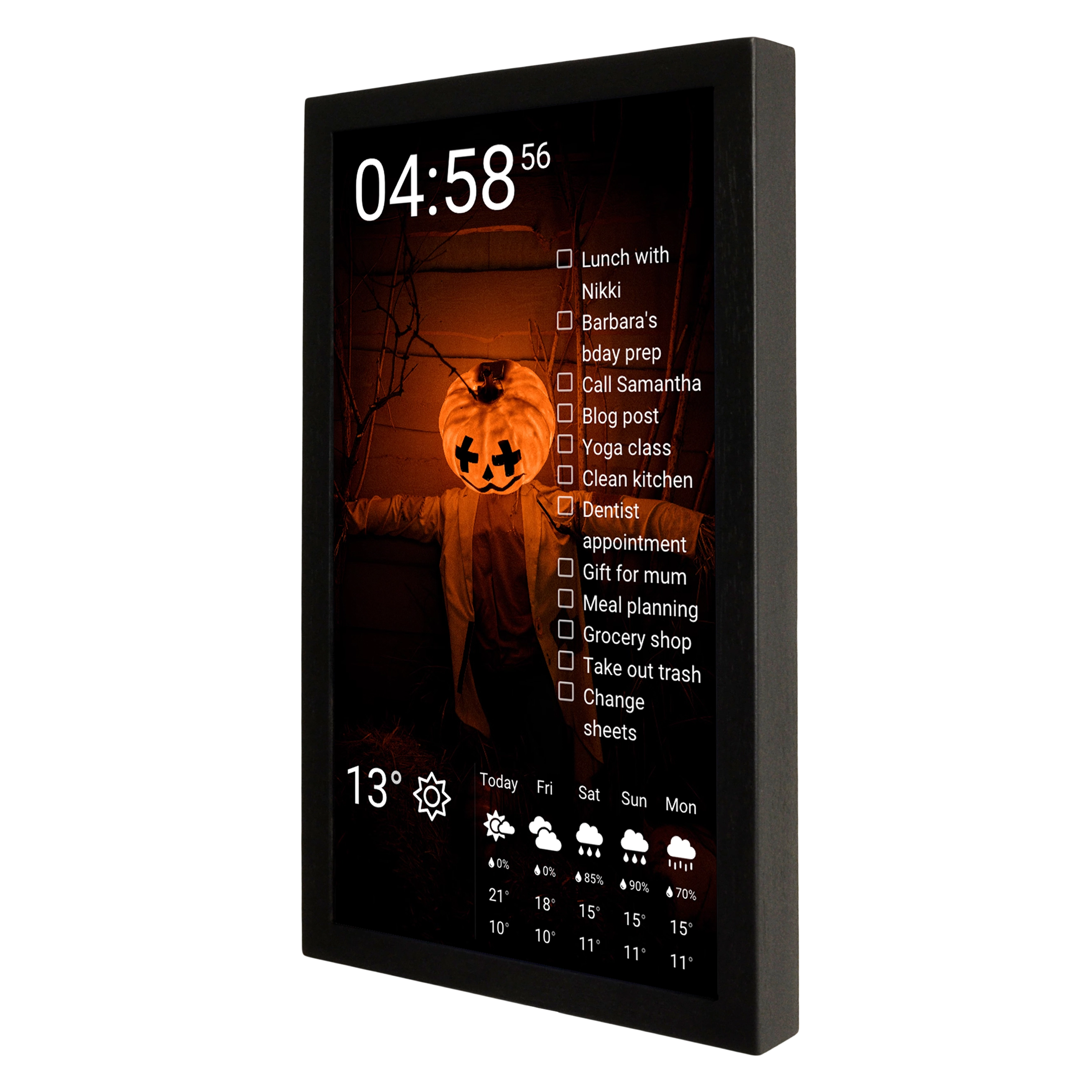
With Cozyla entering the digital wall calendar market, choosing the best calendar in 2026 has become even harder. Calendar features often overlap, everyone advertises their product as the best — but is that true? The short answer: no. Read on for details on how to choose and how to avoid mistakes when picking the best digital wall calendar — an interesting insight awaits you at the end.
In our analysis, we remain impartial and rely solely on facts that often don't become apparent until you've already become a user of the product. We have no affiliation with any digital calendar manufacturer, which allows us to be as transparent as possible with you.
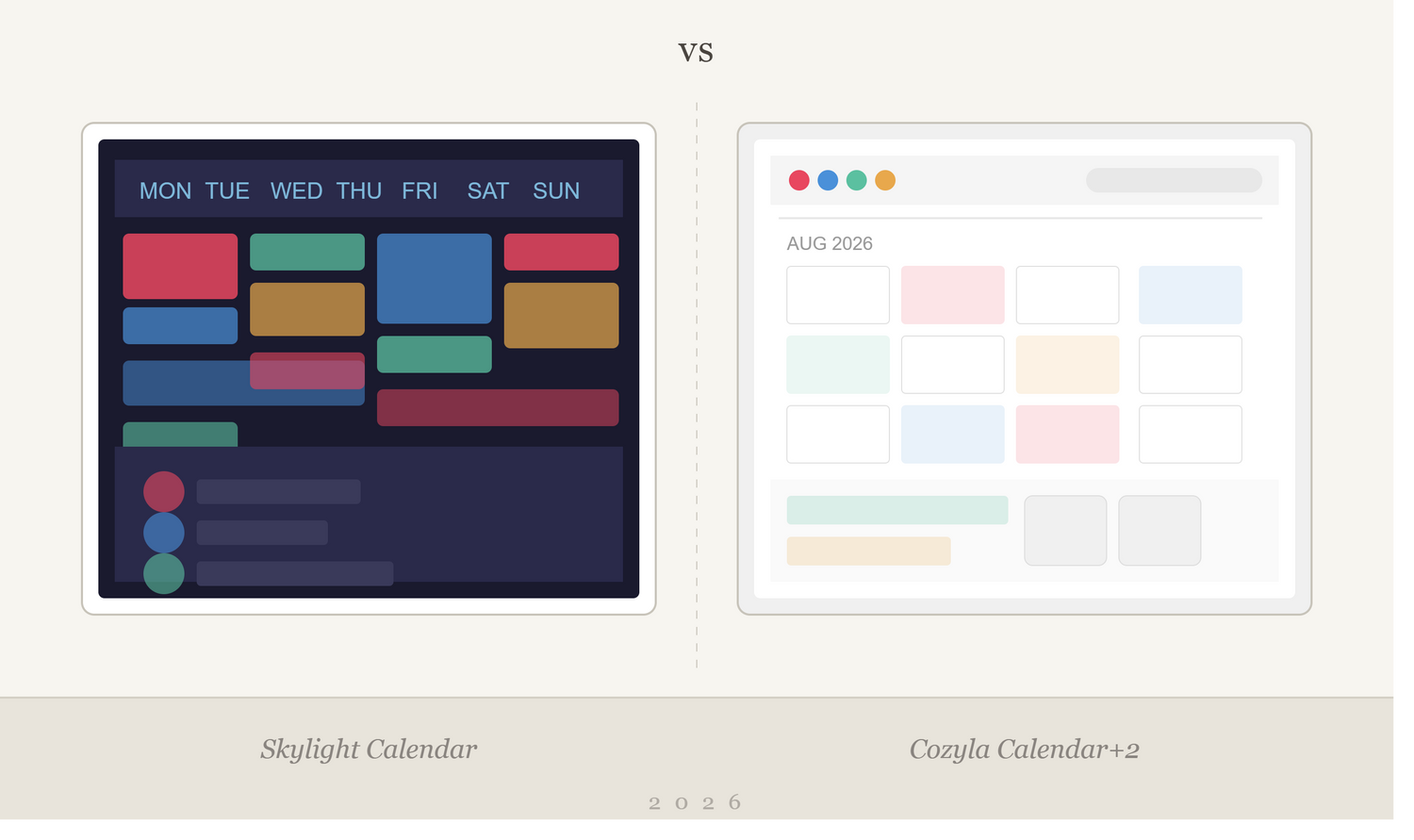
At the center of this comparison are two players who have chosen diametrically opposed strategies: Skylight Calendar from West Hollywood, USA, and Cozyla Calendar+2 from Shanghai, China. One builds a closed ecosystem with a subscription, the other sells an open Android hub with no recurring payments. Both claim to solve the "mental load" problem of the modern family. We've conducted a full breakdown of both products — from corporate DNA to hardware specs and associated costs — to understand which product ultimately delivers greater value.
The first difference, then, is the different markets where the companies were born — the USA (Skylight) and China (Cozyla) — and two different philosophies. Further in this article, you'll see where this difference lies.
Skylight and Cozyla Product Lines
Skylight offers three calendar models: Calendar Mini (10 inches), Calendar 2 (15 inches), and Calendar Max (27 inches, wall-mount only). In addition, the company sells a line of digital photo frames, which is where the business originally started.
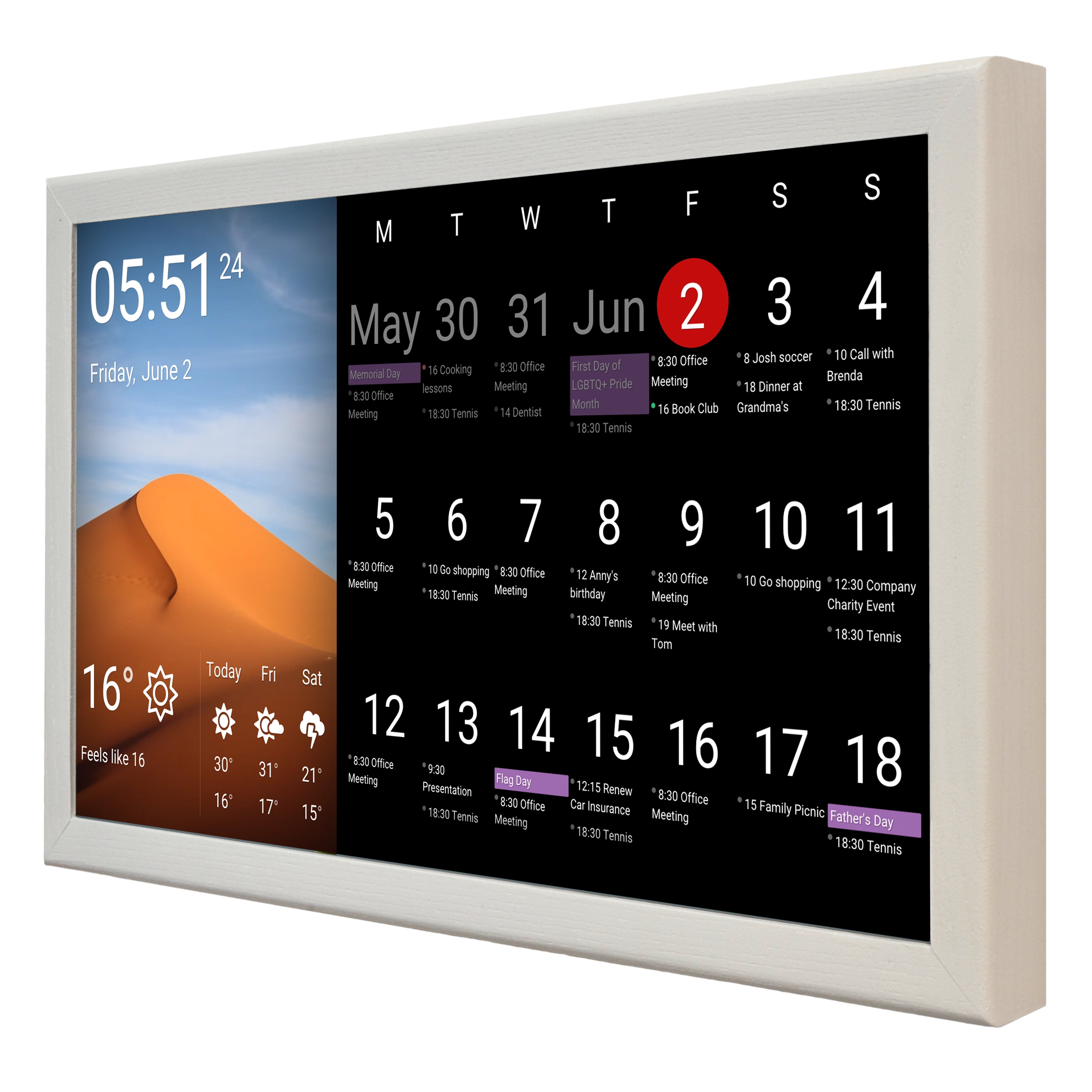
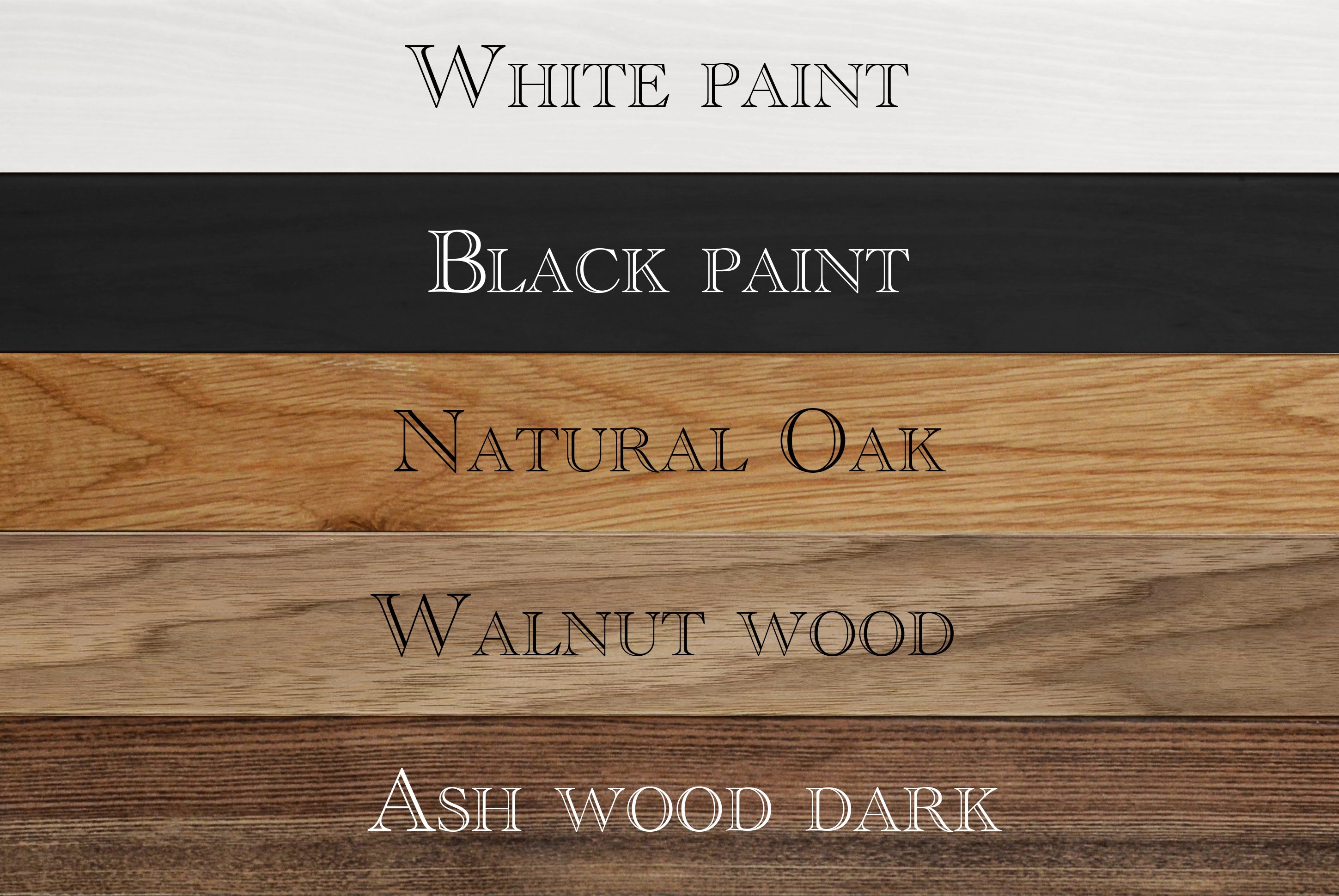
Calendar 2 is the updated flagship of the 15-inch line. Compared to its predecessor, it features a more powerful processor, display brightness increased by 60%, 4 GB of RAM, 16 GB of storage, and interchangeable magnetic Snap Frame bezels in four colors. The display is Full HD at 1920×1080. The device runs on a customized Android build, but you'll barely notice — the interface has been completely redesigned and gives almost no indication of Android under the hood. Calendar Max delivers 2560×1440 resolution and is equipped with two 4-watt speakers. Both devices require a constant power connection — there is no battery-powered option.
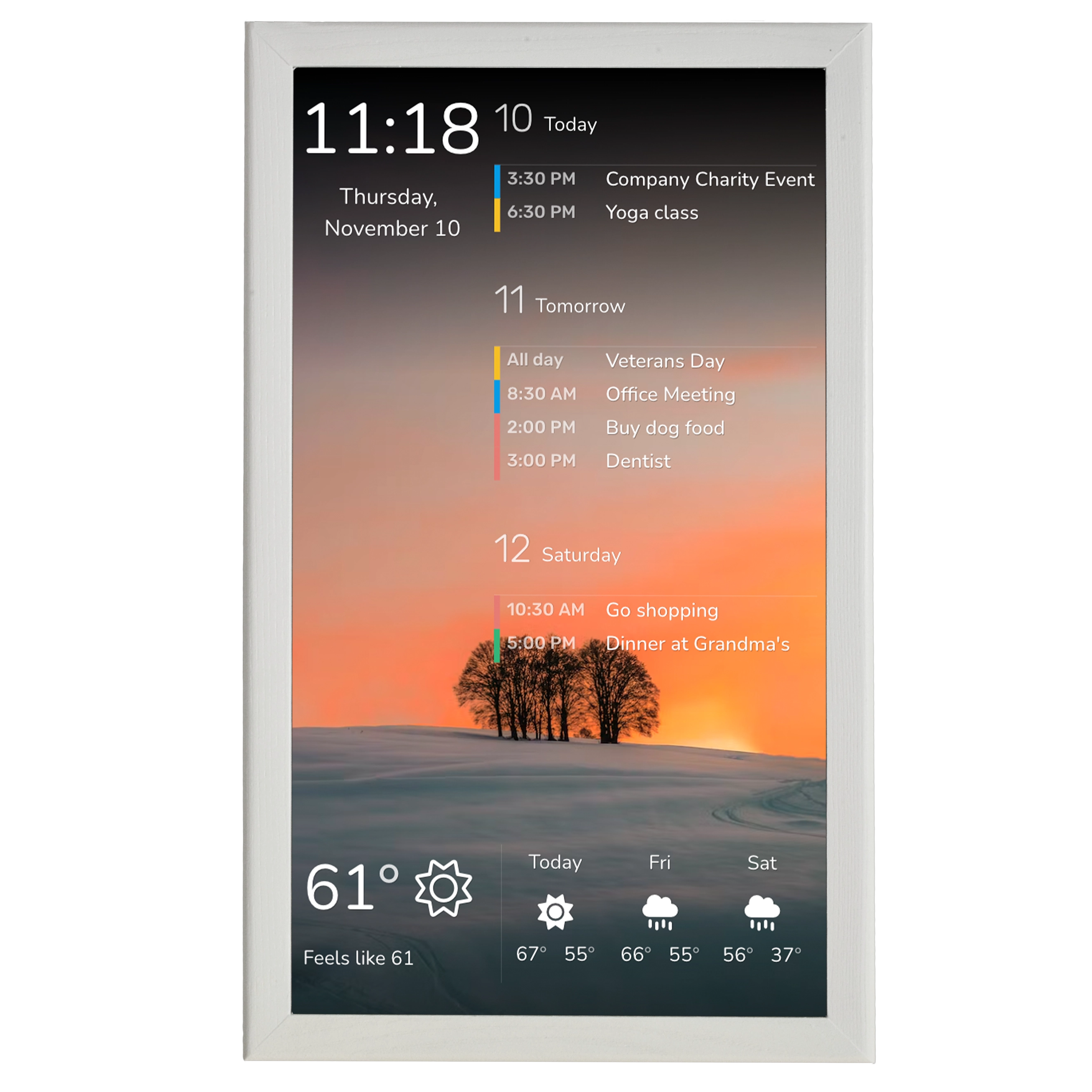
Cozyla Calendar+2 comes in three sizes: 15.6, 24, and 32 inches. All three are essentially full-fledged Android tablets with support for Wi-Fi 6E and Bluetooth 5.3. The smallest model has a resolution of 1920×1080; the larger ones are also available in a 4K variant (3840×2160). Ports: USB-C, USB-A, and on the larger models, HDMI as well. Speakers: 2×5 watts. The devices run on CalendarOS — a shell over Android with access to the Google Play Store. In addition to stationary models, there is Calendar+ Go — a portable 32-inch version with a battery-powered rolling stand and up to six hours of battery life. A budget version, Calendar+2 SE, is also available, lacking full Google Play access (replaced by the Aurora App Store).
In terms of raw specifications, Cozyla looks like a device from a different class altogether. Wi-Fi 6E and Bluetooth 5.3 versus standard Wi-Fi on Skylight; USB-C 3.0 and USB-A 3.0 ports versus a single power port; available 4K resolution on the larger models; a built-in microphone and voice assistant support out of the box — all of this indicates that Cozyla was designed as a universal platform, not a single-function device.
The name CalendarOS can be misleading: it's not a standalone operating system but a custom shell over full-featured Google-certified Android (on the +2 model, but not the budget SE). You can minimize the CalendarOS shell and use the device as a regular Android tablet.
Cost of Ownership: What You're Actually Paying For
Skylight
This is where things get really interesting. The Skylight Calendar 2 costs $299.99 in the classic version and $319.99 in the Shadow Box variant. Calendar Max starts at $599.99. But the base price of the device doesn't tell the whole story.
The Skylight Plus subscription costs $79 per year. Without it, you get a calendar with manual event entry. Behind the paywall: Magic Import / Sidekick (AI import of events from emails and photos), meal planning, photo screensaver, a chore reward system, and extended personalization settings. These features form the core of Skylight's services, and they're exactly why most buyers purchase the device.
The true cost of owning Calendar 2 in the first year: $379 (299 + 79). Over five years: $695. Calendar Max with subscription: $679 in the first year. Dropping the subscription doesn't turn the device into a brick, but it strips away most of its usefulness — creating a powerful, if uncomfortable, retention mechanism.
Another nuance: full two-way sync is available only with Google Calendar. Outlook, Apple Calendar, and others work one-way or with limitations. For families not using Google, this can be a serious disappointment.
Cozyla
Cozyla Calendar+2 is priced at $349.99 (15.6 inches), $699.99 (24 inches), $899.99 (32 inches in HD resolution), and $1,099.00 (32 inches in 4K resolution). The absolute prices are higher, but no subscription is required for core functionality. All key features — calendar sync, task and reward system, meal planning, shopping list, screensaver — are included in the device price.
The only potential recurring payment is extended access to Cozyla Agent (AI voice assistant) if you exhaust the free monthly allowance. A base volume of requests is included for free.
The cost of owning a 15.6-inch Cozyla over five years: $349.99 — versus $695 for the Skylight Calendar 2. At comparable screen sizes, Cozyla turns out to be almost twice as cheap over the long haul. If you compare the 24-inch Cozyla with the 27-inch Skylight Calendar Max, the gap narrows, but Cozyla still wins thanks to the absence of a subscription.
Skylight and Cozyla Architecture: Closed System vs. Open Android
This is arguably the key philosophical difference between the two products.
Skylight is a closed ecosystem. You cannot install apps, you have no access to the file system, and you cannot use the device for anything other than Skylight's intended scenarios. This is a deliberate choice: Skylight controls every pixel of the interface, ensuring stability, a minimal learning curve, and a predictable, comprehensible experience. Setup takes less than fifteen minutes — connect to Wi-Fi, sync your calendars (this is where it gets interesting), and you're done.
The flip side: the device is entirely dependent on Skylight's servers. If the company discontinues support, a $600 digital calendar becomes a useless frame.
Cozyla took the opposite path. The Calendar+2 is essentially a large Android tablet with a CalendarOS shell. You can install apps from the Google Play Store: YouTube, Spotify, Gmail, Notion, any browser. The device supports Google Home and Amazon Alexa. The HDMI port allows you to use it as an external display.
The downside of this approach is complexity. The device demands more attention during setup, there's a high risk of "feature overload," and as many reviewers note, periodic calendar sync issues arise that undermine trust in the product's primary function. Various publications have flagged sync instability as a factor of concern. Cozyla has stated that the team is "actively working" on improving sync reliability — for now, that's a promise, not a result.
Wall mounting is another Cozyla pain point. The installation process remains a weak spot, and the power supply block protrudes awkwardly from the outlet, which can be inconvenient in high-traffic areas. The 32-inch model's weight adds further difficulty.
Software Features: Similar, but Very Different
Both systems offer a comparable set: multi-calendar sync, color coding by family member, task lists, meal planning, shopping lists, and a chore and reward system for kids. At the feature-list level, the products are nearly identical. The differences are in the execution.
Skylight has honed its interface to surgical simplicity and "stays in its lane," not trying to be something it isn't. The Sidekick feature (AI import) lets you photograph a school announcement or forward an email — and events automatically appear on the calendar. It's a powerful capability, but it's only available with the subscription.
Cozyla offers a comparable Smart Import and the AI voice assistant Cozyla Agent. The reward system, it's worth noting, generates "unprecedented enthusiasm" in children for completing household chores — though it can also spark competition over who gets to feed the cat first. Meal planning includes preset recipes with the ability to import your own and automatically generate a shopping list. However, the Cozyla+ mobile app for viewing recipes, according to user reviews, doesn't always work reliably: phones "freeze or refuse to display more than a few pages of recipes."
Another important nuance: Cozyla has difficulties transferring schedules between profiles. If a child doesn't use a phone calendar, a parent cannot simply import their own and add events to the child's profile — each event must be entered manually.
Target Audience and Positioning
Skylight unambiguously positions itself as the "operating system for families." Its marketing targets busy parents — predominantly mothers — who bear the "mental load" of coordinating the family schedule. Skylight's own research claims that mental load consumes over 30 hours per week. The value proposition: hang a single screen on the wall that lifts some of that burden.
Cozyla aims broader. The company sells not just a calendar but a "family command center" — a multifunctional hub that can serve as a calendar, entertainment device, and smart home control center simultaneously. A writer with executive function challenges used the device as an individual organizational tool — and noted that the 32-inch model became an indispensable daily helper for her. This significantly expands the target audience beyond the classic family with kids.
Build Quality and Reviews
It must be acknowledged that Skylight Calendar 2 consistently receives high ratings: 4.7 out of 5 on Walmart (over 840 reviews). Wirecutter review, Forbes recommendation, SlashGear review — all praise the simplicity, quick setup, and focus on what matters. Complaints are consistent: fingerprints on the screen, occasional lag, the effectively mandatory subscription, no portrait orientation on the Calendar 2 tabletop stand, and the inability to sync the shopping list with external apps.
Cozyla Calendar+2 receives 4.4–4.5 on Walmart (22–35 reviews depending on the model). Forbes, T3, and Bob Vila reviews are positive but with caveats. Main complaints: unstable calendar sync, cumbersome mounting process, problems with the Cozyla+ app on mobile devices, and difficulty transferring events between profiles.
Data Behind the Kitchen Wall: Who Sees Your Family's Schedule?
Skylight (legal entity — Glimpse LLC, Delaware). Servers are located in the United States. Their privacy policy on myskylight.com explicitly states: data is stored and processed in the United States. The company is certified under the EU-U.S. Data Privacy Framework and claims GDPR compliance through a Supplemental European Privacy Statement. For calendar sync, the third-party service Nylas is used (with its own privacy policy). Photos, events, lists — everything is stored on Skylight's cloud servers.
Critical point: Glimpse LLC is an importer that sources hardware from Asian manufacturers (confirmed by Unisco data). However, the software is entirely proprietary, and the cloud is in the USA. There is no mention of cross-border transfer of user data to Asia.
The device is a locked-down Android with no user access to the Play Store, no browser, and no third-party apps. This limits the attack surface and the risk of data leaks.
Cozyla (legal entity — Cozyla US Corp, North Carolina). Here's an interesting detail. In their privacy policy from April 2026 — Section 9, "International Transfer of Personal Data" — it states verbatim:
"Our servers are located in the United States. Due to the international nature of our business, your Personal Data may also be accessed by our affiliates or be transferred to third-party service providers and business partners, in connection with the purposes set out in this Policy, such as in China and Japan. When your Personal Data is processed in another country, it may be subject to access by law enforcement and national security authorities of that jurisdiction."
This means your data may be transferred to China and Japan, and there it may be accessible to the security authorities of those countries.
At the same time, the scope of data collected by Cozyla is significantly broader than Skylight's, precisely because the device is an open Android tablet:
- Calendar events, descriptions, participants
- Tasks, checklists, children's reward data
- Recipes, dietary preferences, allergies, shopping lists
- Photos and videos (stored in the cloud)
- Voice messages, text and photo inputs to the AI assistant Cozyla Agent
- Location data (for weather)
- All apps from Google Play that the user installs operate with their own data practices
What This Means for the European Buyer
For EU buyers, the situation differs fundamentally. Skylight is certified under the EU-U.S. Data Privacy Framework — a mechanism designed, following the Schrems II ruling, to ensure adequate protection for transatlantic data transfers. Data stays in the USA. This isn't ideal from a GDPR perspective, but it's a standard and legitimate configuration.
Cozyla, however, explicitly declares the possibility of data transfer to China. China has no adequacy decision from the European Commission. Standard Contractual Clauses (SCCs) can formally be used, but in practice their effectiveness for data transfers to China is questionable — given Chinese national security legislation and the 2021 Data Security Law. Cozyla's privacy policy mentions neither SCCs nor binding corporate rules — only a general statement about "data transfer agreements that comply with applicable laws."
For a family in Germany that installs such a device in their home — with a camera and microphone — entering the children's schedule, recipes, photos, voice commands to the AI assistant — and all of this potentially ending up on servers accessible from China — this is a question worth considering before purchasing.
Competitive Landscape
The market doesn't stand still. Beyond Skylight and Cozyla, there are other strong first-tier players: DAKBoard, Hearth Display, and others. You can find our DAKBoard vs. Skylight Calendar comparison on our blog.
DAKBoard: The Engineering Underdog
DAKBoard is a company with a fundamentally different pedigree. In 2015, Dan King, a programmer and amateur photographer from New York, built a display for family photos and calendars out of an old monitor and a Raspberry Pi. The project started as a DIY solution that anyone could replicate in an evening. In 2017, to give it a professional path going forward, King registered DAKBoard LLC, and after 8 years, in September 2025, the company was acquired by the German saas.group — it was already the twenty-fifth deal in the SAAS portfolio, signaling the maturity and predictability of DAKBoard's business.
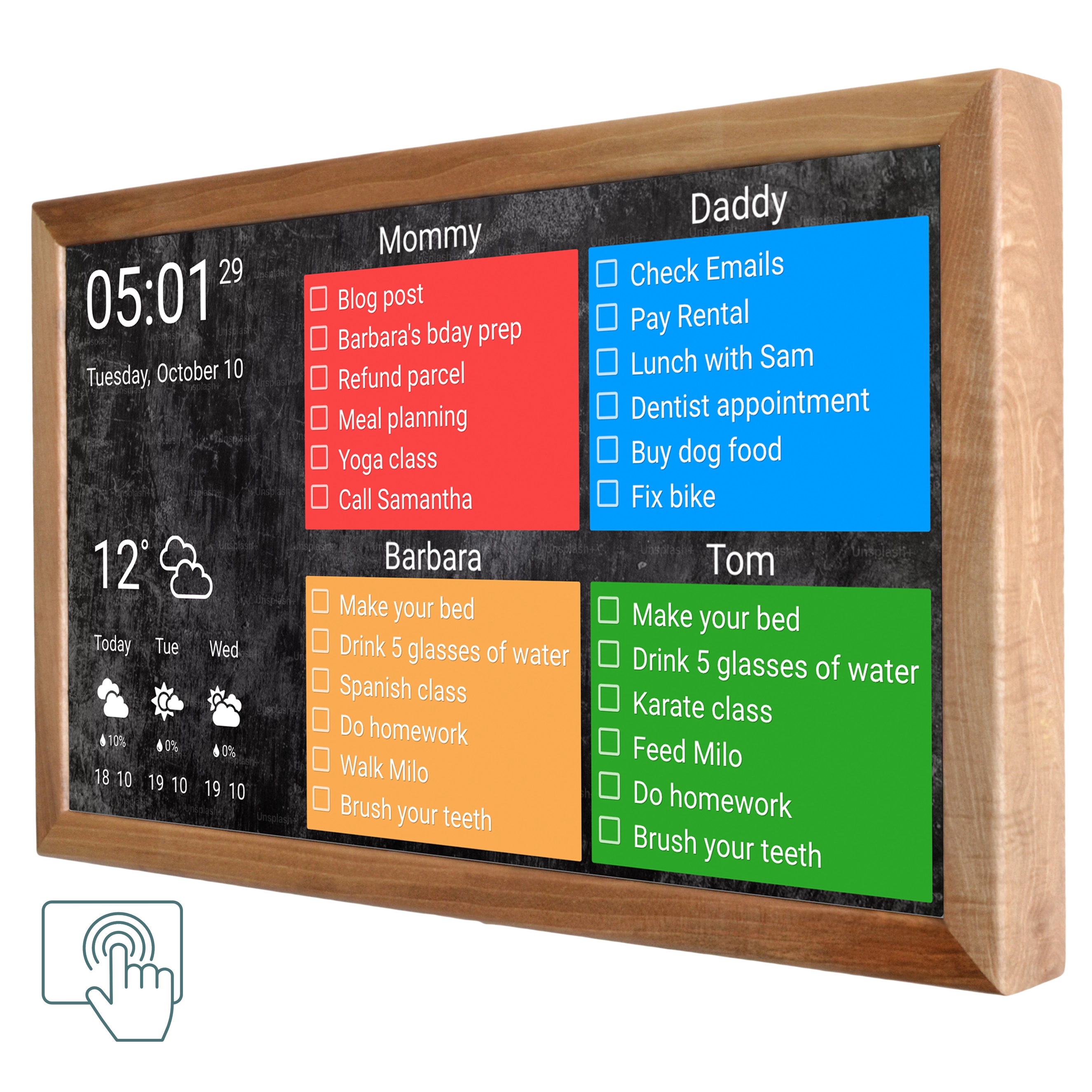
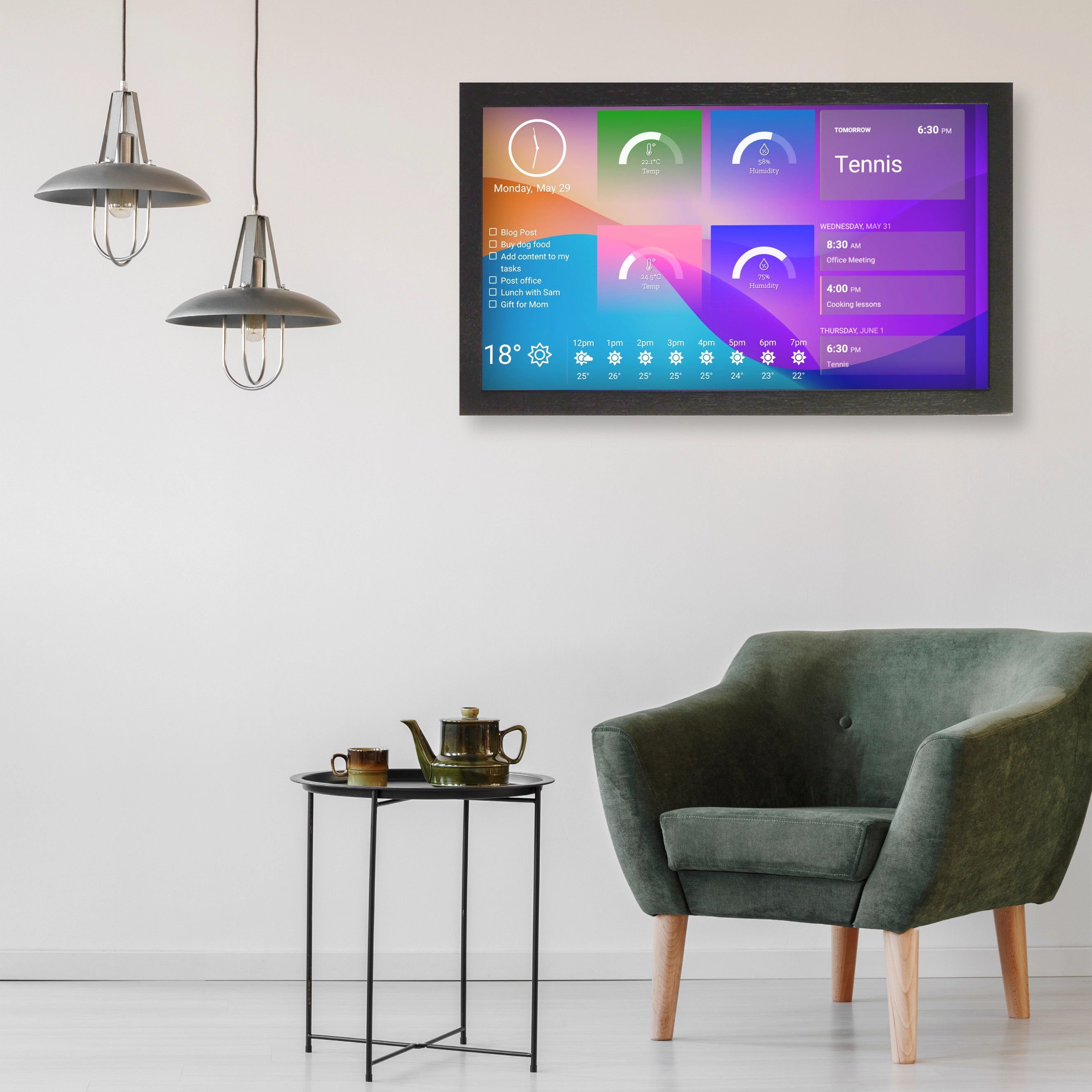
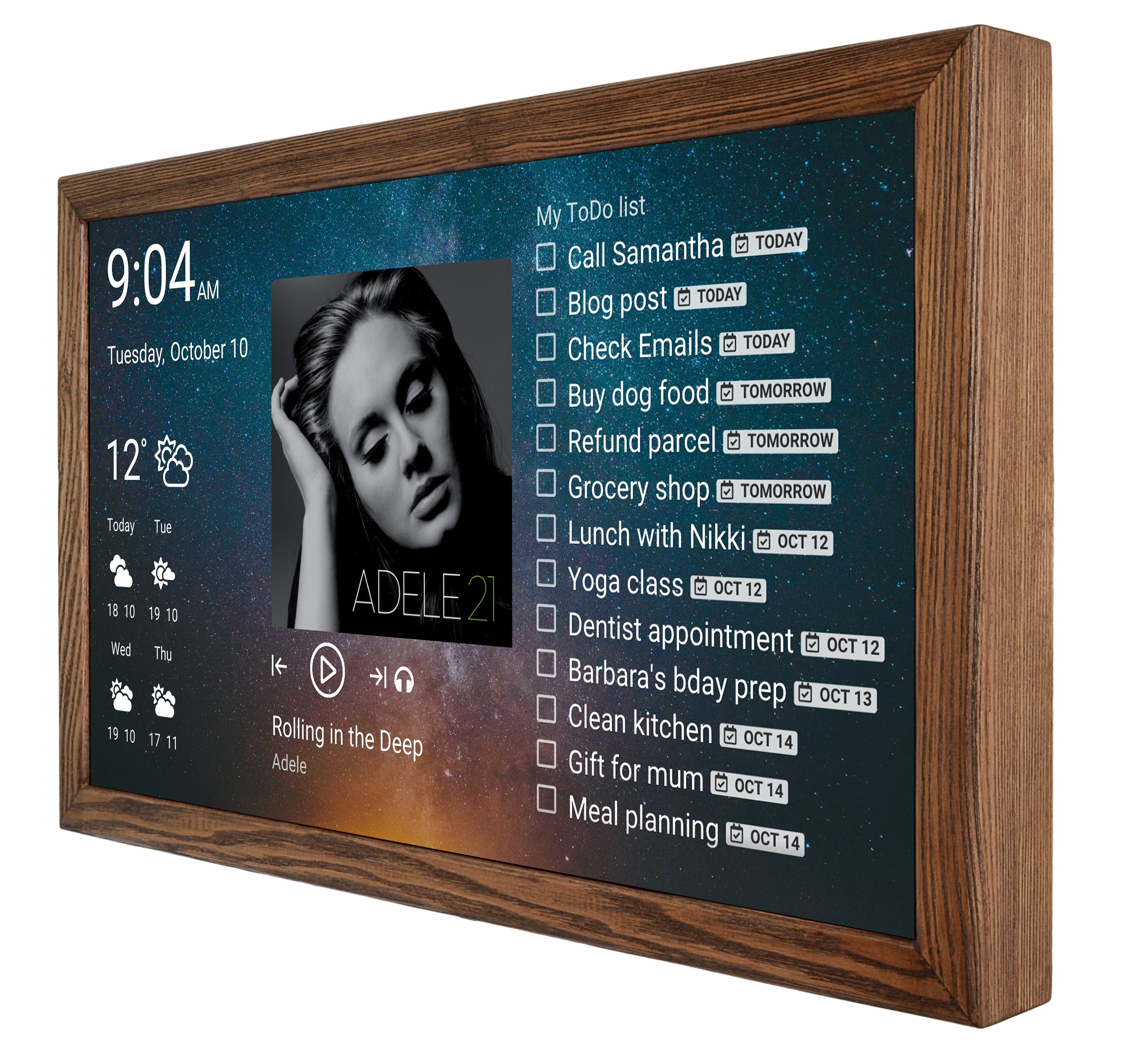
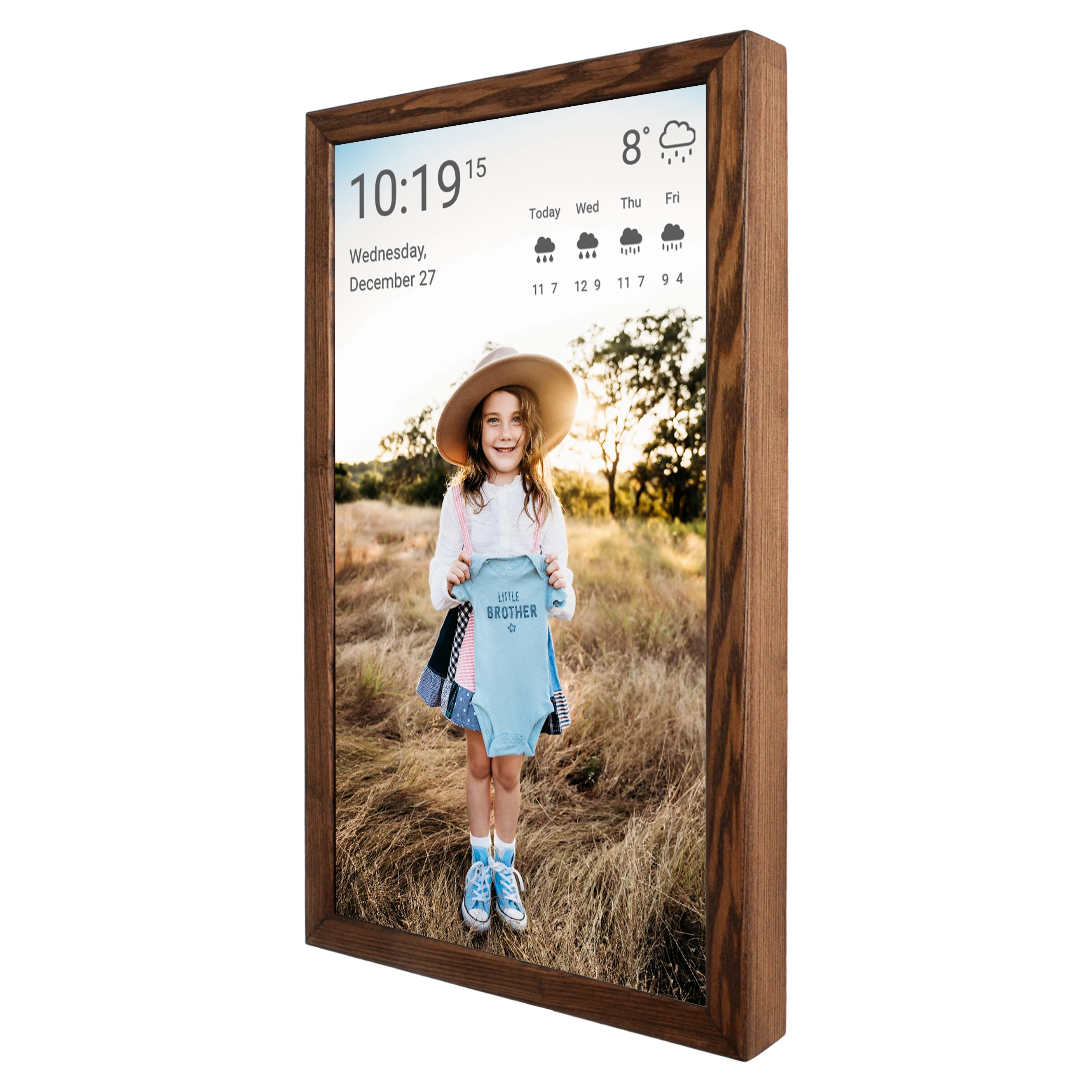
The key difference between DAKBoard and Skylight/Cozyla is architectural hardware agnosticism. The platform works on touchscreen displays powered by Raspberry Pi: DAKBoard in wooden frame, €674 for the 24-inch model and €974 for the DAKBoard 32-inch model.
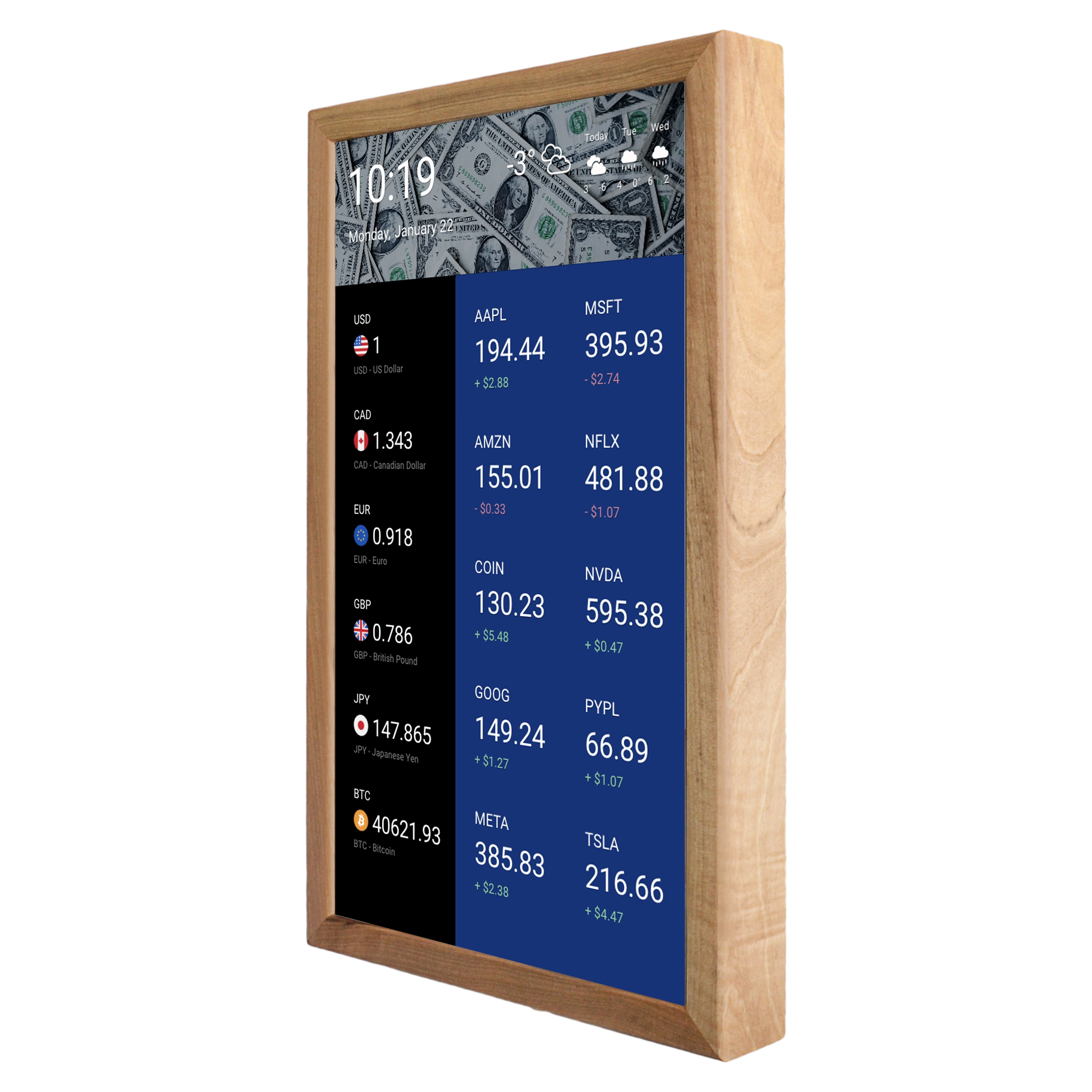
DAKBoard's subscription model is three-tiered: Free (basic preset screen templates), Essential, and Plus. The free plan isn't a token offering: it genuinely works, and many users are satisfied with it, though there are limitations on the number of integrations and customization options. Paid plans unlock nearly a hundred native integrations — from Google Calendar and iCloud to Fitbit, Home Assistant, Todoist, Trello, Asana, Spotify, stock tickers, package tracking, and even rocket launch schedules. In terms of the number of supported data sources, DAKBoard leads both Skylight and Cozyla by a wide margin.
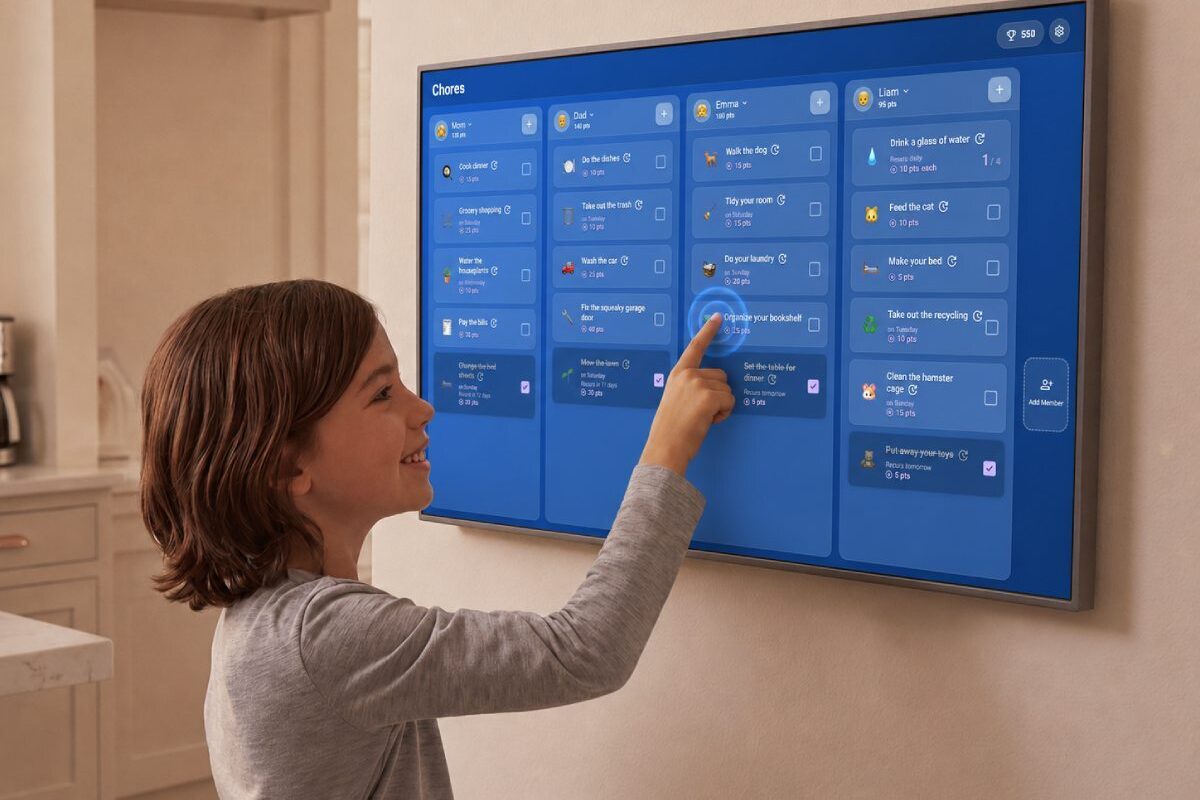
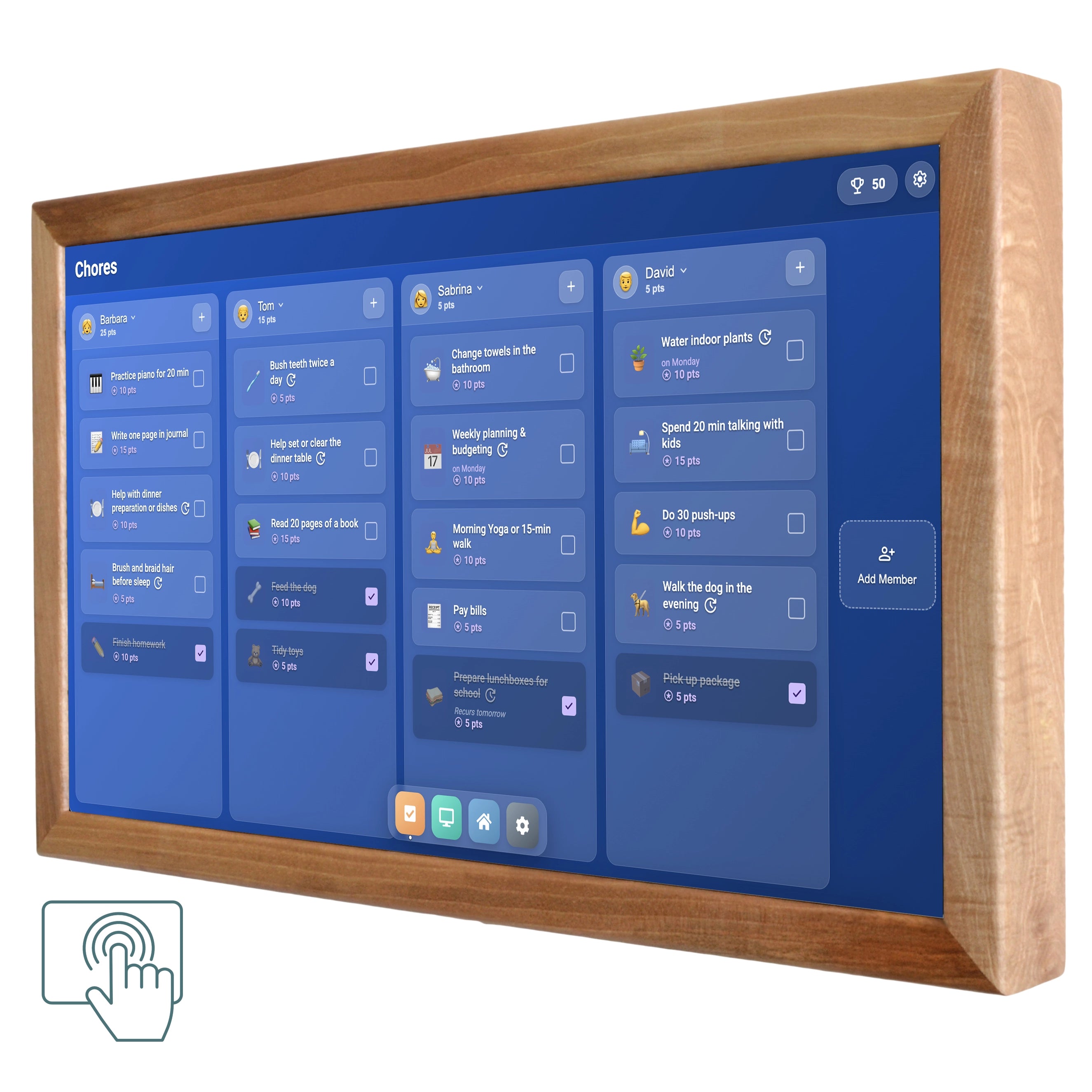
The DAKBoard TouchHub, announced its update on July 2, 2026, shifts the balance of power. This isn't a cosmetic update but a complete rethinking of interactivity. TouchHub adds a navigation dock at the bottom of the screen, making app switching a matter of a single tap. The main star is the Family Chores Manager: an interactive task system with profiles for each family member, points for completed chores, rewards, and an animated family leaderboard. Kids can independently check off completed tasks, and a built-in child lock prevents a toddler from accidentally deleting someone else's checklist. Then there's the Home Assistant integration, which has evolved from a widget into a full embedded application: controlling devices, locks, and thermostats from the wall has become as natural as flipping a light switch. Coming soon: a Meal Planner with recipes and automatic shopping list generation.
In essence, TouchHub closed the functional gap that separated DAKBoard from Skylight and Cozyla. Now all three competitors offer an interactive touchscreen hub with calendar, tasks, rewards, and home control. But DAKBoard does it on a platform that isn't tied to any specific device and works with nearly a hundred integrations — something neither competitor can match.
| Skylight Calendar 2 | Cozyla Calendar+2 | DAKboard | |
| Displays | 10" / 15" / 27" | 15.6" / 24" / 32" (4K) | 15" / 24" / 32" |
| Wi-Fi | 5 GHz ac | Wi-Fi 6E | 5 GHz ac |
| Microphone | No | Yes | No |
| Third-party Apps | Propriatary System | Google Play | WEB Platform |
| Calendars | Google, Apple, Outlook, Yahoo, Cozi, URL | Google, Apple, Outlook, CalDAV, URL | Google, Apple, Outlook, MS365, Facebook, Cozi |
| Two-way sync | Google, iCloud | All | No |
| Integrartions | ~10 | ~15 +Play Store | ~100 native |
| Chores/Awards | Plus | Free | Essential+ |
| Meals | Plus | Free | Soon |
| AI-import | Plus | Free | No |
| Smart Home | No | Google Home, Alexa | Home Assistant, Nest, SmartThings |
| Price | from $299 | from $349 | from $399 |
| Subscription | $79/year | $0 | $0 / $60 / $96/ year |
| Data Collection | USA | USA/China/Japan | USA |
| Production | Asia | China | USA/Germany |
Verdict: Three Products, Three Philosophies, One Market
Skylight Calendar represents the Apple approach to a wall calendar: a closed, polished, intuitive system that requires annual payment. It's ideal for families who want to "hang it up and forget about it," aren't interested in tinkering with settings, and are willing to pay for simplicity.
Cozyla Calendar+2 represents the Android approach: open, flexible, powerful, but less refined. It objectively offers more for the money — a larger screen, no subscription, Google Play access, a voice assistant, and smart home support. But it demands greater tolerance for rough edges and greater technical readiness from the user.
DAKBoard after the TouchHub update — a new touchscreen experience that turns your DAKBoard into a command center the whole family can tap into. The integrations gap is enormous: roughly 100 for DAKBoard versus about 10–15 for competitors. Finance, Fitbit, Slack, Trello, Asana, package tracking, JSON/API widgets — none of this exists in either Skylight or Cozyla.
For now, all three players demonstrate that they can bet differently — and each is finding its audience. Skylight — through discipline and focus. Cozyla — through the breadth of its product line and the "everything included" value proposition. DAKBoard — through new TouchHUB and nearly a hundred integrations, and an audience that values the quantity and quality of integrations.
The author has no financial ties to any of the companies mentioned. Company data used in this article was sourced from publicly available information.