Table of Content
This article is designed to help those of you who are new to DAKboard. It will help you find everything you need to get started and introduce you to DAKboard support articles and DAKboard blog. You can also use our chat below the page.
What is DAKboard?
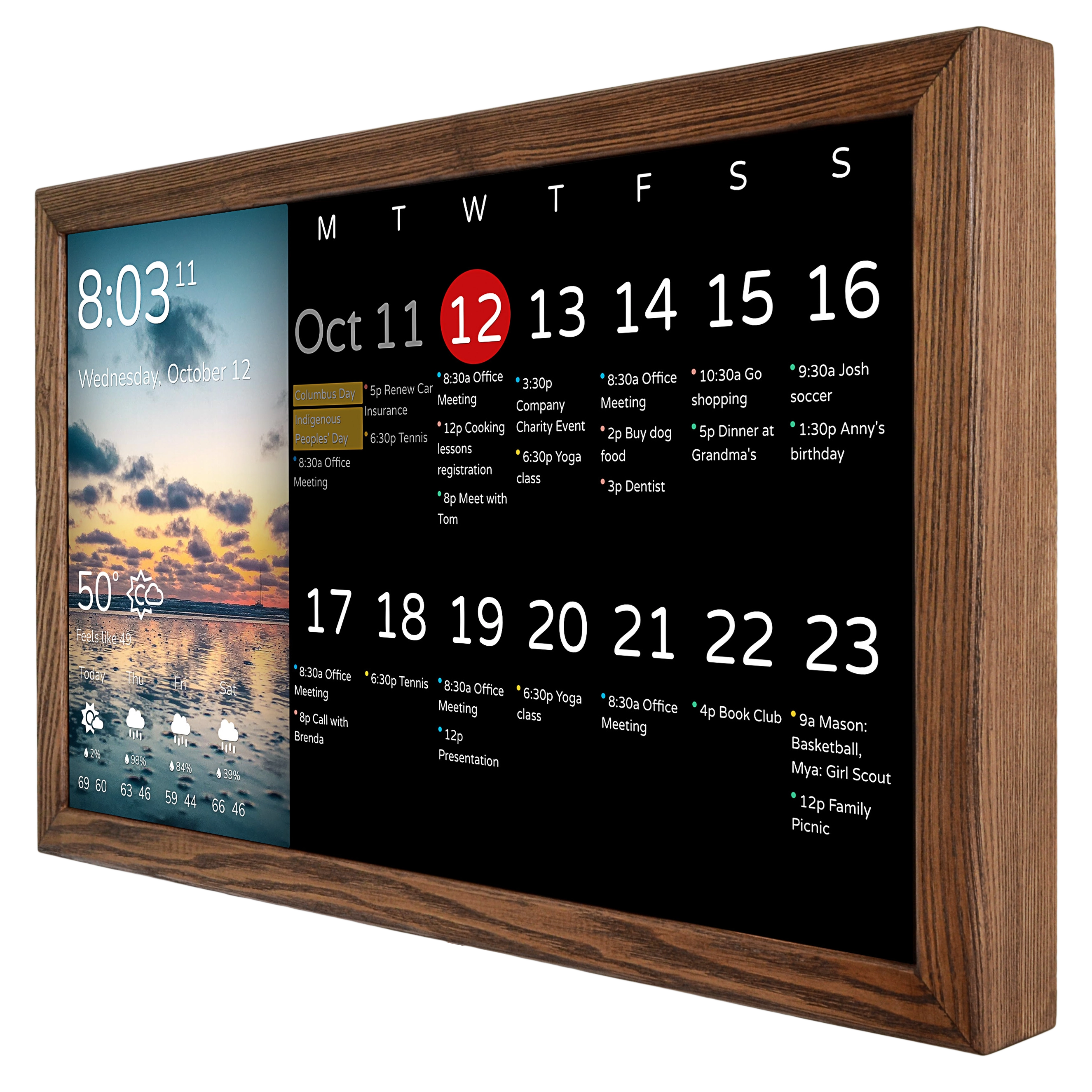
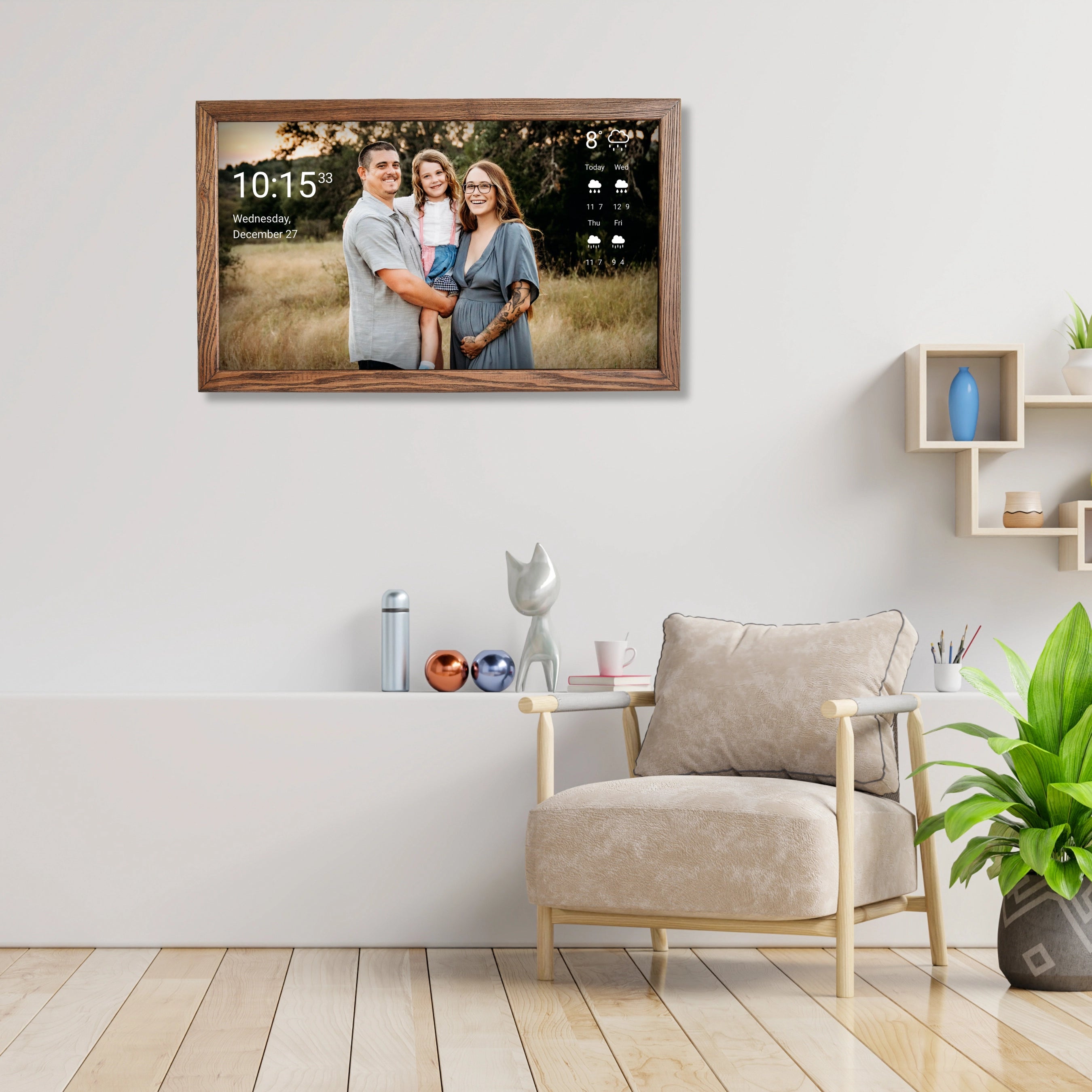
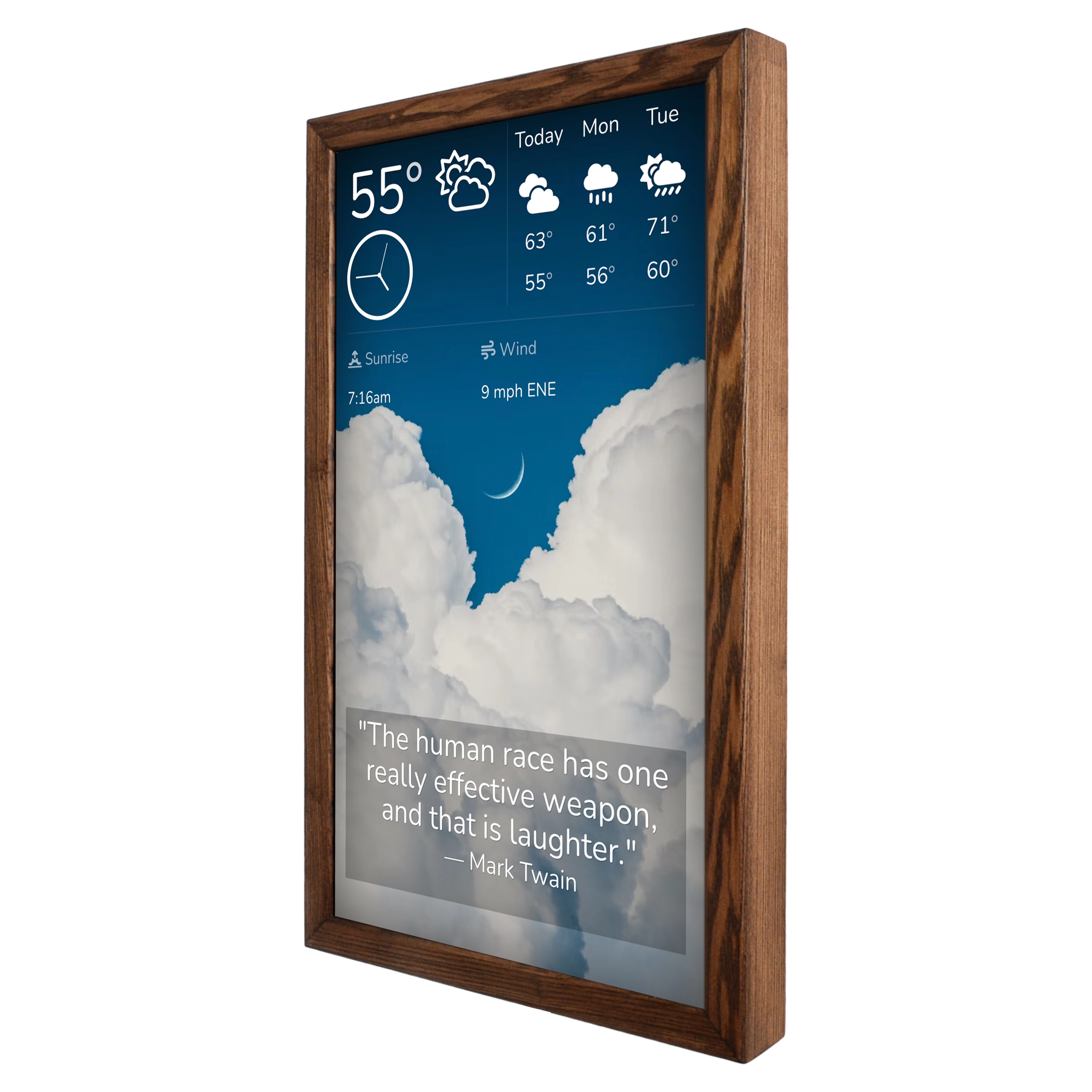
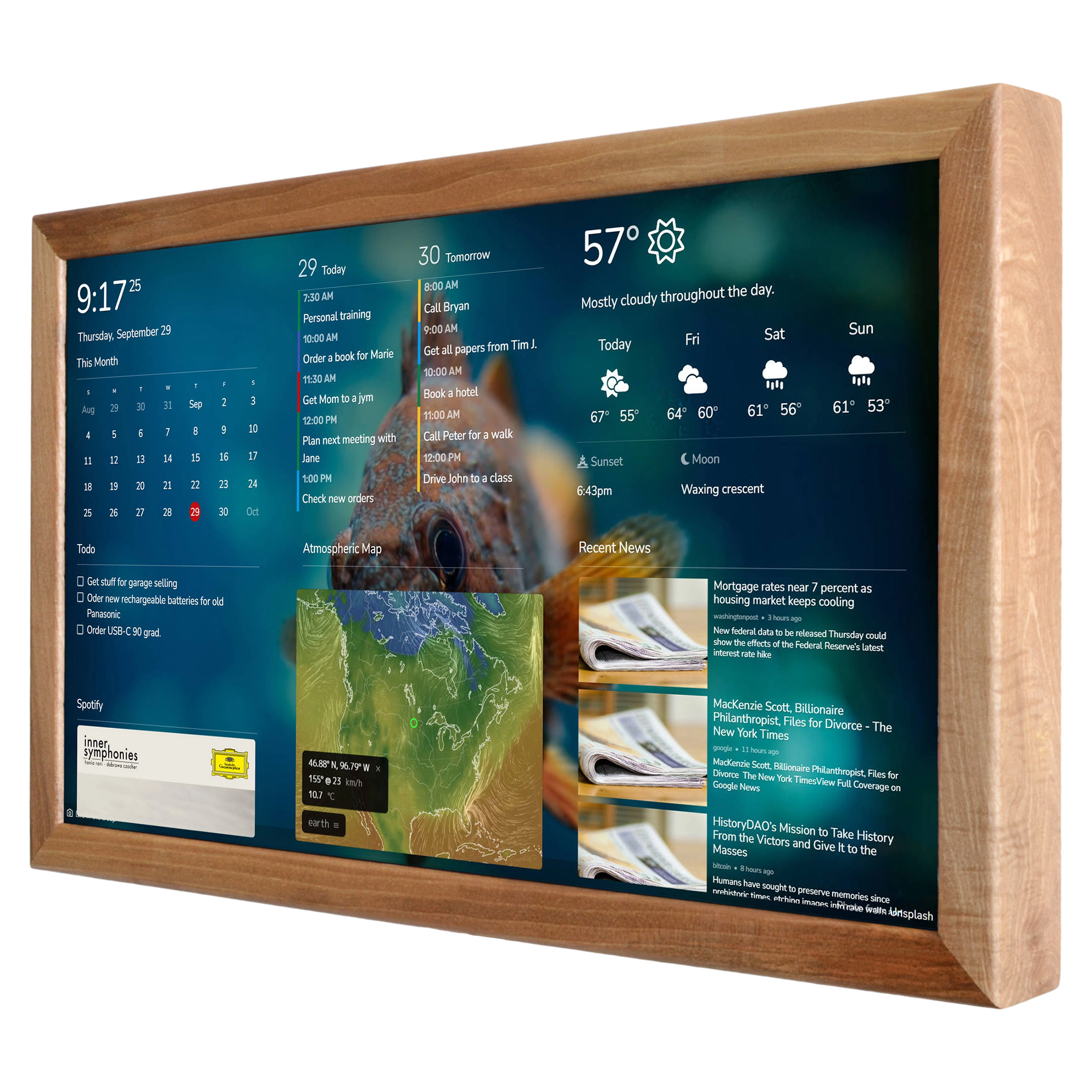
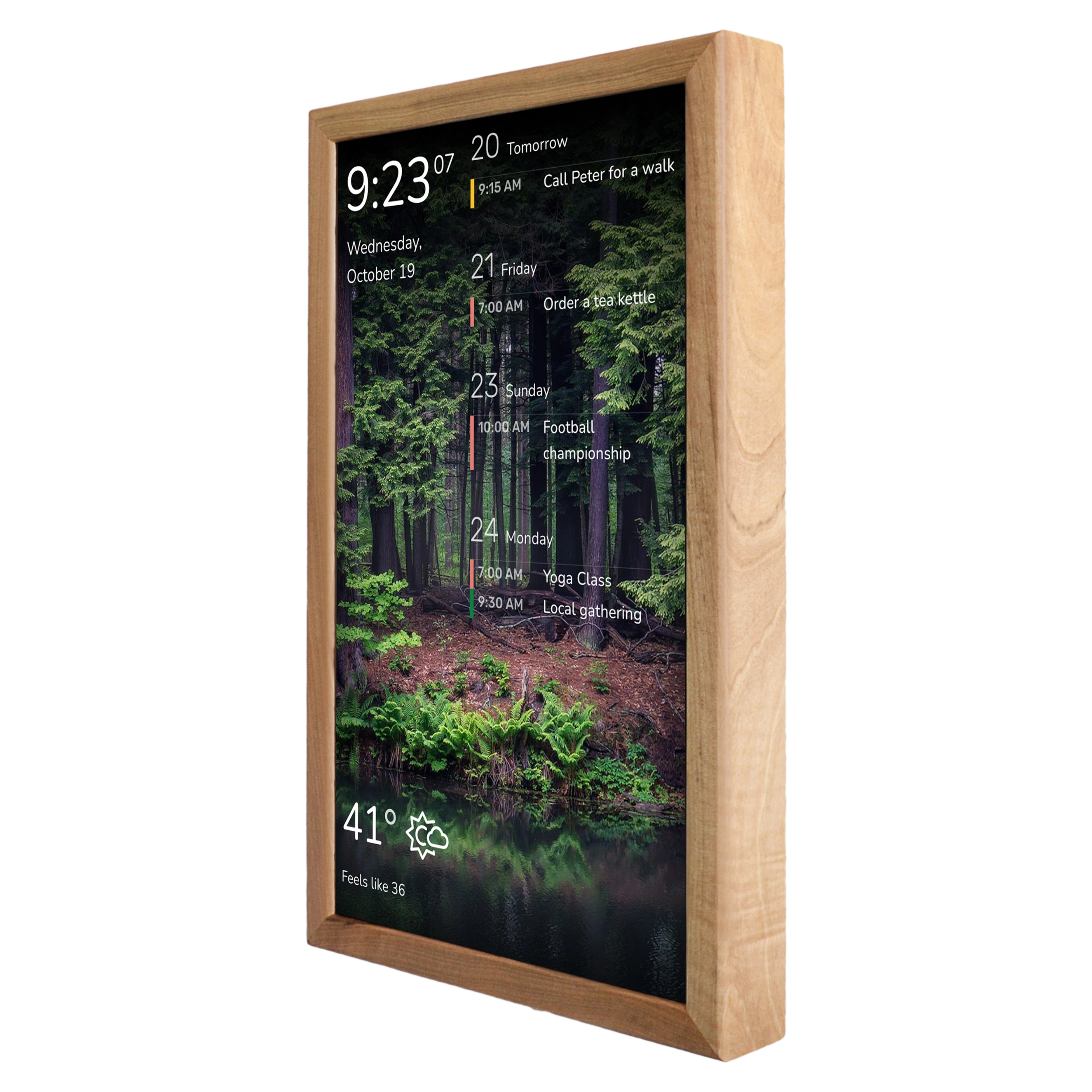
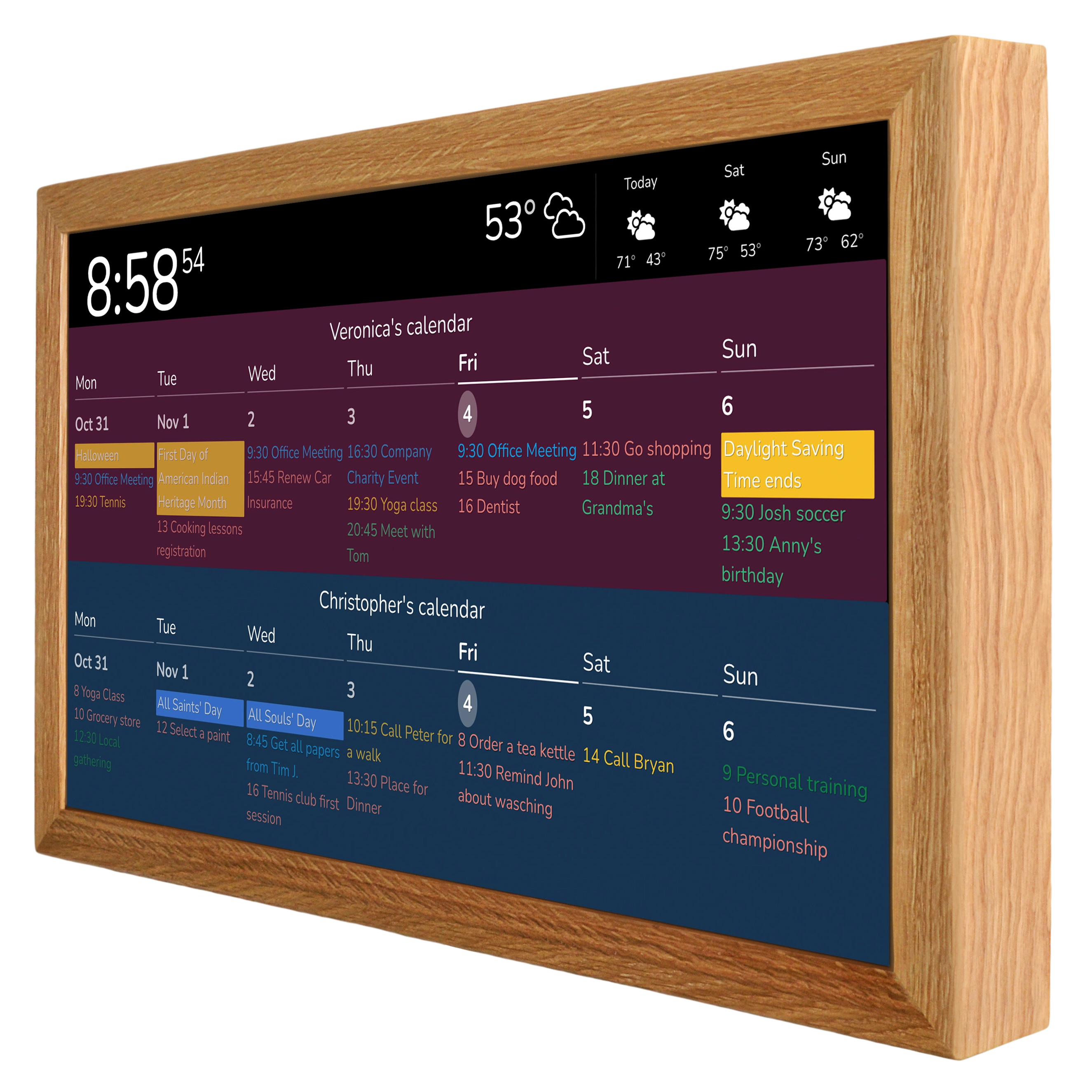
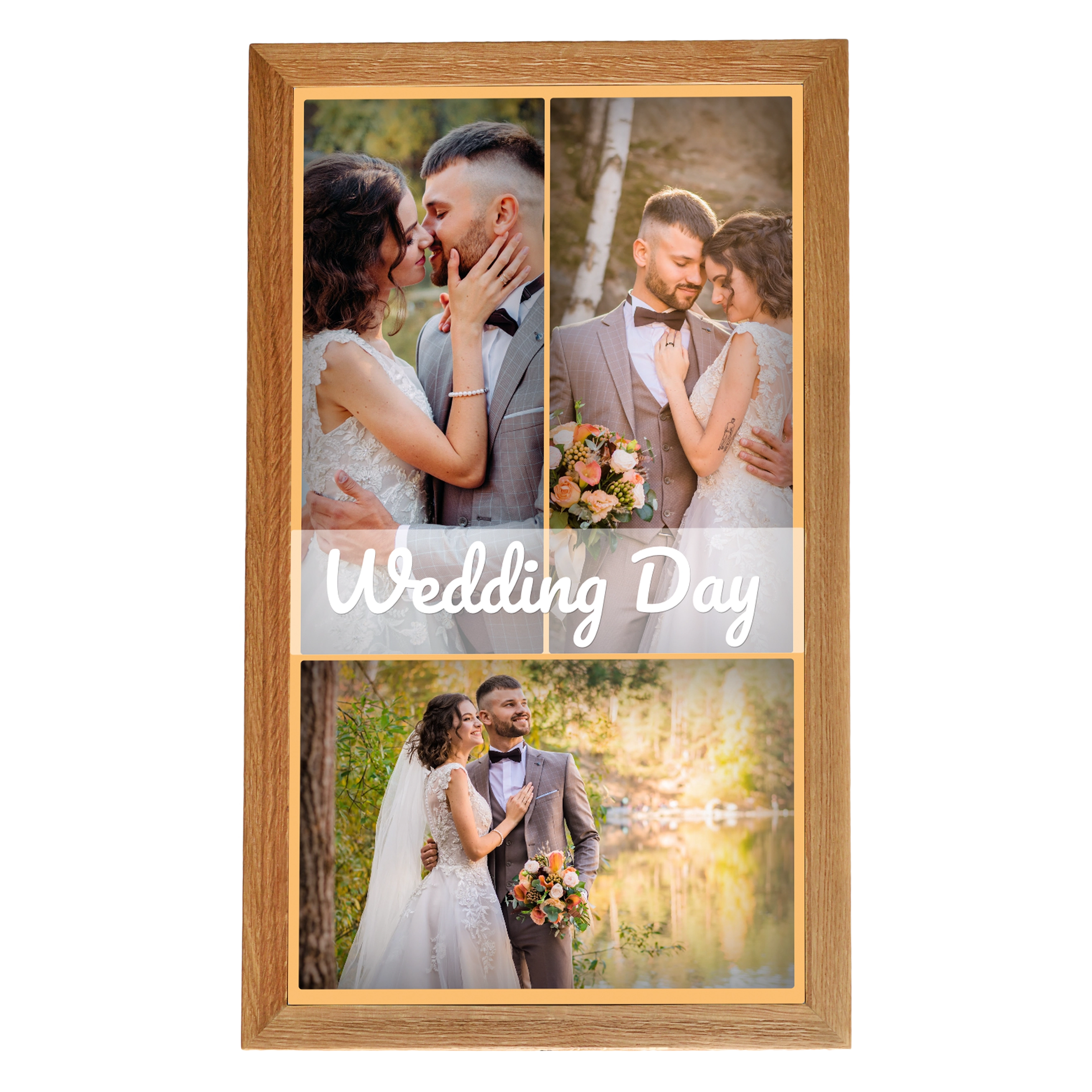
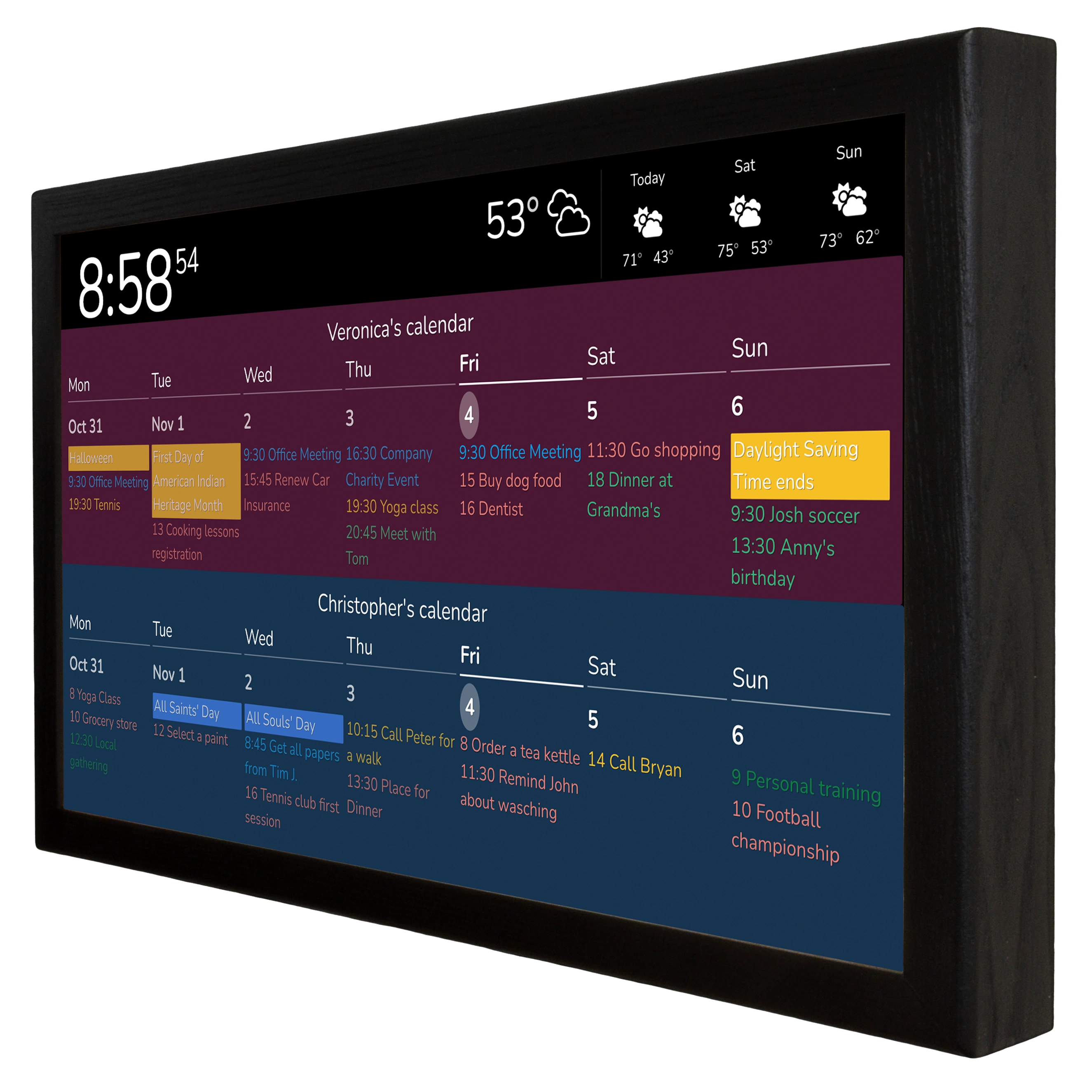
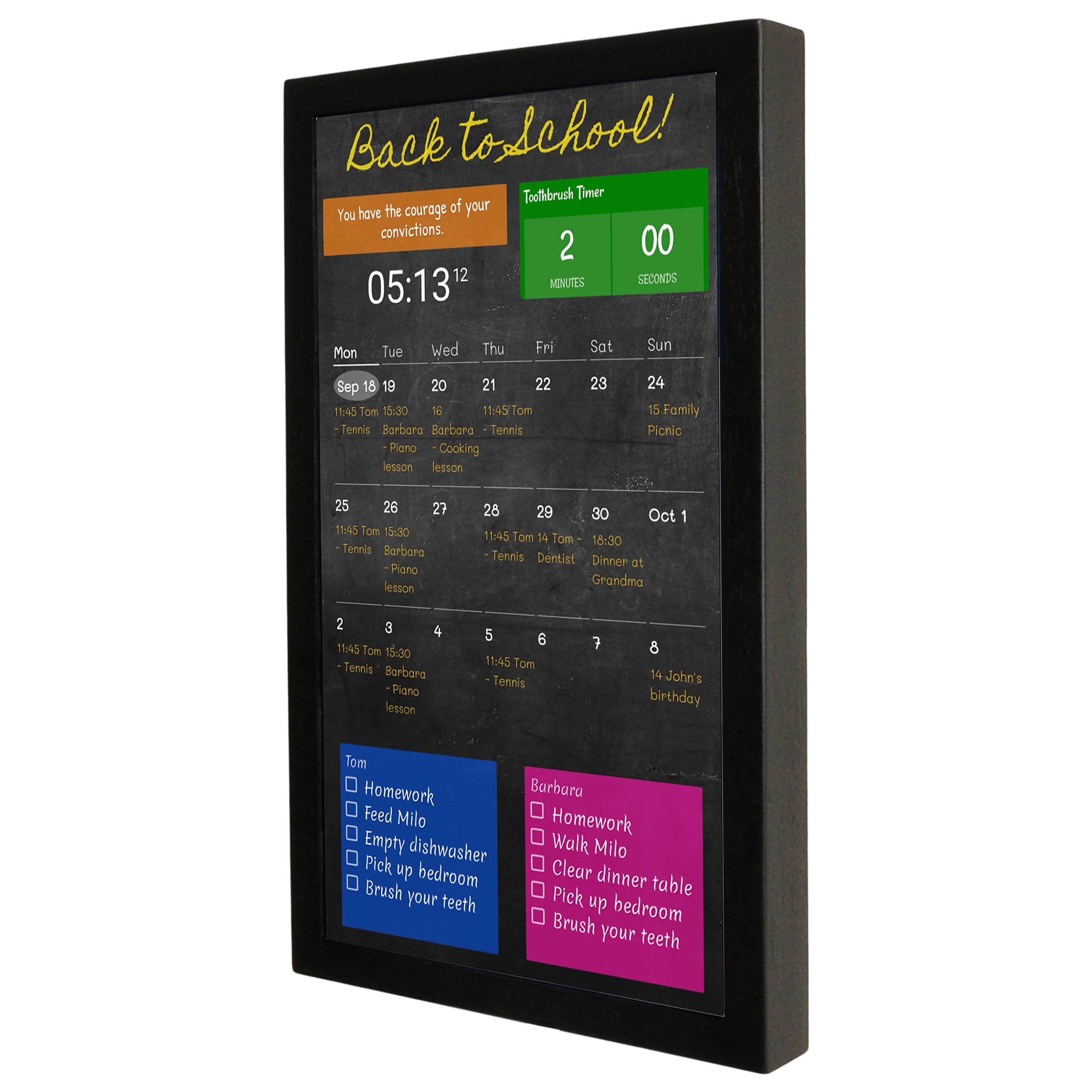
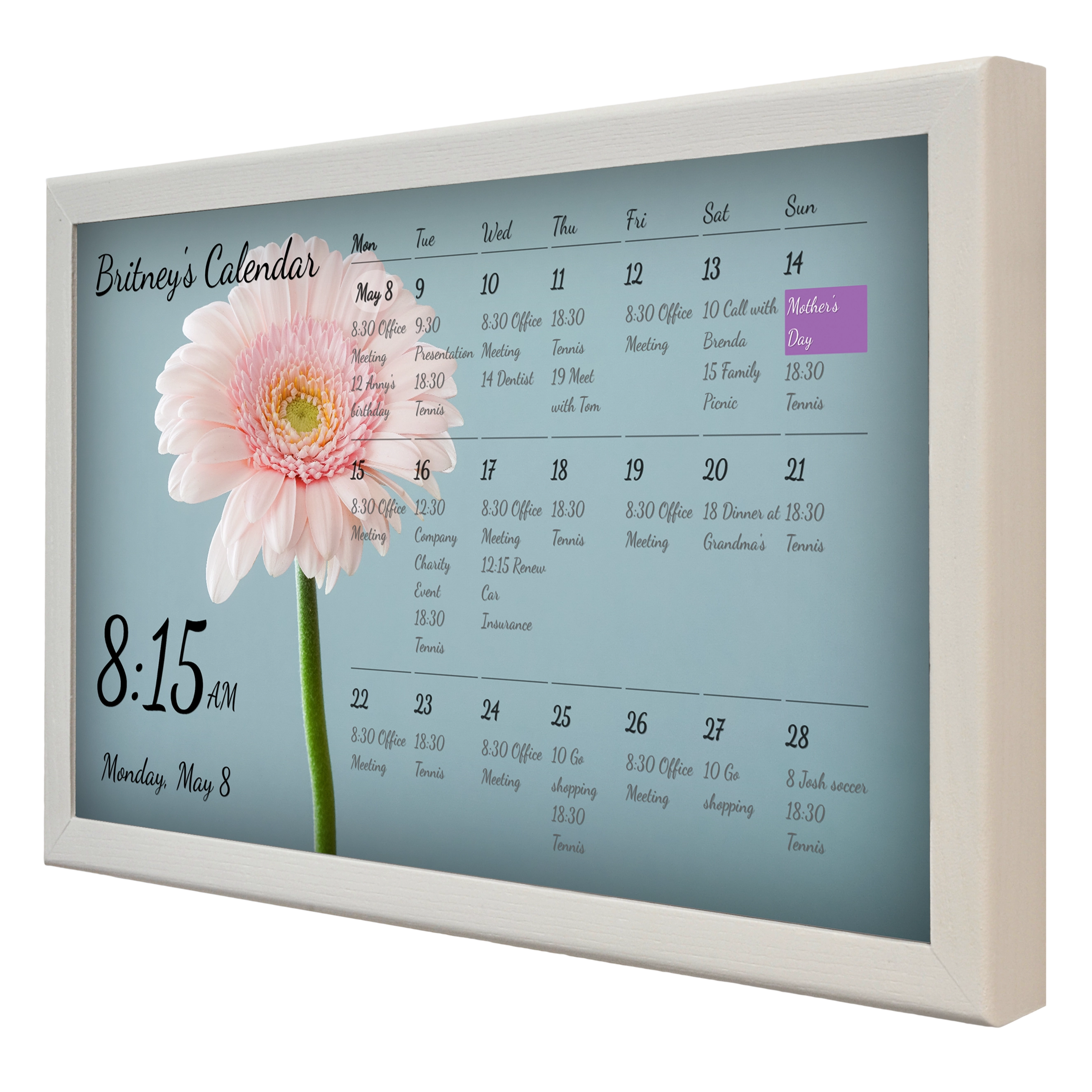
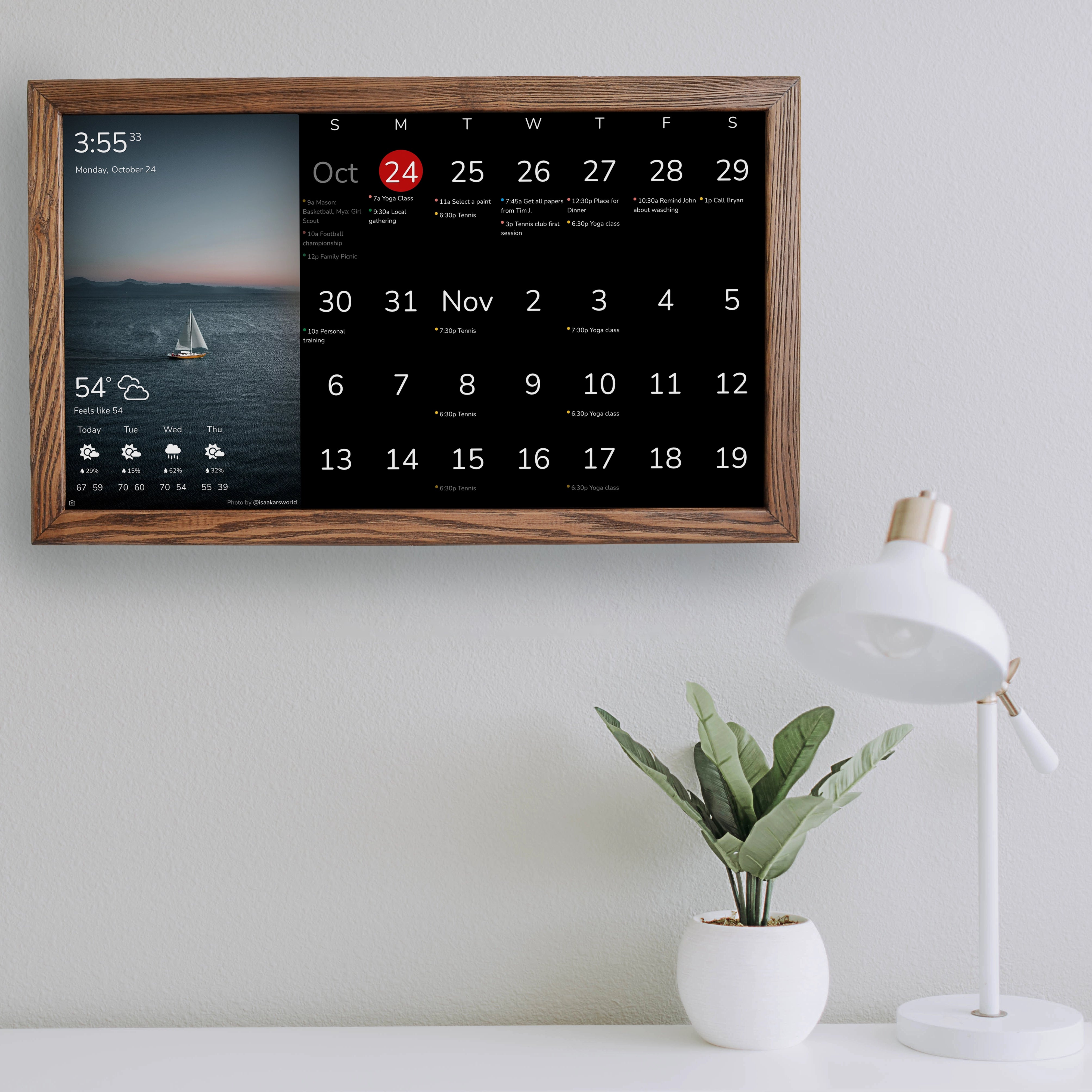
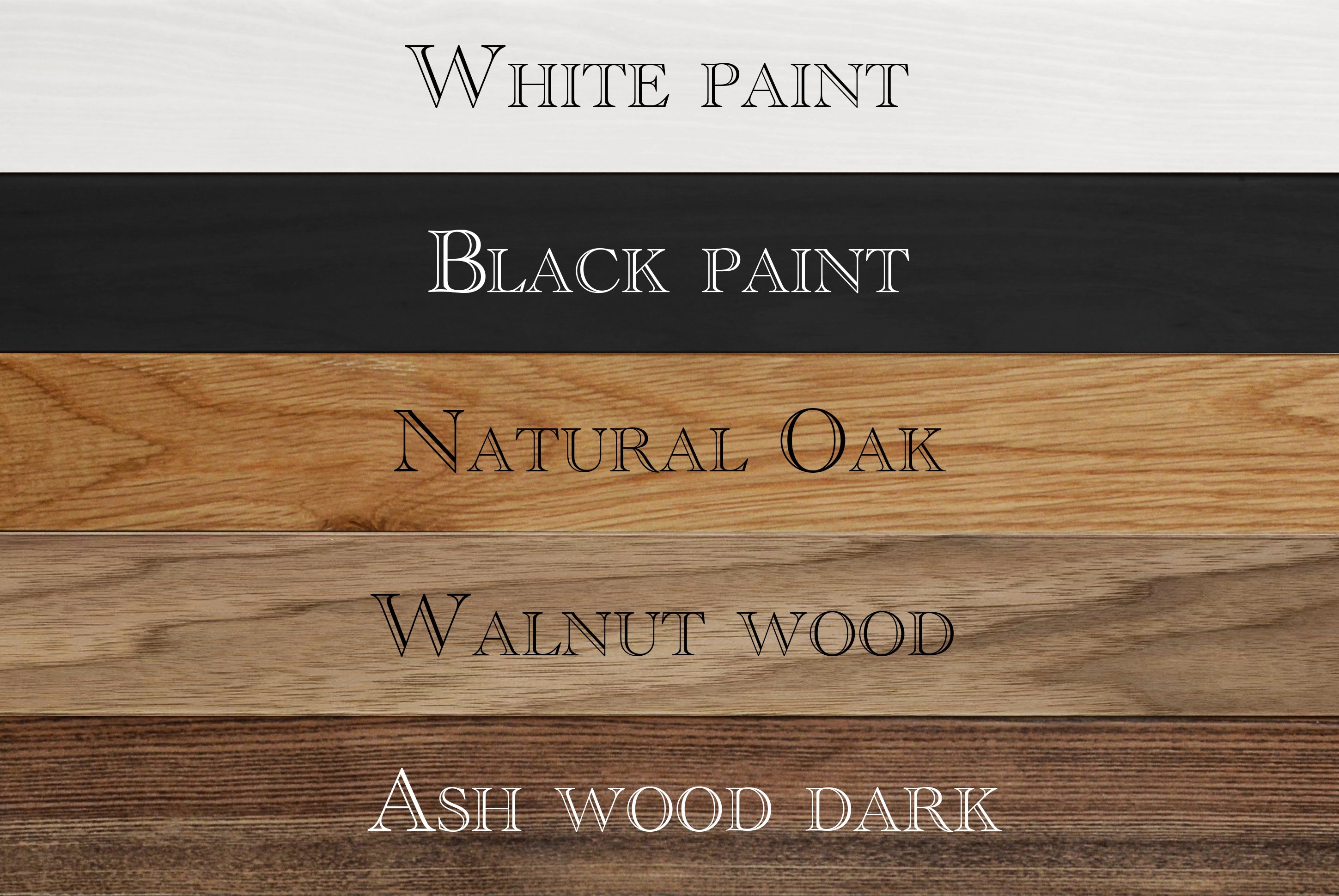
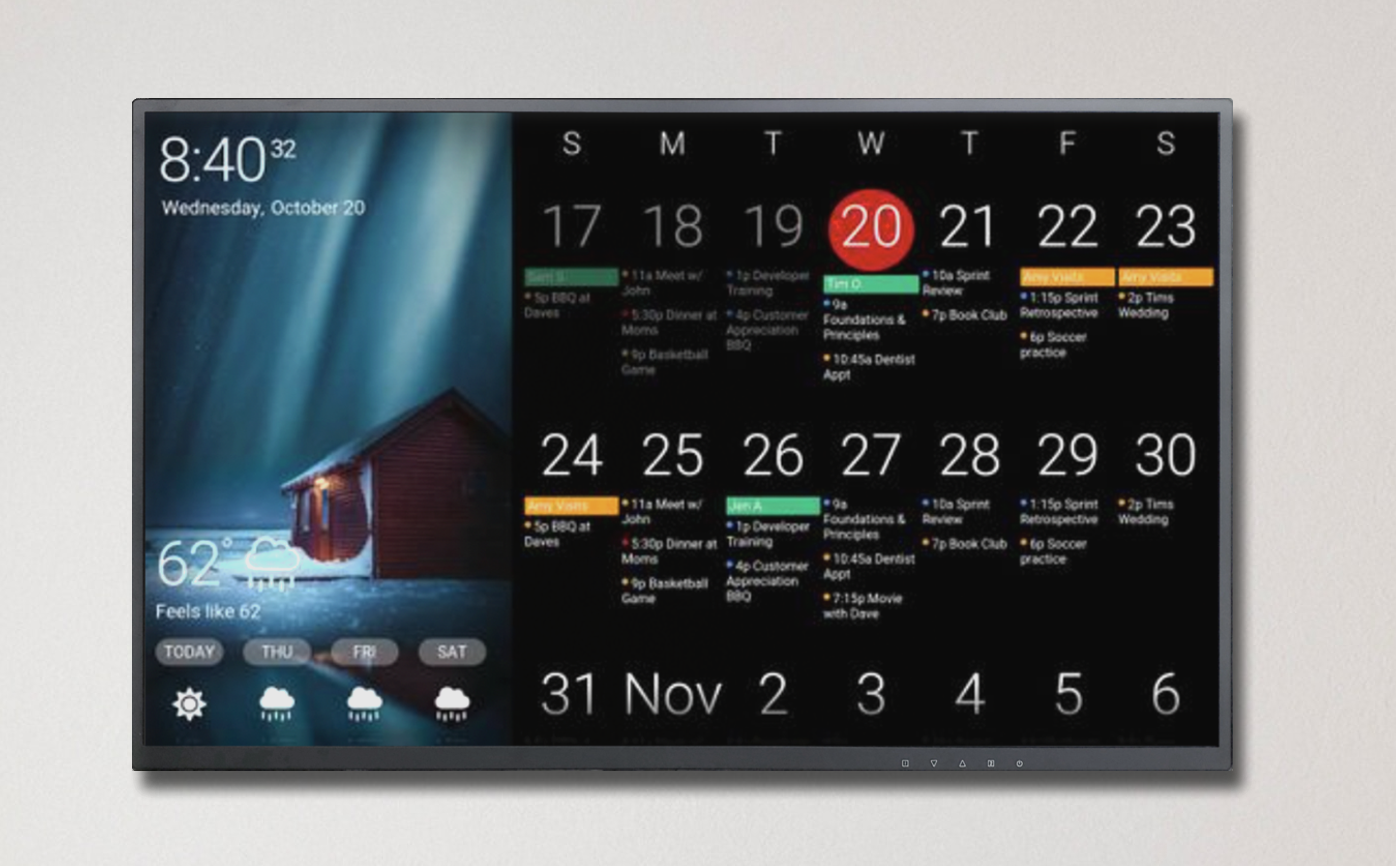
DAKboard is a digital calendar display and multi-data-source dashboard that allows users to create customizable displays for their home or office. The platform offers a variety of pre-built templates and customizable screens that can clearly display content such as calendars, weather, news, and other information sources. Because DAKboard setup is accessible from any device with a web browser, it is easy to set up and manage. At SmartnMagic we create ready out-of-the-box DAKboard wall displays in solid wooden frames. Our range covers from 15 to 32 inches DAKboard displays, both touch and conventional displays.

How do I get started?
DAKboard has a large number of support articles covering everything from setting up your DAKboard display (with a DAKboard OS device or other devices like smart TVs, tablets, and PCs, to name a few) to the steps for creating your first custom or predefined screens. Predefined screens are available in the Free, Essential, and Plus plans, while custom screens and templates are available in the Essential, Plus, and Pro plans. All of our articles include step-by-step instructions, and some even include a video to help you get started.
For more details, see the DAKboard pricing page in the "Compare DAKboard Plans" section or right here below.

To create a DAKboard, you need an account at DAKboard.com, which you can use to create your screen.

Below you will find a selection of DAKvboard articles and various sections to help you create your displays and set up your screens:
Setup - DAKboard Wall/Mirror Display
Setup - DAKboard CPU/Micro SD Card
DIY CPU with Orange Pi and Raspberry Pi
Tablets / Other Devices
DAKboard Screens Configuration
DAKboard Calendars Setup
DAKboard Photos Setup and Settings
You can also check out DAKboard tutorials and other videos on DAKboard YouTube channel.
Can I set up a DAKboard display in multiple locations?
Yes, you can link DAKboard displays to your account from anywhere in the world. This allows you to set up screens and assign them to your displays wherever you want.
What now?
Have fun designing your DAKboard screens and displays. Show them off to your friends and family. As always, you can contact DAKboard team or our chat anytime if you need help.